
SkyBlock Horizon Bản đồ cho Minecraft 1.19.2, 1.19.3
Since 2023 | SkyBlock Horizon is an Amazing SkyBlock Map Deleloped by @Gamerz_Riot
Giới thiệu bản đồ SkyBlock Horizon
SkyBlock Horizon
SkyBlock Horizon is an Amazing SkyBlock Map Made By @Gamerz_Riot. This Map has Plenty of New Features. This is One & Only SkyBlock Map which has NPC. I Added my Ideas into the SkyBlock 3 [Astavie] & SkyBlock 4 [Dr. Trog]. and made OneBlock Horizon.
Important
- To Showcase my Project in your Youtube Videos, You Should provide download link in the description.
- SkyBlock Horizon uses a Datapack made by @Gamerz_Riot. You can edit it and use personally but you're not allowed to reupload it.
Features
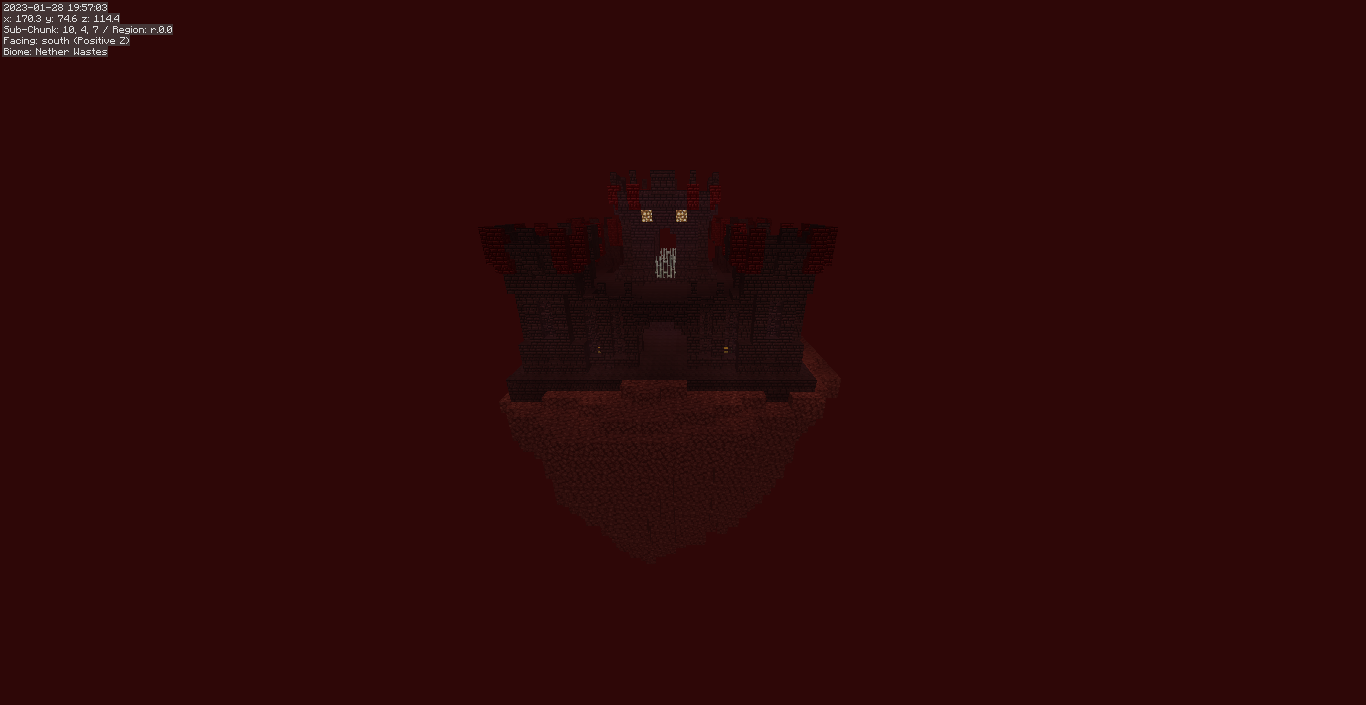
- SkyBlock is Available for Both Overworld and Nether.
- Different Islands has Different Theme.
- Custom Recipes, Custom Baretring, Custom Mob Loot, Custom Wandering Trader Trades.
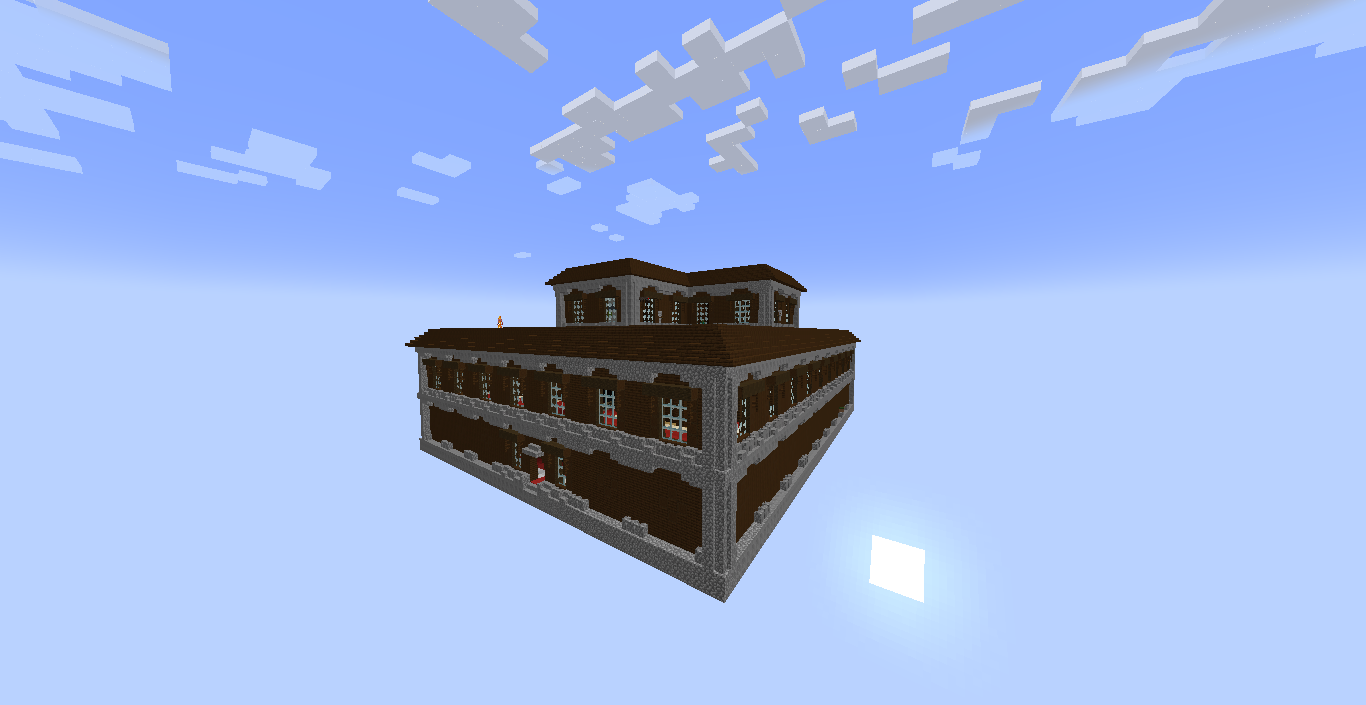
- Has Different Structures to Explore.
- Custom Advancements.
- SkyBlock Horizon is The Only SkyBlock Map which has NPC's.
Rules
- Do not Jump off the Island to Regenerate Health.
- Don't Play on Peaceful.
- Don't Extend the WorldBorder.
Drops:
- Husks Drop Sand.
- Tropical Fish Drop Coral & Coral Fans.
- Wither Drop Ancient Debris [50% Chance]
- Wandering Trader trade Sponge, Glow Berreis, Sweet Berries, Mob Buckets, Spore Blossom etc.
- Piglins Barter Netherrack.
Recipies[See Images]:
- Blackstone can be crafted using 2 Cobbled Deepslate & 2 Basalt.
- Cobbled Deepslate can be crafted using 2 Cobblestone & 2 Basalt.
- Kelp can be craftted using 3 Seagrass.
- Spore Blossom can be crafted using 1 Hanging Root, 1 CornFlower, 1 Moss Carpet & 2 Big Dripleaf.
- Coral Blocks can be crafted using 4 Corals or Coral Fans.
! How to Install ! (Singleplayer)
- Download the map and extract it using WinRAR or 7Z.
- After extracting you will get a folder.
- After that copy or move the folder to minecraft saves folder.
- That's it SkyBlock is installed.
- Now you can play it in Minecraft.
! How to Install ! (Multiplayer)
- Download the map and extract it using WinRAR or 7Z.
- Now rename the extracted folder to "world".
- After that upload the "world" folder to your server host.
- That's it SkyBlock is installed on your server.
- Now you can play it with Your Friends.
Credit
- This map uses a datapack[Better Traders] made by PancakeIdentity
- This map uses a datapack[skyblock datapack] made by Dr. Trog.
- This map uses a datapack[SkyBlock Horizon] made by Gamerz_Riot.
Cách cài đặt SkyBlock Horizon
With Millida Launcher
Install Millida Launcher
The launcher is free: download it at millida.net/launcher and sign in with any nickname.
Click “Install” on this page
The launcher opens and installs the map for Minecraft 1.19–1.19.3 automatically.
Launch the game
A profile with it appears in the launcher: click “Play”.
On a server
Replace the world folder
Stop the server and put the map folder in place of world (or set its name in level-name).
Use the “To server” button
On Millida Hosting, the button at the top of the page uploads the file to your server and restarts it for you.
Phiên bản
Kèm phụ thuộc
| Minecraft | Loader | Tệp | Ngày | Hành động |
|---|---|---|---|---|
| 1.19.3 | — | SkyBlock Horizon 1.0.084.8 MB |
Câu hỏi thường gặp
Which Minecraft versions does SkyBlock Horizon work on?
There are files for 1.19.3, 1.19.2, 1.19.1, 1.19. The newest is 1.19.3.
How do I download SkyBlock Horizon?
With Millida Launcher: it installs SkyBlock Horizon into a modpack by itself, for the right game version and loader. The launcher is free.
Đánh giá
Hãy là người đầu tiên đánh giá SkyBlock Horizon



