

Portals Bản đồ cho Minecraft 26.20
Gần nhất với súng cổng dịch chuyển mà Vanilla minecraft có thể đạt được! thêm công nghệ cổng dịch chuyển vào thế giới của bạn mà không cần mod hoặc chỉ chơi các màn tôi đã làm!
Giới thiệu bản đồ Portals
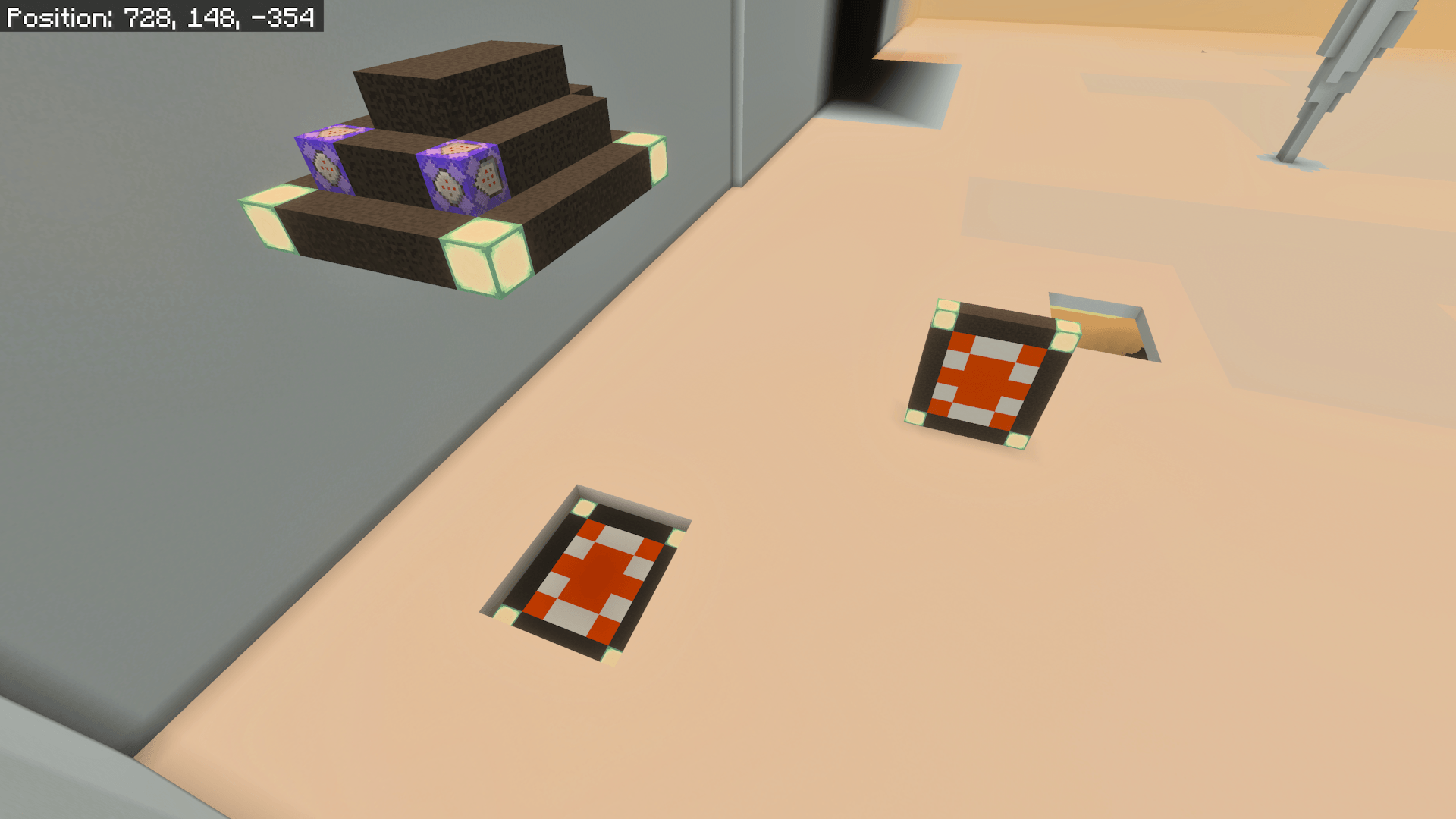
-The portal spear can be used to set your target
-There are 4 orientations at the players' disposal
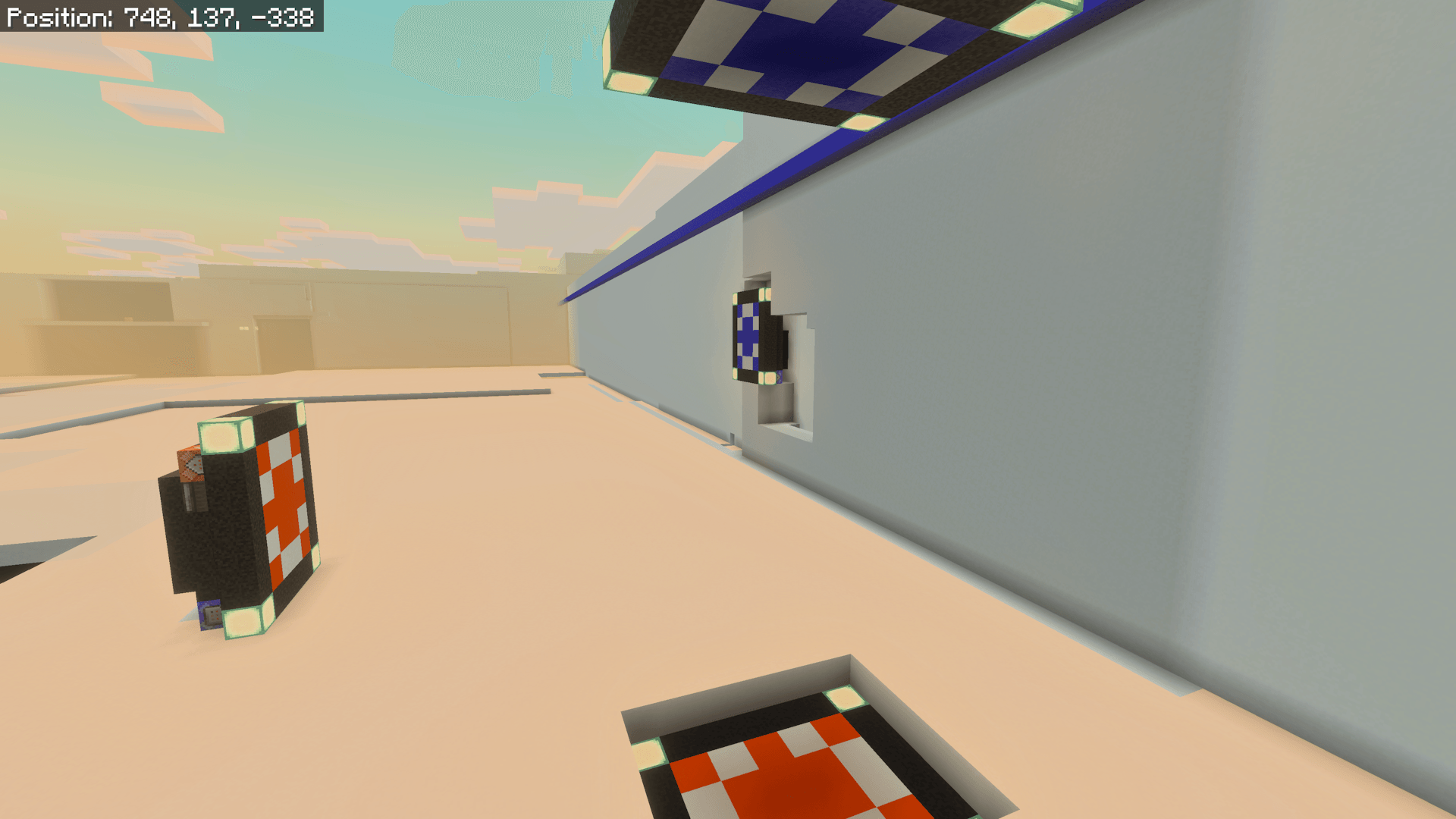
-The portals can be infinitely far apart and remain functional
-The portals can be broken and reset easily and from anywhere
-The circuit and source clones all fit within one mc.structure file
-Full instructions and built-in support
If you enjoy this, please leave me a good review/comment :))
Cách cài đặt Portals
With Millida Launcher
Install Millida Launcher
The launcher is free: download it at millida.net/launcher and sign in with any nickname.
Click “Install” on this page
The launcher opens and installs the map for Minecraft 26.20 automatically.
Launch the game
A profile with it appears in the launcher: click “Play”.
Manually
Download the map archive
Pick the file Portals.mcworld (3.0 MB).
Unpack it into the saves folder
The world folder (with level.dat inside) must sit directly in .minecraft/saves.
Open the world
“Singleplayer”: the map will be in your world list.
On a server
Replace the world folder
Stop the server and put the map folder in place of world (or set its name in level-name).
Use the “To server” button
On Millida Hosting, the button at the top of the page uploads the file to your server and restarts it for you.
Phiên bản
Kèm phụ thuộc
| Minecraft | Loader | Tệp | Ngày | Hành động |
|---|---|---|---|---|
| 26.20 | — | Portals.mcworld3 MB 1 |
Câu hỏi thường gặp
Which Minecraft versions does Portals work on?
Only Minecraft 26.20: there are no files for other versions.
Where can I download Portals safely?
On this page: the file Portals.mcworld (3.0 MB) is stored on Millida’s server, with no link shorteners. SHA-1 checksum: f753288d6979adb700caf5bf6be476e7414abaf5.
Đánh giá
Hãy là người đầu tiên đánh giá Portals



