
One Chunk - Random Layers Bản đồ cho Minecraft 26.50
Trải nghiệm thử thách sinh tồn tối thượng: đánh bại Minecraft trong một thế giới nơi toàn bộ Overworld, Nether và End được nén vào một chunk duy nhất với địa hình xếp lớp ngẫu nhiên.
Giới thiệu bản đồ One Chunk - Random Layers
Think one chunk is enough to beat Minecraft? Think again.
One Chunk Random Layers is a carefully handcrafted survival map that traps the entire Minecraft progression inside a single 16×16 chunk in the Overworld and a single 16×16 chunk in the Nether, now reimagined with random layered terrain for a fresh and unpredictable challenge. Every run feels different, forcing you to adapt, explore, and survive with whatever blocks, resources, and structures the world gives you.
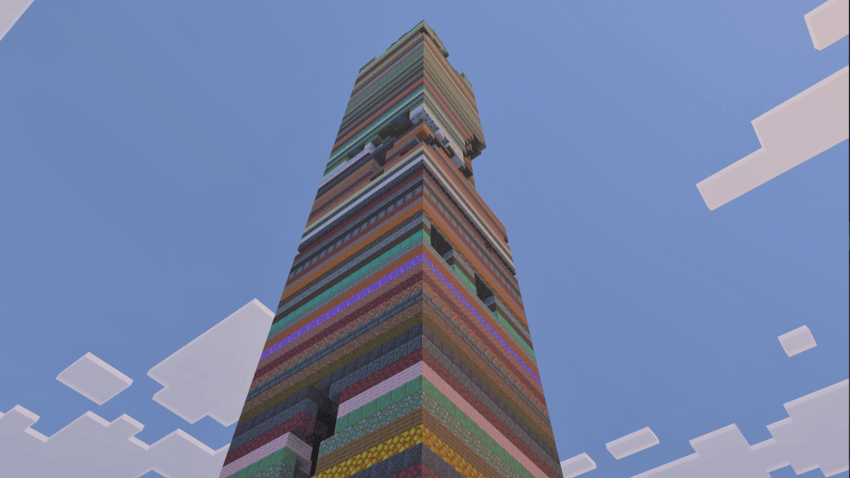
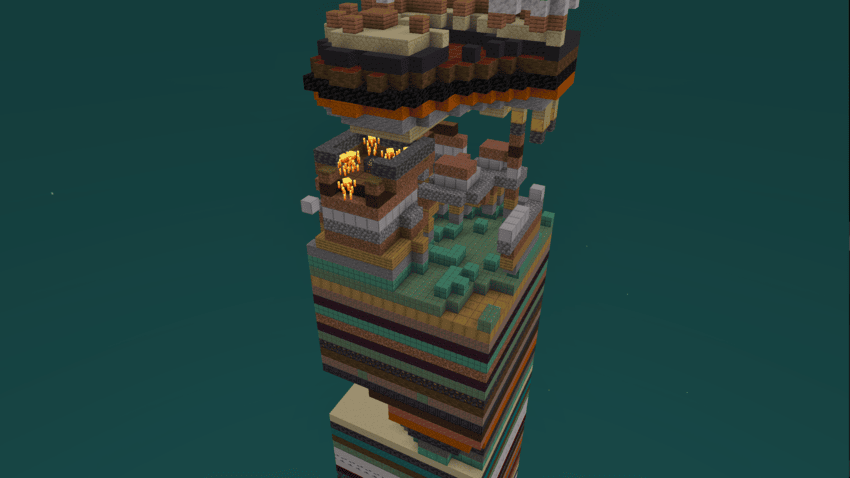
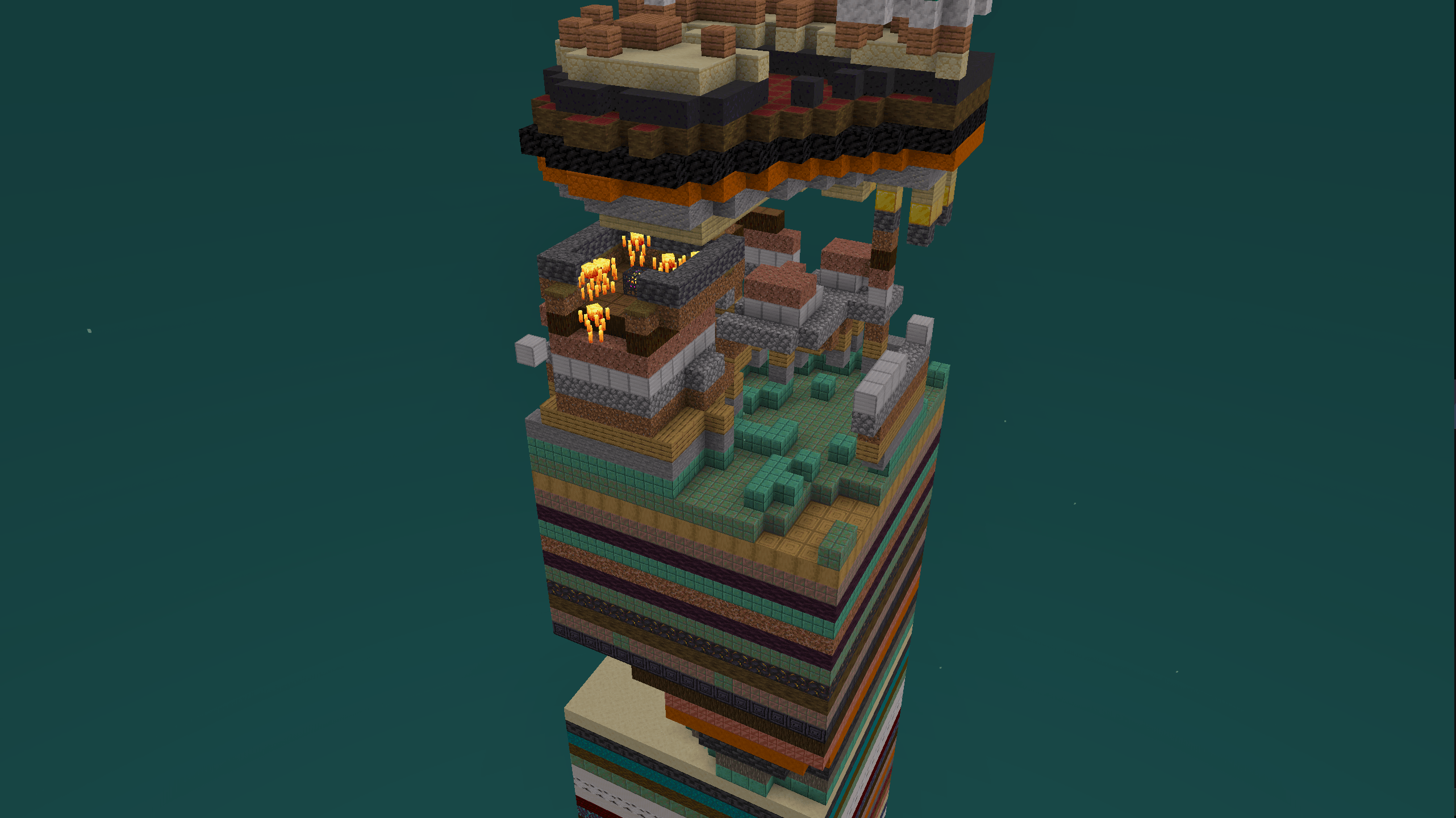
Mine resources, uncover hidden layers, and push through the chaos of a tiny world built for creativity and problem-solving. Discover key progression features such as a Stronghold with an End Portal, a Blaze Spawner for Blaze Rods, and other essential elements needed to reach The End and defeat the Ender Dragon.
Whether you are a veteran Minecraft player looking for a new survival challenge or someone who enjoys unique handcrafted maps, One Chunk Random Layers turns familiar Minecraft progression into a compact test of strategy, patience, and improvisation.
Features:
- Fully completable survival experience, including multiplayer
- Single-chunk Overworld, Nether, and End
- Random layered terrain for a fresh challenge
- Carefully balanced resources and loot
How much can you accomplish when the entire world is only 16×16 blocks wide?
Cách cài đặt One Chunk - Random Layers
With Millida Launcher
Install Millida Launcher
The launcher is free: download it at millida.net/launcher and sign in with any nickname.
Click “Install” on this page
The launcher opens and installs the map for Minecraft 26.50 automatically.
Launch the game
A profile with it appears in the launcher: click “Play”.
Manually
Download the map archive
Pick the file Layered Chunks 5.0.0.mcworld (3.0 MB).
Unpack it into the saves folder
The world folder (with level.dat inside) must sit directly in .minecraft/saves.
Open the world
“Singleplayer”: the map will be in your world list.
On a server
Replace the world folder
Stop the server and put the map folder in place of world (or set its name in level-name).
Use the “To server” button
On Millida Hosting, the button at the top of the page uploads the file to your server and restarts it for you.
Phiên bản
Kèm phụ thuộc
| Minecraft | Loader | Tệp | Ngày | Hành động |
|---|---|---|---|---|
| 26.50 | — | One Chunk Random Layers 5.0.0.mcworld3 MB 5 |
Câu hỏi thường gặp
Which Minecraft versions does One Chunk - Random Layers work on?
Only Minecraft 26.50: there are no files for other versions.
Where can I download One Chunk - Random Layers safely?
On this page: the file Layered Chunks 5.0.0.mcworld (3.0 MB) is stored on Millida’s server, with no link shorteners. SHA-1 checksum: eb68791957cfb91517e8e8465593b736e559b76d.
Đánh giá
Hãy là người đầu tiên đánh giá One Chunk - Random Layers



