

Modern House (2) Bản đồ cho Minecraft 1.8
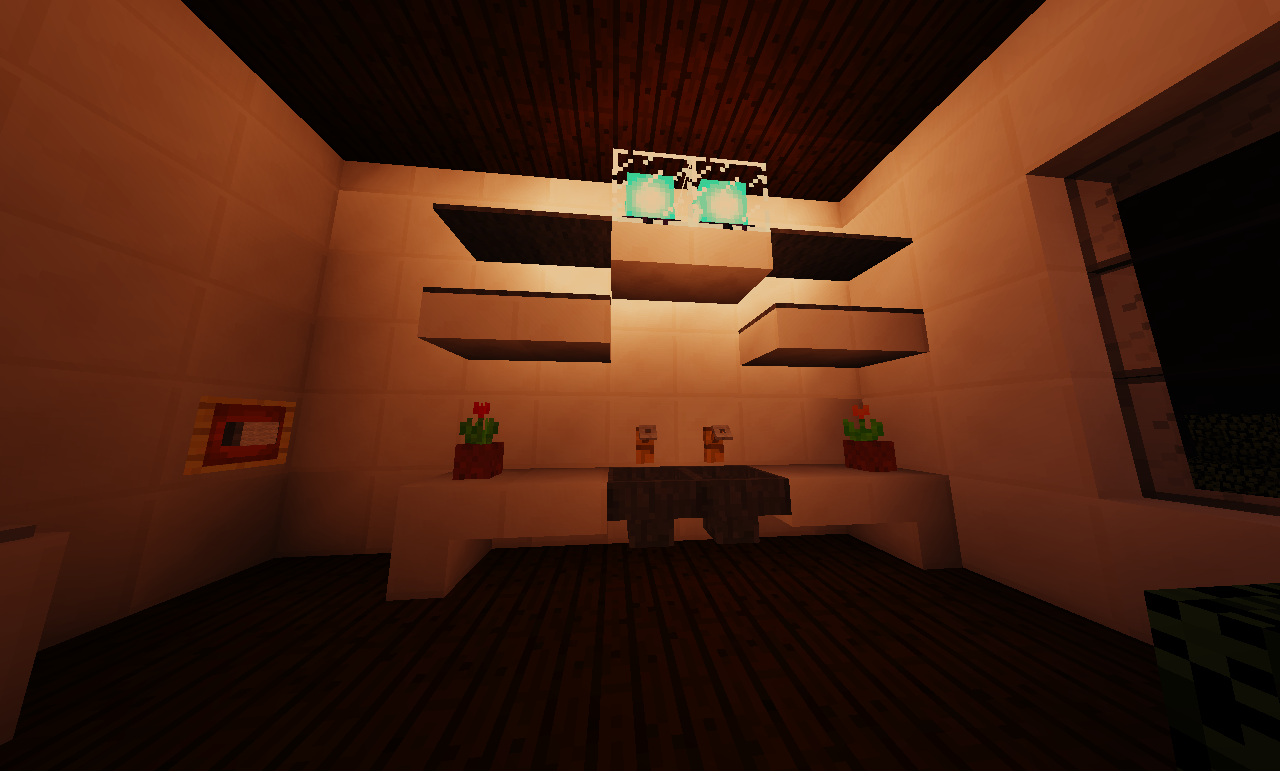
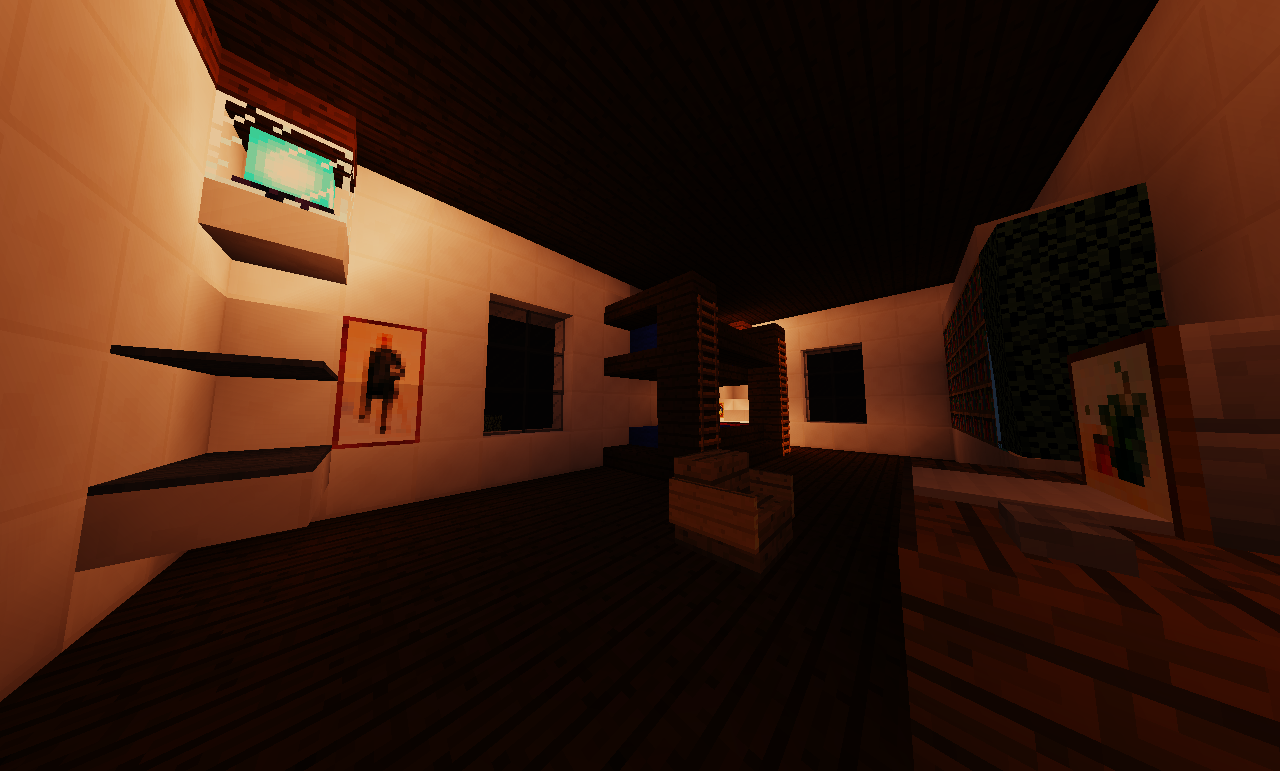
Ngôi nhà lớn này có 2 phòng ngủ, 4 phòng tắm bao gồm cả những phòng trong phòng ngủ, nhiều không gian phòng khách và chỗ lưu trữ, một sân lớn với tầm nhìn rộng từ ban công và một con đường đi kèm.
Giới thiệu bản đồ Modern House (2)
This is a ready-made Minecraft map created in version 1.8. It is a modern house with two bedrooms, four bathrooms, including two in the bedrooms, and ample living space. Inside the house there is plenty of room for relaxation, and outside there is a large area with lawns, flowers, ferns, trees and several lakes in the front and back. On the second floor there is a balcony offering a panoramic view of the surroundings and the house's grounds. The map does not require mods; it can be used immediately after adding it to the saves folder. It is suitable for those who want to settle in a beautiful modern house and enjoy an atmosphere of comfort and nature.
The map only works on version 1.8, as world generation and structure depend on the features of this version. You can install it simply by copying the folder named Modern House (2) into the saves folder located in the Minecraft directory. The game can be launched both in single-player mode and on a local server. This is not a game mission or puzzle; it is simply a beautiful, detailed world for exploration and living. It is suitable for those looking for a map with a cozy house and picturesque surroundings in the style of modern architecture.
Frequently asked questions
How do I install the map?
Copy the Modern House (2) folder into the Minecraft saves folder.
Which version does the map work on?
The map is designed for version 1.8 and will not work on other versions of the game.
Can I play on a server?
Yes, the map can be used both on a local and on a network server.
Cách cài đặt Modern House (2)
With Millida Launcher
Install Millida Launcher
The launcher is free: download it at millida.net/launcher and sign in with any nickname.
Click “Install” on this page
The launcher opens and installs the map for Minecraft 1.8 automatically.
Launch the game
A profile with it appears in the launcher: click “Play”.
Manually
Download the map archive
Pick the file Modern House (2).zip (4.3 MB).
Unpack it into the saves folder
The world folder (with level.dat inside) must sit directly in .minecraft/saves.
Open the world
“Singleplayer”: the map will be in your world list.
On a server
Replace the world folder
Stop the server and put the map folder in place of world (or set its name in level-name).
Use the “To server” button
On Millida Hosting, the button at the top of the page uploads the file to your server and restarts it for you.
Phiên bản
Kèm phụ thuộc
| Minecraft | Loader | Tệp | Ngày | Hành động |
|---|---|---|---|---|
| 1.8 | — | Modern House (2).zip4.3 MB |
Câu hỏi thường gặp
Where can I download Modern House (2) safely?
On this page: the file Modern House (2).zip (4.3 MB) is stored on Millida’s server, with no link shorteners. SHA-1 checksum: a73907ad8d23c79a23385f0eb62d09de4670d005.
Đánh giá
Hãy là người đầu tiên đánh giá Modern House (2)



