
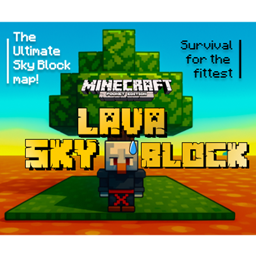
Lava Skyblock Bản đồ cho Minecraft 1.21.111
Sống sót trong một thế giới nơi void được thay thế bằng dung nham vô tận! Xây dựng, mở rộng và thích nghi với sức nóng trong biến thể rực lửa này của Skyblock cổ điển.
Giới thiệu bản đồ Lava Skyblock
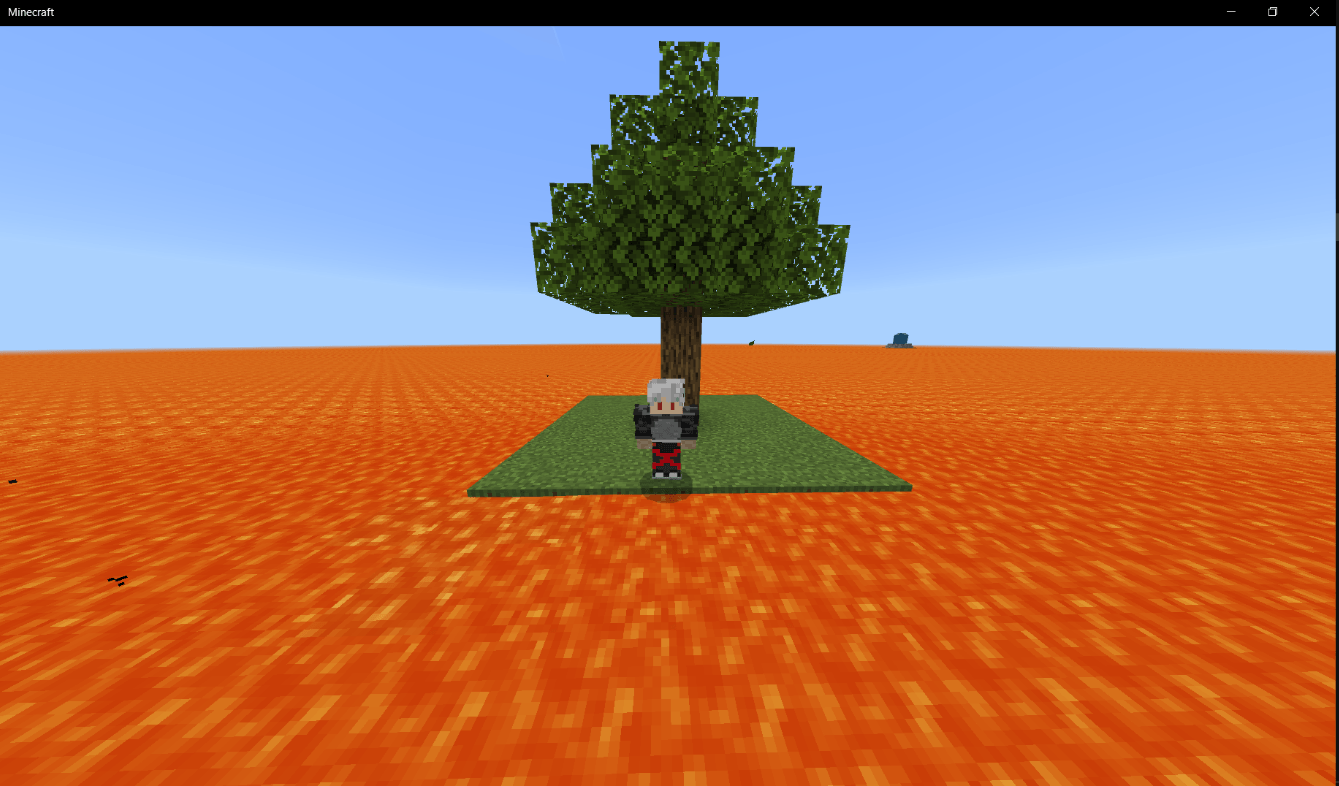
Welcome to Lava Skyblock - a brutal, blazing survival challenge where the traditional Skyblock void has been replaced by an infinite sea of lava. Every move counts in this scorching world. One wrong step, and it’s game over.
You start on a tiny island with just a few blocks and a single tree - surrounded by molten danger on every side. There’s no water, no safety, and no mercy. You’ll need to use your wits to craft, expand, and survive against the odds.
🔥 Features:
- A Skyblock experience reimagined with endless lava instead of the void
- Custom terrain designed to maximize risk and reward
- Strategic resource management - every block matters
- Optional challenges to test your survival skills
Will you find a way to turn the heat to your advantage - or will the lava claim your world? Survive. Build. Conquer the fire. Welcome to Lava Skyblock.
Cách cài đặt Lava Skyblock
With Millida Launcher
Install Millida Launcher
The launcher is free: download it at millida.net/launcher and sign in with any nickname.
Click “Install” on this page
The launcher opens and installs the map for Minecraft 1.21.90–1.21.111 automatically.
Launch the game
A profile with it appears in the launcher: click “Play”.
Manually
Download the map archive
Pick the file Lava Skyblock.mcworld (106 KB).
Unpack it into the saves folder
The world folder (with level.dat inside) must sit directly in .minecraft/saves.
Open the world
“Singleplayer”: the map will be in your world list.
On a server
Replace the world folder
Stop the server and put the map folder in place of world (or set its name in level-name).
Use the “To server” button
On Millida Hosting, the button at the top of the page uploads the file to your server and restarts it for you.
Phiên bản
Kèm phụ thuộc
| Minecraft | Loader | Tệp | Ngày | Hành động |
|---|---|---|---|---|
| 1.21.90 | — | Lava Skyblock106 KB |
Câu hỏi thường gặp
Which Minecraft versions does Lava Skyblock work on?
There are files for 1.21.90–1.21.111, 7 versions in total. The newest is 1.21.111.
Where can I download Lava Skyblock safely?
On this page: the file Lava Skyblock.mcworld (106 KB) is stored on Millida’s server, with no link shorteners. SHA-1 checksum: 940aba7d074c1a007054df5013b8793b3c539a2b.
Đánh giá
Hãy là người đầu tiên đánh giá Lava Skyblock



