

Hide and Kill Bản đồ cho Minecraft 1.21.51
Hide and Kill là một game sinh tồn căng thẳng, nhịp độ nhanh kết hợp giữa tàng hình, chiến lược và một cuộc săn đầy kịch tính. Trong game này, người chơi được chia thành hai vai trò: Người Ẩn và Thợ Săn.

v1.0.6
Hide and Kill is an intense, fast-paced survival game that combines stealth, strategy, and a thrilling hunt. In this game, players are divided into two roles: the Hiders and the Hunter.
- Hiders must use their wits to find the best spots to conceal themselves within a designated area. They have a limited time, known as Hiding Time, to find their hiding spots and remain undetected. The goal for the Hiders is to avoid being "killed" or tagged by the Hunter until the end of the round.
- The Hunter has the task of searching the area for the Hiders. Once the Hunting Time begins, the Hunter must move quickly to locate and tag the Hiders. If a Hider is tagged, they don't get eliminated but instead join the Hunter's side and become an additional Hunter. These newly turned Hunters will then help the original Hunter search for and tag the remaining Hiders.
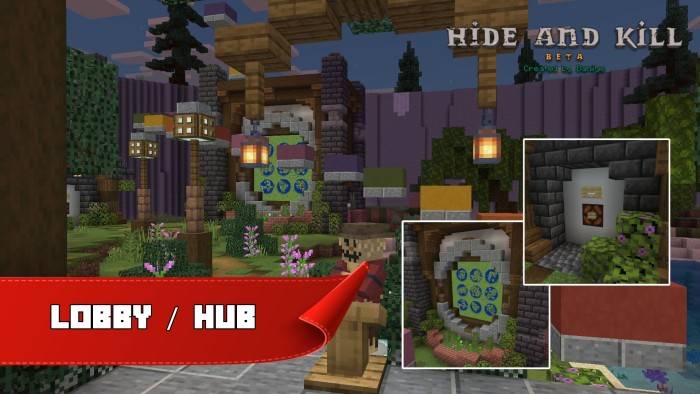
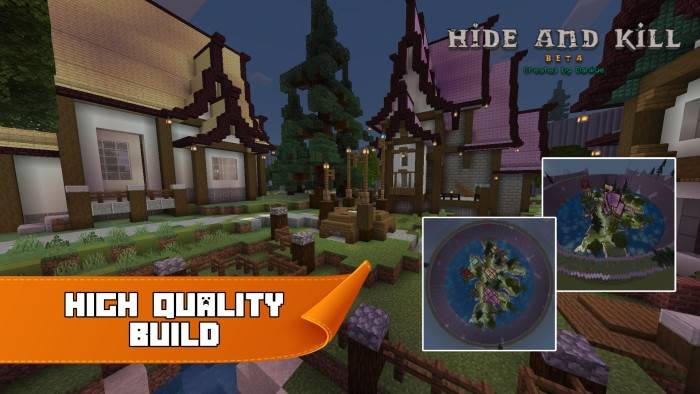
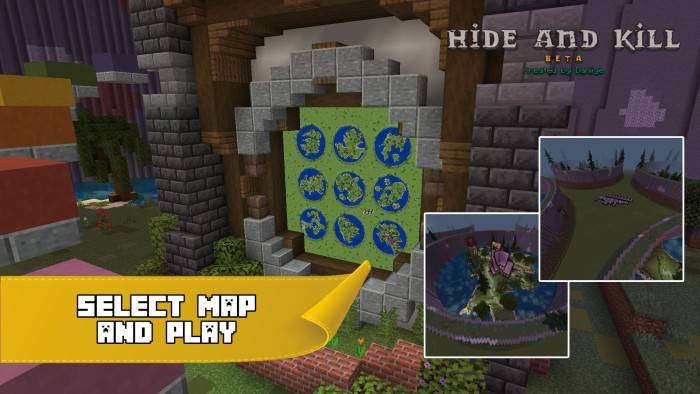
Actual Game
Command Blocks and Redstone
I tried to avoid using any add-ons on this map because some add-ons may become glitchy when Minecraft updates. As a result, everything you see on my map-including the sound effects, timer, buttons, items, and others-is controlled by command blocks and Redstone, with the exception of the nametags, which I used an addon for because it is currently not possible to hide nametags using commands. If you would like to see the command block and Redstone system I created, feel free to enter creative mode and take a look.
Cách cài đặt Hide and Kill
With Millida Launcher
Install Millida Launcher
The launcher is free: download it at millida.net/launcher and sign in with any nickname.
Click “Install” on this page
The launcher opens and installs the map for Minecraft 1.21.51 automatically.
Launch the game
A profile with it appears in the launcher: click “Play”.
Manually
Download the map archive
Pick the file Hide N Kill v1.0.7 - Daniye.mcworld (16 MB).
Unpack it into the saves folder
The world folder (with level.dat inside) must sit directly in .minecraft/saves.
Open the world
“Singleplayer”: the map will be in your world list.
On a server
Replace the world folder
Stop the server and put the map folder in place of world (or set its name in level-name).
Use the “To server” button
On Millida Hosting, the button at the top of the page uploads the file to your server and restarts it for you.
Phiên bản
Kèm phụ thuộc
| Minecraft | Loader | Tệp | Ngày | Hành động |
|---|---|---|---|---|
| 1.21.51 | — | Hide N Kill v1.0.7 - Daniye.mcworld15.6 MB |
Câu hỏi thường gặp
Which Minecraft versions does Hide and Kill work on?
Only Minecraft 1.21.51: there are no files for other versions.
Where can I download Hide and Kill safely?
On this page: the file Hide N Kill v1.0.7 - Daniye.mcworld (16 MB) is stored on Millida’s server, with no link shorteners. SHA-1 checksum: c64797bbb7314fabd38ebd5939626d5398896c02.
Đánh giá
Hãy là người đầu tiên đánh giá Hide and Kill



