
Entity Tester Bản đồ cho Minecraft 26.2
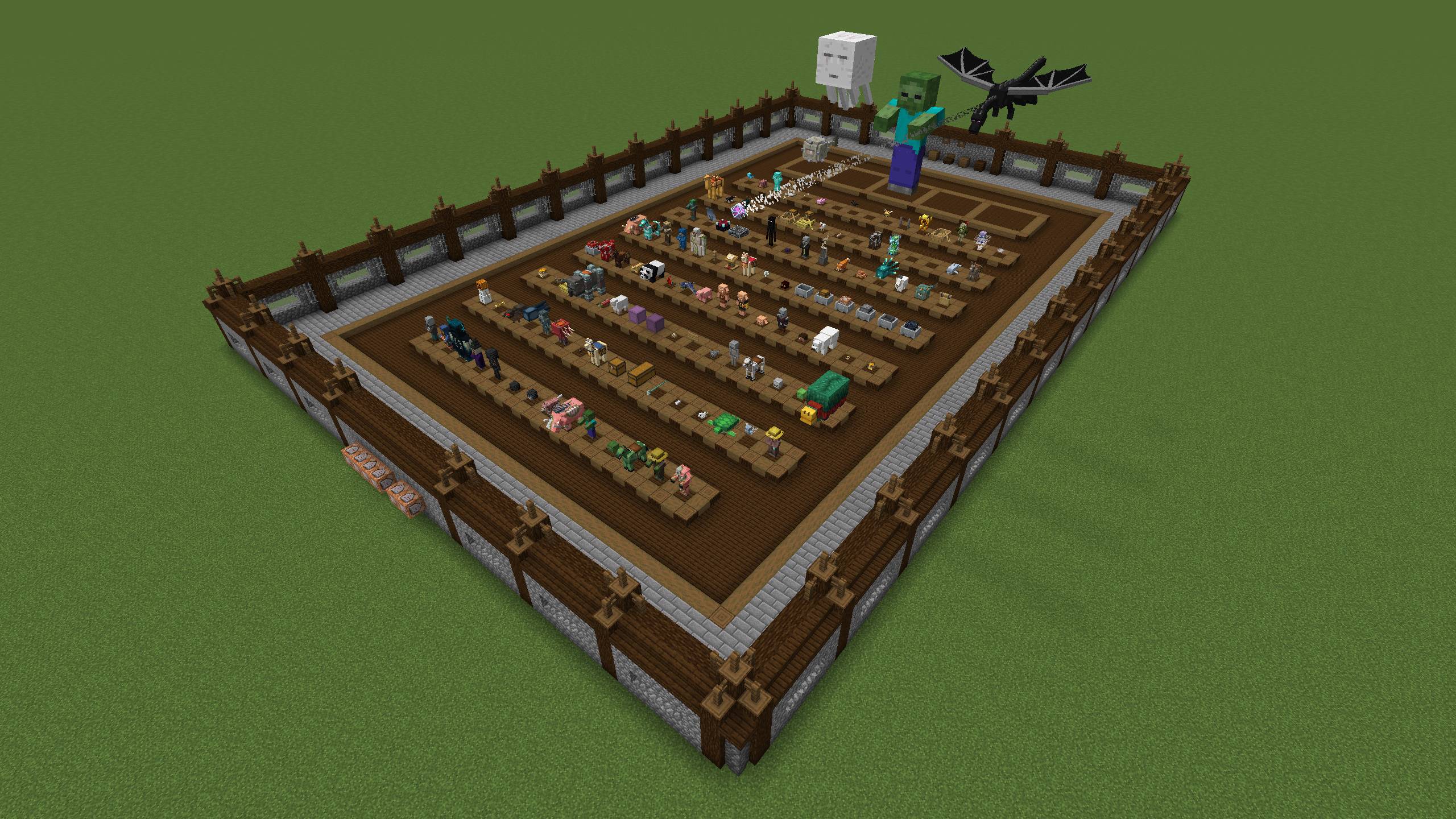
Một thế giới để thử nghiệm texture và model thực thể của bạn!
A world to test your entity textures and models!
View the map on my website!
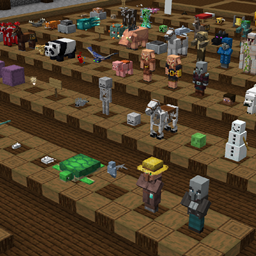
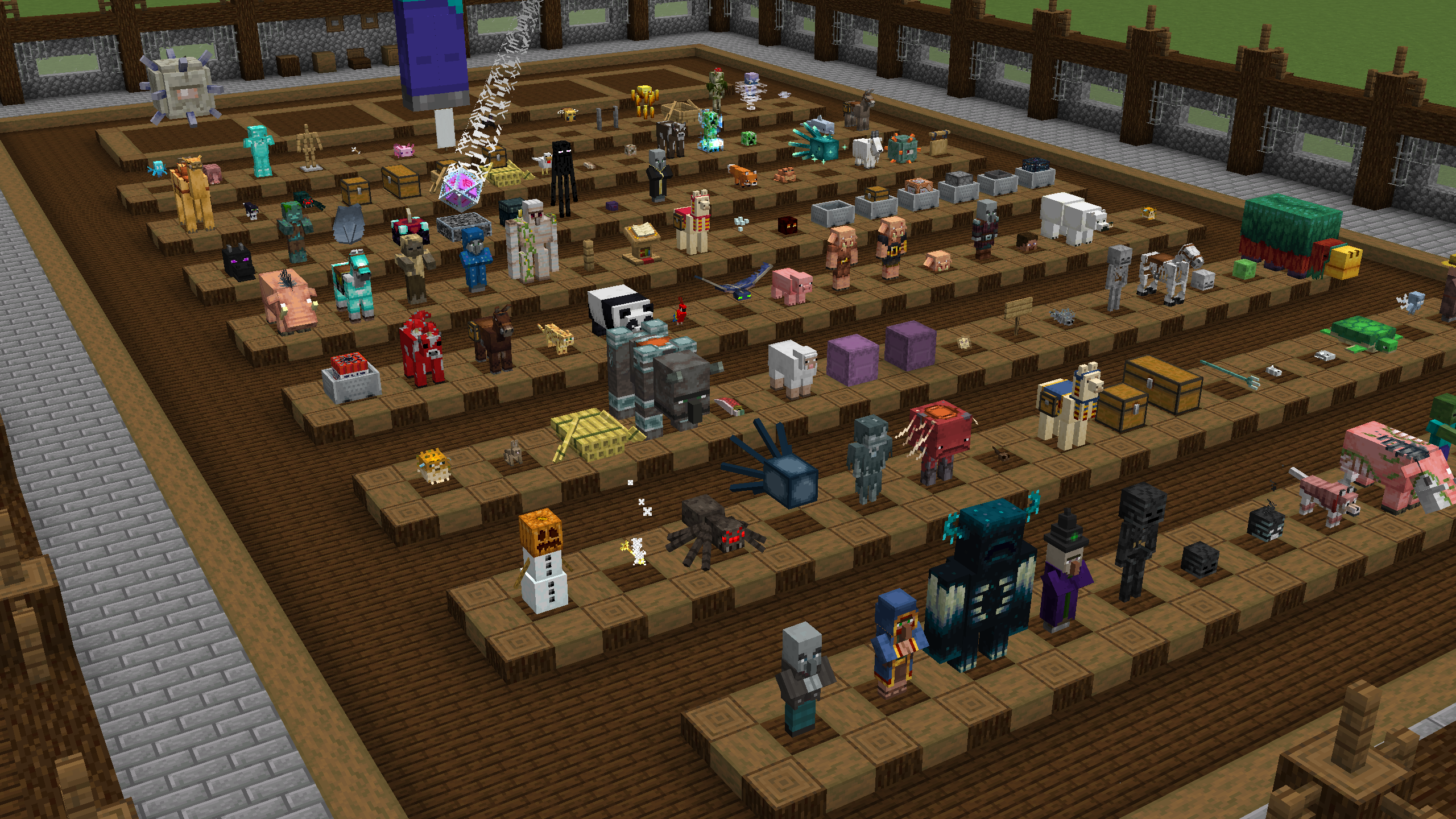
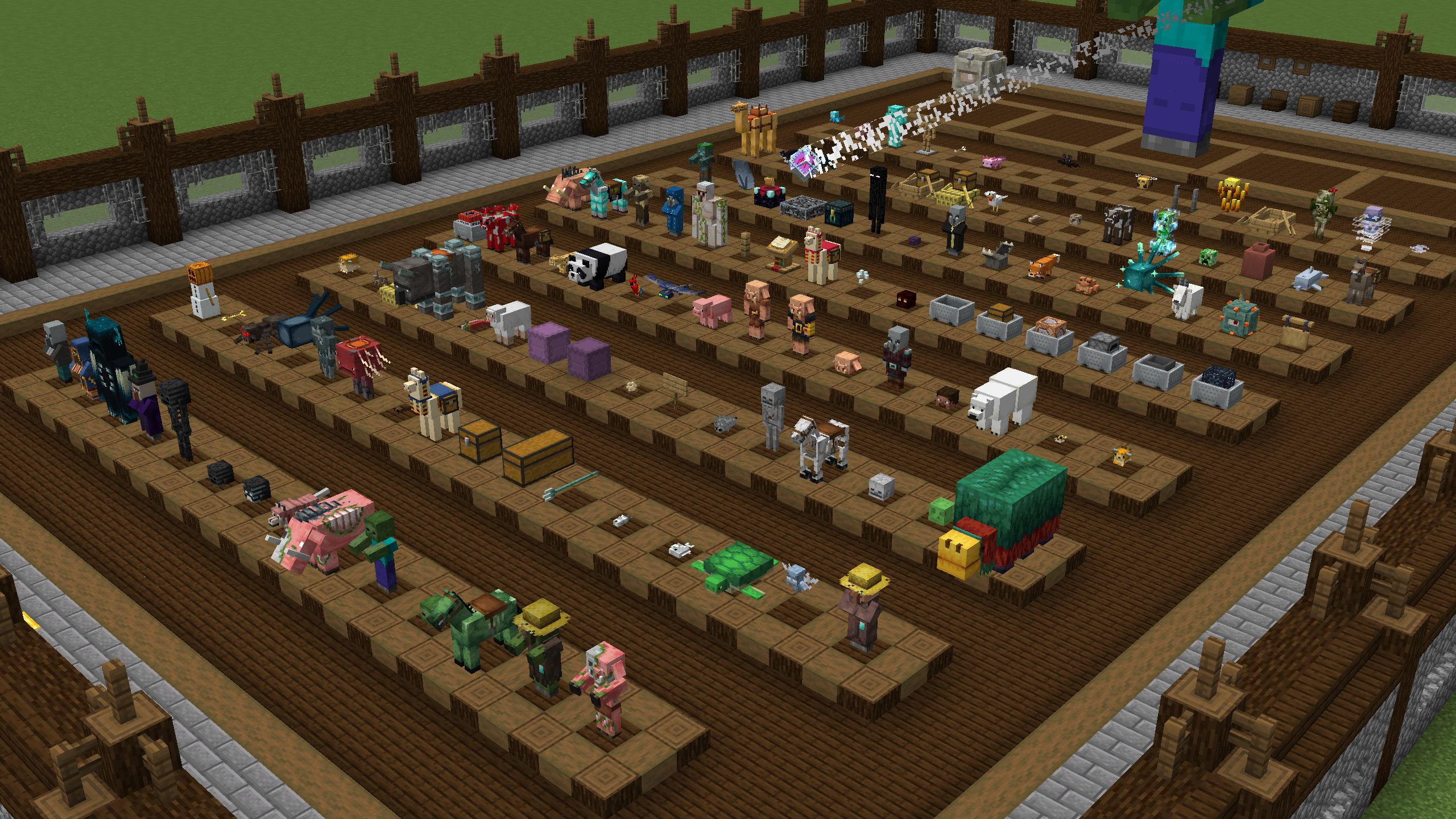
This map has every entity laid out in a small area for easy access for testing models and textures!
There are three modes to choose from:
- Normal - Display every entity in the game
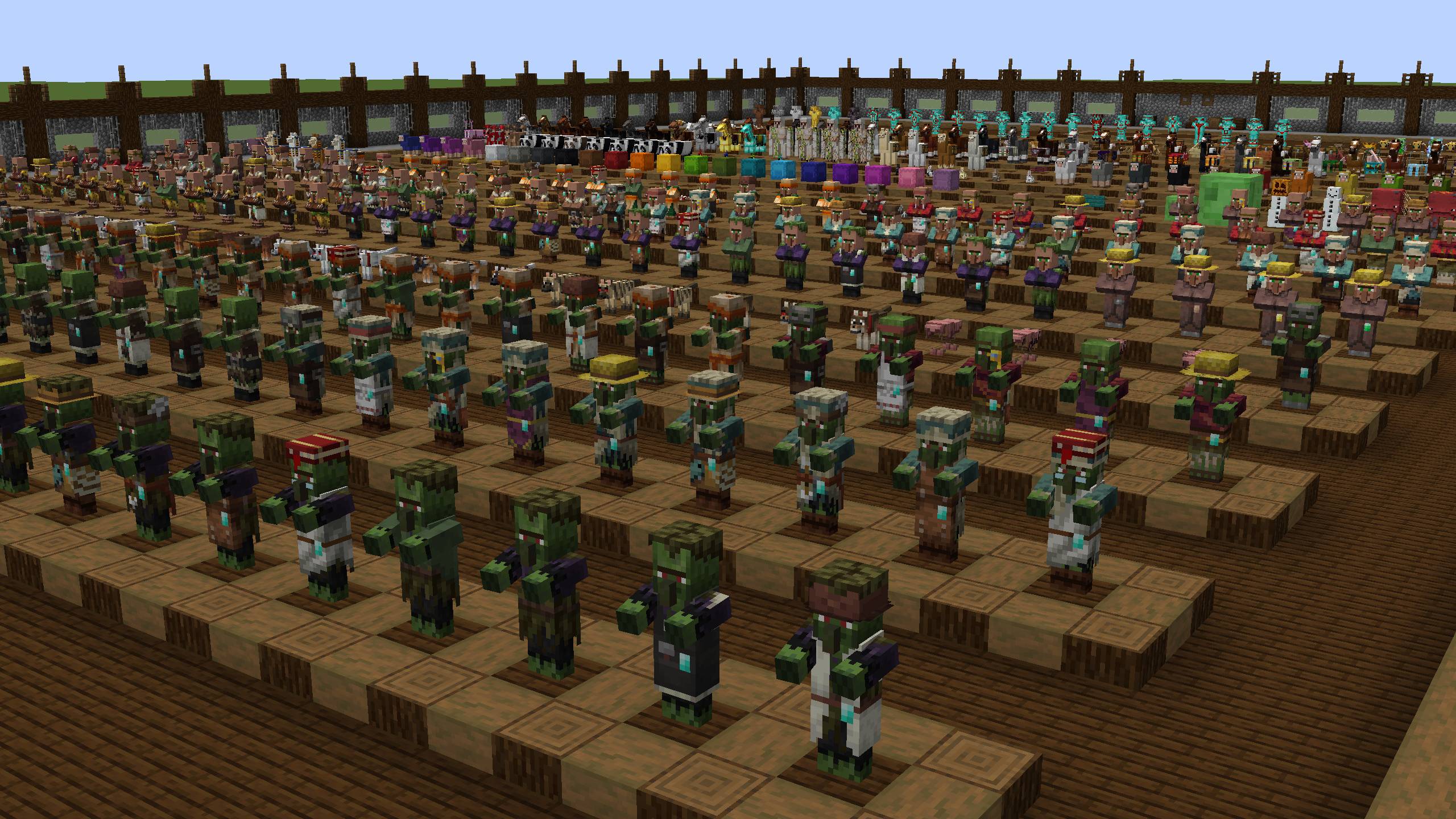
- Babies - Display the baby variants for entities that have them
- Jockeys - Display all of the jockeys in the game
Join the Discord Server!
Join the Resource Pack Development Discord Server!
Subscribe on YouTube!
Follow me on Twitter!
Support me on Ko-fi!
Cách cài đặt Entity Tester
With Millida Launcher
Install Millida Launcher
The launcher is free: download it at millida.net/launcher and sign in with any nickname.
Click “Install” on this page
The launcher opens and installs the map for Minecraft 26.2 automatically.
Launch the game
A profile with it appears in the launcher: click “Play”.
On a server
Replace the world folder
Stop the server and put the map folder in place of world (or set its name in level-name).
Use the “To server” button
On Millida Hosting, the button at the top of the page uploads the file to your server and restarts it for you.
Phiên bản
Kèm phụ thuộc
| Minecraft | Loader | Tệp | Ngày | Hành động |
|---|---|---|---|---|
| 26.2 | — | Entity Tester - 26.23.9 MB |
Câu hỏi thường gặp
Which Minecraft versions does Entity Tester work on?
Only Minecraft 26.2: there are no files for other versions.
How do I download Entity Tester?
With Millida Launcher: it installs Entity Tester into a modpack by itself, for the right game version and loader. The launcher is free.
Đánh giá
Hãy là người đầu tiên đánh giá Entity Tester



