
Combo Map 2.0.1 cho Minecraft 1.21.82
"Combo Map" tập hợp một loạt các minigame khác nhau và chế độ chơi độc đáo — tất cả trong một bản đồ.
Giới thiệu bản đồ Combo Map 2.0.1
"Combo Map" is a large and exciting world packed with a variety of mini-games like parkour, find-the-button, two-player challenges, and much more! If you find any bugs or issues, feel free to report them in the comments.
Parkour
Challenging and diverse parkour levels await you. It's not just the classic jump-from-block-to-block - you’ll face invisible mazes, speed races, and much more.
Find the Button
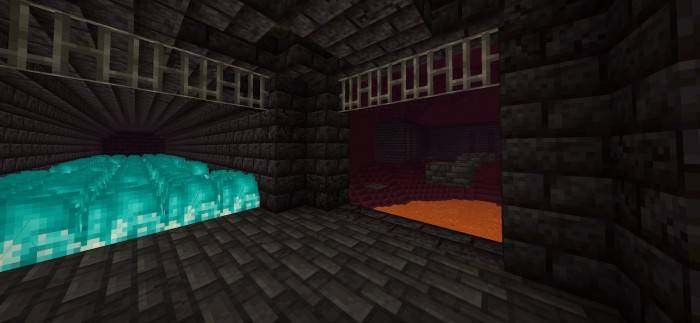
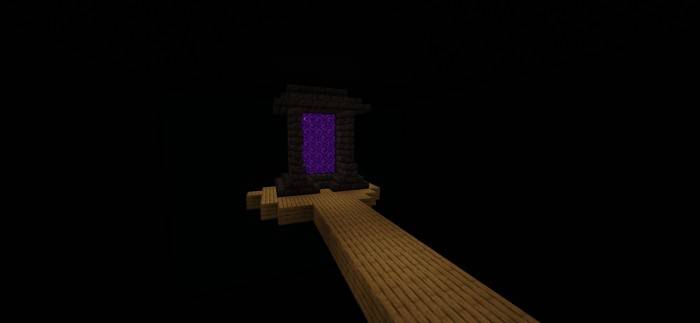
Explore tricky puzzles, hidden paths, and mysterious mazes across five unique locations. Your mission? Find the hidden button in each one!
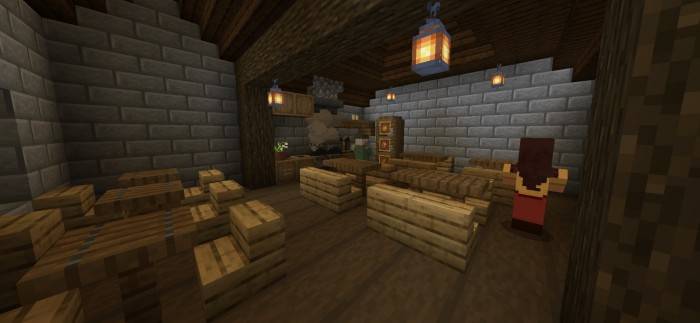
101 Ways to Die
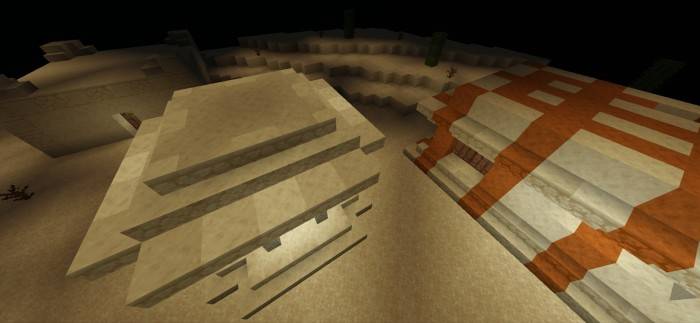
A deadly twist on Find the Button - instead of searching for buttons, you’ll need to figure out creative ways to die! Includes 5 different levels.
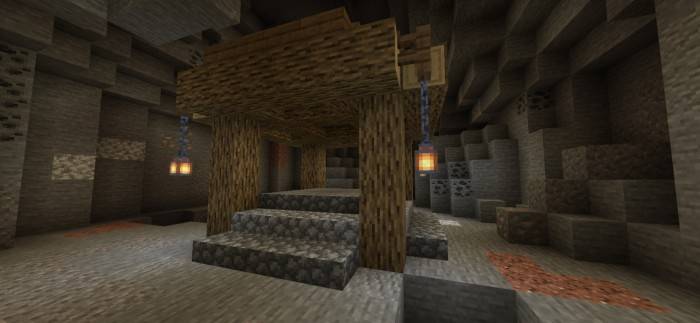
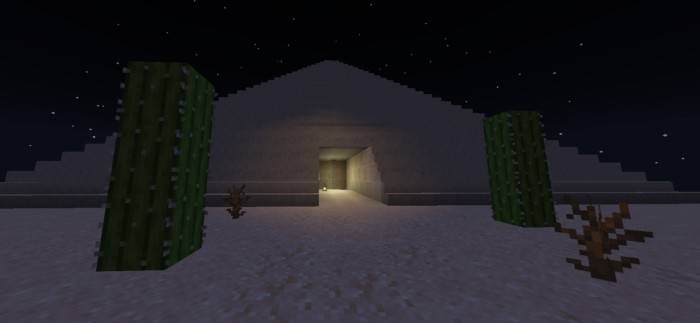
2-Player Mode
A mode created for two players to have fun together. Right now, it offers two levels to play through, with more possibly coming in the future.
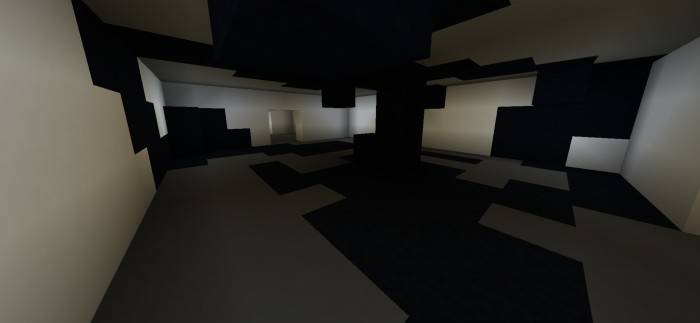
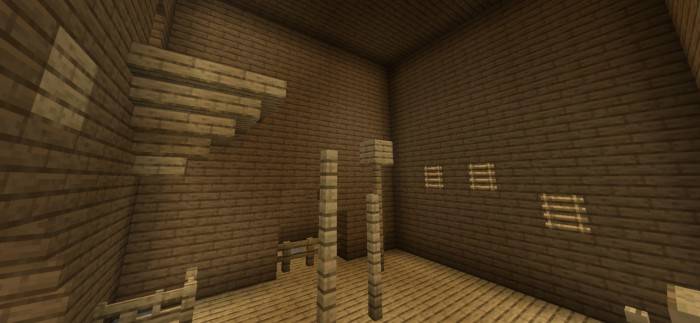
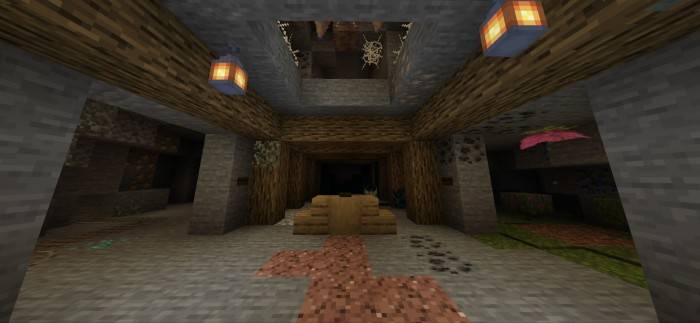
One Night at Cave
A tough survival challenge where you must make it to 6 AM. Face off against enemies and see if you can last the night.
Languages:
English & Ukrainian
Please note:
If you plan to make a video using this map or reupload it elsewhere, make sure to credit the original creator and include a link to the official page on CurseForge or MCPEDL.

Cách cài đặt Combo Map 2.0.1
With Millida Launcher
Install Millida Launcher
The launcher is free: download it at millida.net/launcher and sign in with any nickname.
Click “Install” on this page
The launcher opens and installs the map for Minecraft 1.21.81–1.21.82 automatically.
Launch the game
A profile with it appears in the launcher: click “Play”.
Manually
Download the map archive
Pick the file CM201.mcworld (1.8 MB).
Unpack it into the saves folder
The world folder (with level.dat inside) must sit directly in .minecraft/saves.
Open the world
“Singleplayer”: the map will be in your world list.
On a server
Replace the world folder
Stop the server and put the map folder in place of world (or set its name in level-name).
Use the “To server” button
On Millida Hosting, the button at the top of the page uploads the file to your server and restarts it for you.
Phiên bản
Kèm phụ thuộc
| Minecraft | Loader | Tệp | Ngày | Hành động |
|---|---|---|---|---|
| 1.21.81 | — | CM201.mcworld1.8 MB |
Câu hỏi thường gặp
Which Minecraft versions does Combo Map 2.0.1 work on?
There are files for 1.21.82, 1.21.81. The newest is 1.21.82.
Where can I download Combo Map 2.0.1 safely?
On this page: the file CM201.mcworld (1.8 MB) is stored on Millida’s server, with no link shorteners. SHA-1 checksum: a461fd9670d03396bdf9c71c2b1eba358a2ec3e8.
Đánh giá
Hãy là người đầu tiên đánh giá Combo Map 2.0.1



