
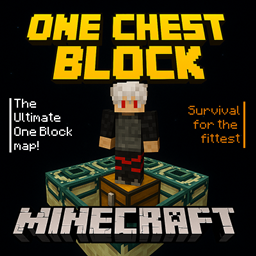
Chest One Block Bản đồ cho Minecraft 1.21.101
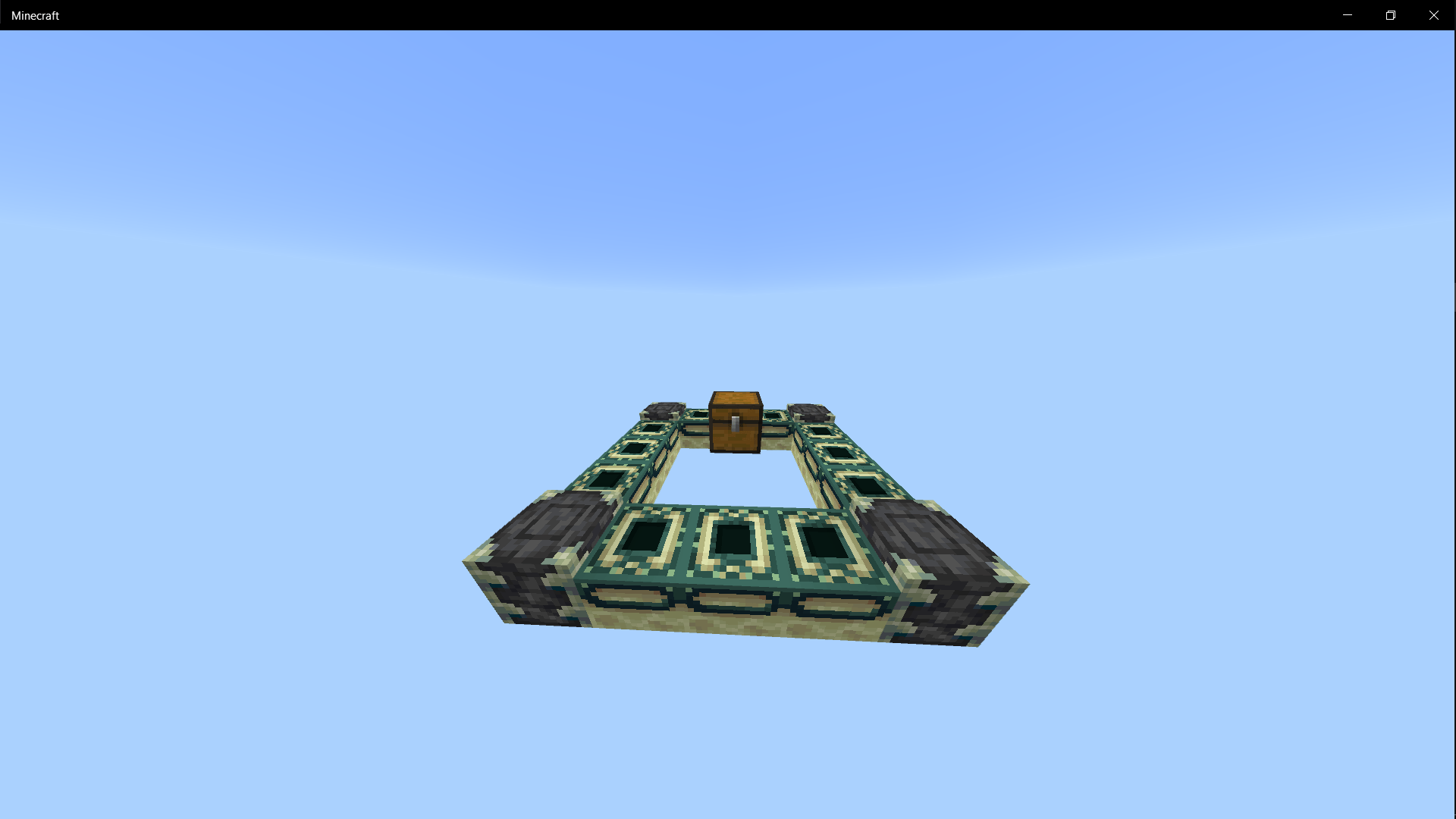
Bắt đầu hành trình của bạn trên một chiếc rương trôi nổi giữa hư không! Bên trong chỉ có đủ vật phẩm để khởi đầu cuộc phiêu lưu sinh tồn của bạn. Hãy dùng sự sáng tạo và kỹ năng của bạn để mở rộng, khám phá và chiến đấu cho đến tận The End.
Giới thiệu bản đồ Chest One Block
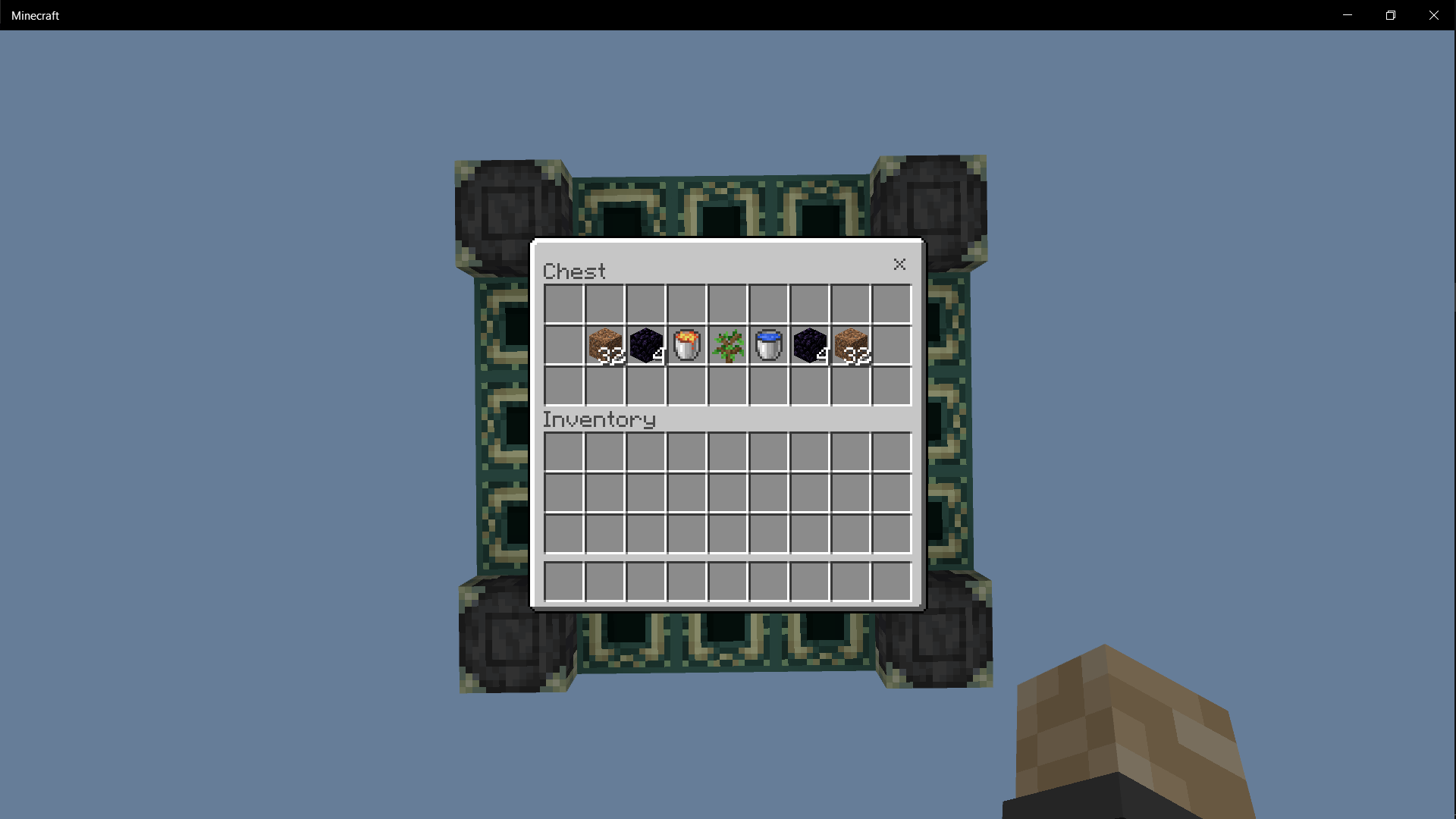
Are you ready for the ultimate survival challenge? In this map, you begin stranded in the endless void with nothing but a single chest to get you started. Inside, you’ll find carefully selected starter items - just enough to spark your journey, but not enough to make it easy.
Your mission:
🌱 Survive - Use limited resources wisely to expand your island and create a sustainable base.
🏹 Explore - Craft tools, fight mobs, and prepare for the adventures that lie ahead.
🔥 Progress - From humble beginnings on one chest, build your way toward the Nether and the End.
🐉 Conquer - Gather strength, gear up, and face the Ender Dragon to complete your challenge.
💡 Every block matters. Every item counts. This map is all about resource management, creativity, and survival instincts.
Do you have what it takes to turn one chest into a path to victory?
Cách cài đặt Chest One Block
With Millida Launcher
Install Millida Launcher
The launcher is free: download it at millida.net/launcher and sign in with any nickname.
Click “Install” on this page
The launcher opens and installs the map for Minecraft 1.21.90–1.21.101 automatically.
Launch the game
A profile with it appears in the launcher: click “Play”.
Manually
Download the map archive
Pick the file One Chest Block by @Sc4zh.mcworld (36 KB).
Unpack it into the saves folder
The world folder (with level.dat inside) must sit directly in .minecraft/saves.
Open the world
“Singleplayer”: the map will be in your world list.
On a server
Replace the world folder
Stop the server and put the map folder in place of world (or set its name in level-name).
Use the “To server” button
On Millida Hosting, the button at the top of the page uploads the file to your server and restarts it for you.
Phiên bản
Kèm phụ thuộc
| Minecraft | Loader | Tệp | Ngày | Hành động |
|---|---|---|---|---|
| 1.21.90 | — | One Chest Block36 KB |
Câu hỏi thường gặp
Which Minecraft versions does Chest One Block work on?
There are files for 1.21.101, 1.21.100, 1.21.94, 1.21.93, 1.21.92, 1.21.90. The newest is 1.21.101.
Where can I download Chest One Block safely?
On this page: the file One Chest Block by @Sc4zh.mcworld (36 KB) is stored on Millida’s server, with no link shorteners. SHA-1 checksum: e37c0e31bde5797de7deede509c5f3a0a0206713.
Đánh giá
Hãy là người đầu tiên đánh giá Chest One Block



