
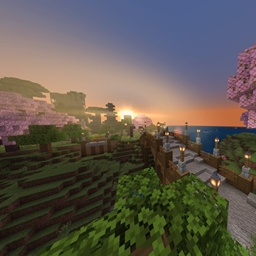
Cherrywood Isle Bản đồ cho Minecraft 1.20.1, 1.21
Tận hưởng một hòn đảo hùng vĩ xa rời nền văn minh, tràn đầy sức sống, khám phá, xây dựng, chế tạo và khai thác! Hãy làm theo những gì trái tim bạn mách bảo.
Giới thiệu bản đồ Cherrywood Isle
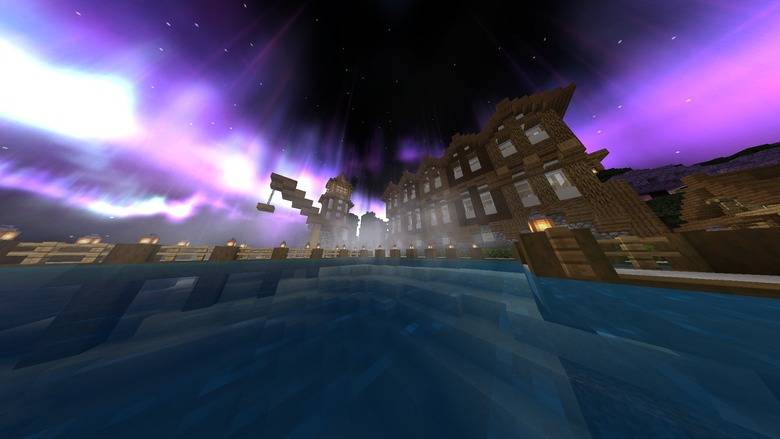
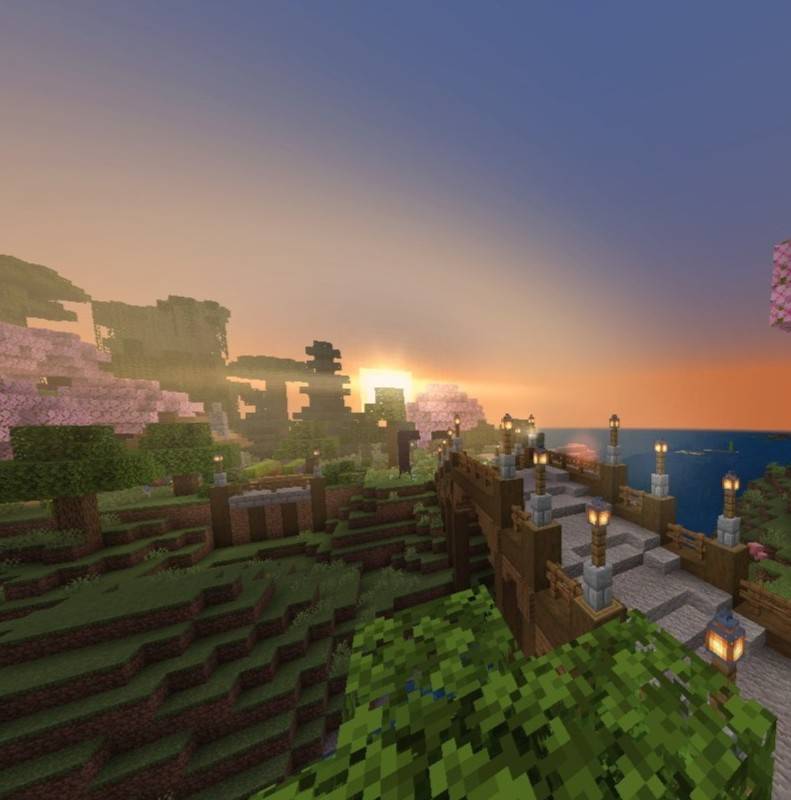
🌸 Cherrywood Isle - A Majestic Minecraft Escape by BC Studios 🌸
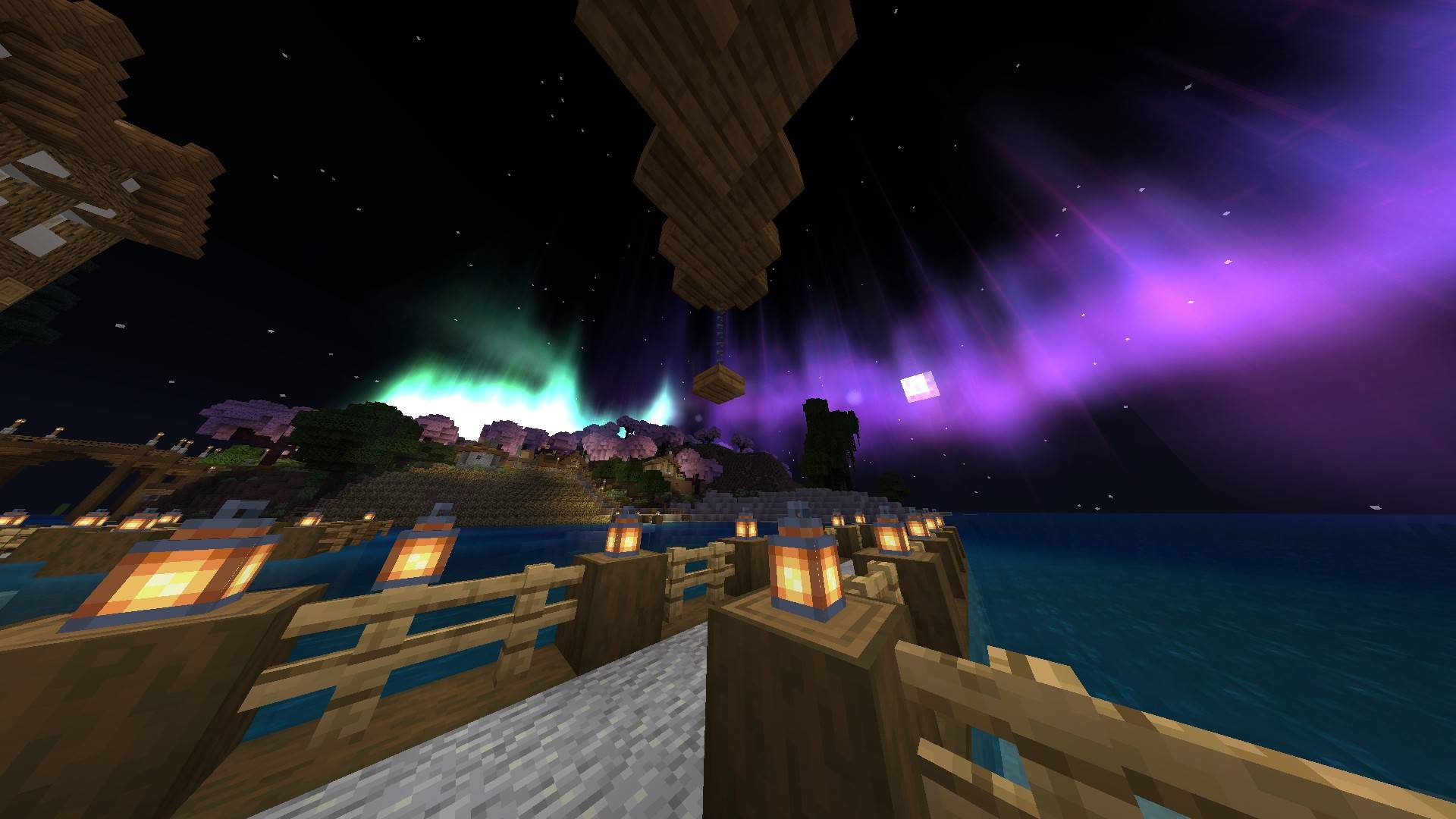
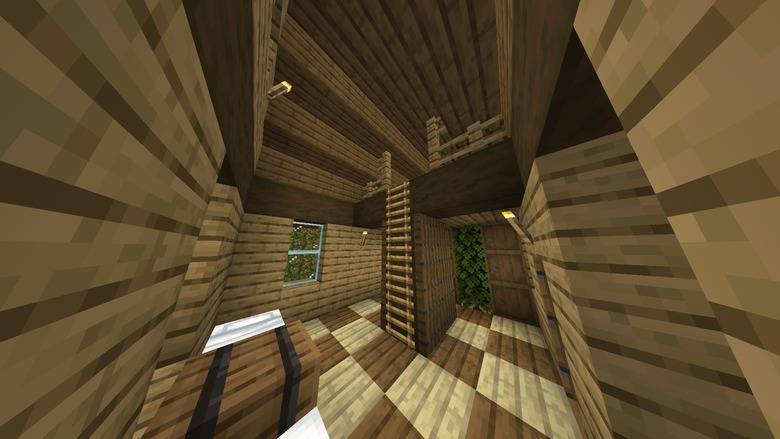
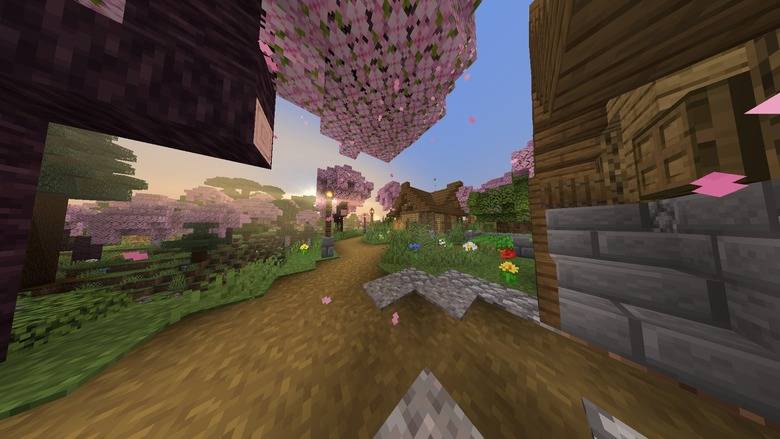
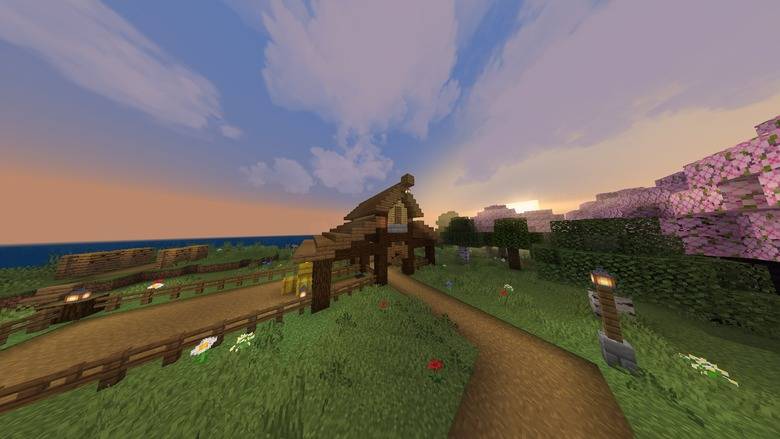
Welcome to Cherrywood Isle, a breathtaking custom island crafted by BC Studios! Set in a world of vibrant color and peaceful scenery, this map is your perfect getaway into a realm of cherrywood beauty and natural wonder.
Features:
A lush, handcrafted island landscape surrounded by shimmering waters
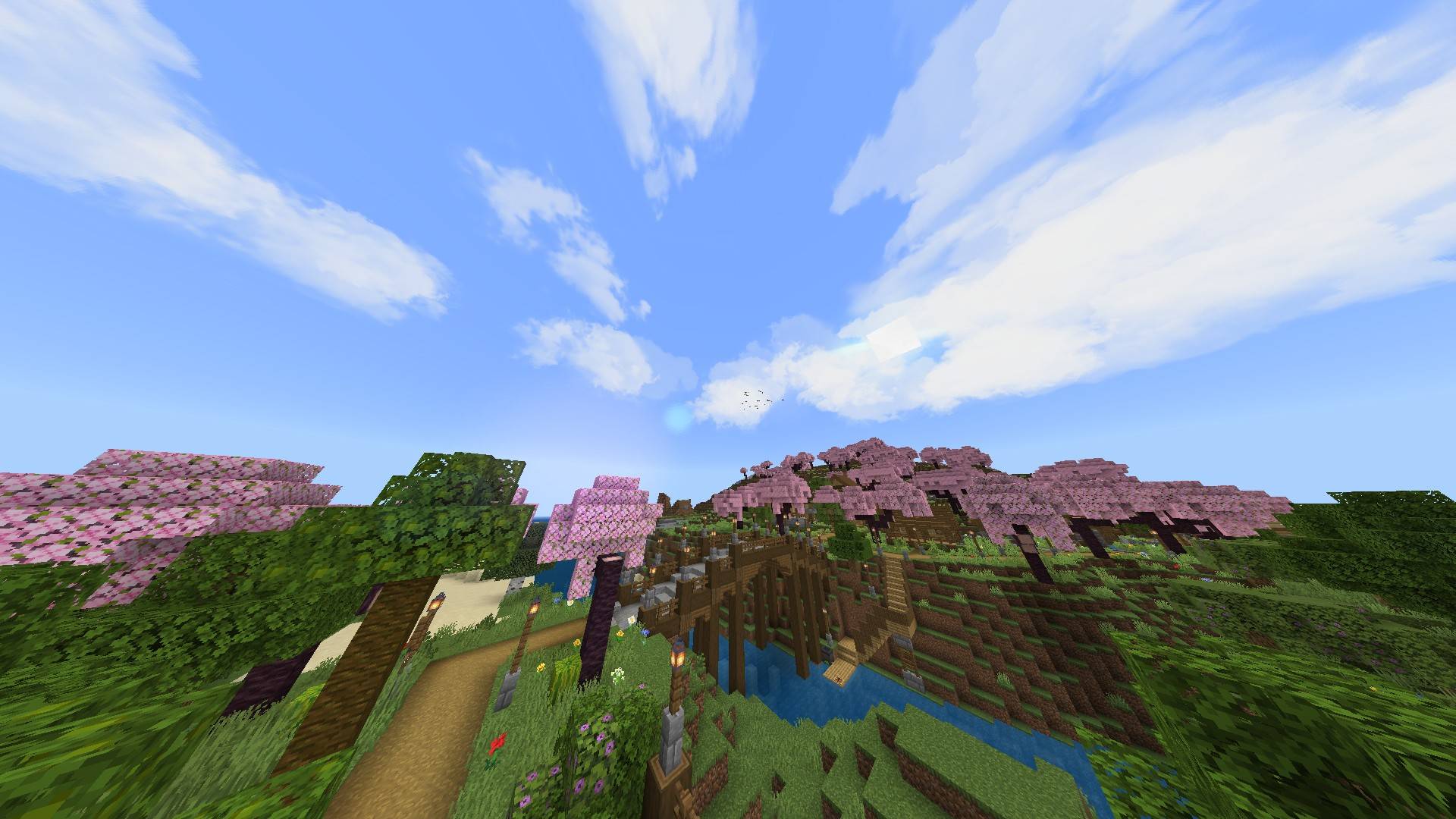
Gorgeous cherrywood trees scattered across rolling hills and hidden glades
Ideal for building, exploring, roleplay, or just relaxing in scenic serenity
Beautiful terrain for creative or survival adventures
What You Can Do:
Explore every corner of the island, from its beaches to its forested hills
Mine deep beneath the surface for ores and treasures
Harvest cherrywood and other natural resources
Craft tools, weapons, and armor to thrive
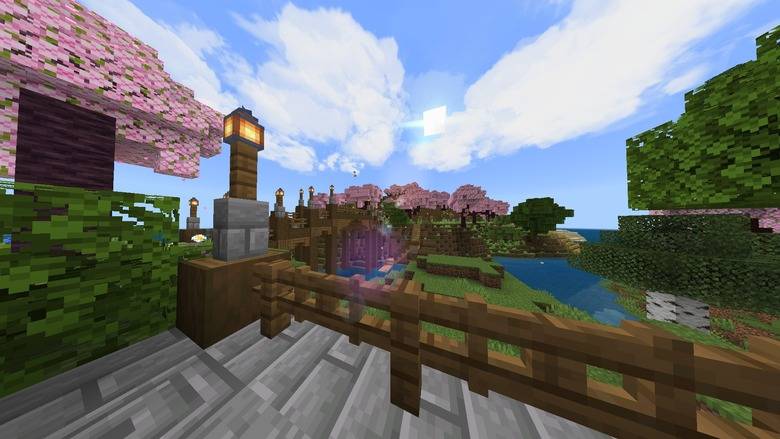
Build your dream base surrounded by cherry blossoms
Survive off the land with food, farming, and shelter
Adventure through the wilds solo or with friends
Created with care by BC Studios - bringing imagination into Minecraft.
Cách cài đặt Cherrywood Isle
With Millida Launcher
Install Millida Launcher
The launcher is free: download it at millida.net/launcher and sign in with any nickname.
Click “Install” on this page
The launcher opens and installs the map for Minecraft 1.20–1.21.82 automatically.
Launch the game
A profile with it appears in the launcher: click “Play”.
Manually
Download the map archive
Pick the file Cherrywood Isle, BC Studios.mcworld (1.8 MB).
Unpack it into the saves folder
The world folder (with level.dat inside) must sit directly in .minecraft/saves.
Open the world
“Singleplayer”: the map will be in your world list.
On a server
Replace the world folder
Stop the server and put the map folder in place of world (or set its name in level-name).
Use the “To server” button
On Millida Hosting, the button at the top of the page uploads the file to your server and restarts it for you.
Phiên bản
Kèm phụ thuộc
| Minecraft | Loader | Tệp | Ngày | Hành động |
|---|---|---|---|---|
| 1.20.40 | — | Cherrywood Isle, BC Studios.mcworld1.8 MB 6 |
Câu hỏi thường gặp
Which Minecraft versions does Cherrywood Isle work on?
There are files for 1.20–1.21.82, 27 versions in total. The newest is 1.21.82.
Where can I download Cherrywood Isle safely?
On this page: the file Cherrywood Isle, BC Studios.mcworld (1.8 MB) is stored on Millida’s server, with no link shorteners. SHA-1 checksum: b666b50a971f8a2252c71d3a453ade129b1e9f29.
Đánh giá
Hãy là người đầu tiên đánh giá Cherrywood Isle



