
AIO RTX Map cho Minecraft 1.20.1, 1.21
Một map để thử nghiệm PBR, shader và hơn thế nữa
Giới thiệu bản đồ AIO RTX Map
AIO RTX Map
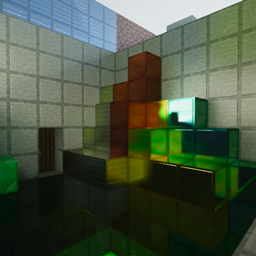
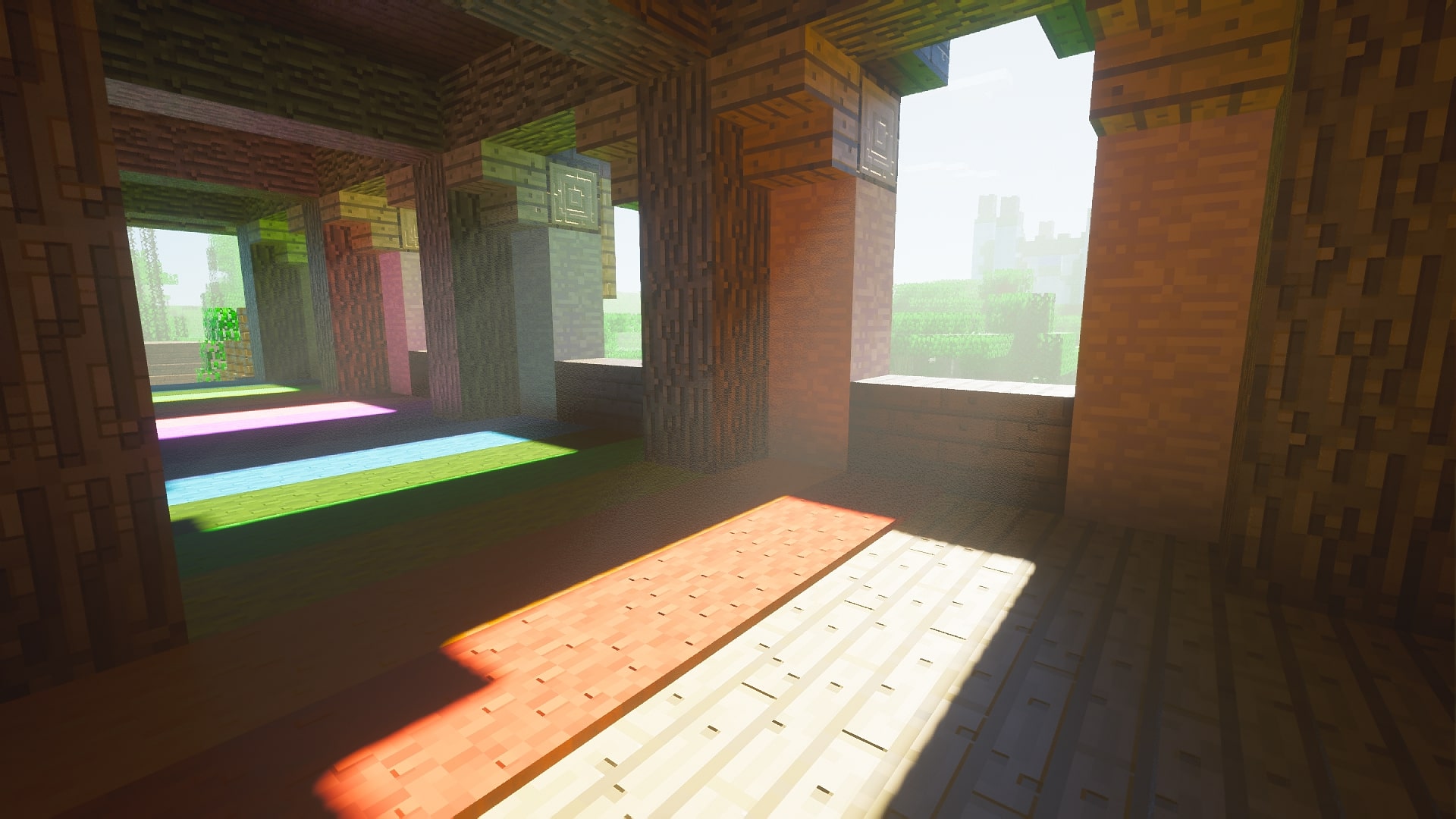
The Minecraft "AIO RTX Map" is a meticulously crafted virtual playground designed to push the boundaries of the game's visual capabilities. Created with the aim of evaluating the performance of advanced rendering techniques like Physically Based Rendering (PBR) and shaders, this map serves as a comprehensive testing ground for players and developers alike. It offers an immersive environment where players can explore and interact with various elements to witness the stunning effects of ray tracing and real-time lighting in action. From intricately detailed textures that respond realistically to light sources to breathtakingly lifelike reflections and shadows, the AIO RTX Map showcases the full potential of Minecraft when coupled with cutting-edge hardware and graphical enhancements.
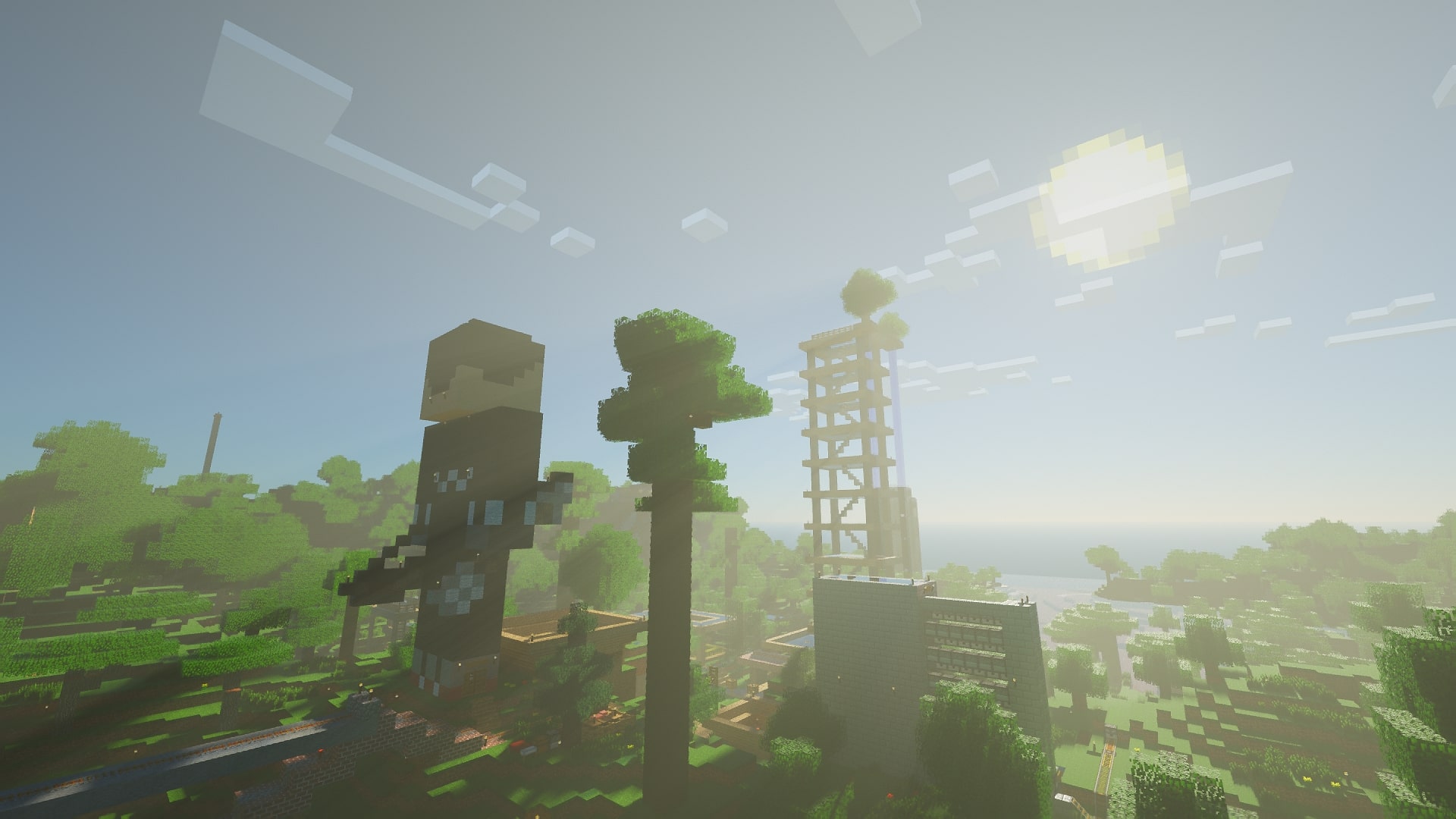
At its core, this map is a fusion of three distinct environments, each with its unique purpose and allure:
AntVenom's Peaceful Map: This section of the AIO RTX Map offers players a tranquil and picturesque landscape to observe the transformative power of RTX. AntVenom's Peaceful Map is a serene oasis of lush forests, flowing rivers, and peaceful villages. With RTX enhancements, the world comes to life in a way that was previously unimaginable, with realistic reflections on water, lifelike shadows, and stunning global illumination.
The Nvidia RTX Trailer Map: A true testament to the capabilities of Nvidia's RTX technology, this section of the map replicates scenes from Nvidia's RTX showcase trailer. It allows players to step into the scenes they've admired in promotional materials and experience them firsthand. From jaw-dropping ray tracing effects to dynamic lighting, this part of the map showcases the full extent of RTX's graphical prowess.
The Light Testing Room: For those who want to dive deep into the technical aspects of Minecraft's graphics, the Light Testing Room is a controlled environment where you can fine-tune and evaluate different lighting scenarios. This room is an invaluable resource for shader developers and enthusiasts who wish to experiment with various lighting settings and see their real-time impact on the game world.

Credits:
- Original Chunks and world build:
- MrGlitchDogePe (Hexy)
- Madlad
- CubeIr
- kducharme2047
- AntVenom
- BlueMeanial
- Inspiration:
- CubeIr
- JoaquiX
- kducharme2047
- AntVenom
- BlueMeanial
- Seed:
- Antvenom (-3882809037624946308)
Cách cài đặt AIO RTX Map
With Millida Launcher
Install Millida Launcher
The launcher is free: download it at millida.net/launcher and sign in with any nickname.
Click “Install” on this page
The launcher opens and installs the map for Minecraft 1.20–1.21 automatically.
Launch the game
A profile with it appears in the launcher: click “Play”.
On a server
Replace the world folder
Stop the server and put the map folder in place of world (or set its name in level-name).
Use the “To server” button
On Millida Hosting, the button at the top of the page uploads the file to your server and restarts it for you.
Phiên bản
Kèm phụ thuộc
| Minecraft | Loader | Tệp | Ngày | Hành động |
|---|---|---|---|---|
| 1.20.2 | — | 2024-07-16_21-40-35_Test_world_AIO.zip458 MB |
Câu hỏi thường gặp
Which Minecraft versions does AIO RTX Map work on?
There are files for 1.20–1.21, 8 versions in total. The newest is 1.21.
How do I download AIO RTX Map?
With Millida Launcher: it installs AIO RTX Map into a modpack by itself, for the right game version and loader. The launcher is free.
Đánh giá
Hãy là người đầu tiên đánh giá AIO RTX Map



