

Vanilla NPC Gói dữ liệu cho Minecraft 26.2
Sử dụng mannequin mới để có lợi thế. Đơn giản và tùy chỉnh được.
- lượt tải
- 1 lượt tải
- lượt xem
- 50 lượt xem
- Đã cập nhật
- Đã cập nhật 07.04.2026
- 1.21.9 — 26.2
 Gói dữ liệu
- Máy khách và máy chủ
🤵♂️ Vanilla NPC's
Easily create your own NPC in Minecraft thanks to the new mannequins! No Command knowledge required!
How to use: Press ESC or open the Quick Options Menu (default Keybind is G) or use the following command: /function vanillanpc:menu in order to open the main menu.

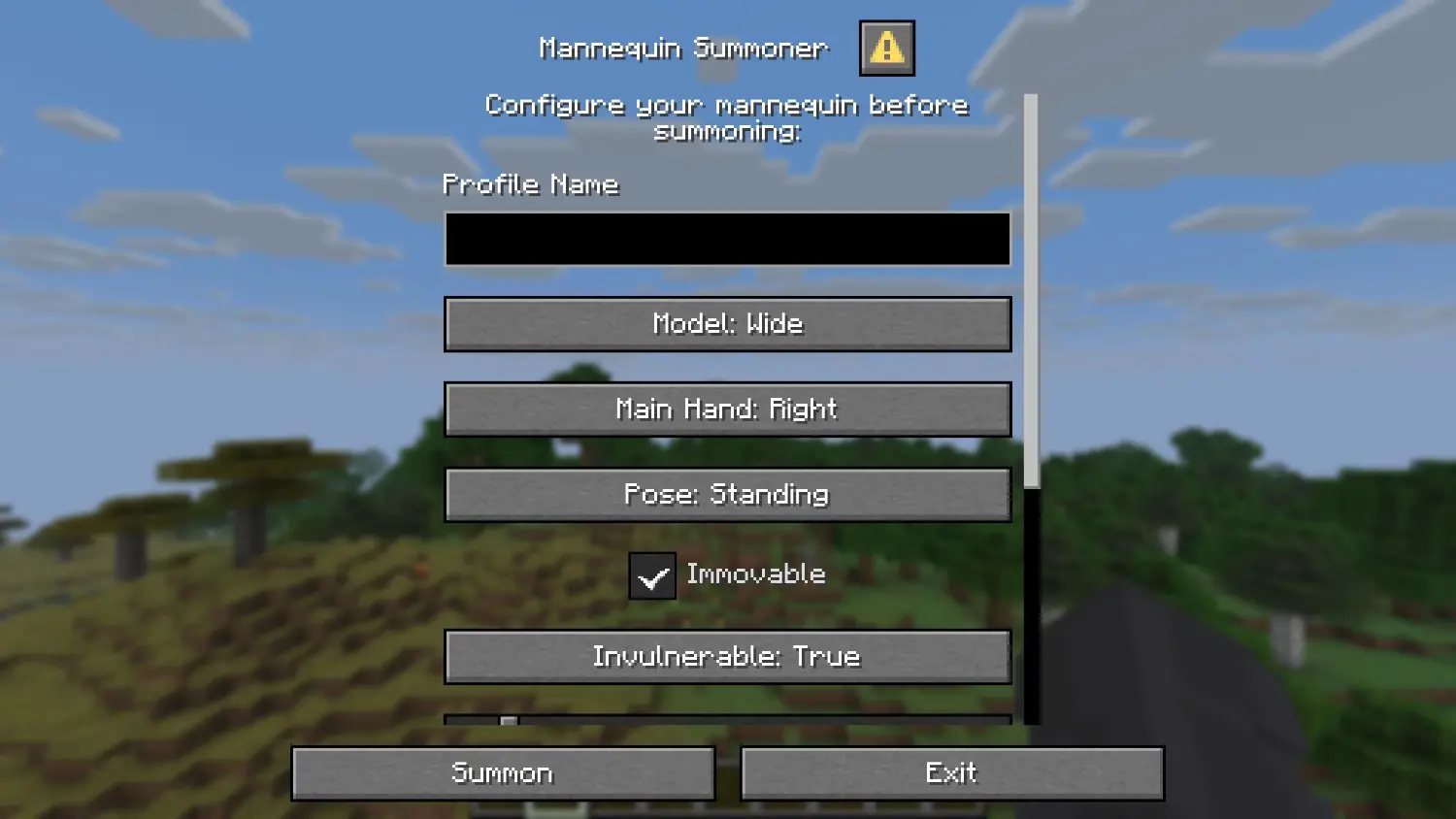
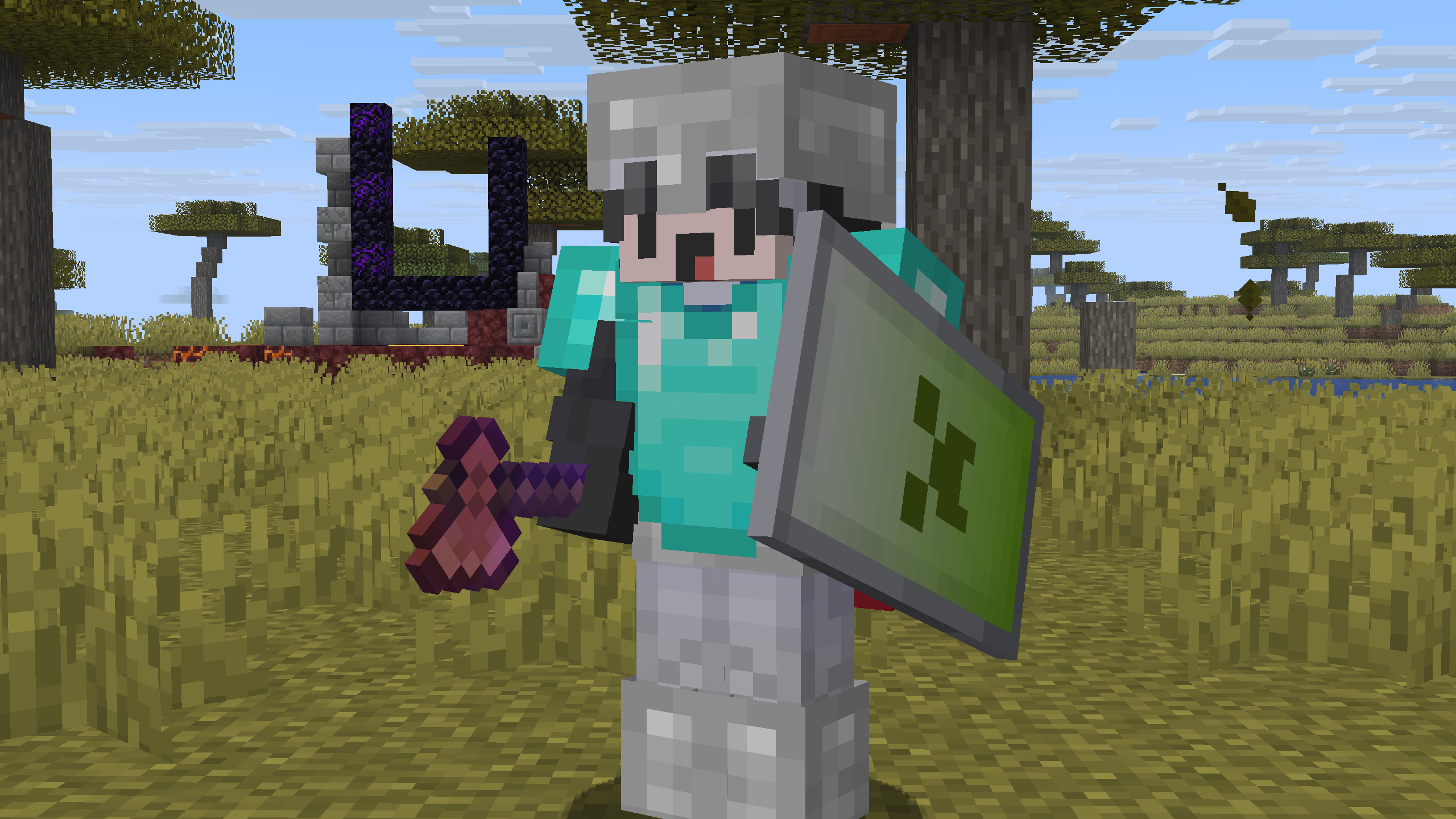
📚 How to Install the Datapack
👤 Singleplayer
Drag the downloaded .zip file into the "\.minecraft\saves\YOURWORLD\datapacks" folder. Now enter your world. You can check whether the datapack is enabled with /datapack list.

👥 Multiplayer (Server)
Drag the downloaded .zip file into the datapack folder, which is located in the default "world" folder. Now join your server. You can check whether the datapack is enabled with /datapack list.
Enjoy!

Cách cài đặt Vanilla NPC
With Millida Launcher
Install Millida Launcher
The launcher is free: download it at millida.net/launcher and sign in with any nickname.
Click “Install” on this page
The launcher opens and installs the data pack for Minecraft 1.21.9–26.2 automatically.
Launch the game
A profile with it appears in the launcher: click “Play”.
Manually
Download the archive
Pick the file VNPCs 0.2.1.zip (21 KB) for your game version.
New world: “Data Packs”
When creating a world, click “Data Packs”, drag the archive into the window, then move it to “Selected”.
Existing world: the datapacks folder
Put the archive into saves/<world>/datapacks and type /reload in game.
On a server
Archive goes into the server world’s datapacks
The world/datapacks folder on the server; players do not need to install anything.
Reload the data
Type /reload in the server console or restart the server.
Use the “To server” button
On Millida Hosting, the button at the top of the page uploads the file to your server and restarts it for you.
Phiên bản
Kèm phụ thuộc
| Minecraft | Loader | Tệp | Ngày | Hành động |
|---|---|---|---|---|
| 26.2 | Gói dữ liệu | 26.220.7 KB | ||
| 26.1 | Gói dữ liệu | 26.120.7 KB | ||
| 1.21.11 | Gói dữ liệu | 1.21.1120.7 KB 1 |
Đánh giá
Hãy là người đầu tiên đánh giá Vanilla NPC


