

Ore Detector Gói dữ liệu cho Minecraft 1.21.1, 1.21
Gói dữ liệu này thêm máy dò quặng vào trò chơi. Máy dò quặng cho biết có quặng ở gần đó hay không.
- lượt xem
- 39 lượt xem
- Đã cập nhật
- Đã cập nhật 20.08.2025
- 1.21 — 26.2
 Gói dữ liệu
- Máy khách và máy chủ
💎 Ore Detector
This datapack adds ore detector to the game. The ore detector shows if there is ore nearby.
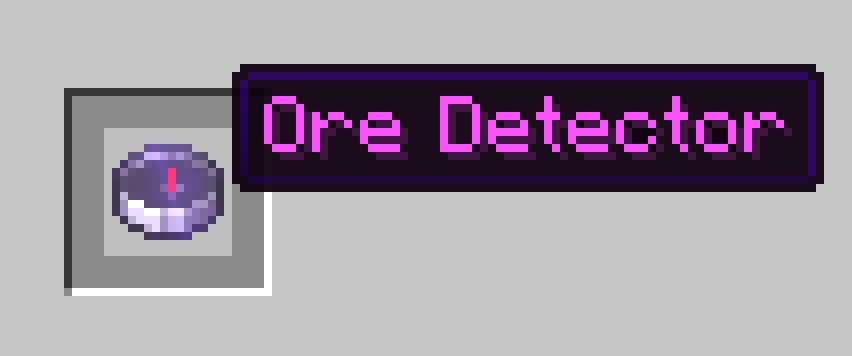
✨ Features
- Ore detection up to 10x10x10 blocks
- Detection within 5 seconds
- 5 seconds cooldown
- !! The compass does not show the location of the ore !!
- Detecting deepslate ores

🧪 Recipe
You can get ore detector by placing the items in the crafting table with a compass in the middle and amethyst on all 4 sides.

💠 Ore Values
- Diamond:★★★★
- Deepslate Diamond:★★★★
- Emerald:★★★☆
- Deepslate Emerald:★★★★★★★★★★
- Gold:★★★☆
- Deepslate Gold:★★★☆
- Lapis:★★☆☆
- Deepslate Lapis:★★☆☆
- Redstone:★★☆☆
- Deepslate Redstone:★★☆☆
- Iron:★★☆☆
- Deepslate Iron:★★☆☆
- Coal:★☆☆☆
- Deepslate Coal:★☆☆☆
- Copper:★☆☆☆
- Deepslate Copper:★☆☆☆

🧱 Compatibility
- This datapack works on versions 1.21.2 and above
📦 Installation
- Download the datapack .zip file.
- Place it in your world's datapacks folder.
- Use /reload after joining the world.
- You're all set! Move around and see your coordinates at the bottom of your screen.
🌐 ITITAN Hosting
💬 Feedback and Request
If you have a request or feedback, please write them in to my discord 3geetr.
Cách cài đặt Ore Detector
With Millida Launcher
Install Millida Launcher
The launcher is free: download it at millida.net/launcher and sign in with any nickname.
Click “Install” on this page
The launcher opens and installs the data pack for Minecraft 1.21–26.2 automatically.
Launch the game
A profile with it appears in the launcher: click “Play”.
Manually
Download the archive
Pick the file ore_detector_data_pack.zip (13 KB) for your game version.
New world: “Data Packs”
When creating a world, click “Data Packs”, drag the archive into the window, then move it to “Selected”.
Existing world: the datapacks folder
Put the archive into saves/<world>/datapacks and type /reload in game.
On a server
Archive goes into the server world’s datapacks
The world/datapacks folder on the server; players do not need to install anything.
Reload the data
Type /reload in the server console or restart the server.
Use the “To server” button
On Millida Hosting, the button at the top of the page uploads the file to your server and restarts it for you.
Phiên bản
Kèm phụ thuộc
| Minecraft | Loader | Tệp | Ngày | Hành động |
|---|---|---|---|---|
| 26.2 | Gói dữ liệu | 26.212.8 KB |
Đánh giá
Hãy là người đầu tiên đánh giá Ore Detector


