

Backpacks! Gói dữ liệu cho Minecraft 1.21.1, 1.21
Ba lô thân thiện với vanilla, có thể nhuộm màu và nâng cấp!
- lượt tải
- 34 lượt tải
- lượt xem
- 110 lượt xem
- Đã cập nhật
- Đã cập nhật 04.09.2026
- 1.21 — 26.2
 Gói dữ liệu
- Máy khách và máy chủ
Giới thiệu gói dữ liệu Backpacks!
Having problems or concerned about incompatible mods? Check out this.
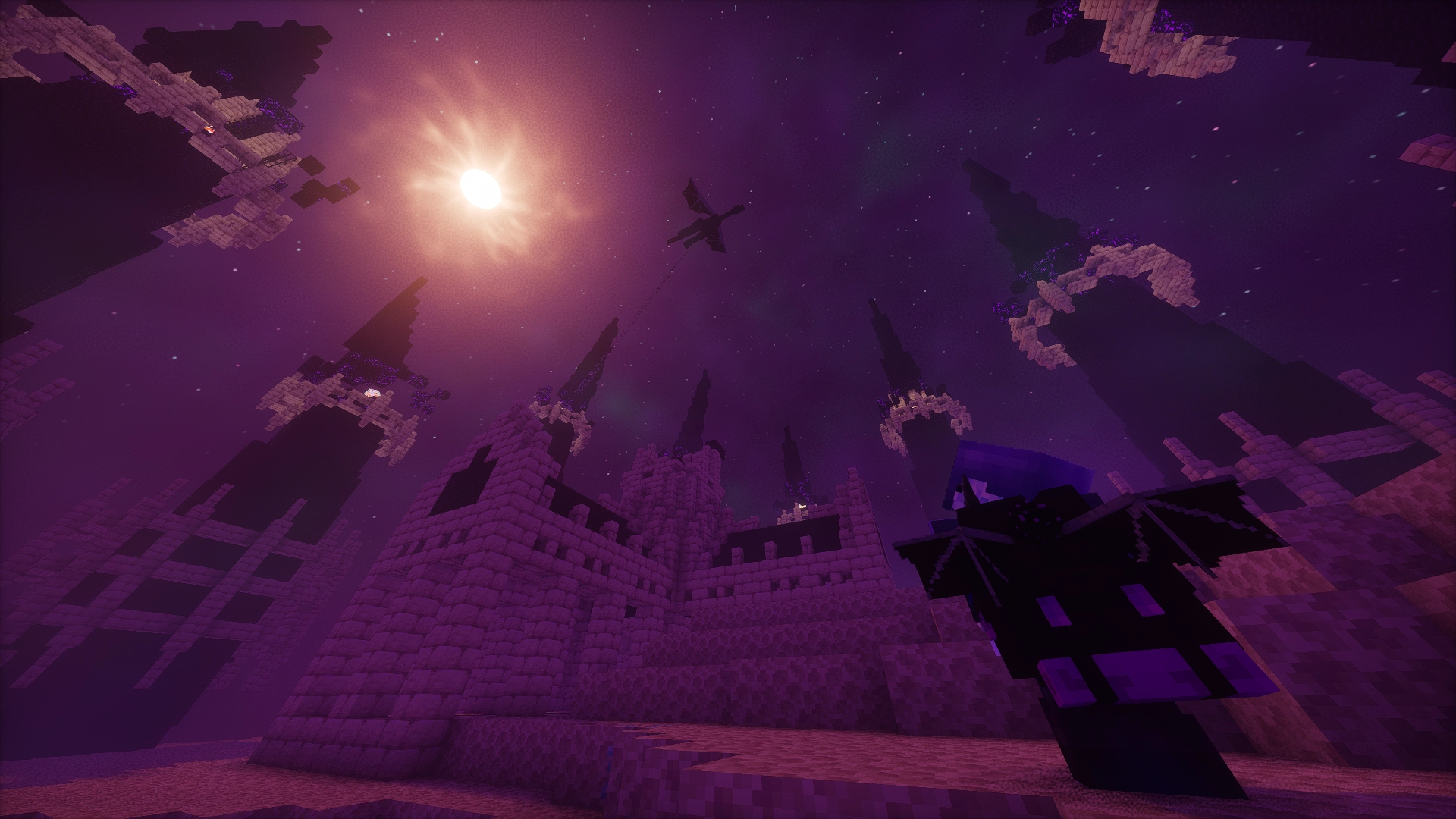
🎒 Backpacks!
A datapack that adds vanilla-friendly backpacks to your game which you can upgrade, dye and style!
^ only needed if playing on Fabric or Quilt

🔗 Links
❤️ Special Thanks to...
🔧 Assistance and tools...
- Highmore's library Sentinel for detecting closing containers (may cause visual flickering of items inside backpacks).
- Mitsaori's backpacks models.
- Evtema3's shader to hide the menu's nametag in third person.
- AmberWat's Negative Space Font used for hiding the nametags in Evtema3's shader.

🌐 Contributors...
- English (en_us): By ElGeroIngles.
- Spanish (es_es): By ElGeroIngles.
- Brazilian Portuguese (pt_br): By alexsanderfer and MeiaQuatru.
- Simplified Chinese (zh_cn): By calmastorm.
- Russian (ru_ru): By Akrek.
- European Portuguese (pt_pt): By AlexandreC2000.
You can contribute to this project by translating it to other languages! See how here.
📝 Useful Info
Need any information about the project? Check out it's new wiki!
Cách cài đặt Backpacks!
With Millida Launcher
Install Millida Launcher
The launcher is free: download it at millida.net/launcher and sign in with any nickname.
Click “Install” on this page
The launcher opens and installs the data pack for Minecraft 1.21–26.2 automatically.
Launch the game
A profile with it appears in the launcher: click “Play”.
Manually
Download the archive
Pick the file 1.3.5-backpacks_dtpk-26.2.zip (349 KB) for your game version.
New world: “Data Packs”
When creating a world, click “Data Packs”, drag the archive into the window, then move it to “Selected”.
Existing world: the datapacks folder
Put the archive into saves/<world>/datapacks and type /reload in game.
On a server
Archive goes into the server world’s datapacks
The world/datapacks folder on the server; players do not need to install anything.
Reload the data
Type /reload in the server console or restart the server.
Use the “To server” button
On Millida Hosting, the button at the top of the page uploads the file to your server and restarts it for you.
Phiên bản
Kèm phụ thuộc
| Minecraft | Loader | Tệp | Hành động |
|---|---|---|---|
| 26.2 | Gói dữ liệu | 26.2349 KB 15 | |
| 26.1 | Gói dữ liệu | 26.1349 KB 5 | |
| 1.21.11 | Gói dữ liệu | 1.21.11349 KB 10 | |
| 1.21 | Gói dữ liệu | 1.21350 KB 4 |
Yêu cầu để chạy
- Essential Modkhông tương thích
Đánh giá
Hãy là người đầu tiên đánh giá Backpacks!


