
Minecraft 1.21, 1.21.132 کے لیے Zyra visuals ریسورس پیک
مائن کرافٹ bedrock کے لیے zyra shaders سے الٹرا بصری پیک
Zyra visuals ریسورس پیک کے بارے میں
🌌 Zyra Visuals - Cinematic Vibrant Experience
Zyra Visuals is a high-quality Vibrant Visuals Pack designed to transform Minecraft Bedrock into a cinematic, atmospheric experience.
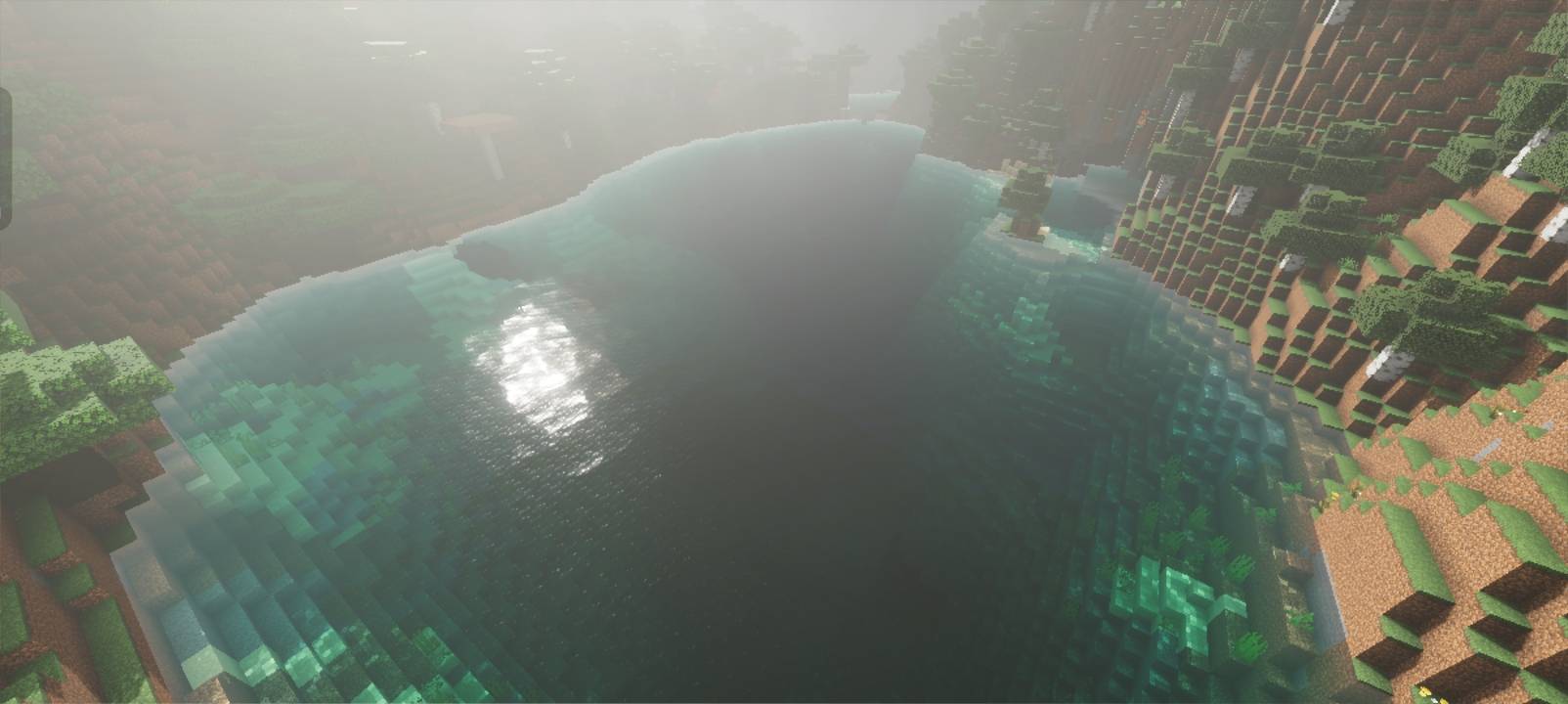
Built for players who want rich lighting, enhanced skies, immersive fog, and deeper visual depth, this is the original and full-featured edition of Zyra.
⚠ Important Requirement
🔹 Zyra Visuals requires Vibrant Visuals to function properly.
Make sure Vibrant Visuals is enabled in your Minecraft settings.
✨ What Zyra Visuals Offers
• Advanced cinematic lighting
• Realistic soft shadows
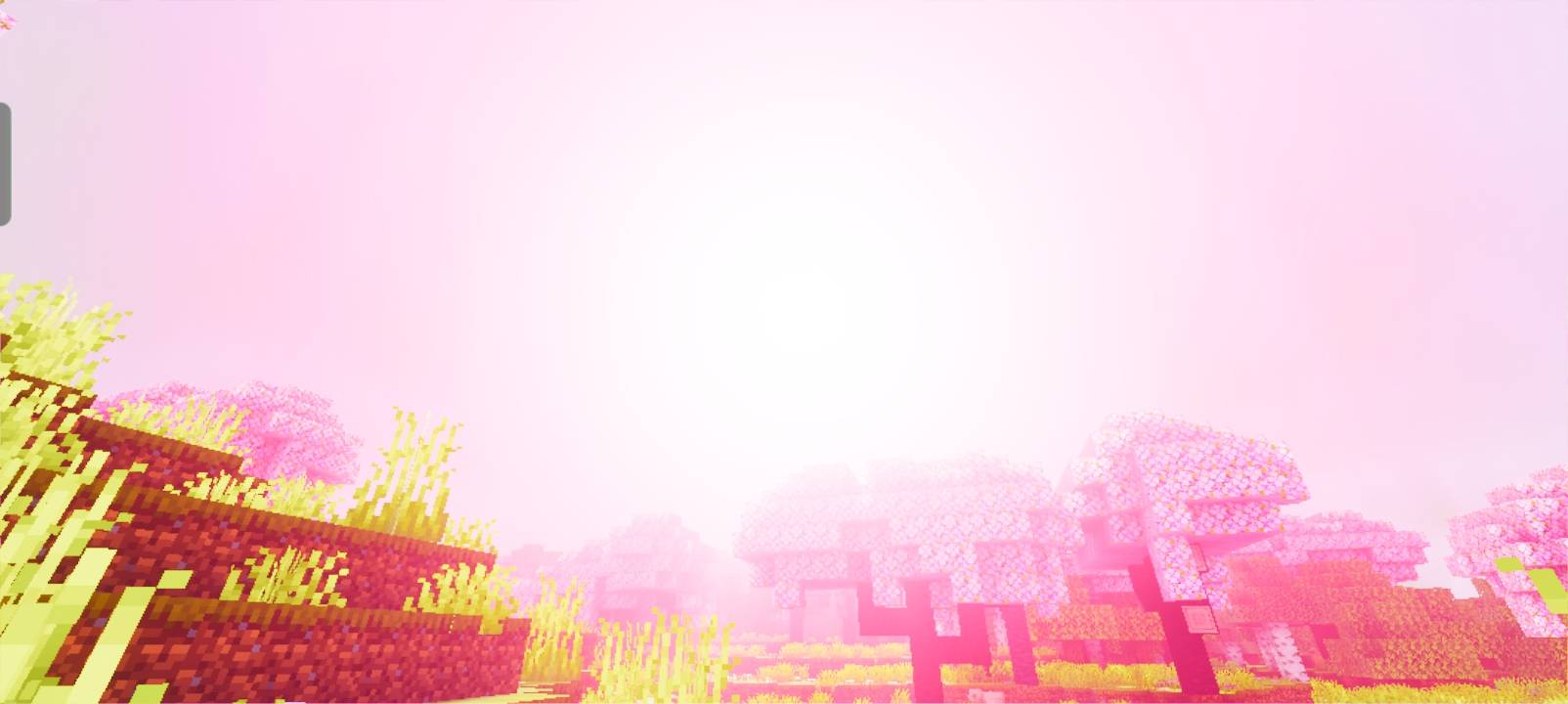
• Enhanced sky atmosphere (sunset, night, weather)
• Volumetric-style fog for depth
• Balanced HDR-like color grading
• Refined water visuals and reflections
• Carefully tuned atmosphere for immersion
This version focuses on maximum visual quality, designed for mid to high-end devices.
📌 Version Notice (0.3.0 and Above)
Starting from Update 0.3.0, Zyra Visuals has been separated into two projects:
• Zyra Visuals → Heavy / Cinematic Edition (this project)
• Newb x Zyra → Optimized version for low-end devices (separate project)
If you are using a low-end device, please download Newb x Zyra instead.
🎬 Designed for Atmosphere
Zyra Visuals is not about extreme saturation or unrealistic effects.
It is about balance, mood, and immersive environments - bringing Bedrock closer to a cinematic visual experience while respecting vanilla style.
Zyra visuals کیسے انسٹال کریں
With Millida Launcher
Install Millida Launcher
The launcher is free: download it at millida.net/launcher and sign in with any nickname.
Click “Install” on this page
The launcher opens and installs the resource pack for Minecraft 1.18.30–1.21.132 automatically.
Launch the game
A profile with it appears in the launcher: click “Play”.
Manually
Download the archive
Pick the file Zyra-visuals-mc1.20.40+-v0.4.0released.mcpack (2.8 MB) for your game version. No need to unpack it.
Put it in the resourcepacks folder
The easiest way: “Options”, then “Resource Packs”, then “Open Pack Folder”, and drag the archive there.
Enable the pack
In the same window, move the pack to the right-hand “Selected” column and click “Done”.
ورژنز
ڈیپنڈنسیز کے ساتھ
| Minecraft | لوڈر | فائل | تاریخ | اقدامات |
|---|---|---|---|---|
| 1.20.40 | — | Zyra-visuals-mc1.20.40+-v0.4.0released.mcpack2.8 MB | ||
| 1.20.40 | — | Zyra_visuals-mc1.21.x-v0.1.0beta.mcpack146 MB |
عمومی سوالات
Which Minecraft versions does Zyra visuals work on?
There are files for 1.18.30–1.21.132, 42 versions in total. The newest is 1.21.132.
Where can I download Zyra visuals safely?
On this page: the file Zyra-visuals-mc1.20.40+-v0.4.0released.mcpack (2.8 MB) is stored on Millida’s server, with no link shorteners. SHA-1 checksum: f0d70799bda7e115b3879791c9d0ed07af245094.
ریویوز
Zyra visuals کو ریٹ کرنے والے پہلے شخص بنیں



