

Minecraft 26.2 کے لیے Visual Effects+ ریسورس پیک
biome پر مبنی متحرک اور رنگین fog، حسب ضرورت particles اور موسم کے ساتھ!
- ڈاؤن لوڈز
- 298 ڈاؤن لوڈز
- ویوز
- 800 ویوز
- اپ ڈیٹ شدہ
- اپ ڈیٹ شدہ 24.10.2026
- 1.21.11 — 26.2
 ونیلا گیم
- کلائنٹ
Community Support
Visual Effects+ is and will remain completely free. The next update will be released whether the support goal is reached or not. Nothing is locked behind this goal. It is simply an optional way for anyone who enjoys the pack to support the time and work that goes into its development.
Every contribution helps me dedicate more time to creating new effects, fixing issues, making backports, and supporting newer Minecraft versions. Using the pack, sharing it, reporting bugs, and leaving feedback already helps a lot too.
Thank you for supporting Visual Effects+ in any way!

](https://modrinth.com/mod/polytone)
Visual Effects+ transforms Minecraft's atmosphere with dynamic biome fog, custom particles, weather effects, reworked skies, clouds, and much more.

](https://ko-fi.com/dosya06) [

](https://boosty.to/dosya06) [

](https://x.com/dosyart) [

](https://discord.gg/wcVM9VB9V6) [

](https://www.youtube.com/@dosya06)

Latest Update Trailer
Features
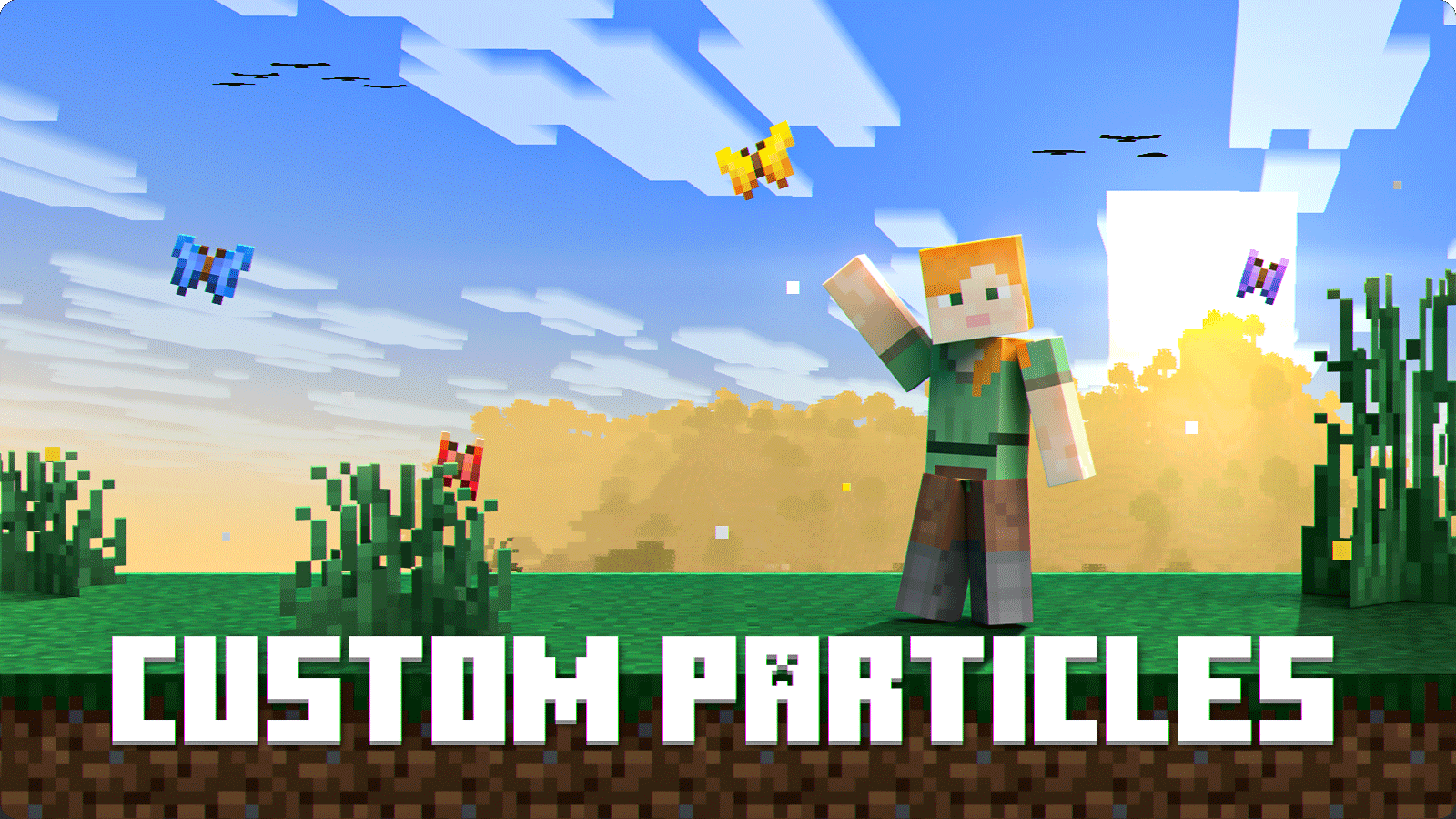
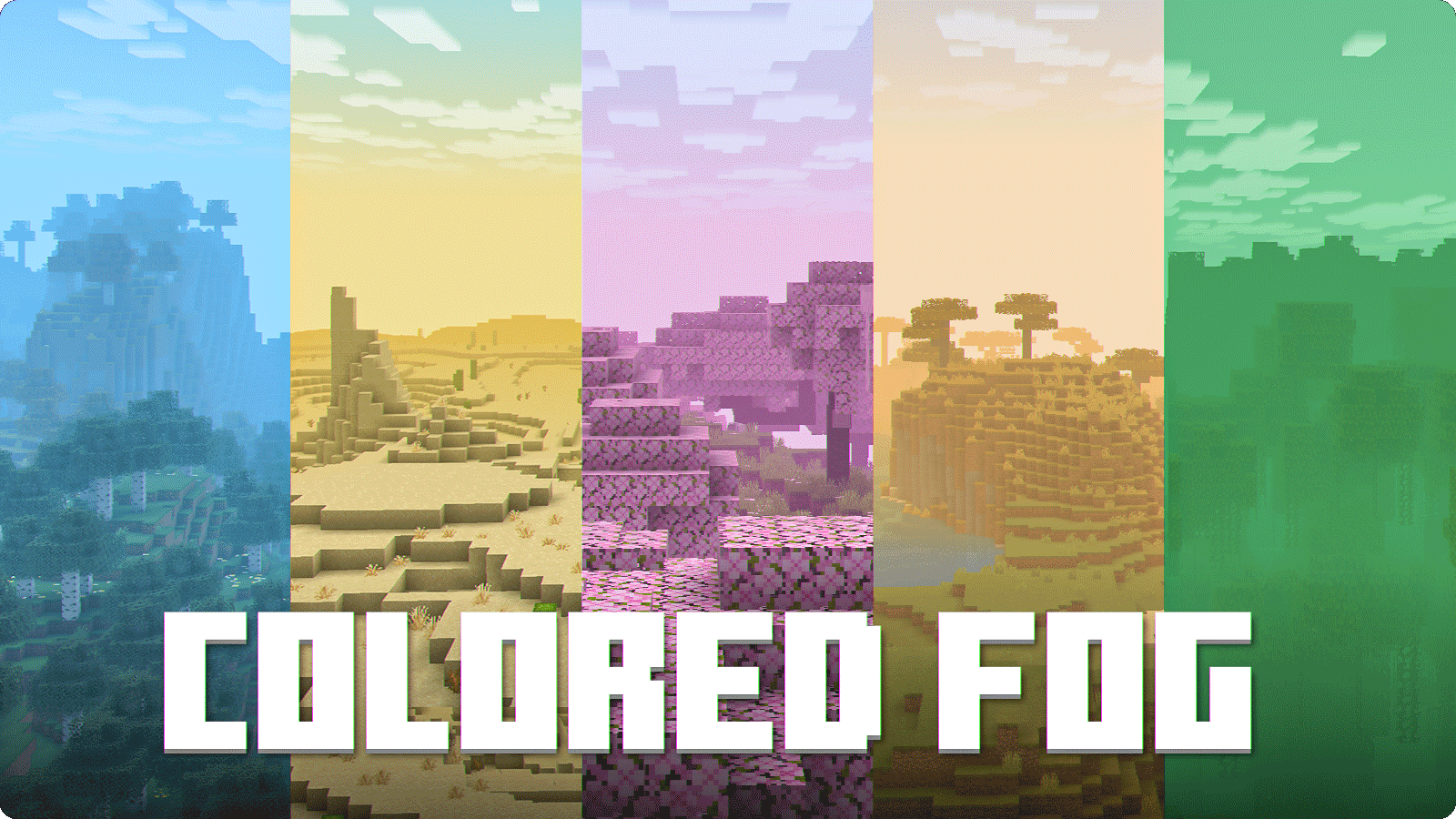
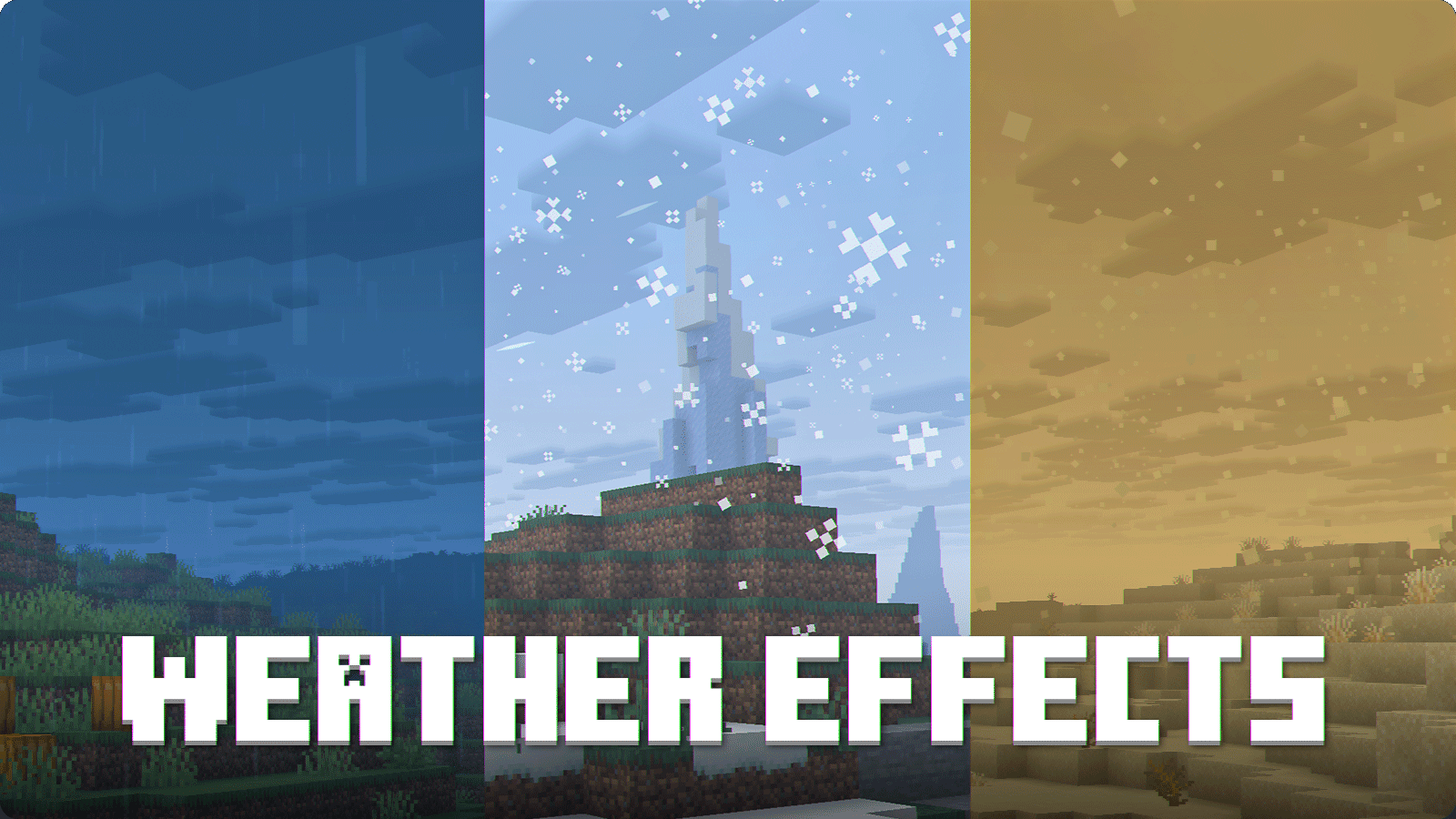
Configuration screen
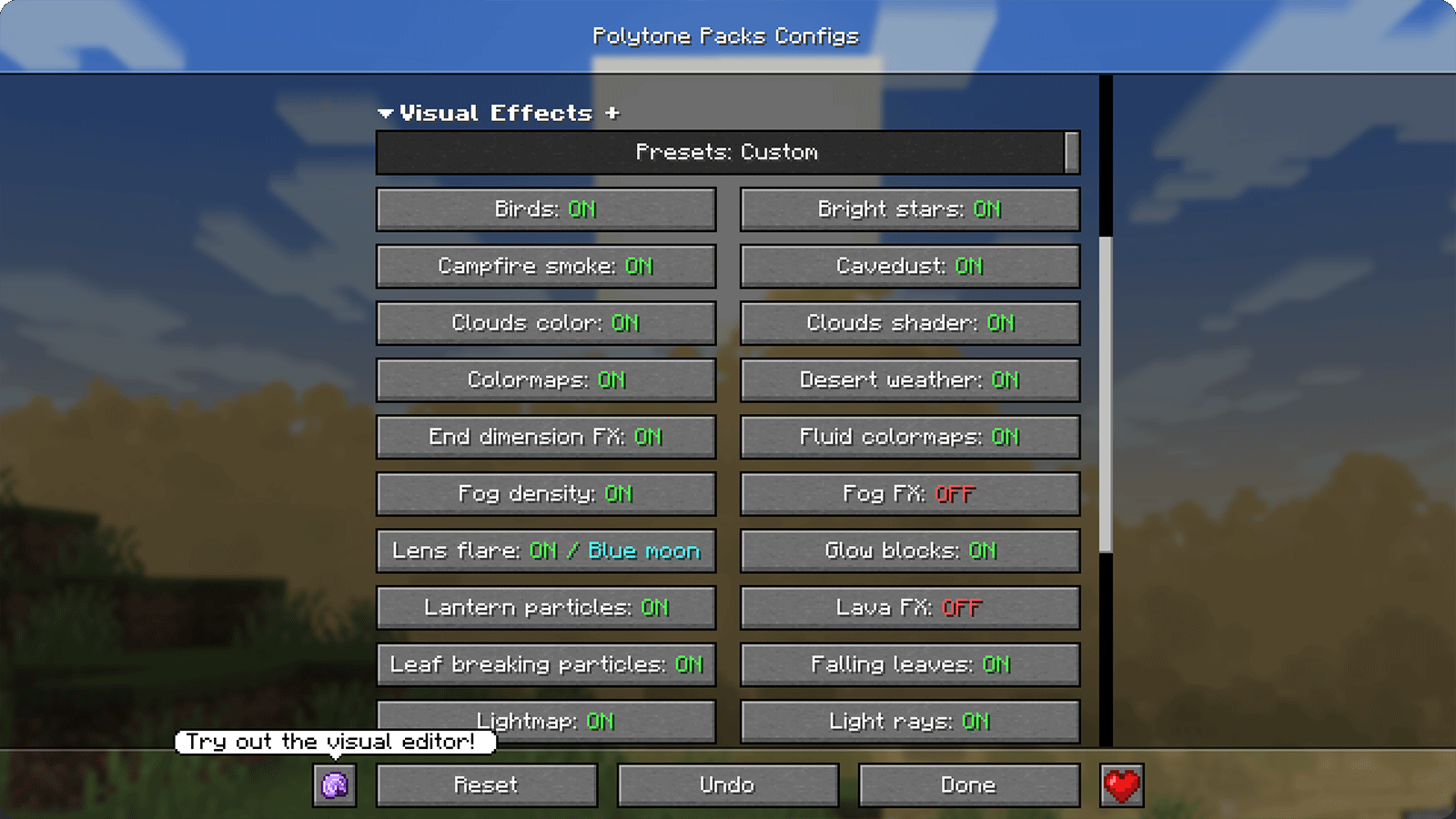
Requirements
- Polytone — required
- Additional performance mods — recommended

Recommended settings
Open settings guide
- Pack should be on top!
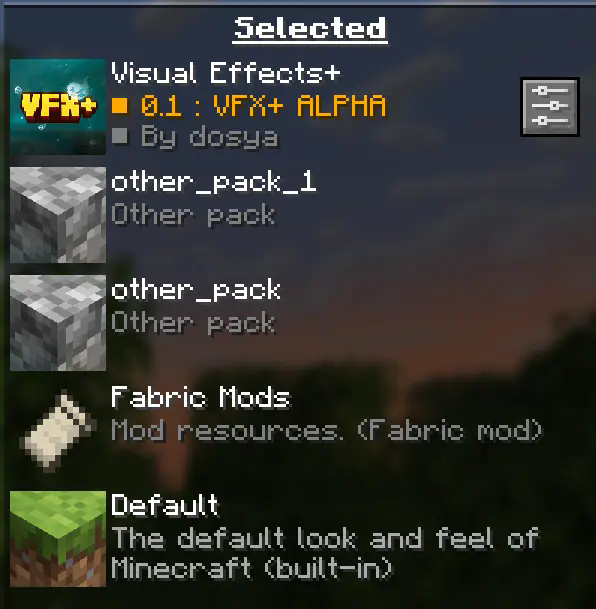
Your pack should be always on top to prevent any polytone related issues.
- Turn off fog occlusion!
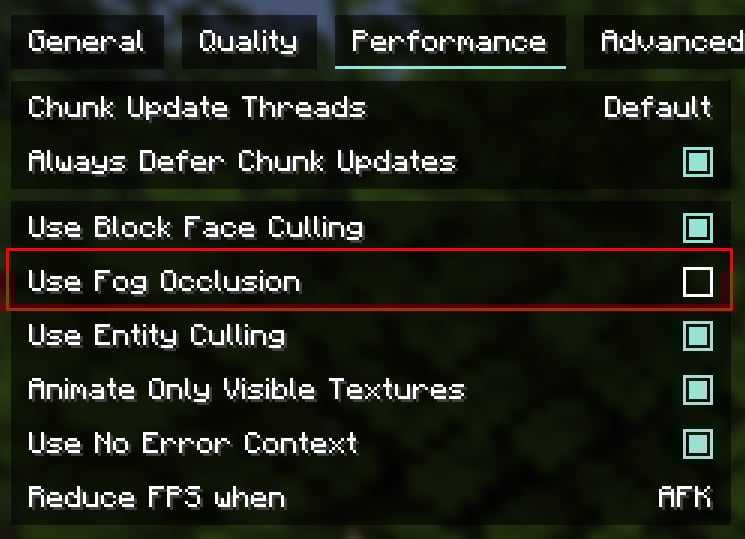
You can find this option in "Performance" tab.
For low-end PC left it turned on
Recommended render distance is 12 - 16 chunks, but you can modify this value as you want
CREDITS
View full credits
Tealover - testing, suggestions and other help.
sapling. - testing, suggestions and other help.
Cubert - helped to decide a title for a project, testing, suggestions and other help.
Peanut Butter Jelly - testing and suggestions.
VFX+ discord server - big thank you for community feedback and support.
sapling. Mods discord server - big thank you for community feedback and support.
MehVahdJukaar - helping out with polytone.
Visual Effects+ کیسے انسٹال کریں
With Millida Launcher
Install Millida Launcher
The launcher is free: download it at millida.net/launcher and sign in with any nickname.
Click “Install” on this page
The launcher opens and installs the resource pack for Minecraft 1.21.11–26.2 automatically, together with its dependencies: Polytone.
Launch the game
A profile with it appears in the launcher: click “Play”.
Manually
Download the archive
Pick the file Visual Effects+.zip (22 MB) for your game version. No need to unpack it.
Put it in the resourcepacks folder
The easiest way: “Options”, then “Resource Packs”, then “Open Pack Folder”, and drag the archive there.
Enable the pack
In the same window, move the pack to the right-hand “Selected” column and click “Done”.
ورژنز
ڈیپنڈنسیز کے ساتھ
| Minecraft | لوڈر | فائل | تاریخ | اقدامات |
|---|---|---|---|---|
| 26.2 | — | 26.222.4 MB 99 | ||
| 26.2 | — | 26.222.4 MB 5 | — | |
| 1.21.11 | — | 1.21.1122.5 MB 183 | — |
چلانے کے لیے کیا درکار ہے
- Polytoneلازمی
عمومی سوالات
Which Minecraft versions does Visual Effects+ work on?
There are files for 26.2, 1.21.11. The newest is 26.2.
Does Visual Effects+ need mods?
No, the resource pack works in the plain game without loaders: put it into the resourcepacks folder and enable it in the options.
What does Visual Effects+ need to work?
Required: Polytone. Without it the resource pack will not start.
How do I download Visual Effects+?
With Millida Launcher: it installs Visual Effects+ into a modpack by itself, for the right game version and loader. The launcher is free.
ریویوز
Visual Effects+ کو ریٹ کرنے والے پہلے شخص بنیں



