
Minecraft 26.50 کے لیے True Visuals ریسورس پیک
True Visuals Minecraft Bedrock کے Vibrant Visuals موڈ کو سنیمیٹک لائٹنگ، بھرپور رنگوں، نرم دھند اور عمیق ماحول کے ساتھ بہتر بناتا ہے۔
True Visuals ریسورس پیک کے بارے میں
True Visuals enhances Minecraft Bedrock’s Vibrant Visuals mode with cinematic lighting, rich colors, soft fog, and immersive atmosphere. Designed to stay vanilla-friendly while making every biome feel alive, bright, and beautifully detailed, without heavy performance loss.
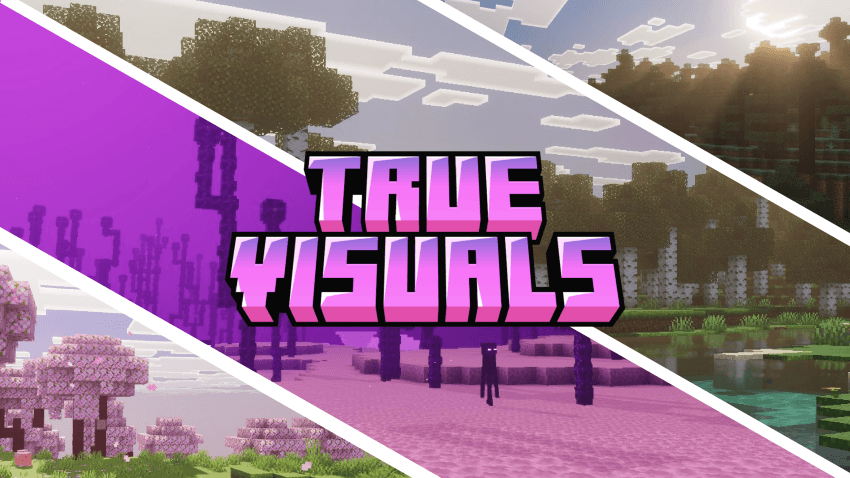
Every environment is carefully tuned, from clear blue daytime skies and golden sunsets to glowing caves and soft biome fog. The shader adds depth, warmth, and clarity without turning Minecraft into something unrecognizable. It’s designed to feel like Minecraft+
Features
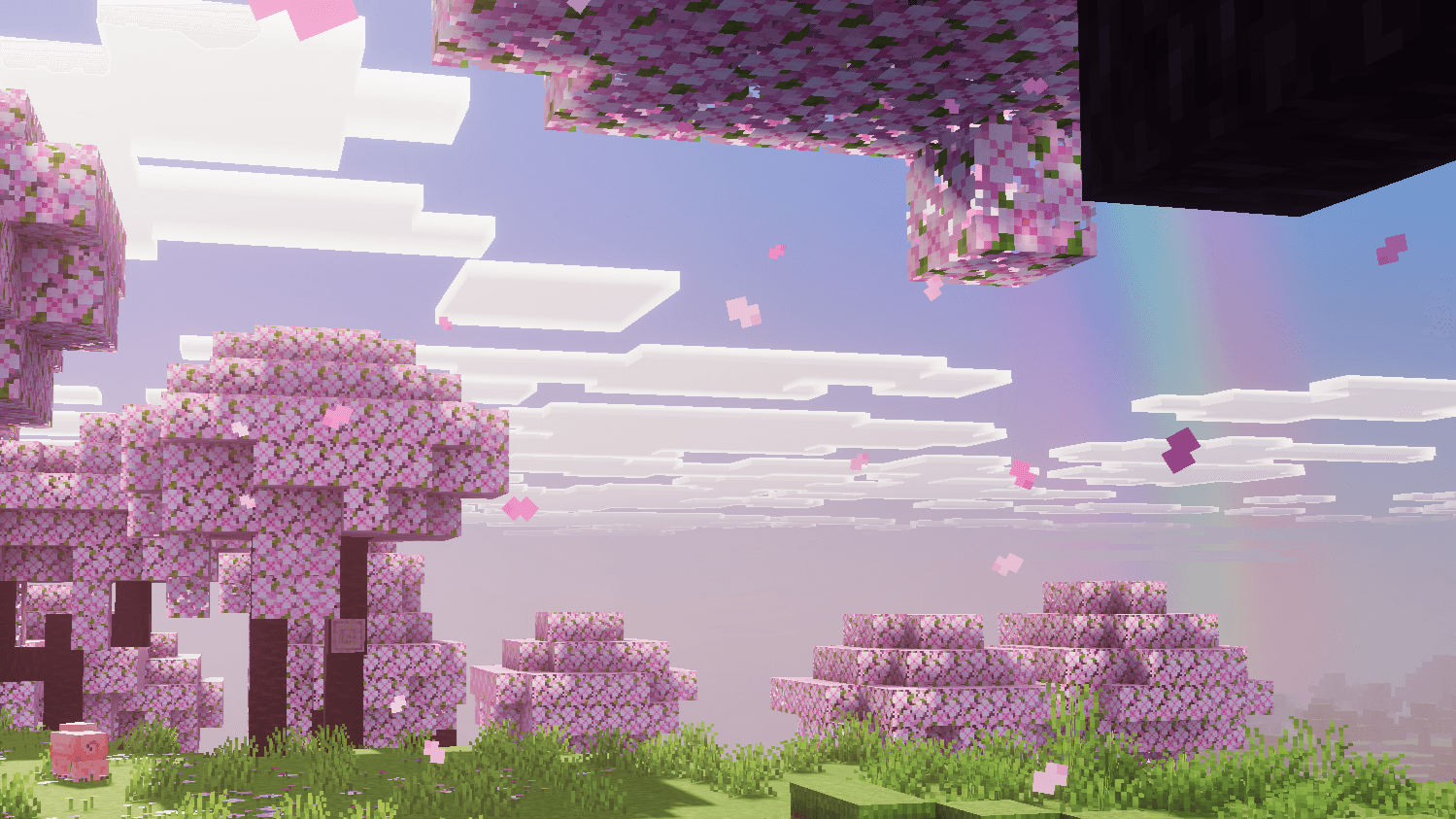
- Cinematic lighting with golden god rays through soft blue haze
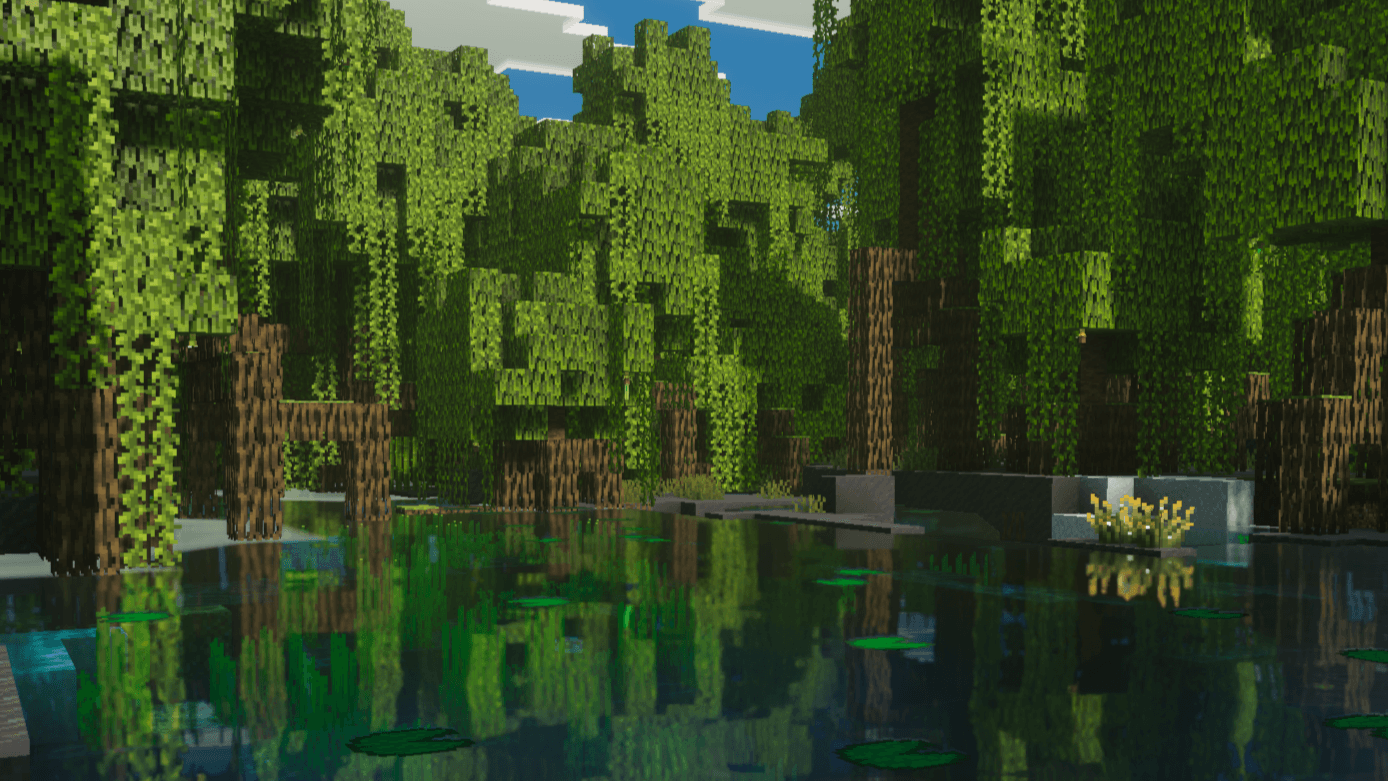
- Volumetric fog tuned for all 89 biomes
- Clear blue skies, golden sunsets & violet dusk
- Rich, natural color grading
- 109 colored light sources, tuned to glow against the night sky
- Glowing PBR ores, from coal to ancient debris
- Bright turquoise water with caustics & gentle waves
- Soft shadows
- Dedicated Nether & End atmospheres
- Two sky options: Default Sky & True Sky (custom skybox, sun & moon)
- Vanilla-friendly visuals
- Optimized for smooth performance
Installation:
- Download the .mcpack
- Open it to import
- Enable True Visuals in your resource packs
- Turn on Vibrant Visuals
True Visuals کیسے انسٹال کریں
With Millida Launcher
Install Millida Launcher
The launcher is free: download it at millida.net/launcher and sign in with any nickname.
Click “Install” on this page
The launcher opens and installs the resource pack for Minecraft 1.21.120–26.50 automatically.
Launch the game
A profile with it appears in the launcher: click “Play”.
Manually
Download the archive
Pick the file True Visuals Shaders v2.2.2.mcpack (4.0 MB) for your game version. No need to unpack it.
Put it in the resourcepacks folder
The easiest way: “Options”, then “Resource Packs”, then “Open Pack Folder”, and drag the archive there.
Enable the pack
In the same window, move the pack to the right-hand “Selected” column and click “Done”.
ورژنز
ڈیپنڈنسیز کے ساتھ
| Minecraft | لوڈر | فائل | تاریخ | اقدامات |
|---|---|---|---|---|
| 1.21.120 | — | True Visuals Shaders v2.2.2.mcpack4 MB |
عمومی سوالات
Which Minecraft versions does True Visuals work on?
There are files for 1.21.120–26.50, 19 versions in total. The newest is 26.50.
Where can I download True Visuals safely?
On this page: the file True Visuals Shaders v2.2.2.mcpack (4.0 MB) is stored on Millida’s server, with no link shorteners. SHA-1 checksum: ea09c1ced95d2a569bf1a55e4716a2e4f60fff4e.
ریویوز
True Visuals کو ریٹ کرنے والے پہلے شخص بنیں



