
Minecraft 26.3 کے لیے Toggle Night Vision ریسورس پیک
غاریں دیکھنا چاہتے ہیں لیکن مشعلیں لینے کے لیے سست ہیں؟ یہ پیک آپ کے لیے ان کے بغیر اندھیری جگہوں میں دیکھنا آسان بناتا ہے!
This resource pack is recommended to be applied on the GLOBAL RESOURCES.
ANTI-ALIASING must be disabled, or else this pack won't work.
For Mobile or Touch Screen users:
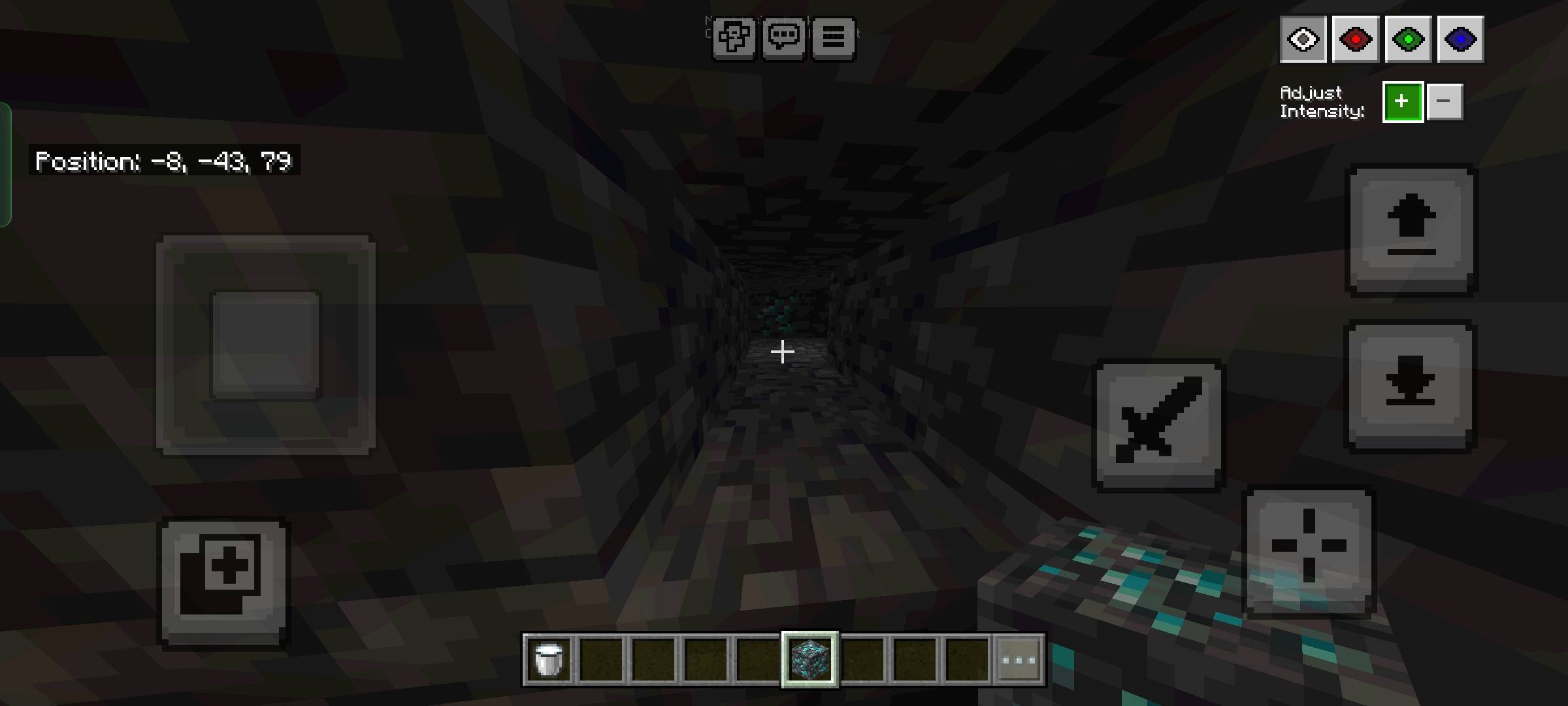
- Press the eye button at the top left next to the pause button to open the night vision menu.
For Desktop or Mouse and keyboard users:
- Press F8 to open the menu.
- Arrow UP/DOWN to change the brightness and Number keys 1-4 to change the color.
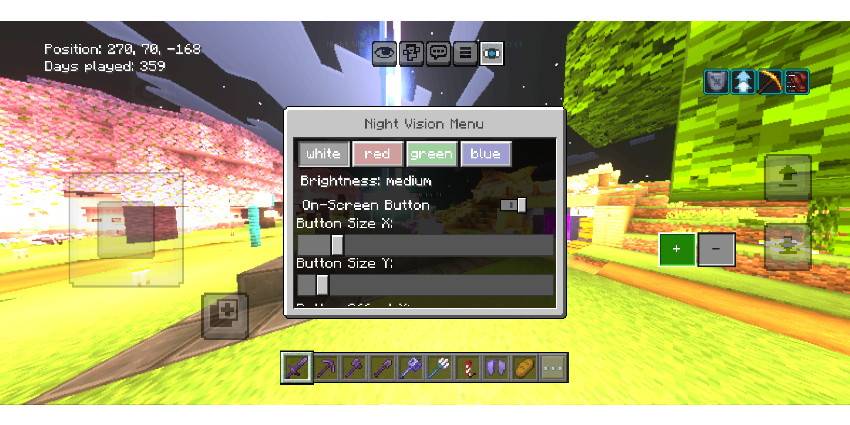
Added subpack for different menu locations
(Description is updated based on the latest update content)
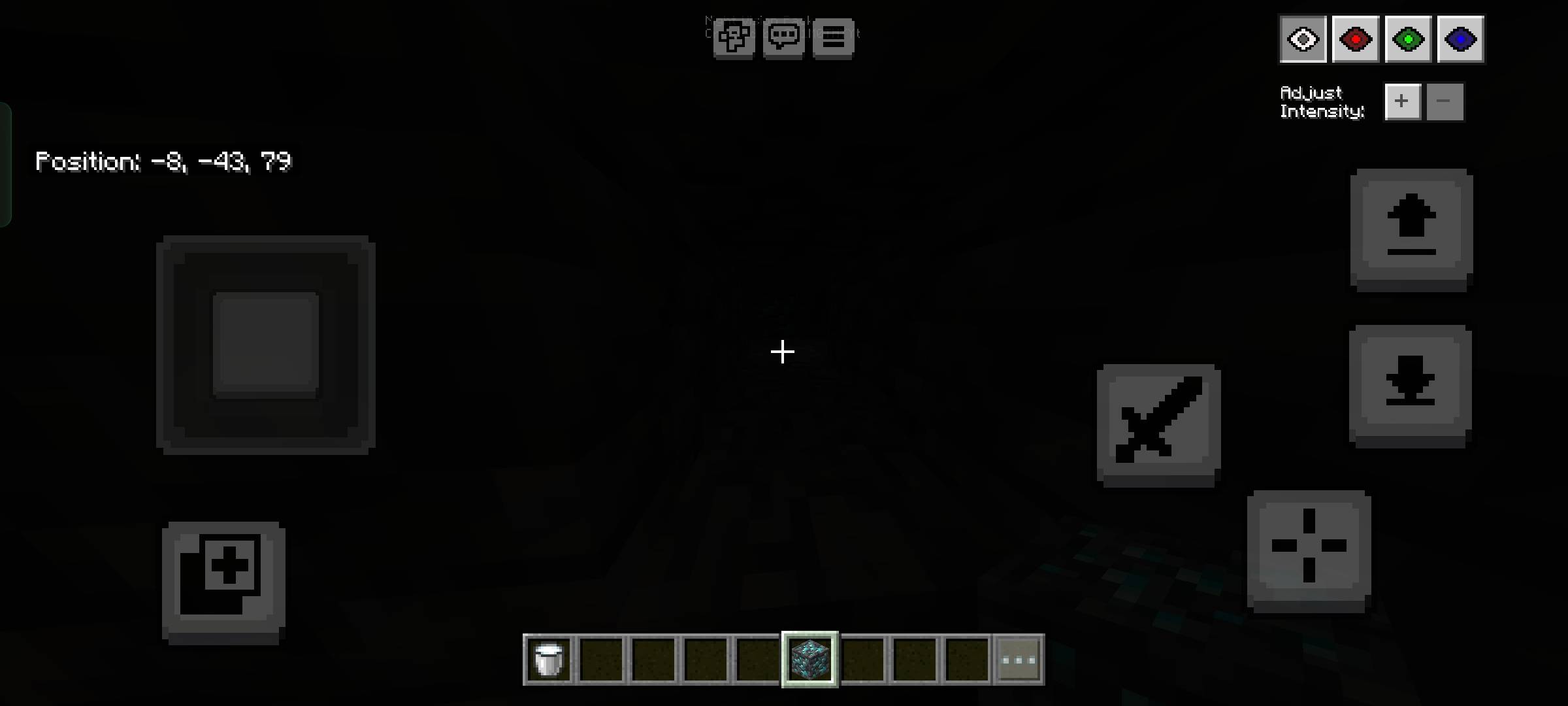
Toggle Night Vision کیسے انسٹال کریں
Install Millida Launcher
The launcher is free: download it at millida.net/launcher and sign in with any nickname.
Click “Install” on this page
The launcher opens and installs the resource pack for Minecraft 1.21.130–26.3 automatically.
Launch the game
A profile with it appears in the launcher: click “Play”.
ورژنز
ڈیپنڈنسیز کے ساتھ
| Minecraft | لوڈر | فائل | تاریخ | اقدامات |
|---|---|---|---|---|
| 1.21.130 | — | Toggle Night Vision v0.8.mcpack42.4 KB 21 |
عمومی سوالات
Which Minecraft versions does Toggle Night Vision work on?
There are files for 26.3, 26.0.02, 26.0, 1.21.132, 1.21.131, 1.21.130. The newest is 26.3.
How do I download Toggle Night Vision?
With Millida Launcher: it installs Toggle Night Vision into a modpack by itself, for the right game version and loader. The launcher is free.
ریویوز
Toggle Night Vision کو ریٹ کرنے والے پہلے شخص بنیں



