

Minecraft کے لیے Smooth Operator ریسورس پیک
Sphax اور Faithful کی نظریاتی اولاد
Smooth Operator ریسورس پیک کے بارے میں
So I do some Minecraft art (example in Spoiler) and I thought the style I use would lend itself nicely to a resource pack. Clean with simple chunky details and subtle fine details and highlights.
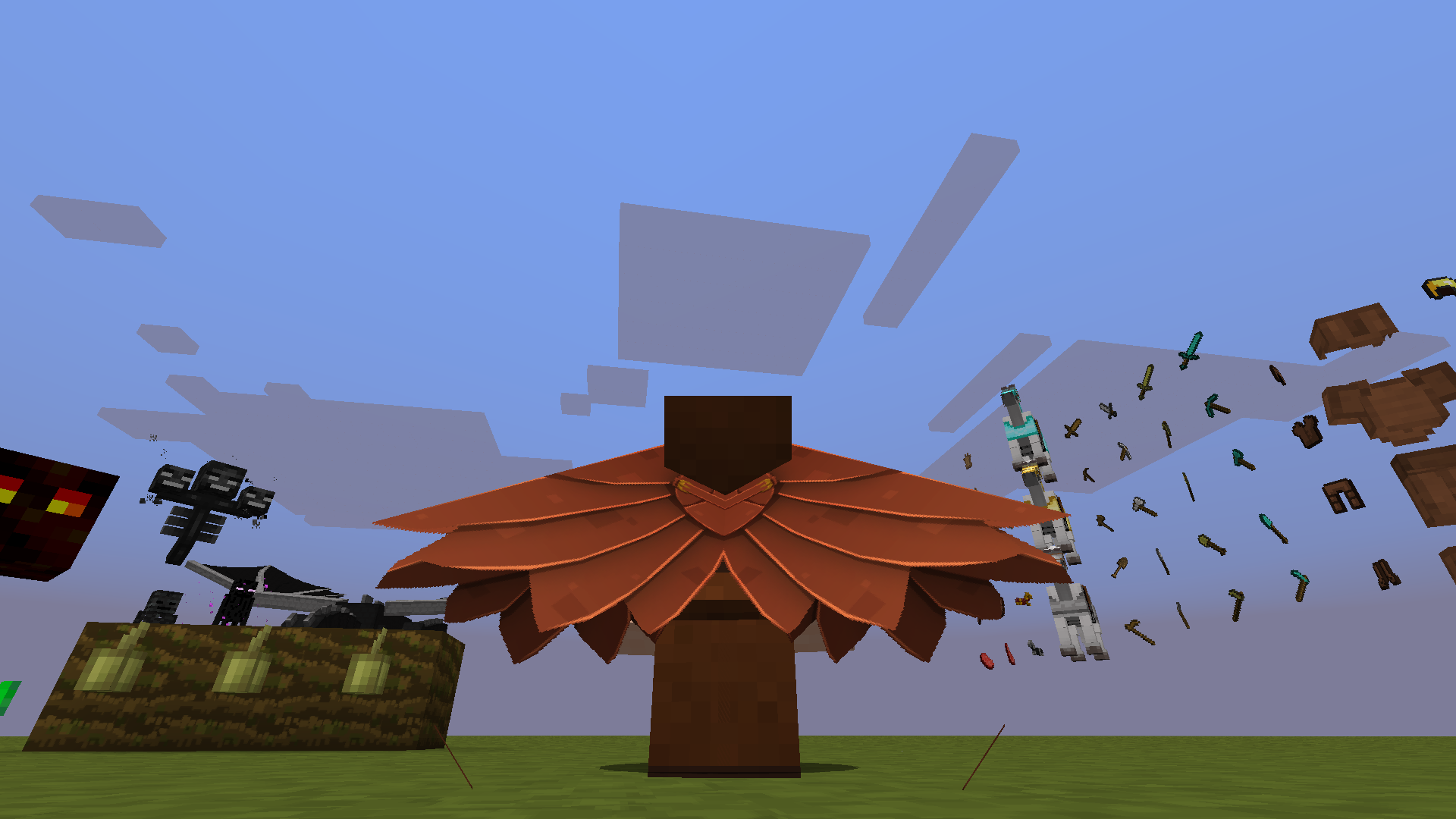
Smooth Operator کیسے انسٹال کریں
With Millida Launcher
Install Millida Launcher
The launcher is free: download it at millida.net/launcher and sign in with any nickname.
Click “Install” on this page
The launcher opens and installs the resource pack automatically.
Launch the game
A profile with it appears in the launcher: click “Play”.
Manually
Download the archive
Pick the file [1.19]_Smooth.Operator-256x.zip (101 MB) for your game version. No need to unpack it.
Put it in the resourcepacks folder
The easiest way: “Options”, then “Resource Packs”, then “Open Pack Folder”, and drag the archive there.
Enable the pack
In the same window, move the pack to the right-hand “Selected” column and click “Done”.
ورژنز
ڈیپنڈنسیز کے ساتھ
| Minecraft | لوڈر | فائل | تاریخ | اقدامات |
|---|---|---|---|---|
| — | — | Smooth.Operator-256x_v0.9.43101 MB |
عمومی سوالات
Where can I download Smooth Operator safely?
On this page: the file [1.19]_Smooth.Operator-256x.zip (101 MB) is stored on Millida’s server, with no link shorteners. SHA-1 checksum: 951987716a09fd10d6e3ef7d2bfd21e09d9ec1af.
ریویوز
Smooth Operator کو ریٹ کرنے والے پہلے شخص بنیں



