
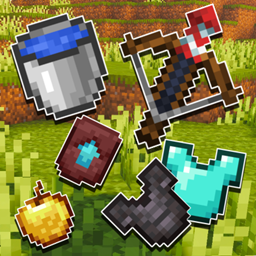
Minecraft 26.40 کے لیے Outlined Items ریسورس پیک
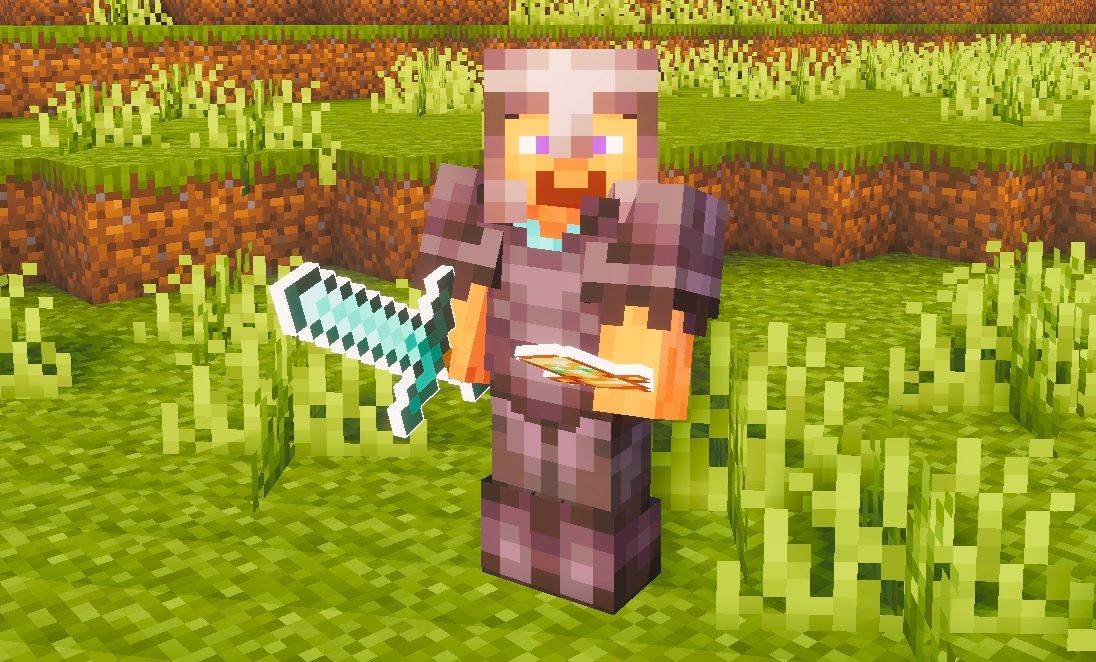
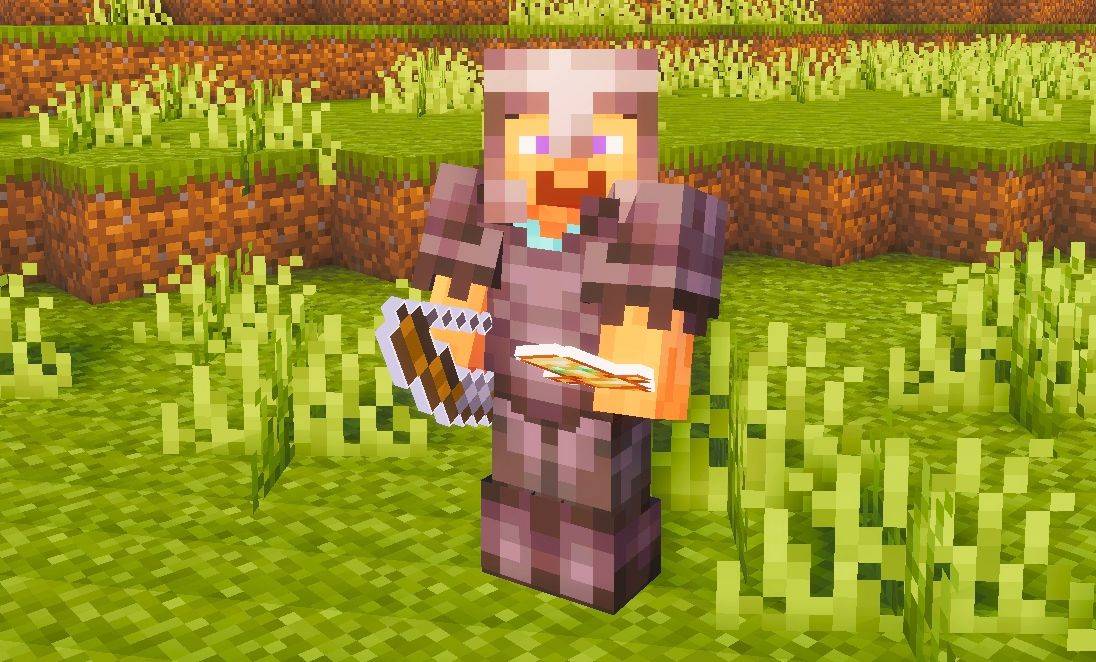
یہ پیک تمام Minecraft آئٹمز میں صاف سفید outlines شامل کرتا ہے، جس سے ٹولز اور اشیاء کو زیادہ واضح اور نمایاں شکل ملتی ہے۔ یہ باریک outlines آئٹمز کو بصری طور پر نمایاں کرتے ہیں اور آپ کے مجموعی گیم پلے کو زیادہ صاف اور پالش شدہ انداز دیتے ہیں۔
Outlined Items
This pack adds clean white outlines to all items, giving tools and objects a sharper and more defined look. The outlining makes items stand out on-screen and gives them a cleaner, more polished appearance overall.
Suggestion:
Use this pack with a shader to make the outline effect look even better - shaders enhance the overall appearance and make the outlined items look more appealing in-game.
Outlined Items کیسے انسٹال کریں
With Millida Launcher
Install Millida Launcher
The launcher is free: download it at millida.net/launcher and sign in with any nickname.
Click “Install” on this page
The launcher opens and installs the resource pack for Minecraft 26.40 automatically.
Launch the game
A profile with it appears in the launcher: click “Play”.
Manually
Download the archive
Pick the file Outlined-Items.mcpack (2.1 MB) for your game version. No need to unpack it.
Put it in the resourcepacks folder
The easiest way: “Options”, then “Resource Packs”, then “Open Pack Folder”, and drag the archive there.
Enable the pack
In the same window, move the pack to the right-hand “Selected” column and click “Done”.
ورژنز
ڈیپنڈنسیز کے ساتھ
| Minecraft | لوڈر | فائل | تاریخ | اقدامات |
|---|---|---|---|---|
| 26.40 | — | Outlined-Items.mcpack2.1 MB |
ریویوز
Outlined Items کو ریٹ کرنے والے پہلے شخص بنیں



