
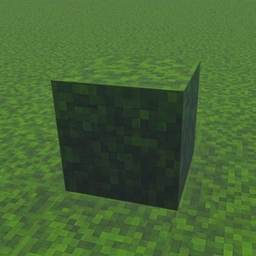
Minecraft 26.50 کے لیے Java full grass ریسورس پیک
🌿 Full Grass Texture Pack آپ کی Minecraft دنیا کو مکمل طور پر ڈھکے ہوئے گھاس بلاکس کے ساتھ صاف Java طرز کا روپ دیتا ہے۔ یہ زمین کو ہموار، زیادہ حقیقت پسندانہ اور سروائیول یا بلڈز کے لیے خوبصورت بناتا ہے۔ ہلکا پھلکا اور Bedrock Edition کے لیے بہتر بنایا گیا۔
🌿 Java Full Grass Texture Pack
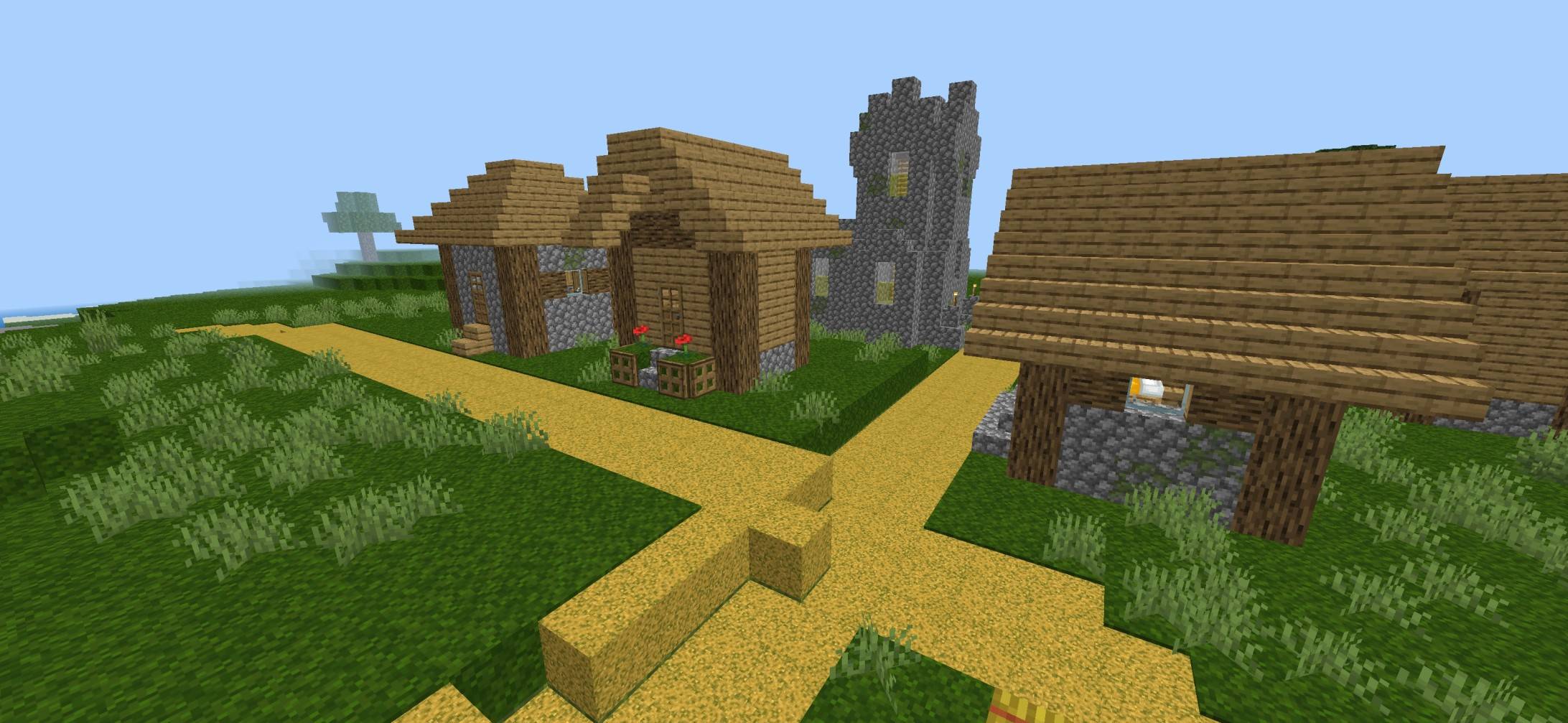
Bring the clean and vibrant Java Edition Full Grass look to Minecraft Bedrock! This texture pack makes grass blocks appear fully covered in lush green grass, giving your world a smoother, more immersive, and realistic appearance while keeping the classic vanilla style.
✨ Features
- 🌱 Java-style Full Grass blocks
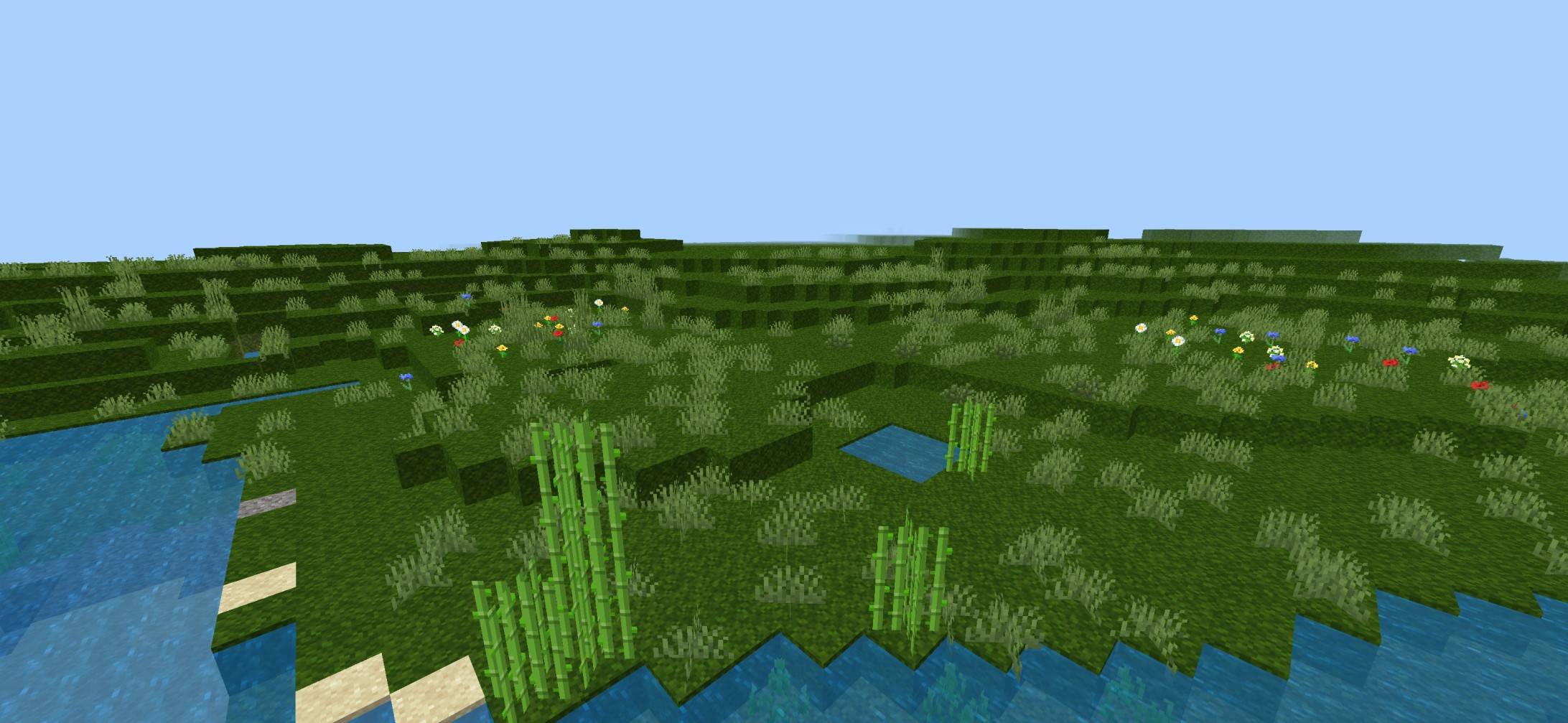
- 🟢 More natural and seamless terrain
- 🏞️ Improves plains, forests, hills, and landscapes
- 🎮 Perfect for Survival & Creative mode
- ⚡ Lightweight with excellent performance
- 📱 Compatible with the latest Minecraft Bedrock versions
🌎 Why Choose This Pack?
Enjoy a cleaner and more beautiful world without changing the original Minecraft feel. Whether you're exploring, building, or recording videos, this pack gives your world a polished Java-inspired appearance.
🎯 Perfect For
- 🏡 Builders
- 🌲 Nature lovers
- 📸 Shader screenshots
- 🎥 YouTube content creators
- 🗺️ Survival adventures
👤 Creator
Created by BakuTheBuilder Crafted with care to deliver a clean, Java-inspired Full Grass experience for Minecraft Bedrock players.
Java full grass کیسے انسٹال کریں
With Millida Launcher
Install Millida Launcher
The launcher is free: download it at millida.net/launcher and sign in with any nickname.
Click “Install” on this page
The launcher opens and installs the resource pack for Minecraft 26.10–26.50 automatically.
Launch the game
A profile with it appears in the launcher: click “Play”.
Manually
Download the archive
Pick the file FULL_GRASS_Vibrant_By_Baku.mcpack (1.3 MB) for your game version. No need to unpack it.
Put it in the resourcepacks folder
The easiest way: “Options”, then “Resource Packs”, then “Open Pack Folder”, and drag the archive there.
Enable the pack
In the same window, move the pack to the right-hand “Selected” column and click “Done”.
ورژنز
ڈیپنڈنسیز کے ساتھ
| Minecraft | لوڈر | فائل | تاریخ | اقدامات |
|---|---|---|---|---|
| 26.10 | — | FULL_GRASS_Vibrant_By_Baku.mcpack1.3 MB |
ریویوز
Java full grass کو ریٹ کرنے والے پہلے شخص بنیں



