
Minecraft 1.21, 1.21.101 کے لیے Improved+ ریسورس پیک
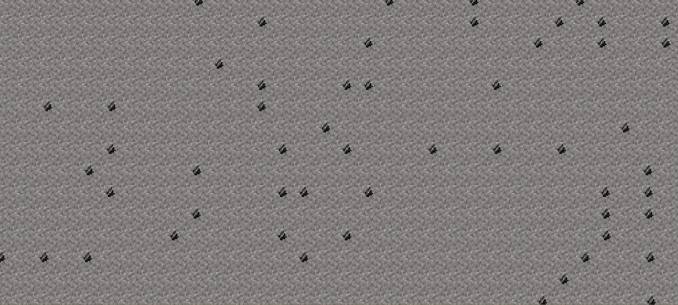
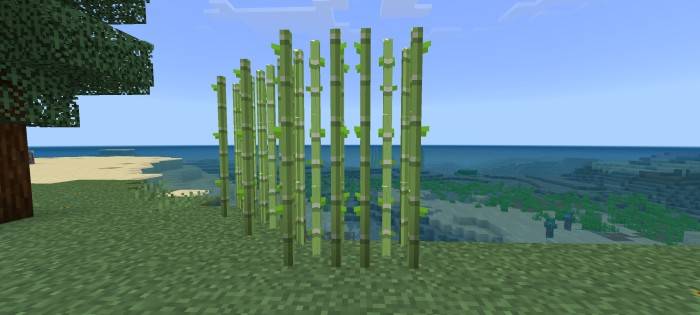
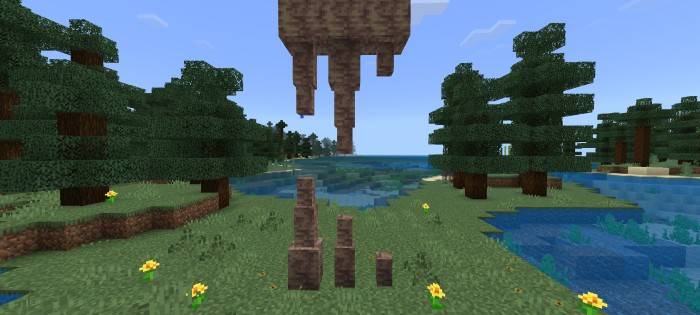
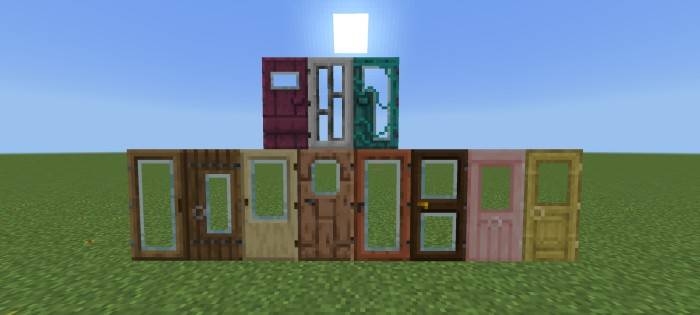
یہ پیک کچھ ٹیکسچرز اور بلاکس کی شکلوں کو بہتر بناتا ہے تاکہ وہ بہتر لگیں اور آپ کی دنیا کو نکھاریں۔ اینیمیٹڈ آؤٹ لائن کچ دھاتیں، 3d ڈرپ اسٹون اور گنے، شیشے کے دروازے، شیشے کے ٹریپ ڈورز، متنوع بلاکس، اور مزید!
Showcase Video
https://youtu.be/8i0ooe1c3aw?si=a96v7qOxfNQUTs9z
Blocks
Variated Blocks
- Brick Block
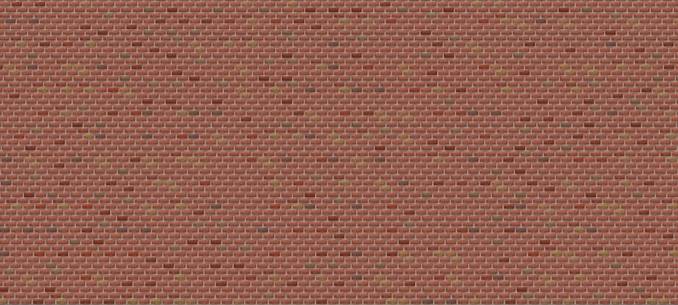
- Cobblestone
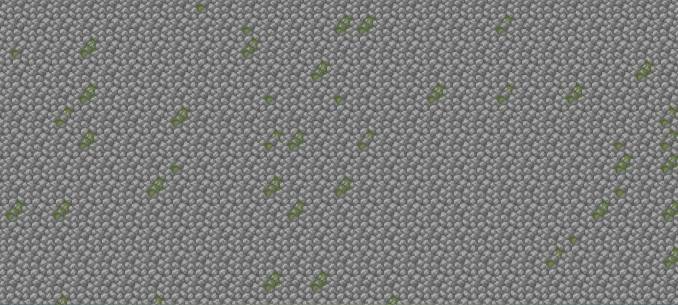
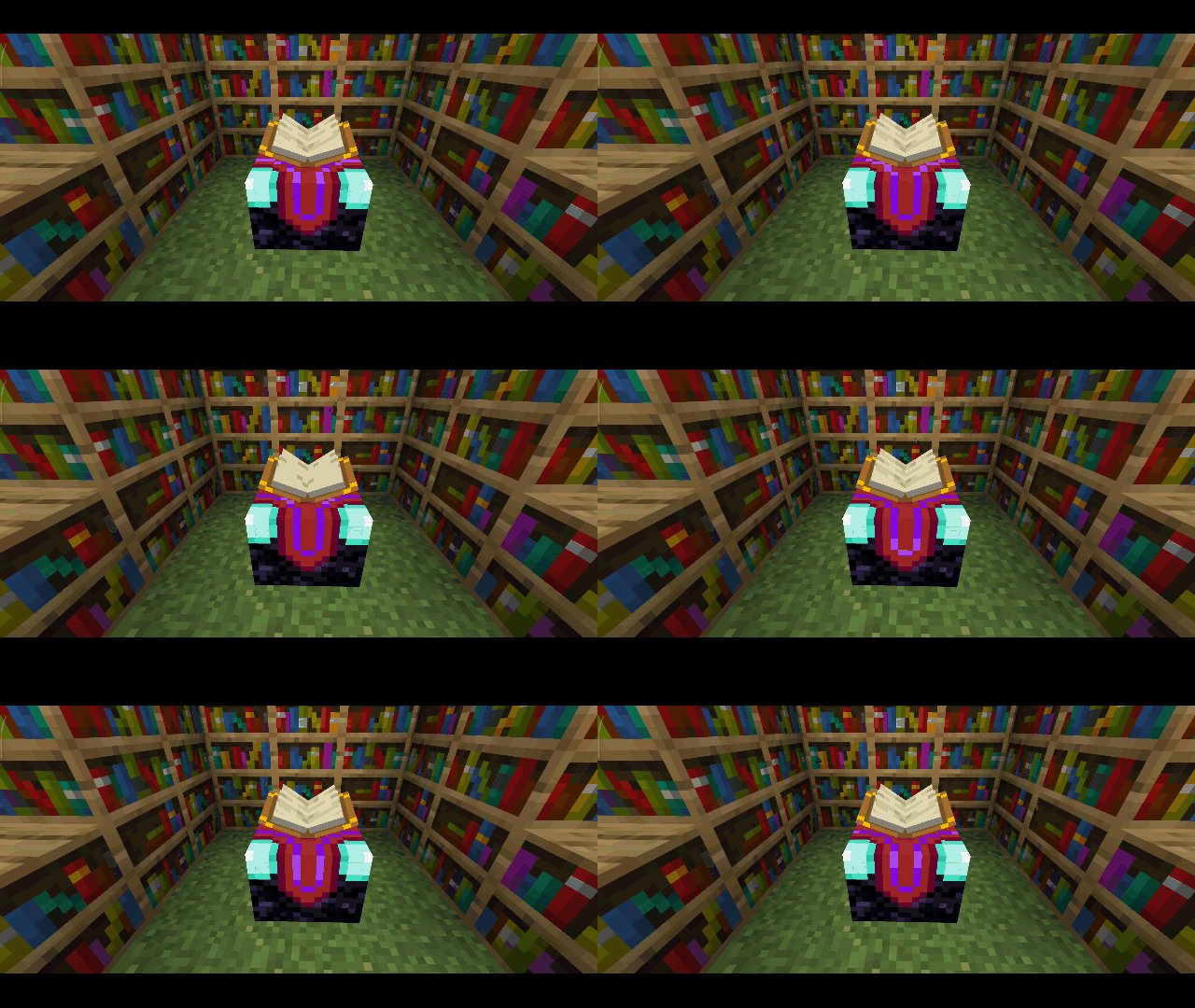
- Bookshelf
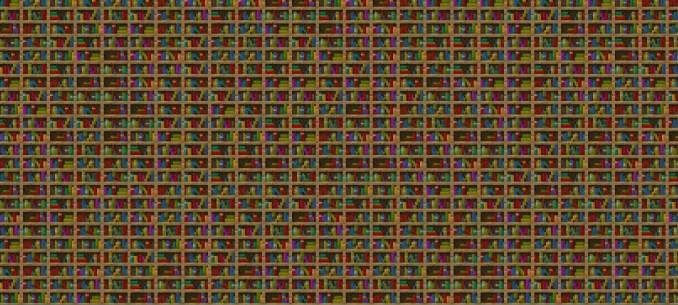
- Cake
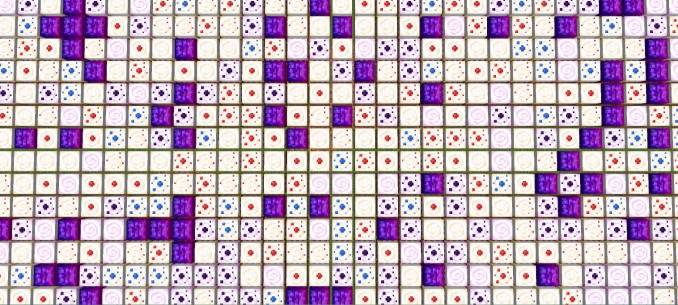
- Coarse dirt
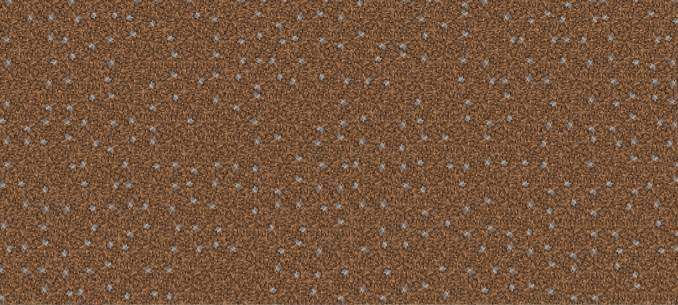
- Dirt
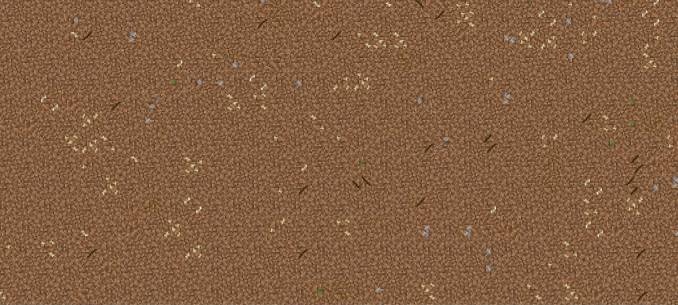
- Grass block
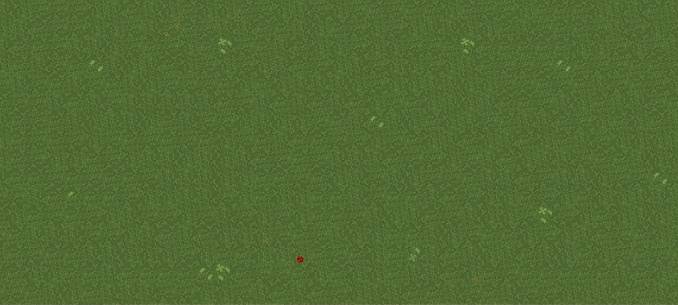
- Gravel
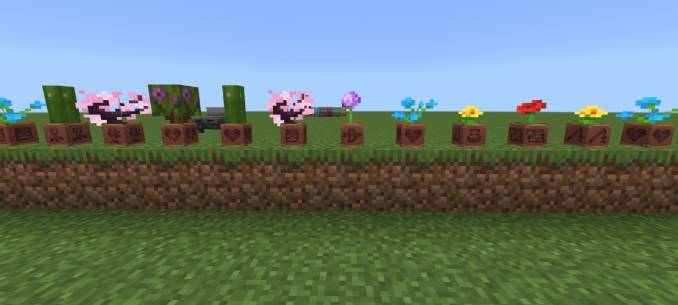
- Flower pot
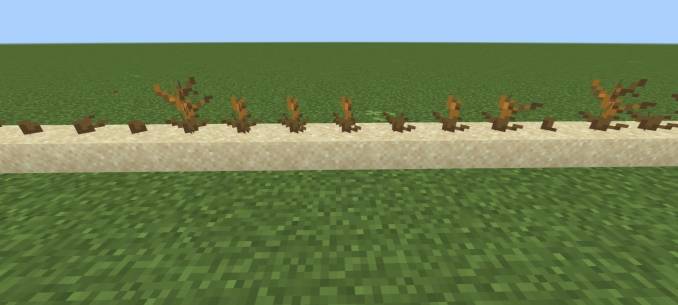
- Deadbush
- Wildflower

- Vine
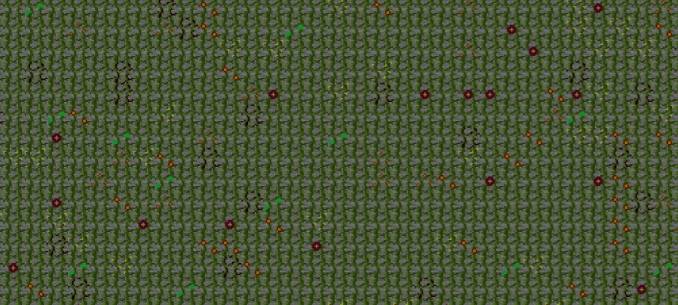
Animated Blocks
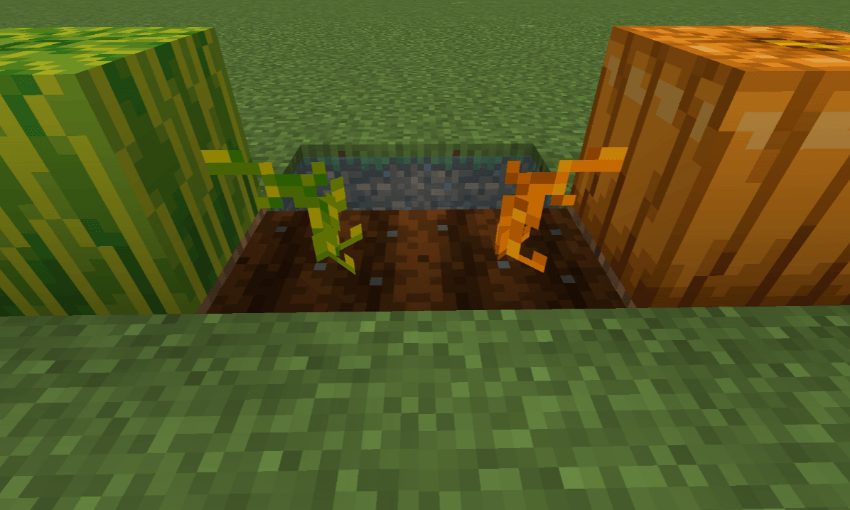
Different Stems
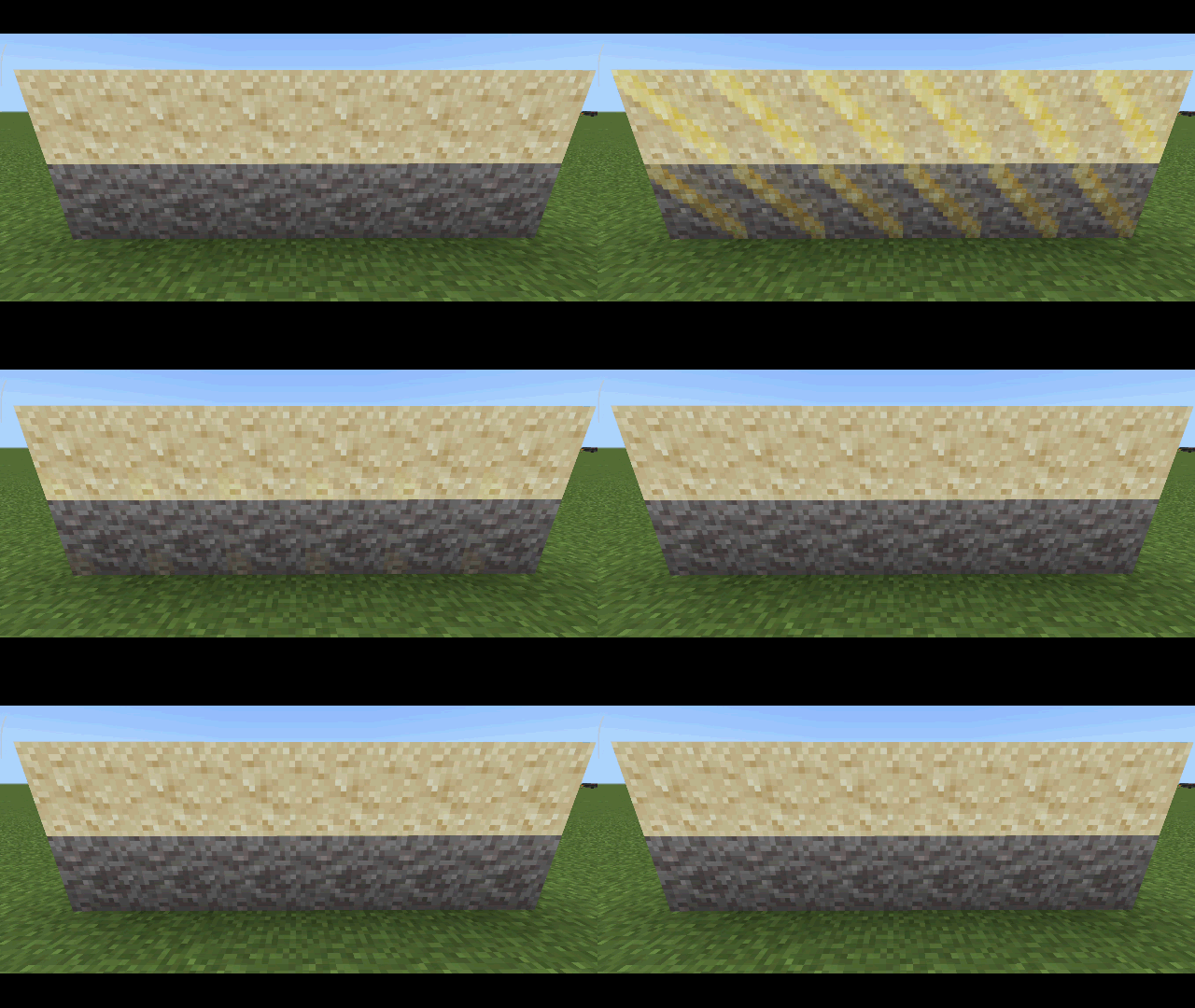
Suspicious Sand & Gravel Indicator
Powder Snow Indicator

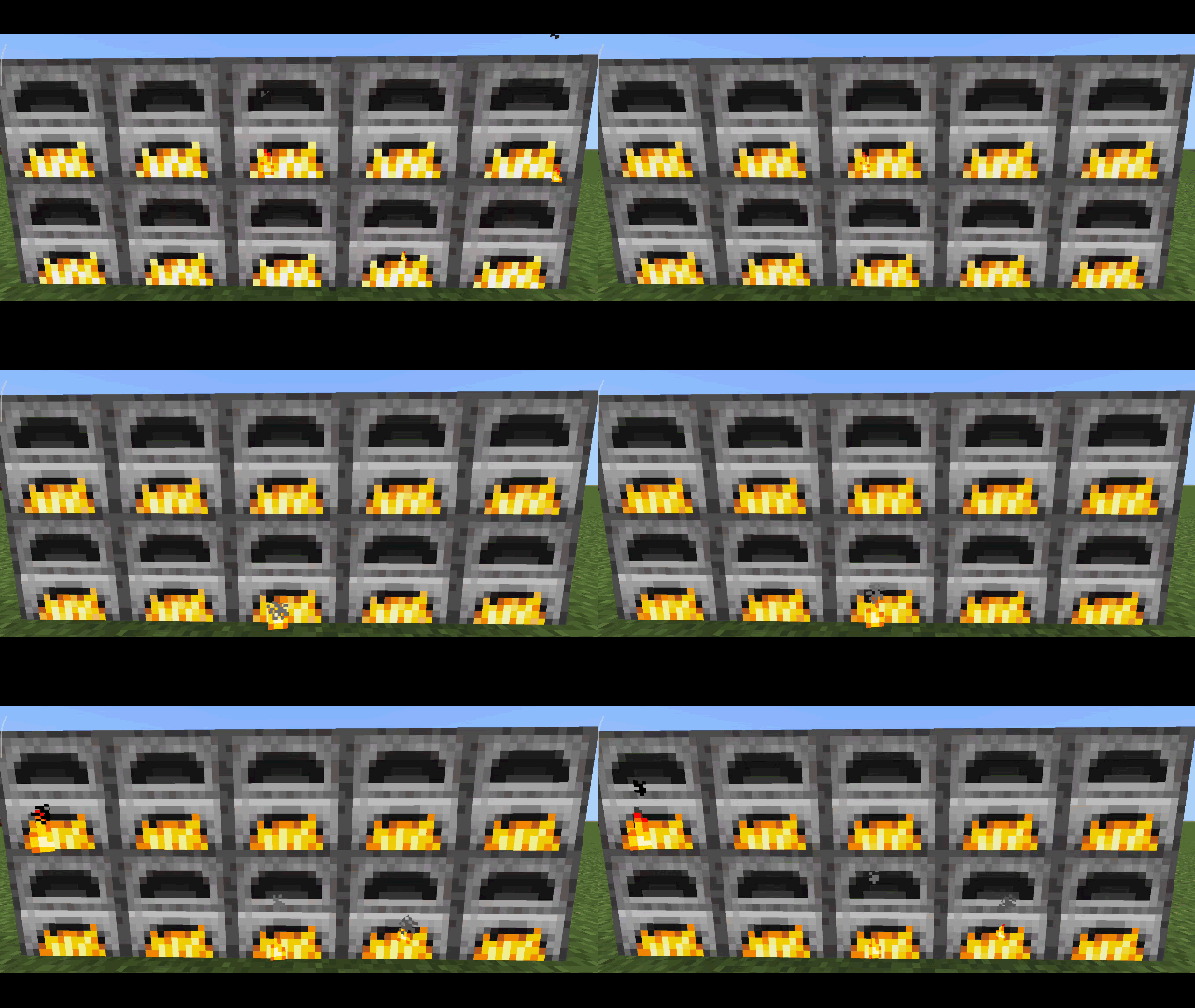
Soul Campfire & Torch
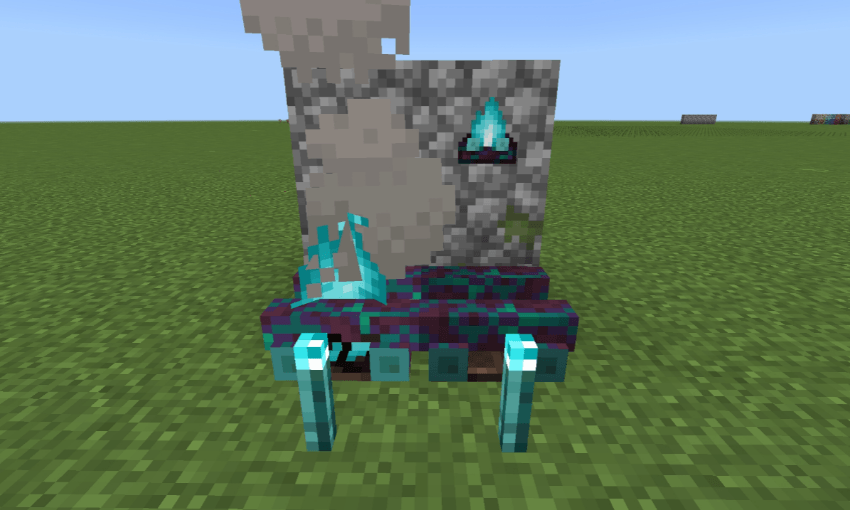
3D Blocks
- Sugarcane
- Pointed dripstone
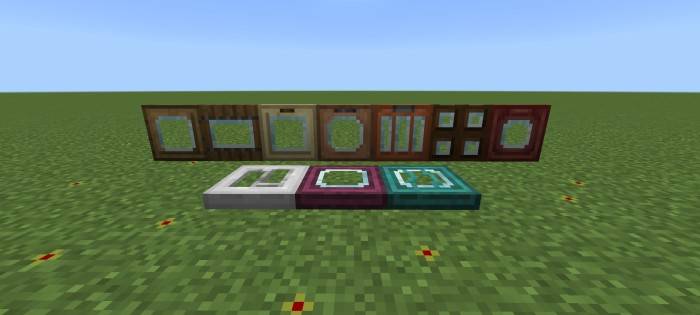
Glass Doors and Trapdoors
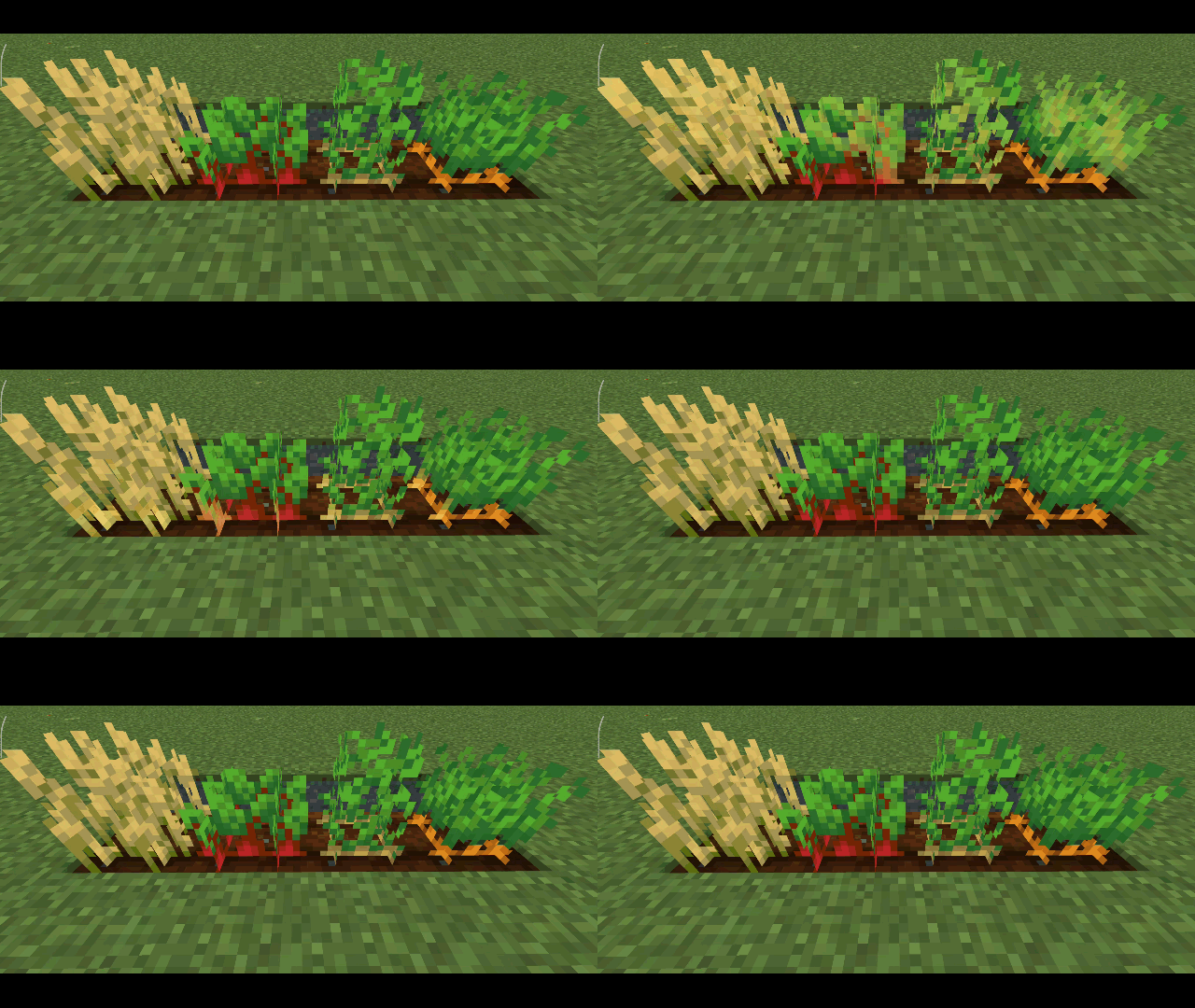
Full Grown Marker
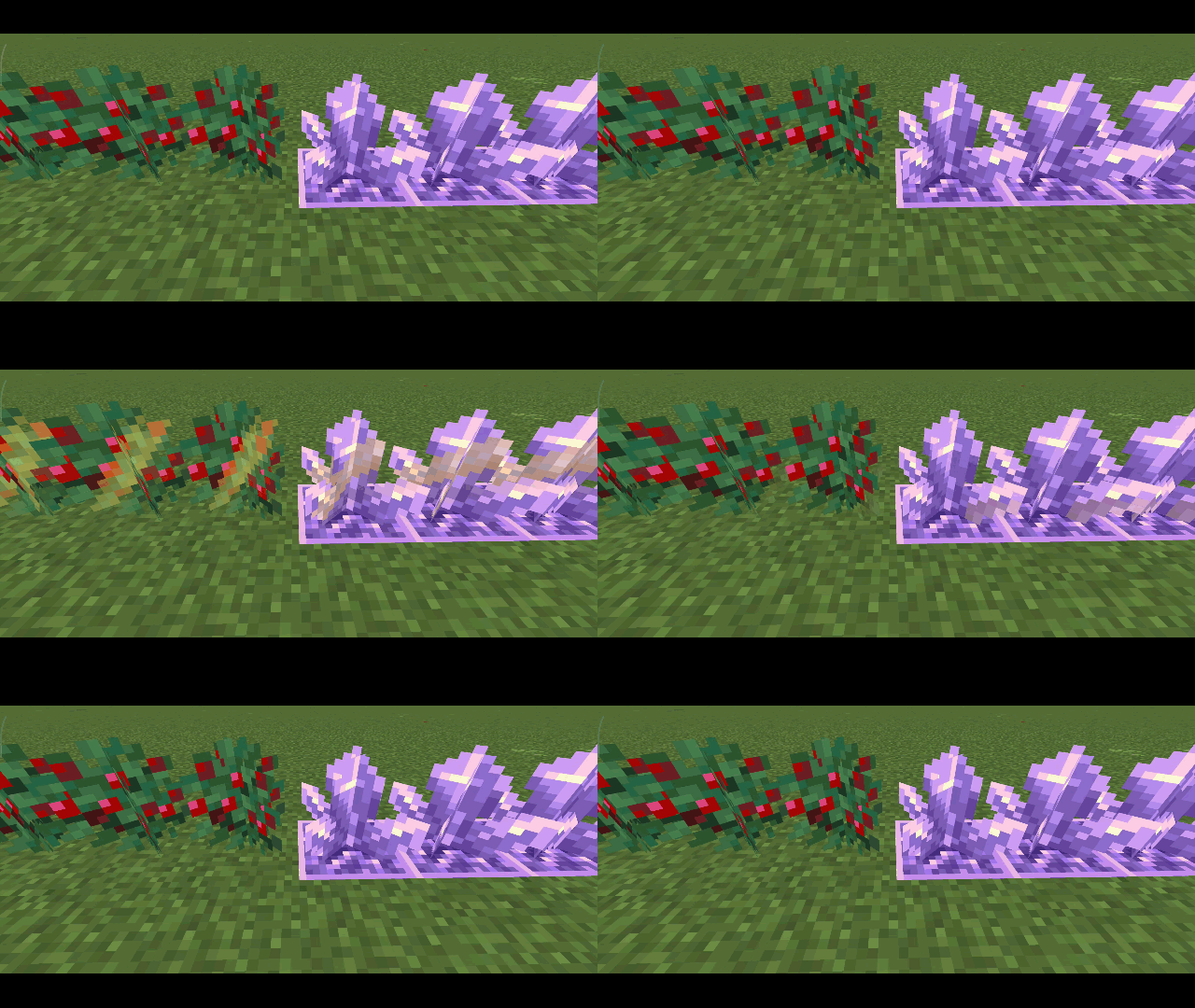
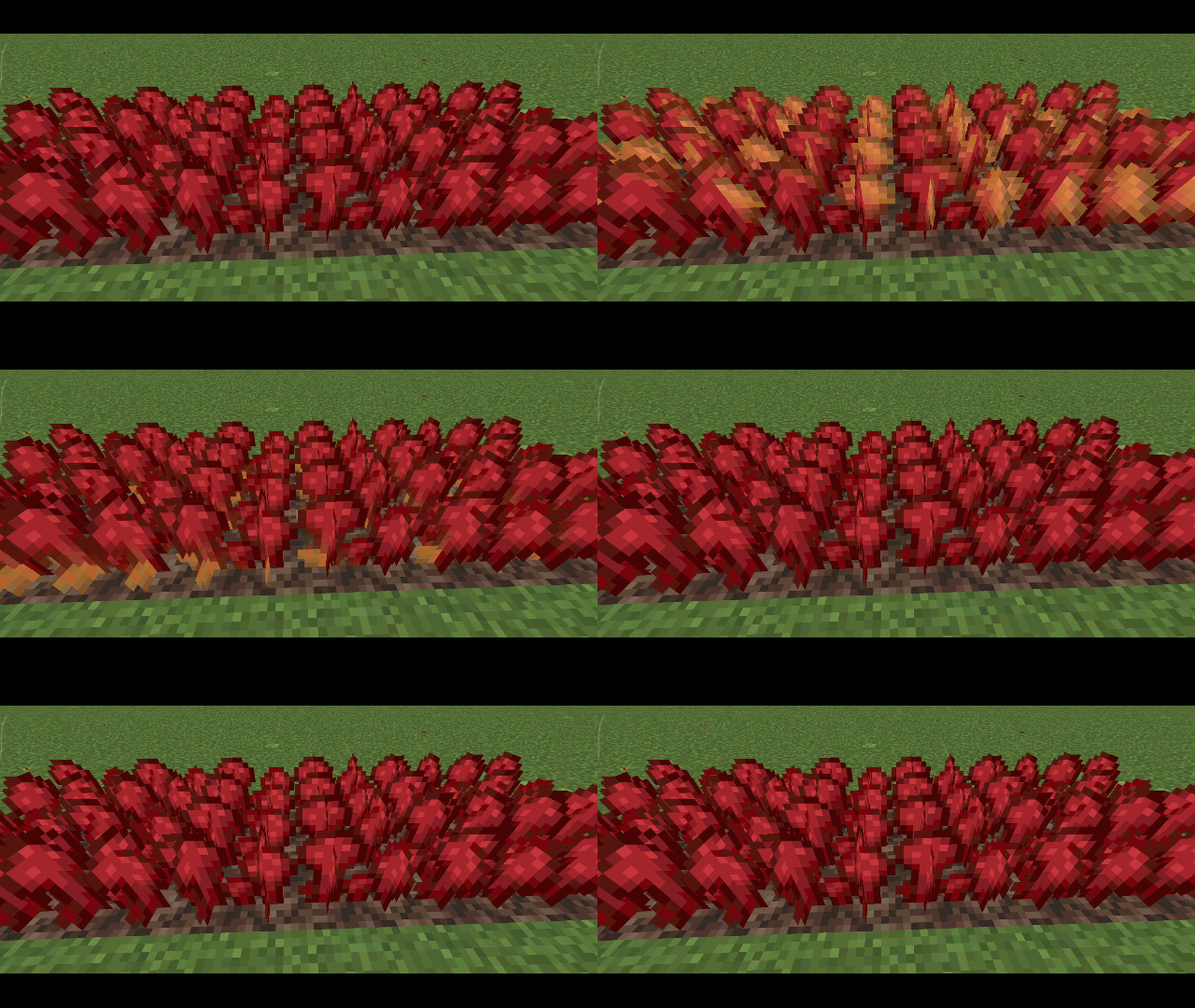
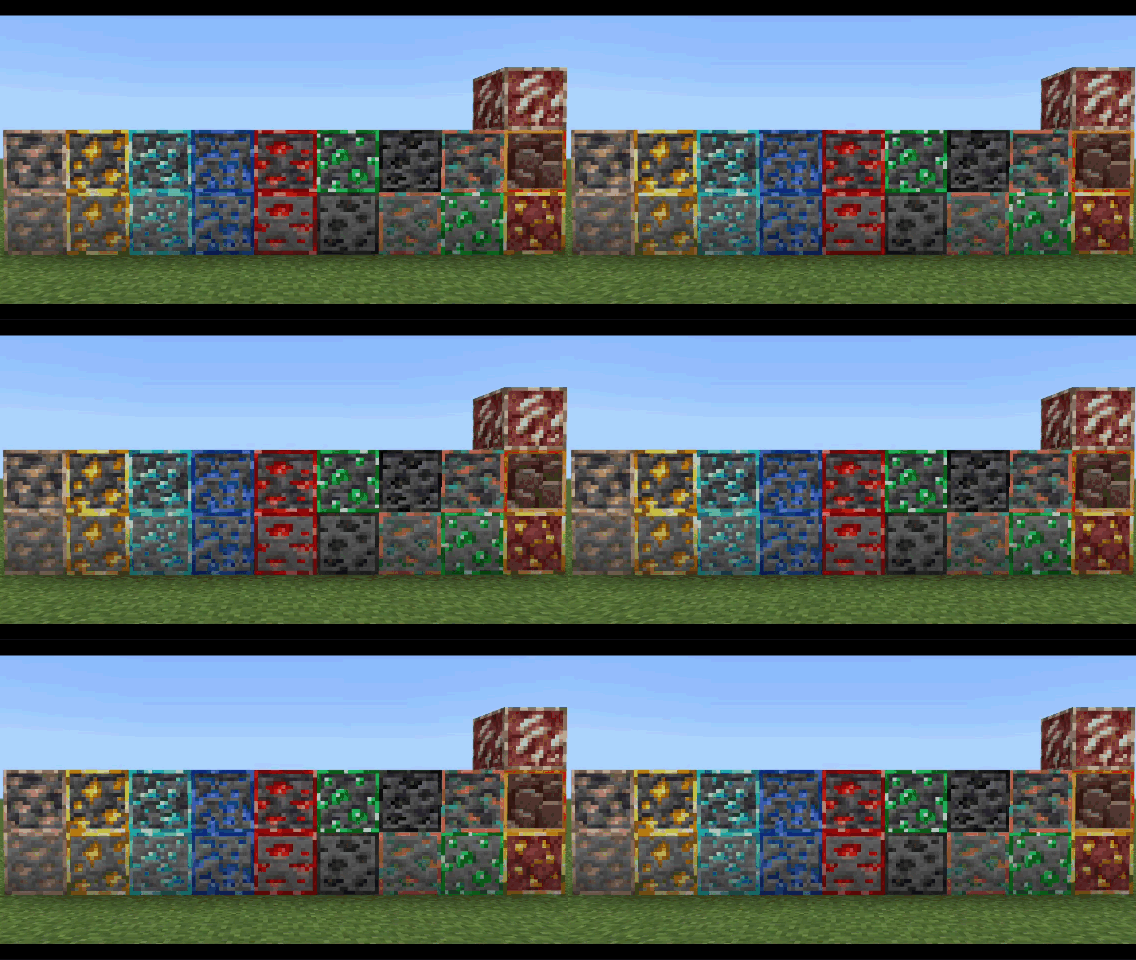
Animated Outline Ores
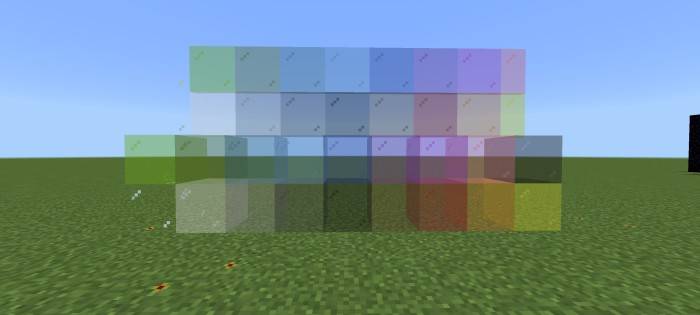
Clear Glass
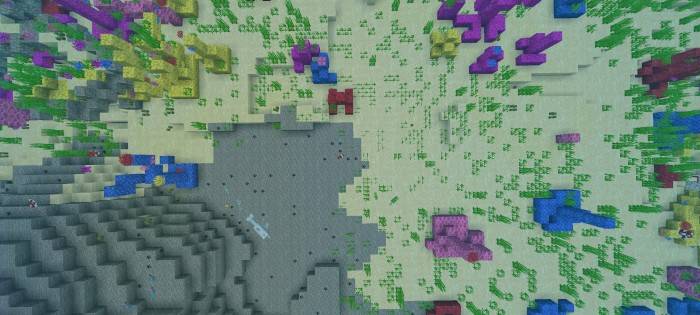
Environment
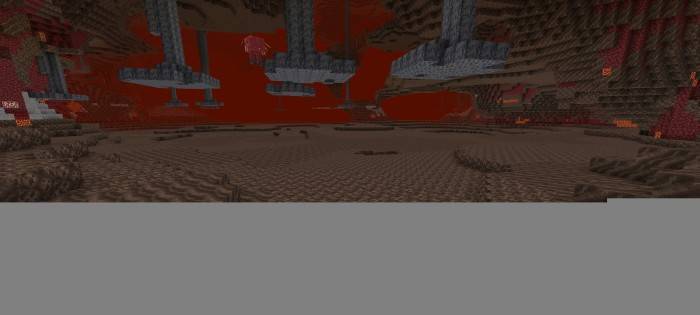
No Lava & Water Fog

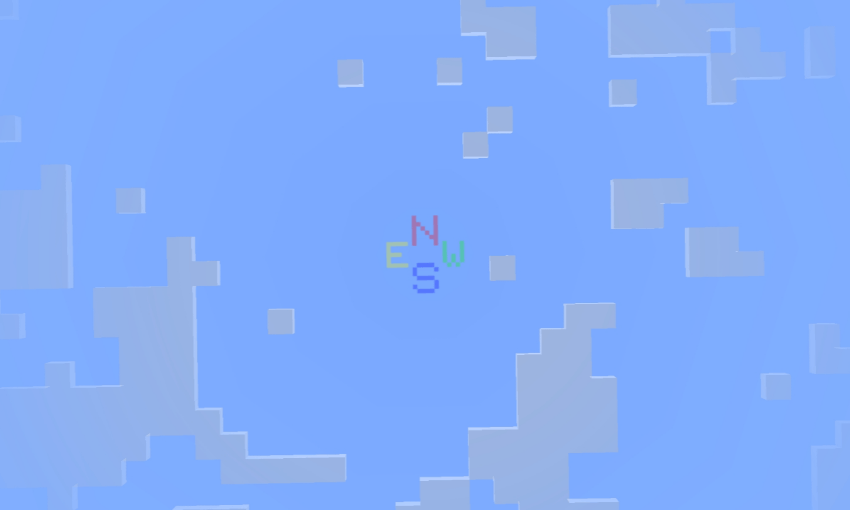
Sky Direction
- Look up at the sky to see the direction
- N = North
- E = East
- S = South
- W = West
Items
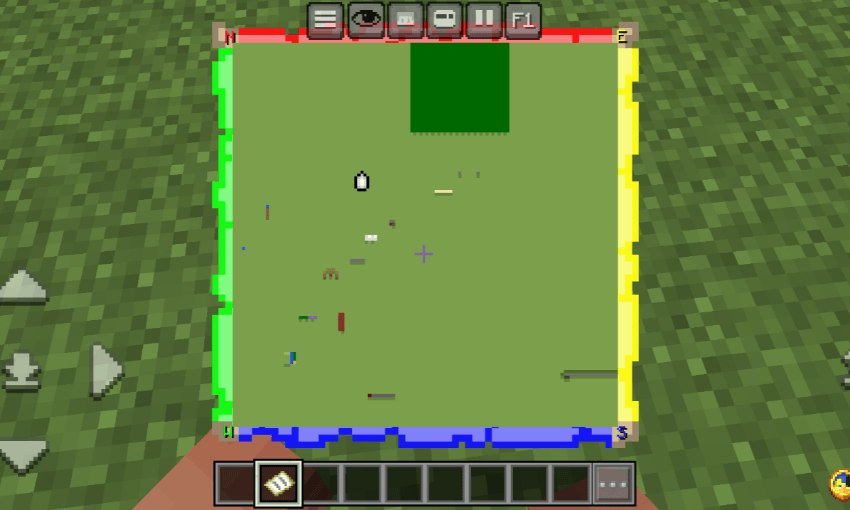
Locator Map and Direction
- Green = West
- Red = North
- Yellow = East
- Blue = South
Improved+ کیسے انسٹال کریں
With Millida Launcher
Install Millida Launcher
The launcher is free: download it at millida.net/launcher and sign in with any nickname.
Click “Install” on this page
The launcher opens and installs the resource pack for Minecraft 1.20–1.21.101 automatically.
Launch the game
A profile with it appears in the launcher: click “Play”.
Manually
Download the archive
Pick the file Improved+ Beta v0.3.7.mcpack (701 KB) for your game version. No need to unpack it.
Put it in the resourcepacks folder
The easiest way: “Options”, then “Resource Packs”, then “Open Pack Folder”, and drag the archive there.
Enable the pack
In the same window, move the pack to the right-hand “Selected” column and click “Done”.
ورژنز
ڈیپنڈنسیز کے ساتھ
| Minecraft | لوڈر | فائل | تاریخ | اقدامات |
|---|---|---|---|---|
| 1.21.30 | — | ._projects701 KB |
عمومی سوالات
Which Minecraft versions does Improved+ work on?
There are files for 1.20–1.21.101, 27 versions in total. The newest is 1.21.101.
Where can I download Improved+ safely?
On this page: the file Improved+ Beta v0.3.7.mcpack (701 KB) is stored on Millida’s server, with no link shorteners. SHA-1 checksum: d88f9a461d81c714f29917c98d4cf86261cdffb6.
ریویوز
Improved+ کو ریٹ کرنے والے پہلے شخص بنیں



