

Minecraft 1.21, 26.10 کے لیے Flowery Variations ریسورس پیک
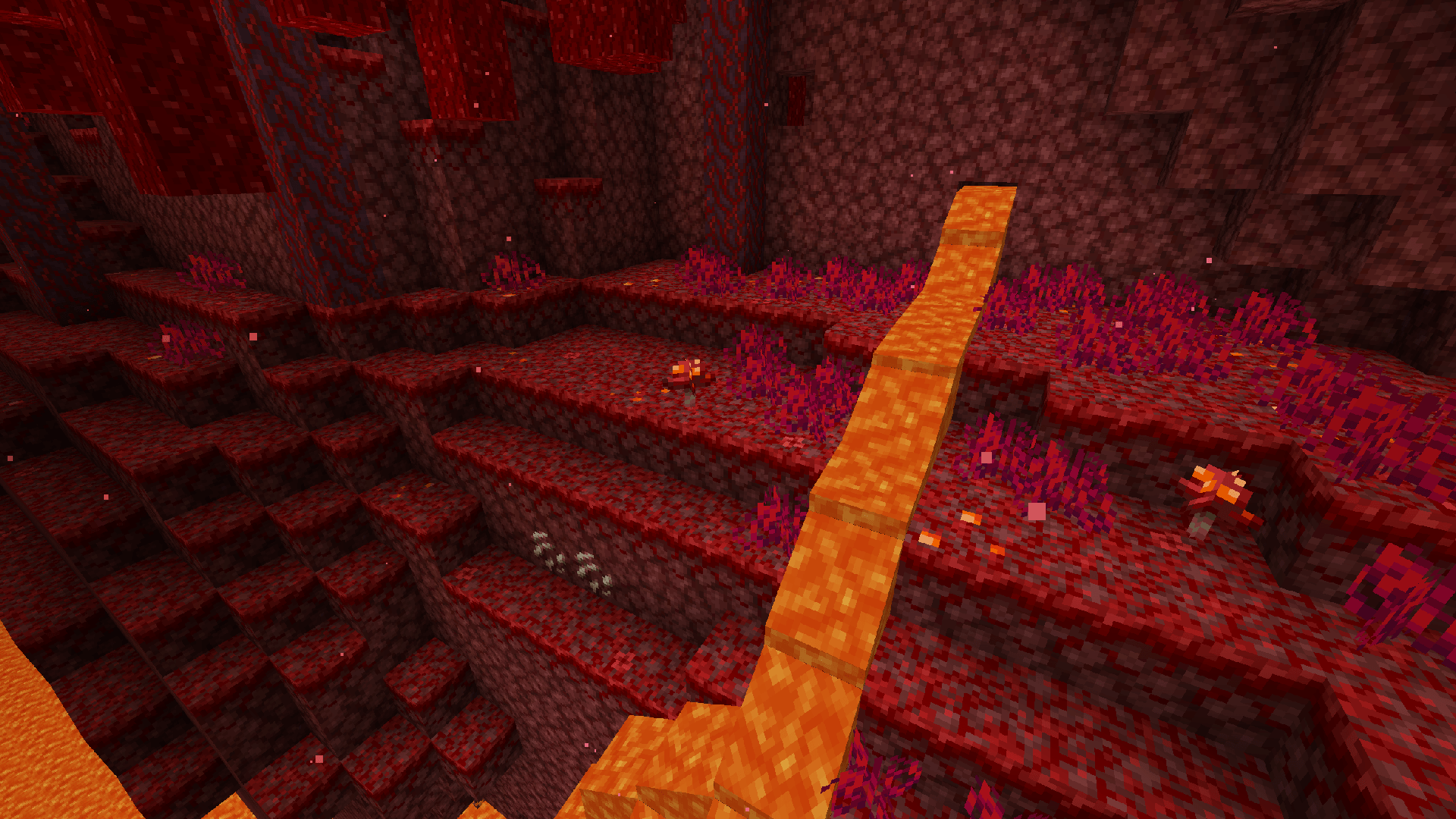
گھاس، پوڈزول، مائیسیلیم، کرمسن نائیلیم اور وارپڈ نائیلیم کو vanilla کے مطابق پھول، کلوور اور پتھر دیتا ہے!
🍁 Introduction:
Flowery Variations is a pack that adds flowers, rocks, clovers, and other vanilla-friendly details to grass, podzol, and mycelium blocks.
📄 License:
- Ziy_0S on CurseForge and MCPEDL
- Ziy0S on ModBay
An unofficial bedrock port for the pack Simple Grass Flowers

Flowery Variations کیسے انسٹال کریں
With Millida Launcher
Install Millida Launcher
The launcher is free: download it at millida.net/launcher and sign in with any nickname.
Click “Install” on this page
The launcher opens and installs the resource pack for Minecraft 1.19–26.10 automatically.
Launch the game
A profile with it appears in the launcher: click “Play”.
Manually
Download the archive
Pick the file Grassy-Flowery-Variations.mcpack (38 KB) for your game version. No need to unpack it.
Put it in the resourcepacks folder
The easiest way: “Options”, then “Resource Packs”, then “Open Pack Folder”, and drag the archive there.
Enable the pack
In the same window, move the pack to the right-hand “Selected” column and click “Done”.
ورژنز
ڈیپنڈنسیز کے ساتھ
| Minecraft | لوڈر | فائل | تاریخ | اقدامات |
|---|---|---|---|---|
| 1.19 | — | Grassy-Flowery-Variations.mcpack38.1 KB |
عمومی سوالات
Which Minecraft versions does Flowery Variations work on?
There are files for 26.10, 26.0, 1.21, 1.20, 1.19. The newest is 26.10.
Where can I download Flowery Variations safely?
On this page: the file Grassy-Flowery-Variations.mcpack (38 KB) is stored on Millida’s server, with no link shorteners. SHA-1 checksum: 3c1b3ccbb69e04e93ca100f4e3246a51c74c5a90.
ریویوز
Flowery Variations کو ریٹ کرنے والے پہلے شخص بنیں



