
Minecraft 1.21.122 کے لیے Fast Commands ریسورس پیک
ایک ریسورس پیک جو آسان رسائی کے لیے چیٹ اسکرین کے اندر کمانڈ پینل شامل کرتا ہے۔
This resource pack allows you to run commands with a click of a button!
And can be customized to whatever you desire!
You can add custom phrase, commands, chats and etc.
Quick GG, Quick Commands and more: Video Showcase
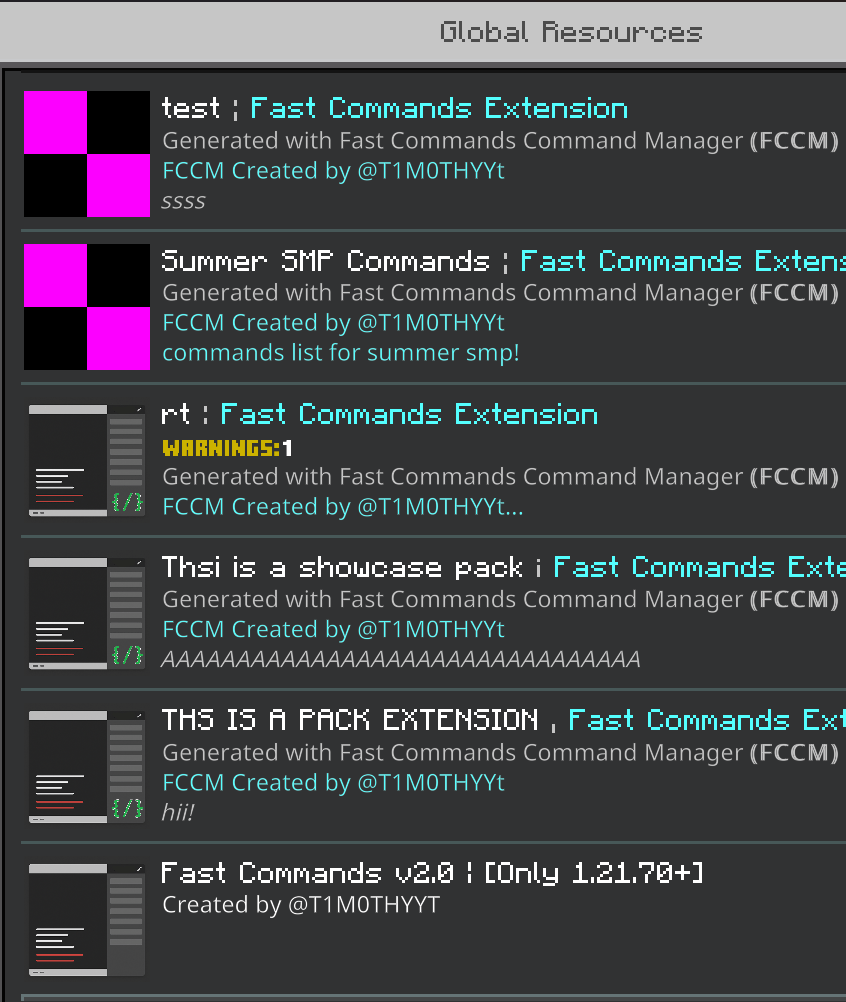
Custom Commands can be added by creating Fast Commands' Pack extensions! at https://fccm.vercel.app : create and import it to minecraft. Make sure to put the extension ABOVE the main pack.
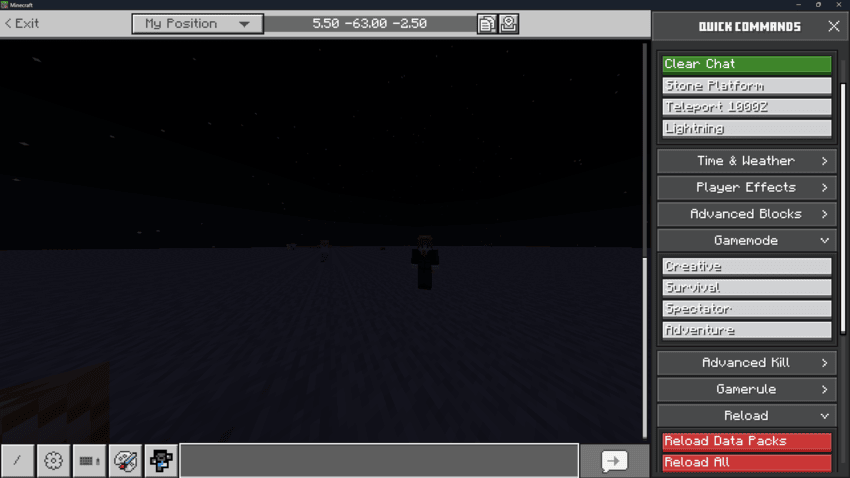
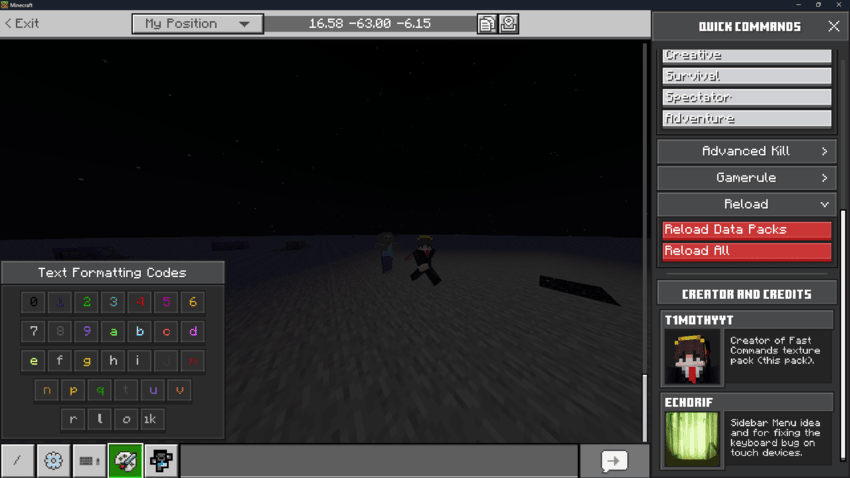
Command Panel Preview:
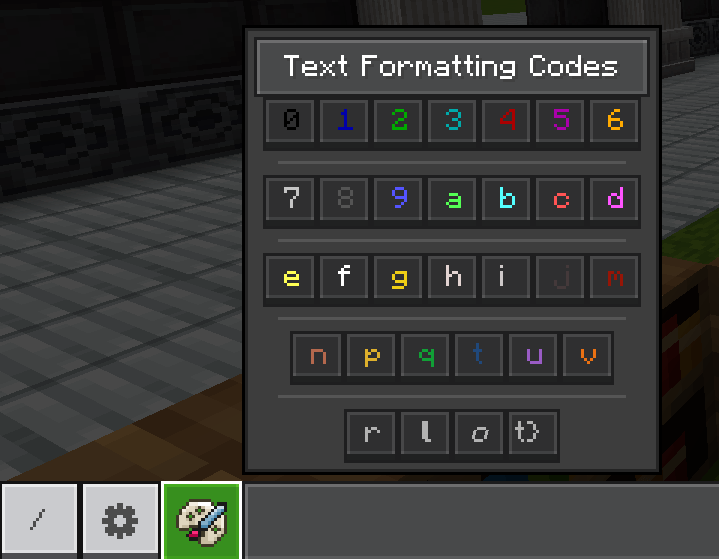
Text Formatting Codes' Panel:
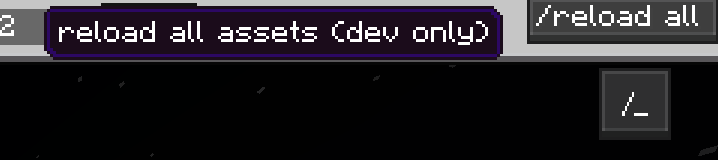
Menu Toggle And Quick reload for developers:
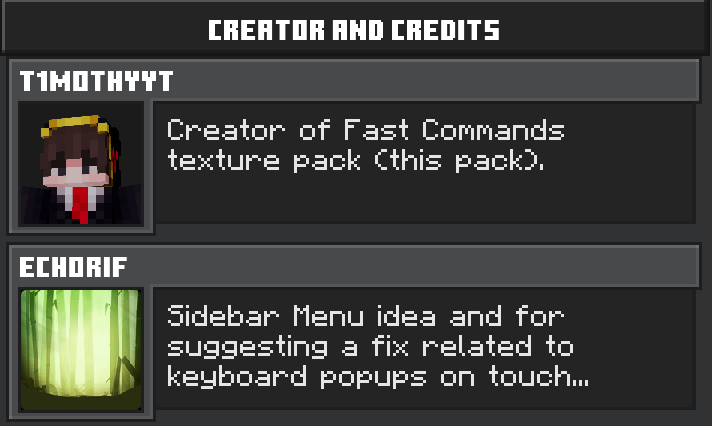
Credits:
Fast Commands کیسے انسٹال کریں
Install Millida Launcher
The launcher is free: download it at millida.net/launcher and sign in with any nickname.
Click “Install” on this page
The launcher opens and installs the resource pack for Minecraft 1.21.90–1.21.122 automatically.
Launch the game
A profile with it appears in the launcher: click “Play”.
ورژنز
ڈیپنڈنسیز کے ساتھ
| Minecraft | لوڈر | فائل | تاریخ | اقدامات |
|---|---|---|---|---|
| 1.21.93 | — | Fast Commands v3.mcpack420 KB 1 |
عمومی سوالات
Which Minecraft versions does Fast Commands work on?
There are files for 1.21.90–1.21.122, 11 versions in total. The newest is 1.21.122.
How do I download Fast Commands?
With Millida Launcher: it installs Fast Commands into a modpack by itself, for the right game version and loader. The launcher is free.
ریویوز
Fast Commands کو ریٹ کرنے والے پہلے شخص بنیں



