

Minecraft 1.21.130 کے لیے F3 BUTTON ریسورس پیک
Minecraft Bedrock/Pocket Edition میں Java Edition طرز کی F3 ڈیبگ اسکرین شامل کرتا ہے۔ FPS، پوزیشن، کھیلے گئے دن، انوینٹری کاؤنٹر اور اسٹیٹس، ڈائمینشن کی معلومات، چنک ڈیٹا، XP لیول اور مزید دیکھیں۔
F3 Button [Debug Screen]
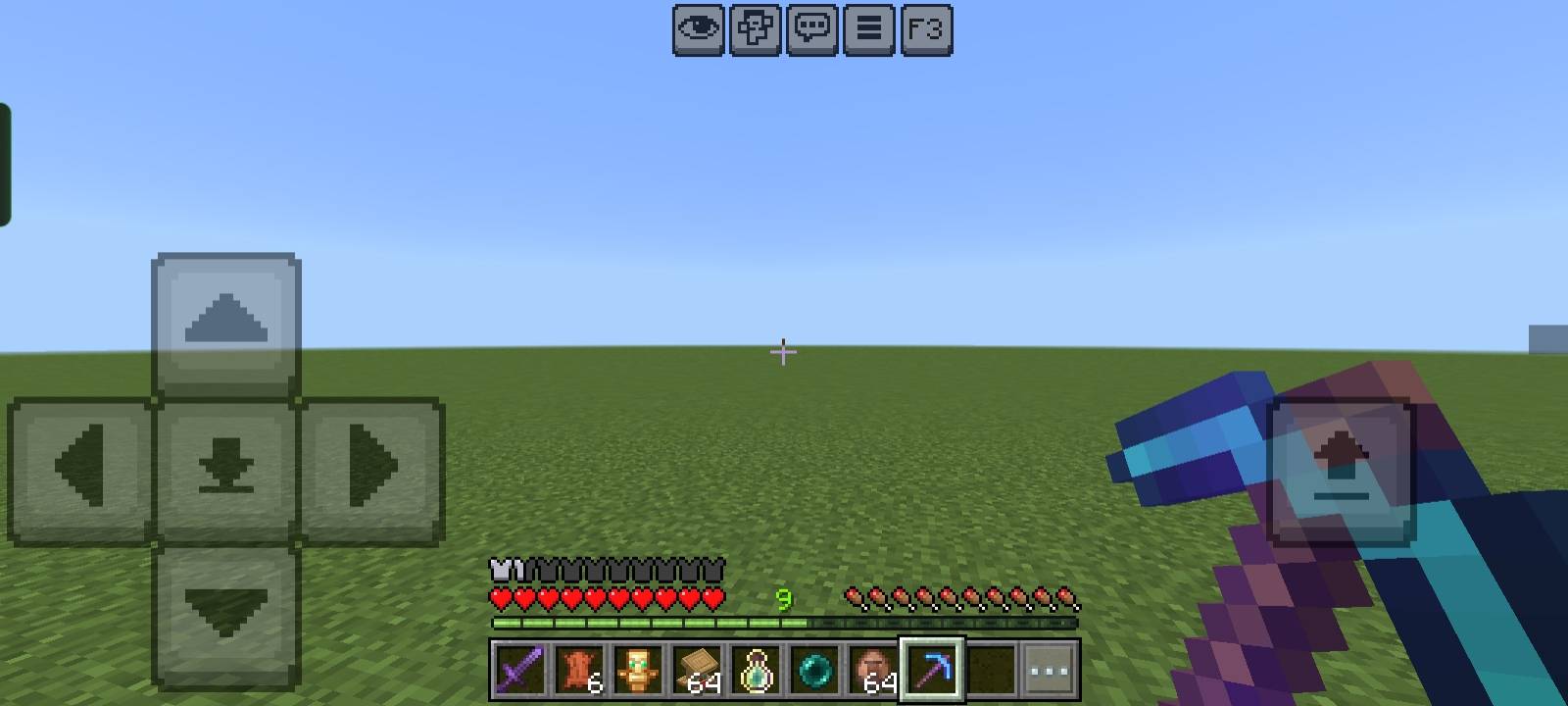
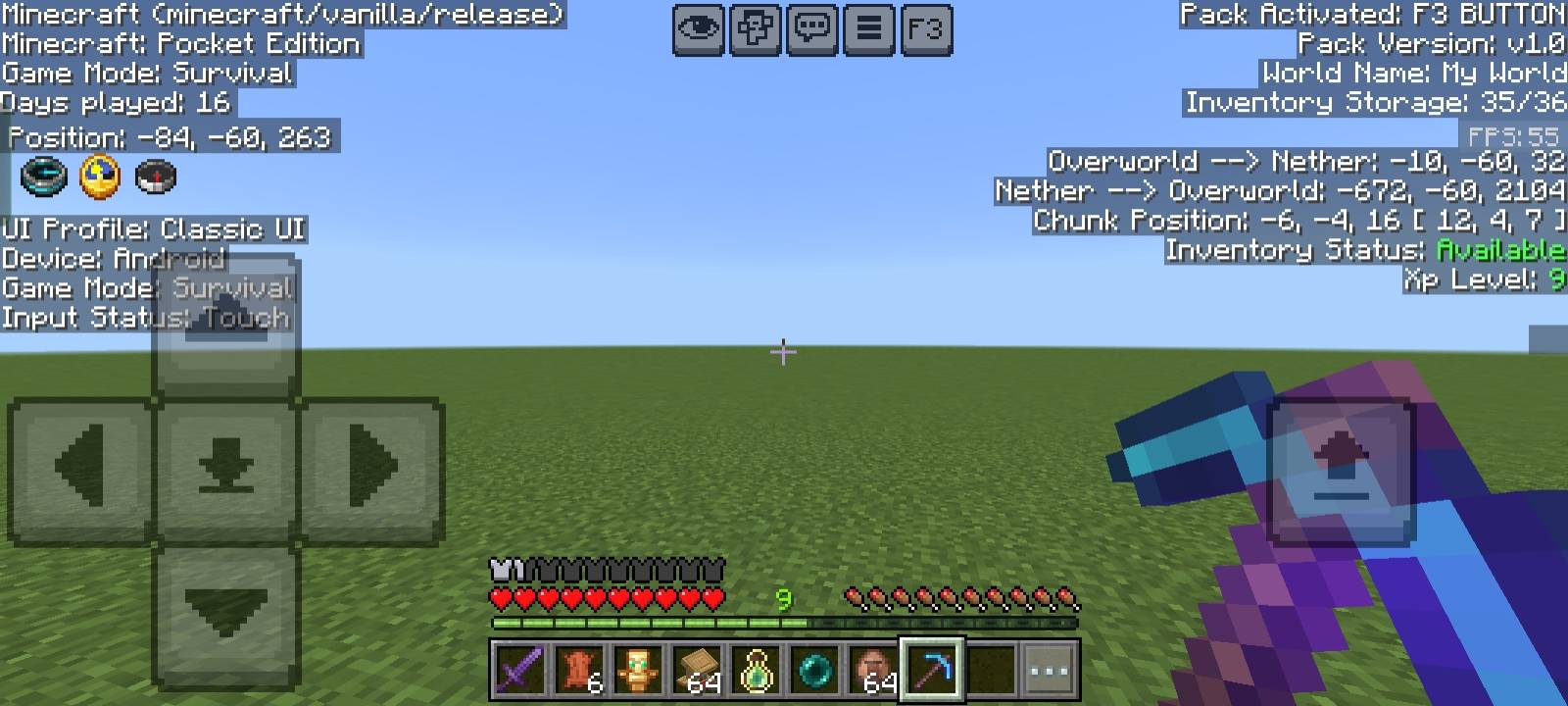
This resource pack adds a Java Edition-like Debug Screen to Minecraft Bedrock / Pocket Edition. With just one button, you can instantly view all important game information with a clean black background overlay for better readability.
✨ This pack is a standalone feature taken from my NeBux UI Pack.
Features:
- 📍 Position (XYZ Coordinates)
- ⏳ Days Played
- 📦 Inventory Counter (used/total slots)
- ✅ Inventory Status (Available / Full)
- ⚔️ Game Mode Info
- 📲 Device & Input Status
- 🎮 UI Profile (Classic / Pocket)
- 🔄 Dimension Info (Overworld ↔ Nether conversion)
- 🧭 Chunk Position
- 🎚️ XP Level Display
- 🎞️ FPS Counter
- 🧾 Pack Information (Pack version, world details)
If you enjoy my packs and want to support my work
❤️ Support Me on Ko-fi
Your support means a lot - thank you!
F3 BUTTON کیسے انسٹال کریں
With Millida Launcher
Install Millida Launcher
The launcher is free: download it at millida.net/launcher and sign in with any nickname.
Click “Install” on this page
The launcher opens and installs the resource pack for Minecraft 1.21.130 automatically.
Launch the game
A profile with it appears in the launcher: click “Play”.
Manually
Download the archive
Pick the file Debug_Screen_v1.1.0.mcpack (1.3 MB) for your game version. No need to unpack it.
Put it in the resourcepacks folder
The easiest way: “Options”, then “Resource Packs”, then “Open Pack Folder”, and drag the archive there.
Enable the pack
In the same window, move the pack to the right-hand “Selected” column and click “Done”.
ورژنز
ڈیپنڈنسیز کے ساتھ
| Minecraft | لوڈر | فائل | تاریخ | اقدامات |
|---|---|---|---|---|
| 1.21.130 | — | Debug_Screen_v1.1.0.mcpack1.3 MB |
عمومی سوالات
Which Minecraft versions does F3 BUTTON work on?
Only Minecraft 1.21.130: there are no files for other versions.
Where can I download F3 BUTTON safely?
On this page: the file Debug_Screen_v1.1.0.mcpack (1.3 MB) is stored on Millida’s server, with no link shorteners. SHA-1 checksum: fbf579ba1fcc79744e034e7dda743dde9523ab2b.
ریویوز
F3 BUTTON کو ریٹ کرنے والے پہلے شخص بنیں


