

Minecraft 1.20.1, 1.21.1 کے لیے Extra Flowery GUI ریسورس پیک
Overgrown Flowery GUI کا ایک ایڈون جو آپ کے پسندیدہ پیک کو جدید بناتا ہے اور مزید پھولوں کے اثرات شامل کرتا ہے۔ ہر جگہ پھول، ہورے!
- ڈاؤن لوڈز
- 6 ڈاؤن لوڈز
- ویوز
- 90 ویوز
- اپ ڈیٹ شدہ
- اپ ڈیٹ شدہ 03.09.2026
- 1.8.9 — 26.1
 ونیلا گیم
- کلائنٹ
Extra Flowery GUI ریسورس پیک کے بارے میں
Become even closer to living out your cottagecore dreams using this GUI overhaul!
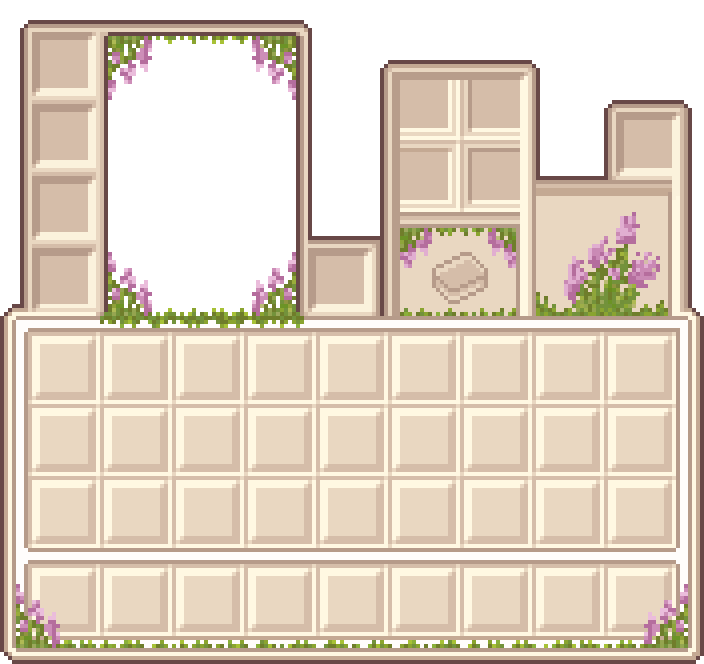
Spawned from an idea for a sequel to Overgrown Flowery GUI, Extra Flowery GUI has become an add-on for those who want a modernized take on your favorite GUI, with more vines and flowers!

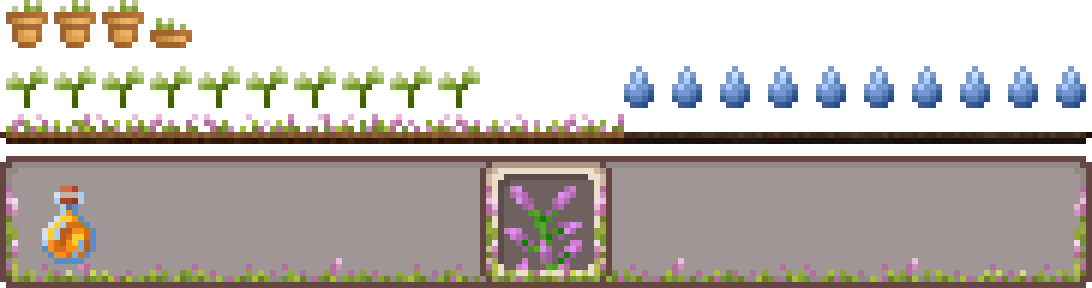
Many screens will now have flowers and vines everywhere, and who wouldn't want that? This version also reshapes many UIs giving it a cleaner more modern aesthetic, and allowing more visibility when you have your inventory open! One big change is the removal of container label text cause, after all, I think you know when you're using a crafting table already.
This project is still early in development, only a few containers have been modified, make sure you also install the original Overgrown Flowery GUI for the full effect but keep this pack on top of your list!
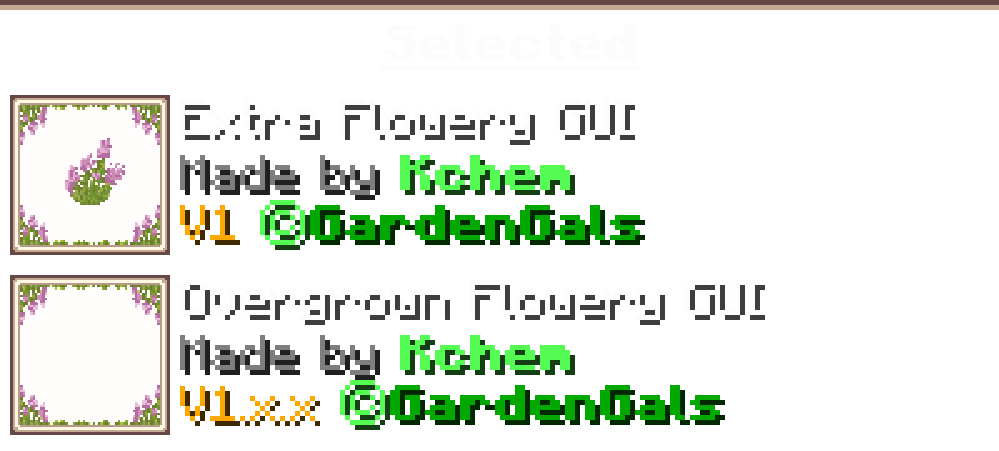
Check out the Slider Showcase to compare to the original and Vanilla style!
Are you a fan of the new look? Make your opinions known on our discord server, or by leaving a comment on your platform of choice your feedback can affect the development of this addon.
Extra Flowery GUI کیسے انسٹال کریں
With Millida Launcher
Install Millida Launcher
The launcher is free: download it at millida.net/launcher and sign in with any nickname.
Click “Install” on this page
The launcher opens and installs the resource pack for Minecraft 1.8.9–26.1 automatically, together with its dependencies: Overgrown Flowery GUI.
Launch the game
A profile with it appears in the launcher: click “Play”.
Manually
Download the archive
Pick the file Extra Flowery GUI.zip (73 KB) for your game version. No need to unpack it.
Put it in the resourcepacks folder
The easiest way: “Options”, then “Resource Packs”, then “Open Pack Folder”, and drag the archive there.
Enable the pack
In the same window, move the pack to the right-hand “Selected” column and click “Done”.
ورژنز
ڈیپنڈنسیز کے ساتھ
| Minecraft | لوڈر | فائل | تاریخ | اقدامات |
|---|---|---|---|---|
| 26.1 | — | 26.173 KB 1 | ||
| 1.12.2 | — | 1.12.272.7 KB | — |
چلانے کے لیے کیا درکار ہے
وہ مواد جسے اس کی ضرورت ہے
عمومی سوالات
Which Minecraft versions does Extra Flowery GUI work on?
There are files for 1.8.9–26.1, 62 versions in total. The newest is 26.1.
Does Extra Flowery GUI need mods?
No, the resource pack works in the plain game without loaders: put it into the resourcepacks folder and enable it in the options.
What does Extra Flowery GUI need to work?
Required: Overgrown Flowery GUI. Without it the resource pack will not start.
Where can I download Extra Flowery GUI safely?
On this page: the file Extra Flowery GUI.zip (73 KB) is stored on Millida’s server, with no link shorteners. SHA-1 checksum: a6ce48b2a98cf498c6ded4cac35d6e776fe84663.
ریویوز
Extra Flowery GUI کو ریٹ کرنے والے پہلے شخص بنیں



