
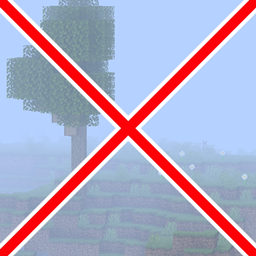
Defog ریسورس پیک کے بارے میں
Has your view ever been ruined by fog? Do you want to snap it out of existence? Yes? Good, this pack is for you!
If you want to get updated about this pack and many others, make sure to join my Discord and follow my Bluesky!
Defog کیسے انسٹال کریں
With Millida Launcher
Install Millida Launcher
The launcher is free: download it at millida.net/launcher and sign in with any nickname.
Click “Install” on this page
The launcher opens and installs the resource pack for Minecraft 1.21.4 automatically.
Launch the game
A profile with it appears in the launcher: click “Play”.
Manually
Download the archive
Pick the file Defog.zip (252 KB) for your game version. No need to unpack it.
Put it in the resourcepacks folder
The easiest way: “Options”, then “Resource Packs”, then “Open Pack Folder”, and drag the archive there.
Enable the pack
In the same window, move the pack to the right-hand “Selected” column and click “Done”.
ورژنز
ڈیپنڈنسیز کے ساتھ
| Minecraft | لوڈر | فائل | تاریخ | اقدامات |
|---|---|---|---|---|
| 1.21.4 | — | Defog (1.21.4+)252 KB |
عمومی سوالات
Which Minecraft versions does Defog work on?
Only Minecraft 1.21.4: there are no files for other versions.
Where can I download Defog safely?
On this page: the file Defog.zip (252 KB) is stored on Millida’s server, with no link shorteners. SHA-1 checksum: 5b879106bd311adb1060fef135015a1356caef48.
ریویوز
Defog کو ریٹ کرنے والے پہلے شخص بنیں



