
Minecraft 1.20.1, 1.21.1 کے لیے Crystal Tooltips ریسورس پیک
Legendary Tooltips موڈ استعمال کرتے ہوئے ٹول ٹپس میں خوبصورت بارڈرز شامل کرتا ہے
🌟 Crystal Tooltips
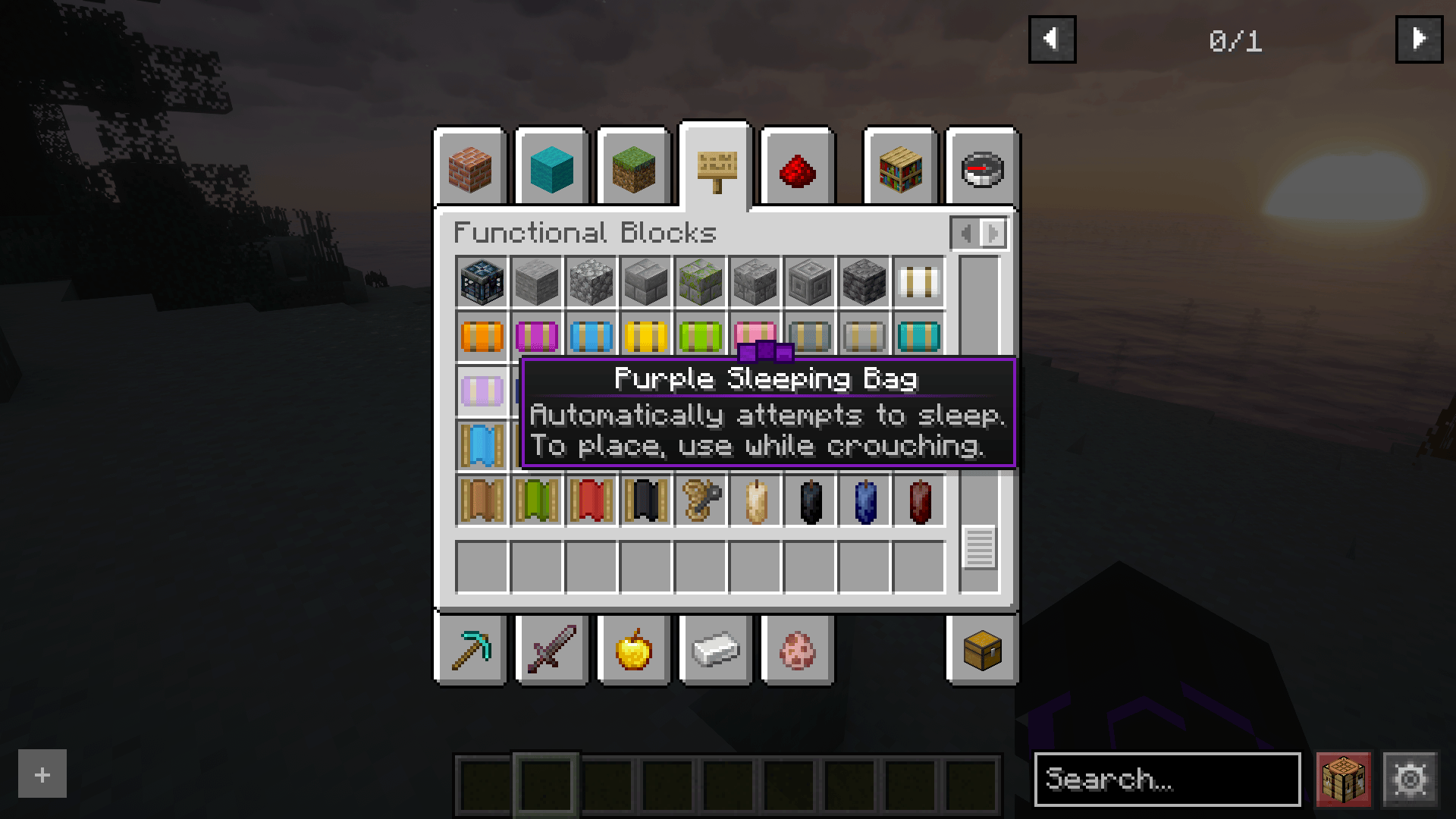
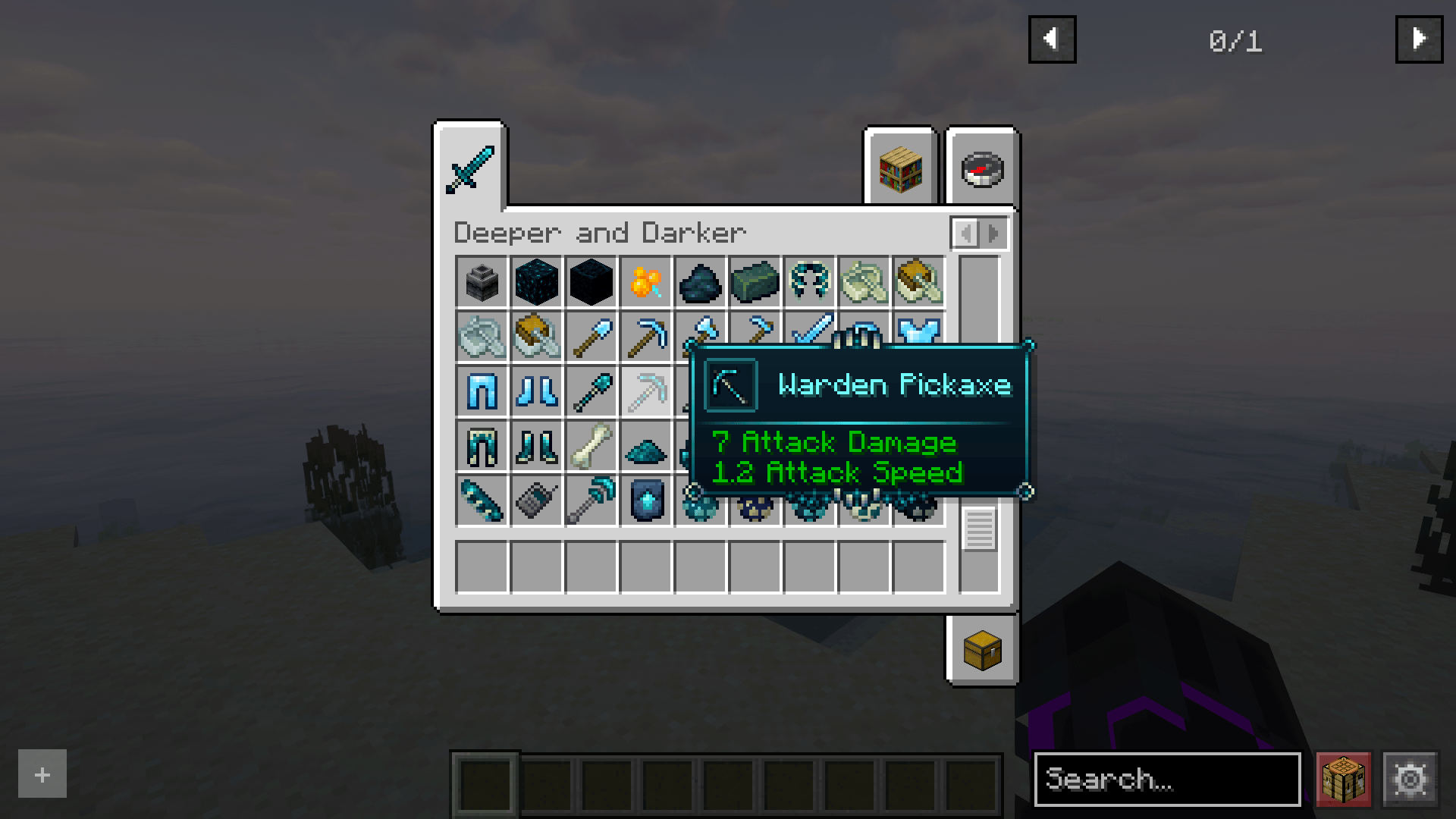
Crystal Tooltips adds beautiful borders to tooltips using the Legendary Tooltips mod.
✨ Compatibility
- Aether (some blocks/items)
- Animal Feeding Trough
- Another Furniture
- Beans Backpacks
- Biomes O' Plenty
- Comforts
- Copper Age Backport
- Copper Hopper
- Critters and Companions
- Customizable Elytra
- Deeper and Darker
- Enhanced Workbenches
- Farmer's Delight
- Friends&Foes
- Horse Expert
- Immersive Armors
- Living Things
- Medieval Weapons
- NiftyCarts
- Pyrellium
- Simple Copper Pipe
- Sophisticated Backpacks
- Sophisticated Core
- Soul Candles
- The Copperier Age
- Trading Post
- Trailier Tales
- Undead Leather
- Useful Carts
- Useful Backpacks
- Vanilla Backport
- Wilder Wild
- Yyz's Backpack
🚀 Planned Features
- Some Minecraft blocks
- Aether (most of blocks/items)
⚙️ Requirements
You need the following mod for it to work properly:
- Legendary Tooltips
Want the Obscure Tooltips version, check my other resource packs Clarity Tooltips
🙏 Credits
- Thanks to Grend for Legendary Tooltips
- Thanks to Teppy381 for Assembled Legendary Tooltips that contains assets from other projects
- Thanks to durka_top for Barely Legendary Tooltips
- Thanks to Gous for Origin Realms - Legendary Tooltips
- Thanks to YourLocalOtto for Origin Realms - Legenday Tooltips DLC
- Thanks to Hikari_Nova for Modded Legendary Tooltips
And a big thanks as well to every other mod creator!! Your mods make the game even more amazing.
📦 Modpack
Feel free to include Crystal Tooltips in modpacks.
🌐 Looking for a server? Support me at the same time!
Want to play with friends? Get your own server with Wabbanode.
Use the code WILDLIGHT to support me and get 25% off.
Crystal Tooltips کیسے انسٹال کریں
With Millida Launcher
Install Millida Launcher
The launcher is free: download it at millida.net/launcher and sign in with any nickname.
Click “Install” on this page
The launcher opens and installs the resource pack for Minecraft 1.19–26.1.2 automatically.
Launch the game
A profile with it appears in the launcher: click “Play”.
Manually
Download the archive
Pick the file Crystal-Tooltips.zip (61 KB) for your game version. No need to unpack it.
Put it in the resourcepacks folder
The easiest way: “Options”, then “Resource Packs”, then “Open Pack Folder”, and drag the archive there.
Enable the pack
In the same window, move the pack to the right-hand “Selected” column and click “Done”.
ورژنز
ڈیپنڈنسیز کے ساتھ
| Minecraft | لوڈر | فائل | تاریخ | اقدامات |
|---|---|---|---|---|
| 1.21 | — | Crystal-Tooltips.zip60.6 KB |
ریویوز
Crystal Tooltips کو ریٹ کرنے والے پہلے شخص بنیں



