
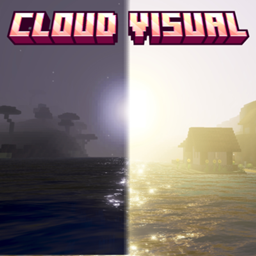
Minecraft 26.30 کے لیے Cloud Visual (CL) ریسورس پیک
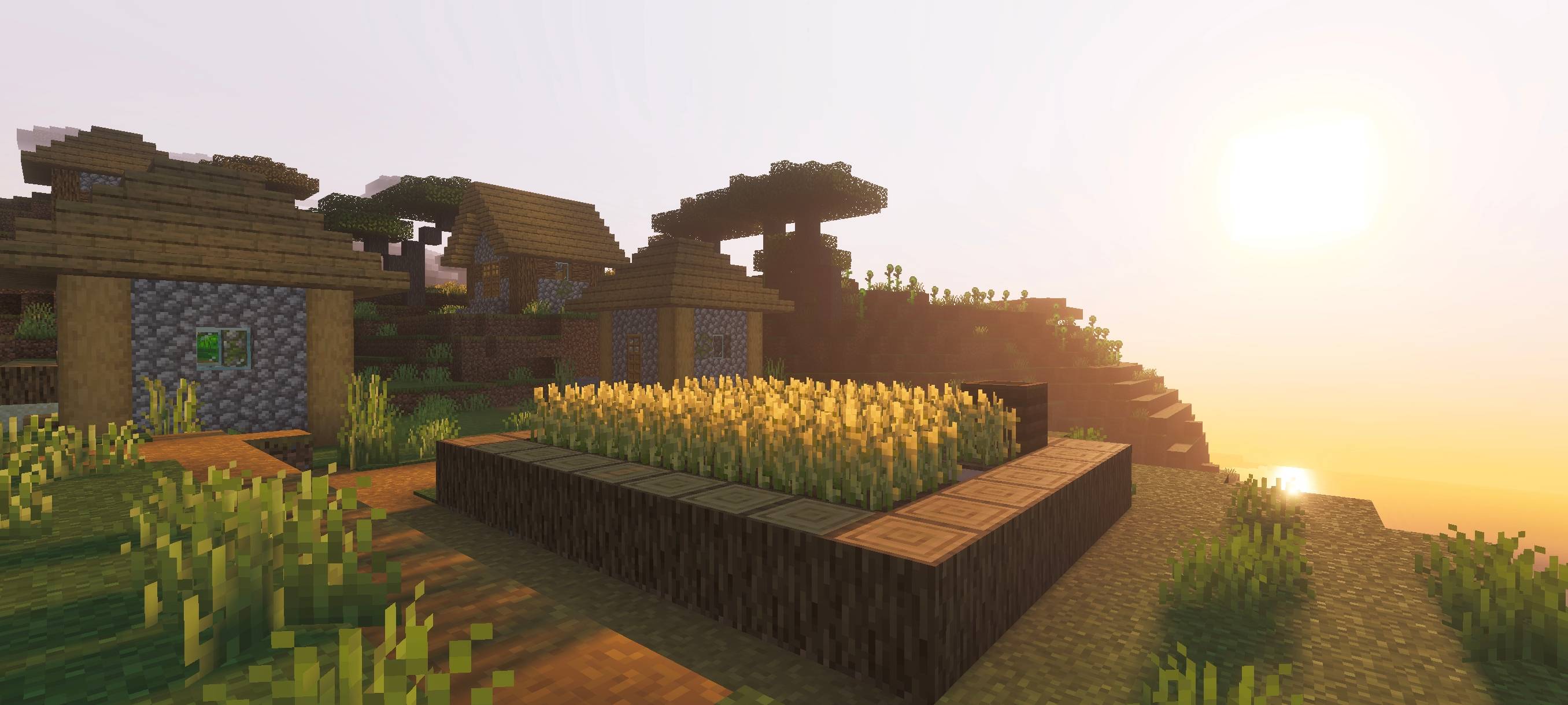
Cloud Visual ایک شیڈر ہے جو آپ کو حقیقت پسندانہ ماحول، سنیمیٹک طلوعِ آفتاب اور غروبِ آفتاب، حقیقت پسندانہ سورج کی روشنی، گہرا صاف پانی اور ہلکی سمندری لہریں دیتا ہے۔ اس شیڈر کے ساتھ اپنی Minecraft دنیا کو ایک زیادہ خوبصورت تجربے میں بدلیں۔
Cloud Visual (CL) ریسورس پیک کے بارے میں
(0_0)
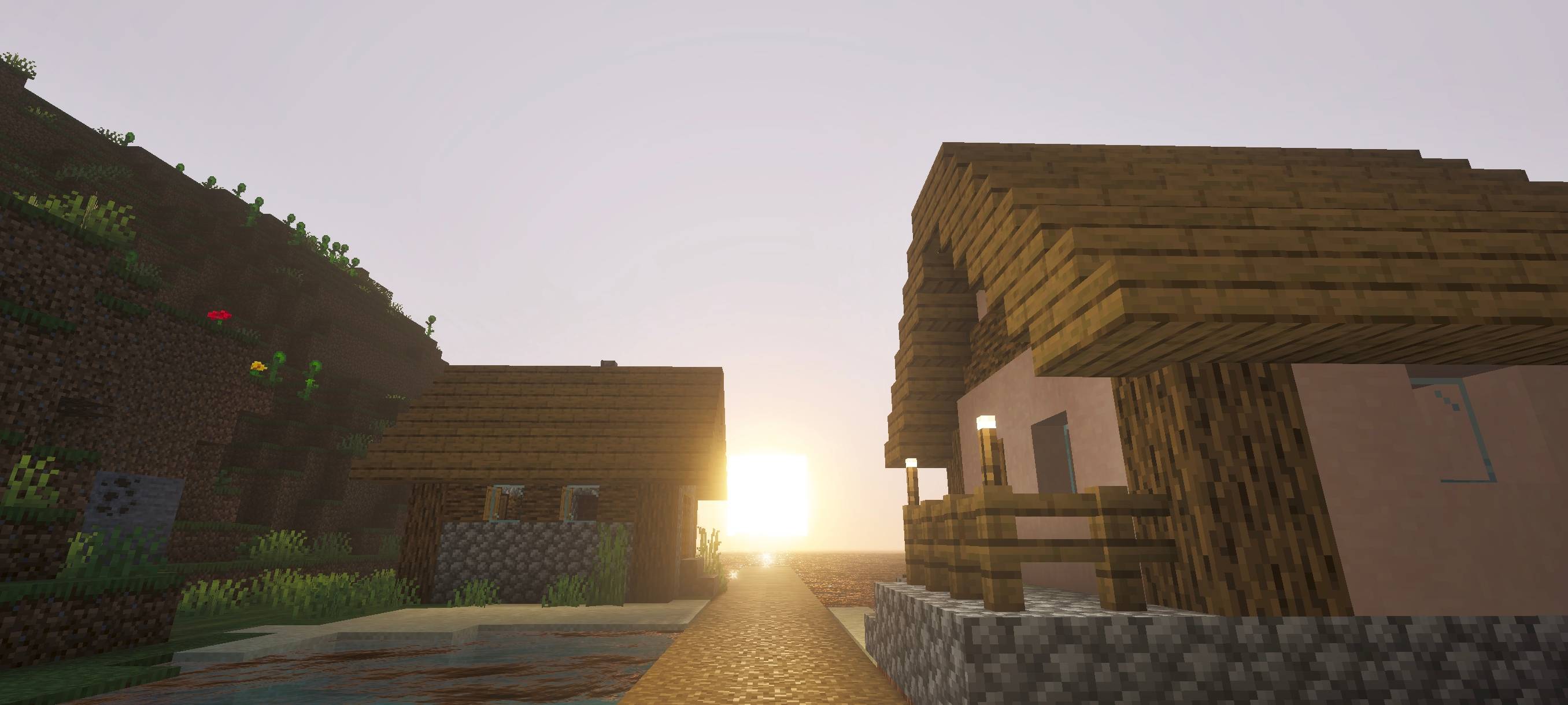
Cloud Visual brings a cinematic atmosphere to your Minecraft world by enhancing both daytime and nighttime environments with immersive lighting and realistic water reflections.
Experience a warm, glowing sunrise where sunlight shimmers across the ocean surface, creating a peaceful and vibrant morning scene. As day turns to night, the world transforms into a calm, moody landscape illuminated by a soft moonlight reflecting beautifully on the water.
This project focuses on visual storytelling through lighting, sky tone, and water effects. delivering a balanced contrast between bright daylight and atmospheric night visuals. Perfect for players who want a more immersive, aesthetic, and visually rich Minecraft experience without changing core gameplay.
JOIN DISCORD
(all images are shown below)
Cloud Visual (CL) کیسے انسٹال کریں
With Millida Launcher
Install Millida Launcher
The launcher is free: download it at millida.net/launcher and sign in with any nickname.
Click “Install” on this page
The launcher opens and installs the resource pack for Minecraft 26.30 automatically.
Launch the game
A profile with it appears in the launcher: click “Play”.
Manually
Download the archive
Pick the file Cloud Visual 1.7.mcpack (229 KB) for your game version. No need to unpack it.
Put it in the resourcepacks folder
The easiest way: “Options”, then “Resource Packs”, then “Open Pack Folder”, and drag the archive there.
Enable the pack
In the same window, move the pack to the right-hand “Selected” column and click “Done”.
ورژنز
ڈیپنڈنسیز کے ساتھ
| Minecraft | لوڈر | فائل | تاریخ | اقدامات |
|---|---|---|---|---|
| 26.30 | — | Cloud Visual 1.7229 KB |
عمومی سوالات
Which Minecraft versions does Cloud Visual (CL) work on?
Only Minecraft 26.30: there are no files for other versions.
Where can I download Cloud Visual (CL) safely?
On this page: the file Cloud Visual 1.7.mcpack (229 KB) is stored on Millida’s server, with no link shorteners. SHA-1 checksum: ee1565ef9cf6fba96c9f7b1afc5aa8c1fbc3adc3.
ریویوز
Cloud Visual (CL) کو ریٹ کرنے والے پہلے شخص بنیں



