

Minecraft 1.20.1, 1.21 کے لیے Clean Hud ریسورس پیک
ڈیفالٹ HUD کی خلل ڈالنے والی شکل سے تنگ آ گئے ہیں؟ Clean Hud پیک کے ساتھ اپنے انداز کو جدید اور سادہ بنائیں۔
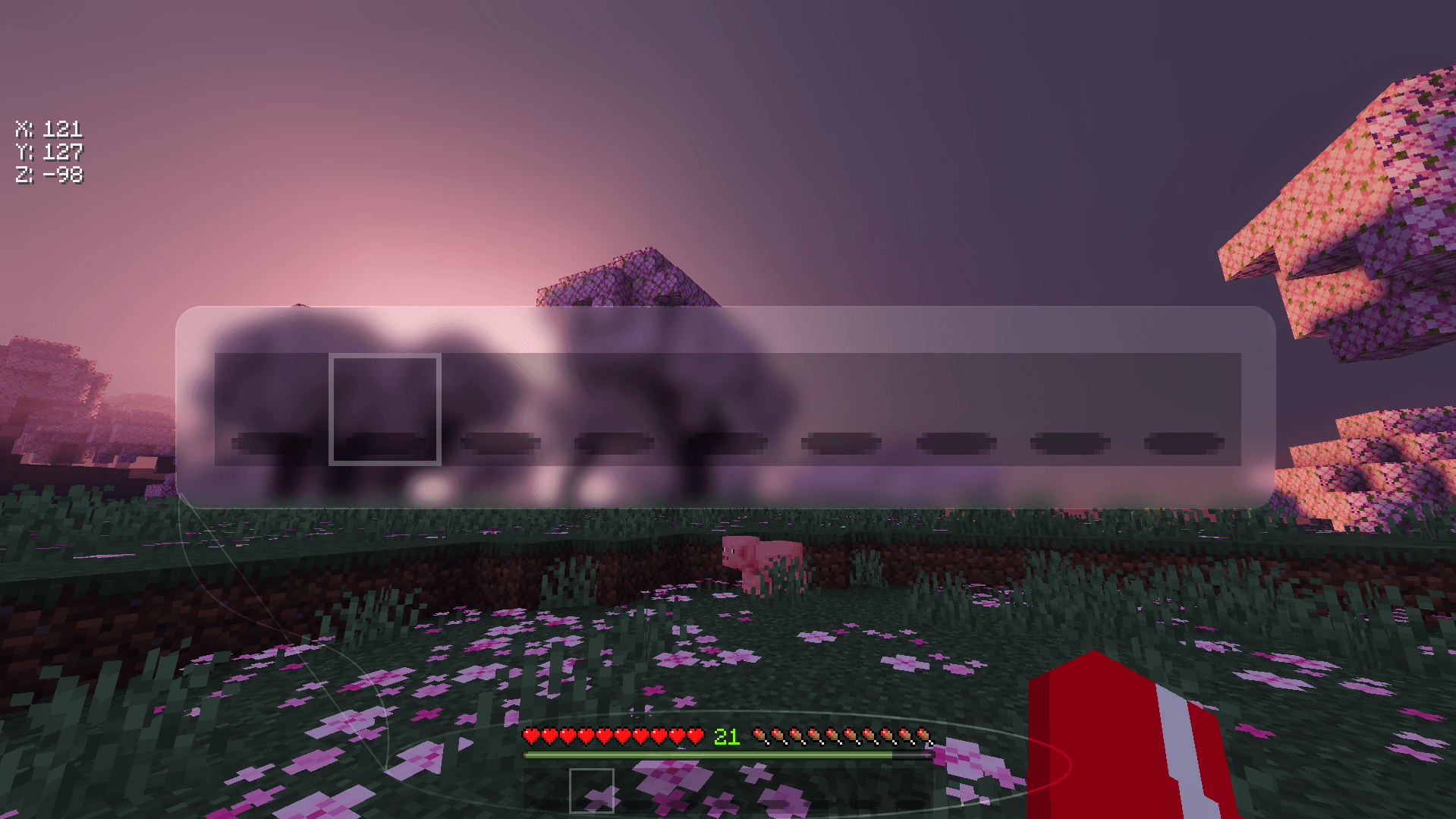
CLEAN HOTBAR
a smooth and minimal look for the hotbar and selector.
VERTICAL COORDINATES
coordinates labelled and arranged vertically for a minimal and clean look
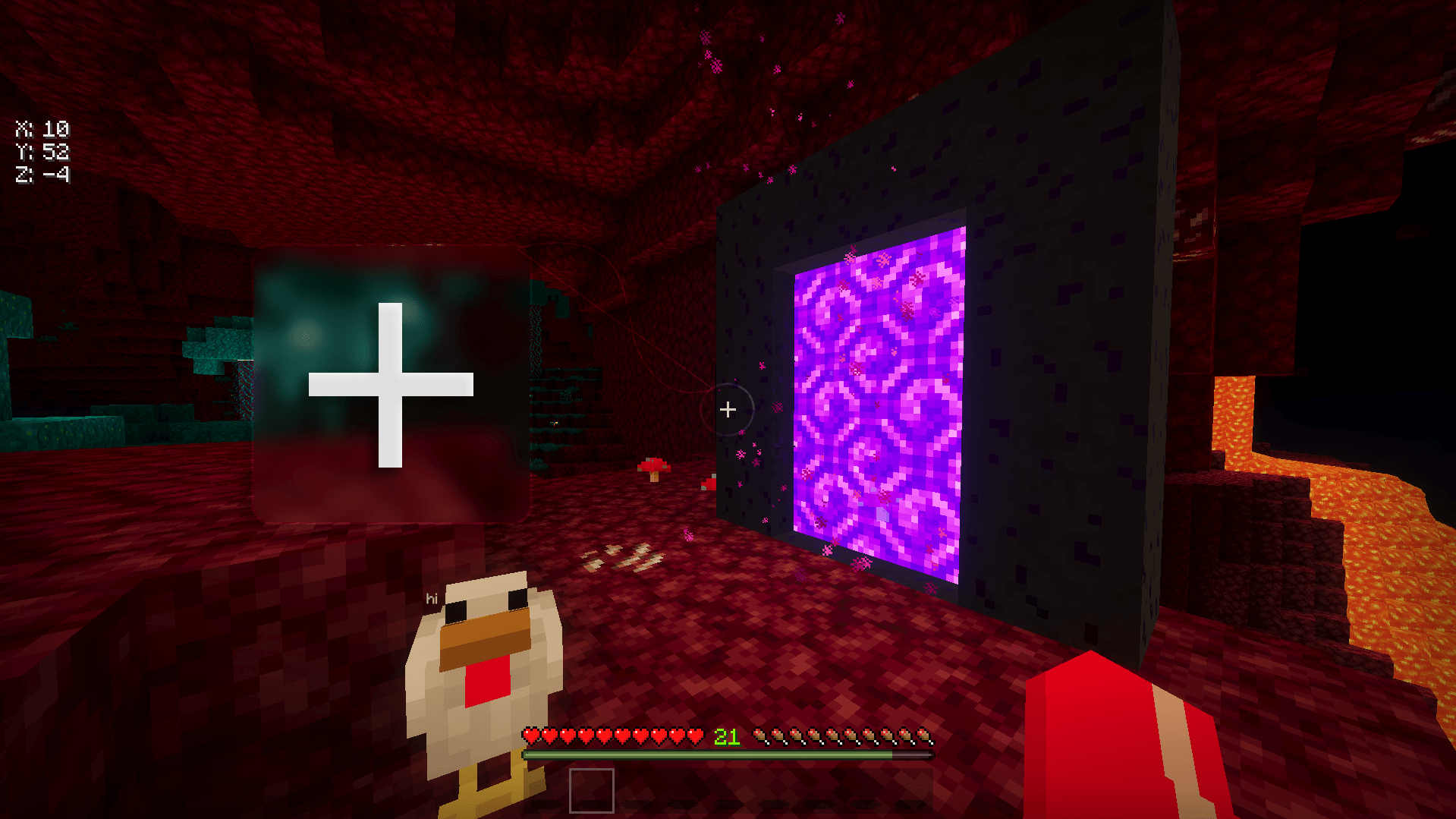
BETTER CROSSHAIR
a more minimal crosshair that stays true to vanilla
TRANSPARENT CHAT
no more distracting black backgrounds behind every message so you can immerse yourself into the game
Clean Hud کیسے انسٹال کریں
With Millida Launcher
Install Millida Launcher
The launcher is free: download it at millida.net/launcher and sign in with any nickname.
Click “Install” on this page
The launcher opens and installs the resource pack for Minecraft 1.16.1–1.21.130 automatically.
Launch the game
A profile with it appears in the launcher: click “Play”.
Manually
Download the archive
Pick the file CleanHud.mcpack (132 KB) for your game version. No need to unpack it.
Put it in the resourcepacks folder
The easiest way: “Options”, then “Resource Packs”, then “Open Pack Folder”, and drag the archive there.
Enable the pack
In the same window, move the pack to the right-hand “Selected” column and click “Done”.
ورژنز
ڈیپنڈنسیز کے ساتھ
| Minecraft | لوڈر | فائل | تاریخ | اقدامات |
|---|---|---|---|---|
| 1.20.40 | — | Clean Hud132 KB |
عمومی سوالات
Which Minecraft versions does Clean Hud work on?
There are files for 1.16.1–1.21.130, 59 versions in total. The newest is 1.21.130.
Where can I download Clean Hud safely?
On this page: the file CleanHud.mcpack (132 KB) is stored on Millida’s server, with no link shorteners. SHA-1 checksum: 268322fe837b3dbfe7beed77a5554c52f9bba57c.
ریویوز
Clean Hud کو ریٹ کرنے والے پہلے شخص بنیں



