

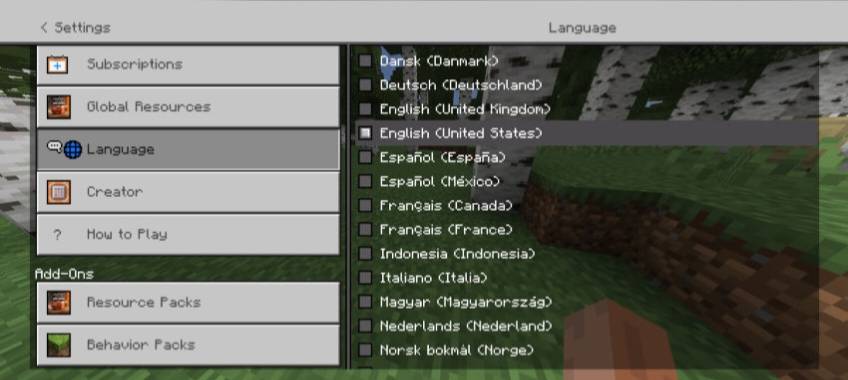
Better Settings Screen improves settings screen by changing, improving, and adding various things . It adds new Quick Settings option and if you are in a world, it allows you to change language in game without quiting the world.
Join our community!
Discord Server
Screenshots:
Start Settings Screen:
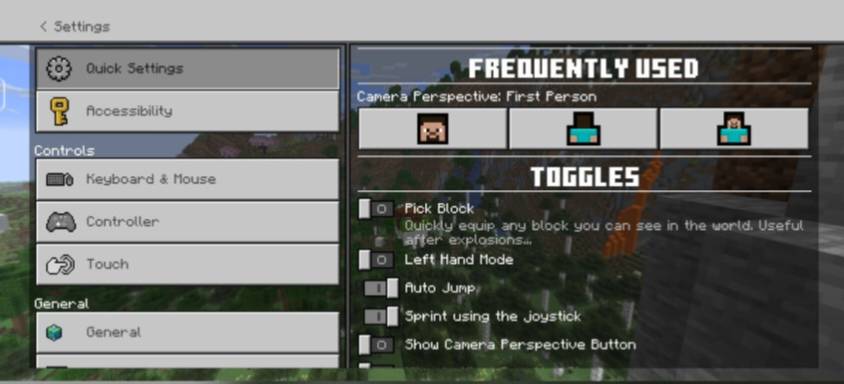
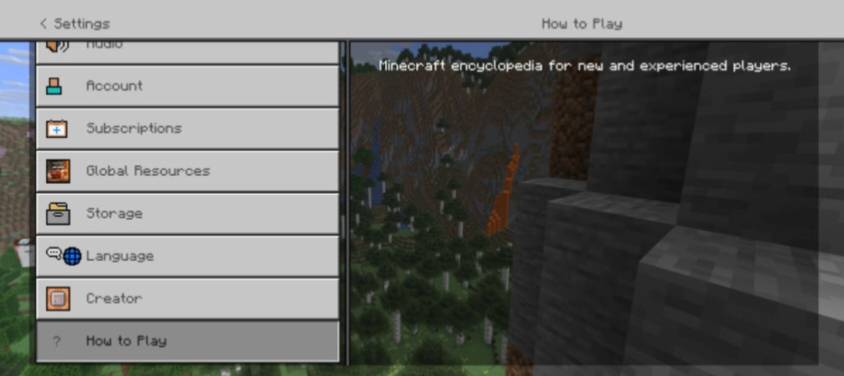
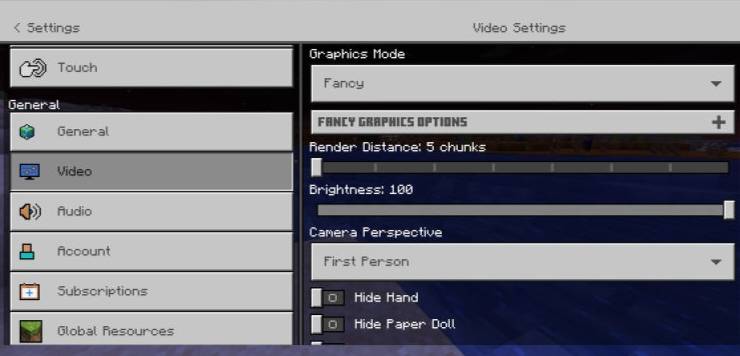
World Settings Screen:
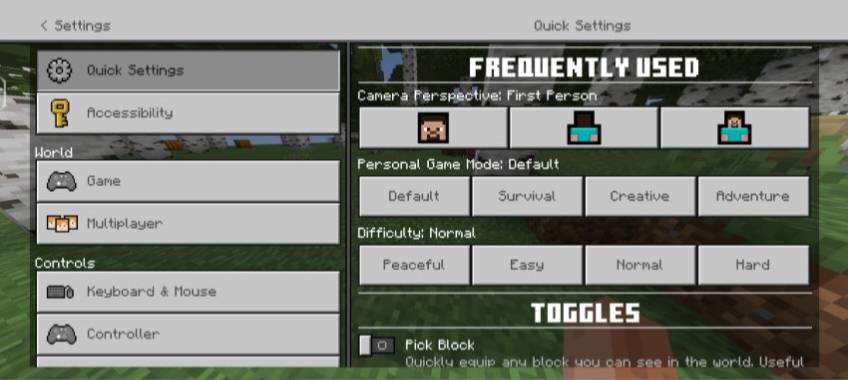
Terms Of Use:
You're allowed to:
• Make Videos/Reviews/Previews on Better Settings Screen as long You credit Vectz.
• Addition or Customize in Better Settings Screen is only for Personal use.
• Use Better Settings Screen In Your Realms or Servers as long You credit Vectz.
• Always share the CurseForge official Better Settings Screen Page link.
You're not allowed to:
• Use Better Settings Screen in Your Own Public Project without permission of Vectz.
• Claim ownership of Better Settings Screen or its Content.
• Resell or redistribute Better Settings Screen or its Content.
• Post Better Settings Screen on other website.
Credits:
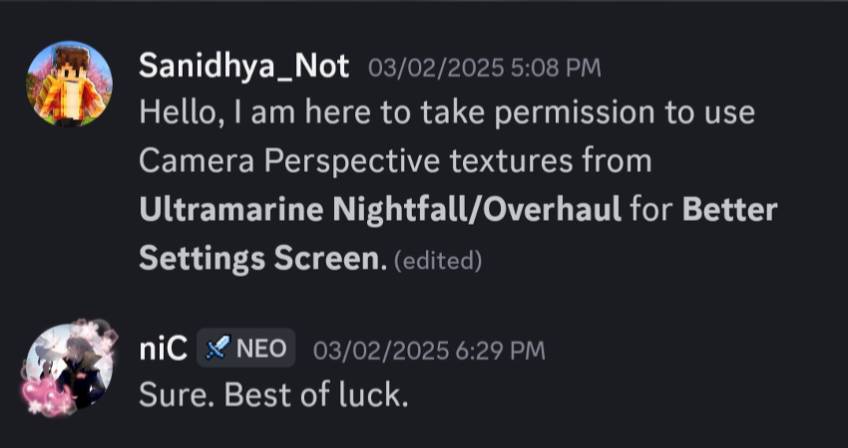
Special Thanks to notnicto for letting me use Camera Perspective textures from Ultramarine Nightfall/Overhaul.
Proof Of Permission:
Better Settings Screen کیسے انسٹال کریں
With Millida Launcher
Install Millida Launcher
The launcher is free: download it at millida.net/launcher and sign in with any nickname.
Click “Install” on this page
The launcher opens and installs the resource pack for Minecraft 1.21.100–1.21.124 automatically.
Launch the game
A profile with it appears in the launcher: click “Play”.
Manually
Download the archive
Pick the file Better Settings Screen v1.1.mcpack (9 KB) for your game version. No need to unpack it.
Put it in the resourcepacks folder
The easiest way: “Options”, then “Resource Packs”, then “Open Pack Folder”, and drag the archive there.
Enable the pack
In the same window, move the pack to the right-hand “Selected” column and click “Done”.
ورژنز
ڈیپنڈنسیز کے ساتھ
| Minecraft | لوڈر | فائل | تاریخ | اقدامات |
|---|---|---|---|---|
| 1.21.101 | — | Better Settings Screen v1.19.4 KB |
ریویوز
Better Settings Screen کو ریٹ کرنے والے پہلے شخص بنیں
کمنٹس 0
کمنٹ کرنے کے لیے سائن ان کریںسائن ان


