

Minecraft 1.20.1, 1.21.1 کے لیے Sunveil شیڈر
متحرک سورج کی پیروی کرنے والے سائے، شفاف پانی کے اندر کی کھوج، گرم سنہری روشنی، اور ہموار anti-aliased سائے کے کناروں کے ساتھ بہتر Minecraft بصری۔ حقیقت پسندانہ پانی کی عکاسی اور تمام دنیاؤں کے لیے بہتر کارکردگی۔
Sunveil شیڈرز کے بارے میں
Transform your Minecraft experience with Sunveil, a carefully crafted shader pack that brings stunning visual enhancements while maintaining excellent performance across all devices.

🌞 Dynamic Shadow System
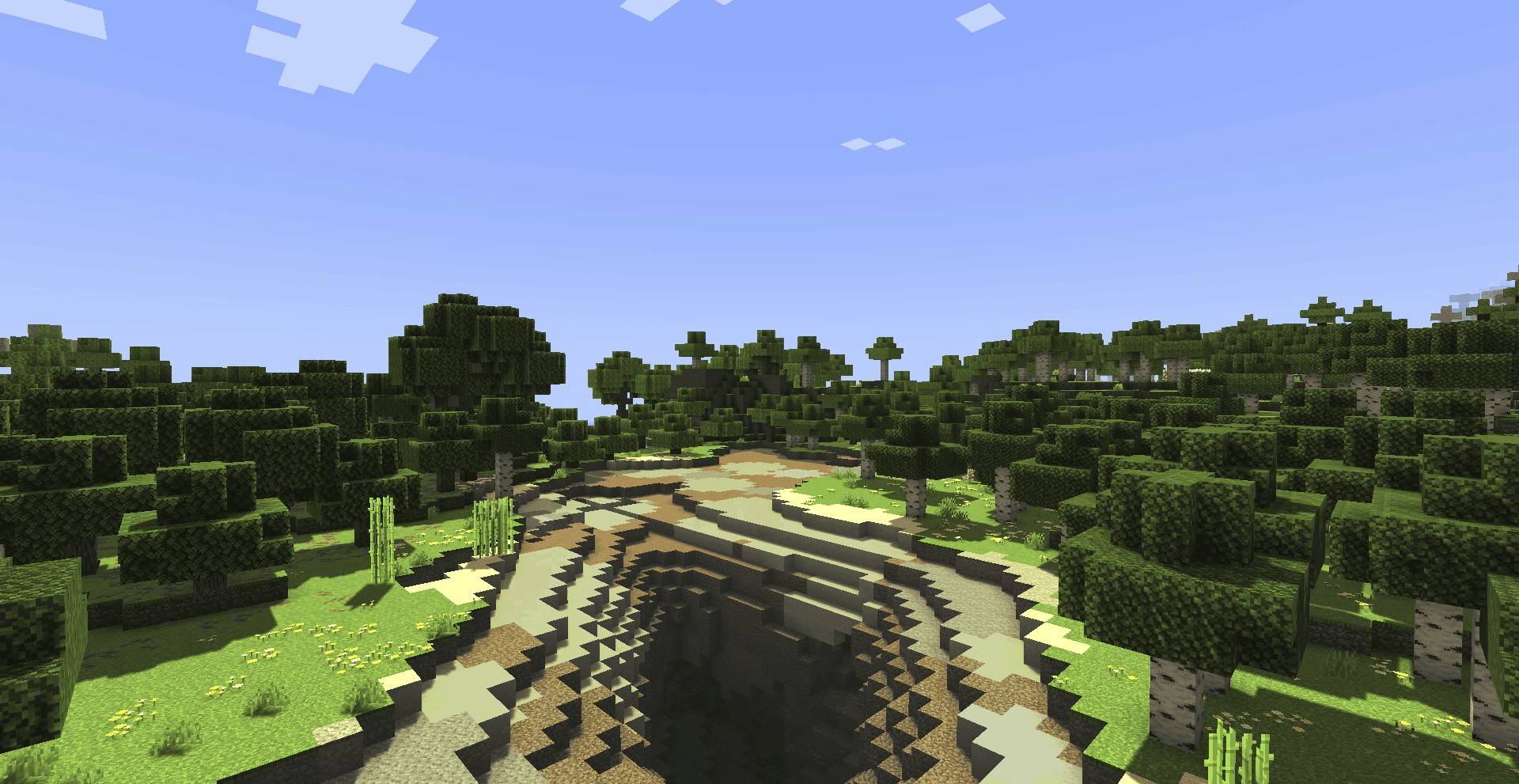
- Sun-tracking shadows that move naturally throughout the day
- Smooth anti-aliased edges - no more pixelated shadow borders
- High-quality shadow maps (2048x resolution) for crisp detail
- PCF filtering technology for professional-grade shadow smoothness
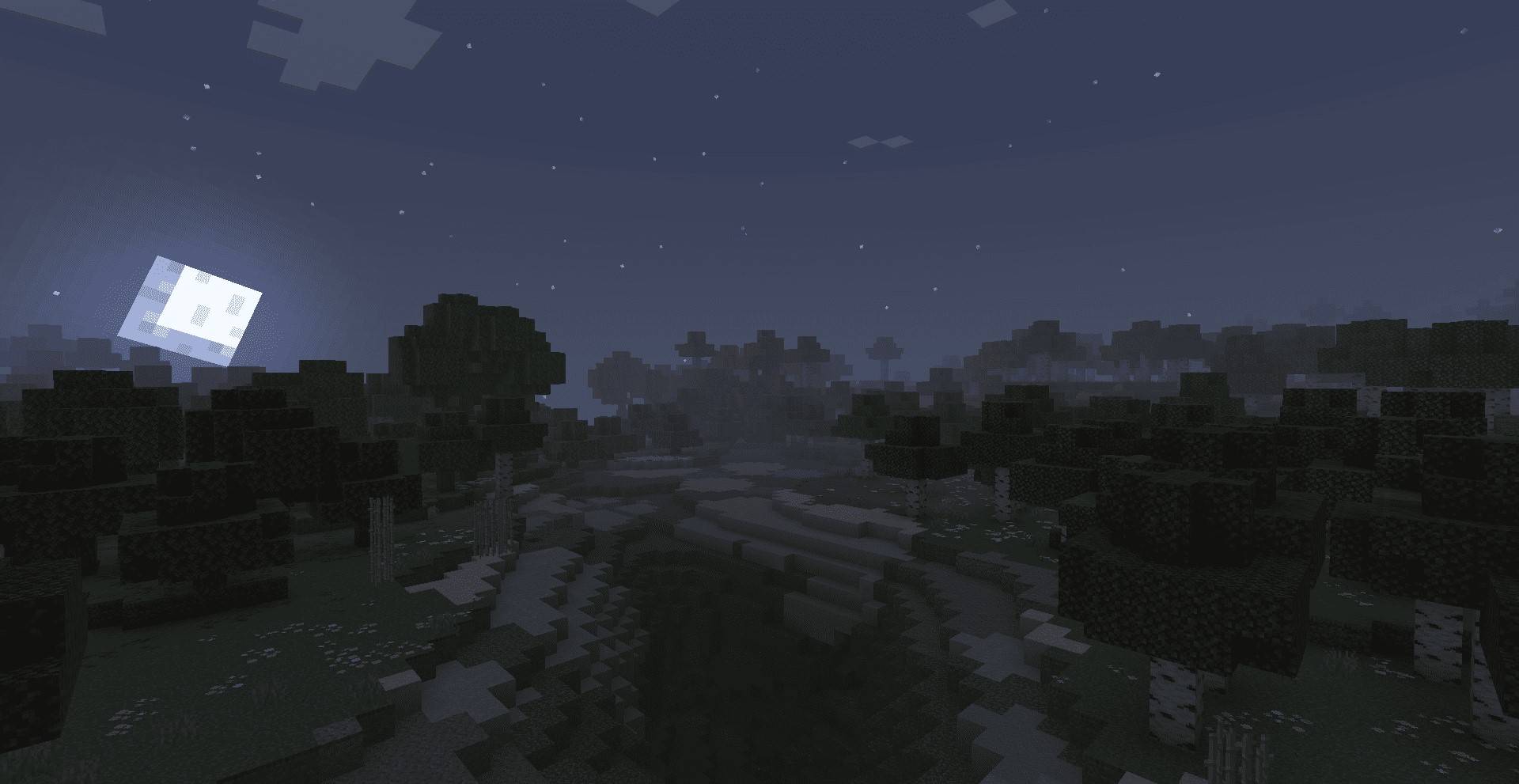
🌅 Enhanced Lighting
- Warm golden sunlight that creates a cozy, inviting atmosphere
- Improved ambient lighting for better visibility in shadowed areas
- Torch lighting optimization with warm yellow tones
- Natural color temperature that changes with time of day
🌍 World Support
- Overworld: Full dynamic lighting and shadows
- Nether: Optimized lighting for the fiery dimension
- End: Specialized lighting for the mysterious realm

- Survival players who want enhanced immersion
- Builders seeking realistic lighting for their creations
- Explorers who enjoy crystal-clear underwater adventures
- Screenshot enthusiasts capturing beautiful Minecraft moments
- Streamers and content creators producing high-quality visuals

This shader pack is a modified version of the original [Miniature Shader] by the talented shader development community. We extend our heartfelt gratitude to the original creators for their incredible work and for making their shader available to the community.
Original Shader: Miniature Shader
Source
GitHub
Sunveil builds upon this excellent foundation, adding enhanced features like:
- Advanced PCF shadow filtering
- Improved underwater clarity
- Optimized lighting system
We encourage you to also check out and support the original Miniature Shader, as our work would not be possible without their outstanding contribution to the Minecraft shader community.
Sunveil کیسے انسٹال کریں
With Millida Launcher
Install Millida Launcher
The launcher is free: download it at millida.net/launcher and sign in with any nickname.
Click “Install” on this page
The launcher opens and installs the shaders for Minecraft 1.18–26.1.2 automatically.
Launch the game
A profile with it appears in the launcher: click “Play”.
Manually
Install Iris or OptiFine
Without a shader mod the game cannot see shaders. Install it for the same Minecraft version.
Download the shader archive
Pick the file Sunveil Shader 1.1.zip (40 KB) and do not unpack it.
Put it in the shaderpacks folder
“Options”, then “Video Settings”, then “Shader Packs”, then “Open Shader Pack Folder”, and drag the archive there.
Select the shaders
In the same window, click the pack name and “Apply”.
ورژنز
ڈیپنڈنسیز کے ساتھ
| Minecraft | لوڈر | فائل | تاریخ | اقدامات |
|---|---|---|---|---|
| 1.21 | — | Sunveil Shader 1.1.zip39.6 KB 2 |
عمومی سوالات
Which Minecraft versions does Sunveil work on?
There are files for 1.18–26.1.2, 30 versions in total. The newest is 26.1.2.
Where can I download Sunveil safely?
On this page: the file Sunveil Shader 1.1.zip (40 KB) is stored on Millida’s server, with no link shorteners. SHA-1 checksum: 71c05db8a802f67fa357aced91a46e4d2ad5ec95.
ریویوز
Sunveil کو ریٹ کرنے والے پہلے شخص بنیں


