

Minecraft 1.20.1, 1.21.1 کے لیے Luminara Shader
اپنی Minecraft دنیا کو آسمانی حسن اور سنیمیٹک لائٹنگ سے بدلیں۔ اس میں والیومیٹرک بادل، سنہری فضا کے رنگ، شفاف Nether مناظر اور جادوئی End ڈائمینشن اثرات شامل ہیں۔
Luminara Shader شیڈرز کے بارے میں
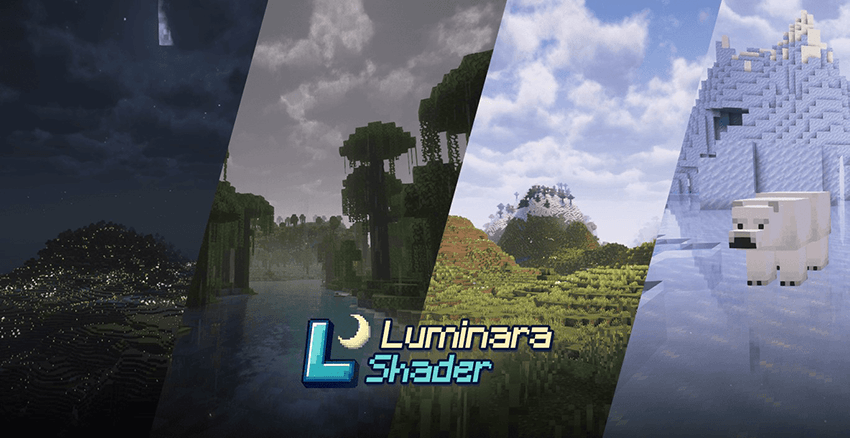
Transform Your Minecraft Experience Welcome to Luminara Shader, where ethereal beauty meets cutting-edge visual technology. This carefully crafted shader pack transforms your Minecraft world into a breathtaking cinematic experience, bringing unprecedented depth and atmosphere to every moment of your adventure.

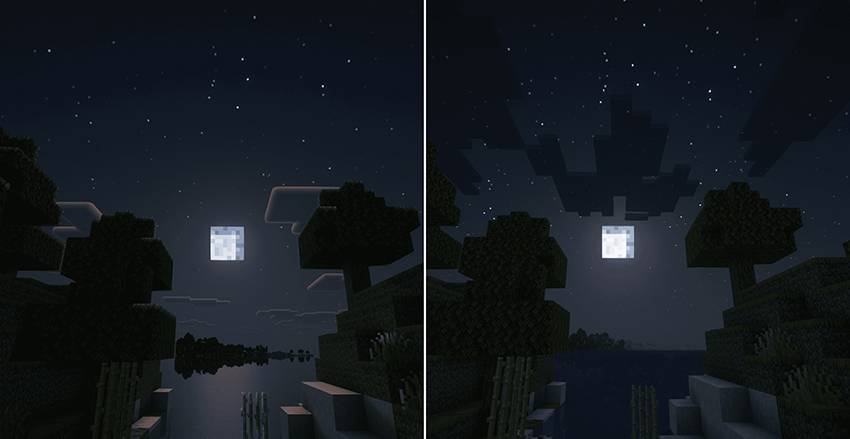
-----------------Luminara Shader - Rebuilt--------------------------------------Luminara Shader Lite----------------------------

Minimum Requirements GPU: GTX 1050 / RX 560 or equivalent RAM: 8GB system RAM Minecraft: 4GB allocated RAM OptiFine: Latest version recommended
Recommended Specifications GPU: GTX 1660 / RX 5600 XT or better RAM: 16GB system RAM Minecraft: 6-8GB allocated RAM CPU: Intel i5-8400 / AMD Ryzen 5 2600 or better

🙏 Special Thanks This shader pack is built upon the exceptional foundation of Complementary Shaders by EminGT. We extend our deepest gratitude and appreciation for their incredible work that made this project possible.
Original Complementary:
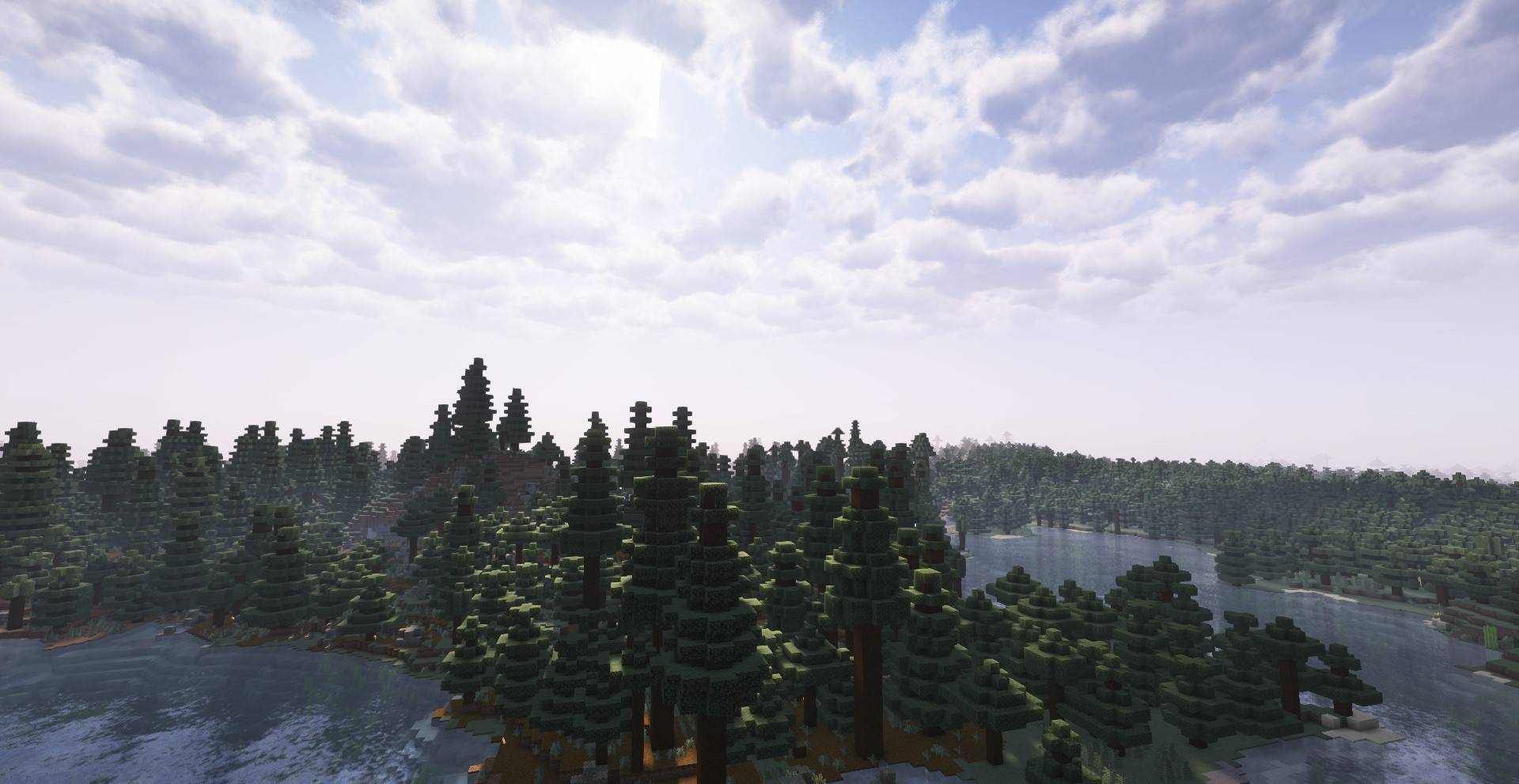
The Luminara Shader represents hours of careful modification, enhancement, and artistic vision applied to the robust technical framework provided by the Complementary Shaders team. Their dedication to open-source shader development has enabled creators like us to build upon their excellent work.
📄 Usage Terms ✅ Free for personal use ✅ Streaming and video content creation allowed ✅ Modification for personal use permitted ❌ Commercial redistribution prohibited without permission ❌ Claiming original authorship is strictly forbidden

Original Complementary Shaders: [GitHub Repository] OptiFine: [Official Website] Iris Shaders: [Official Website]
Thank you for choosing Luminara Shader! Transform your world, capture beautiful moments, and experience Minecraft like never before.
Where light meets imagination, Luminara illuminates your journey.
Created with ❤️ for the Minecraft community
Luminara Shader کیسے انسٹال کریں
With Millida Launcher
Install Millida Launcher
The launcher is free: download it at millida.net/launcher and sign in with any nickname.
Click “Install” on this page
The launcher opens and installs the shaders for Minecraft 1.19–26.3 automatically.
Launch the game
A profile with it appears in the launcher: click “Play”.
Manually
Install Iris or OptiFine
Without a shader mod the game cannot see shaders. Install it for the same Minecraft version.
Download the shader archive
Pick the file Luminara Shader 1.5.zip (6.1 MB) and do not unpack it.
Put it in the shaderpacks folder
“Options”, then “Video Settings”, then “Shader Packs”, then “Open Shader Pack Folder”, and drag the archive there.
Select the shaders
In the same window, click the pack name and “Apply”.
ورژنز
ڈیپنڈنسیز کے ساتھ
| Minecraft | لوڈر | فائل | تاریخ | اقدامات |
|---|---|---|---|---|
| 1.21 | — | Luminara Shader 1.56.1 MB 204 |
عمومی سوالات
Which Minecraft versions does Luminara Shader work on?
There are files for 1.19–26.3, 29 versions in total. The newest is 26.3.
Where can I download Luminara Shader safely?
On this page: the file Luminara Shader 1.5.zip (6.1 MB) is stored on Millida’s server, with no link shorteners. SHA-1 checksum: de83f906a3967b600fb08258cd743df3d726d713.
ریویوز
Luminara Shader کو ریٹ کرنے والے پہلے شخص بنیں


