

Minecraft 1.20.1, 1.21.1 کے لیے Bad WiFi شیڈر
غیر مستحکم انٹرنیٹ اسٹریمنگ آرٹیفیکٹس کی نقل کرتا ہے۔
 Fabric
 OptiFine
Bad WiFi شیڈرز کے بارے میں
Broken signal. Corrupted frames. Controlled chaos.
Bad WiFi is a real-time Minecraft Java shader effect that recreates the visual artifacts of unstable internet connections, damaged video streams, and low-bitrate compression. Designed for cinematic projects, machinimas, horror maps, and stylized gameplay footage, it brings authentic digital distortion directly into Minecraft.
📡 Highlights
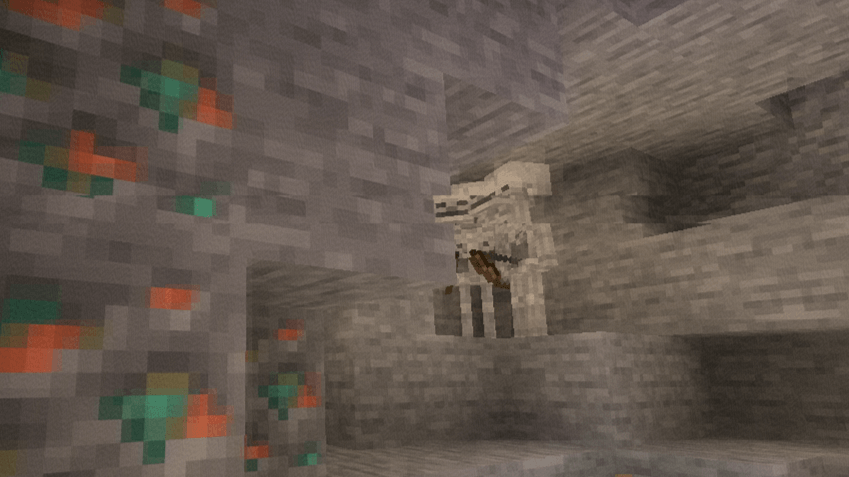
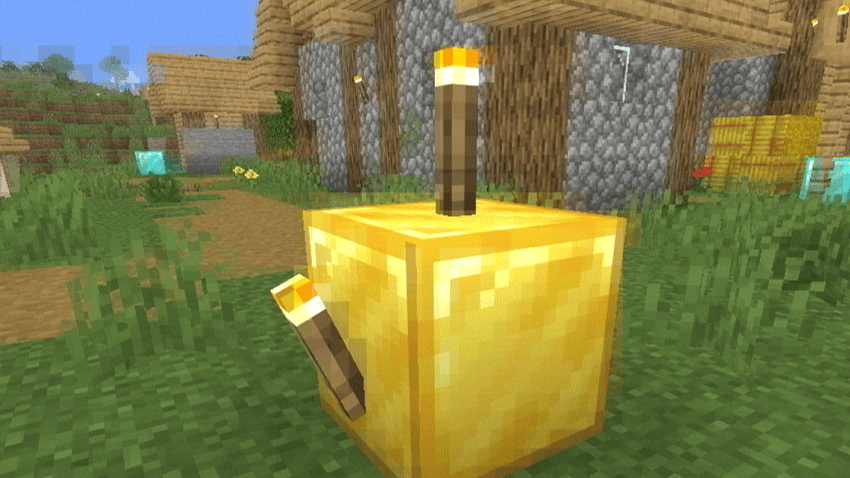
Realistic packet loss simulation. Frames break apart into fragmented blocks, mimicking the appearance of interrupted video transmission and unstable network connections.
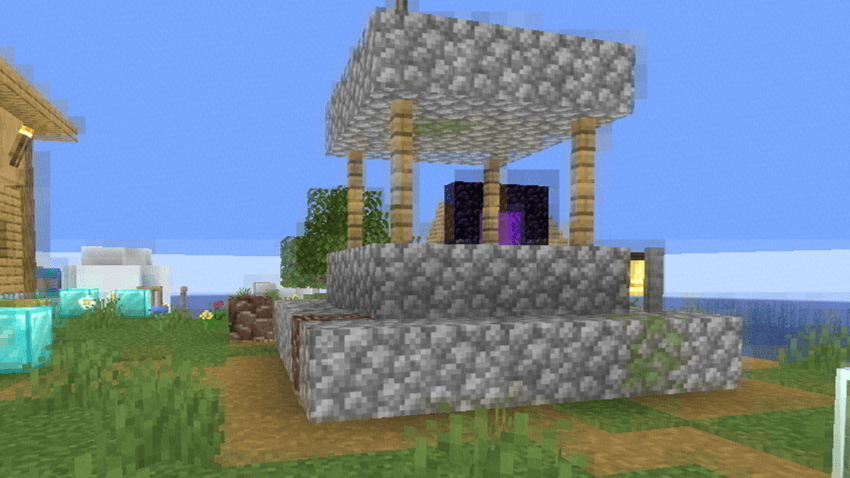
Macroblocking & compression artifacts. Large compression blocks, corrupted image regions, and bitrate degradation reproduce the look of heavily compressed online videos.
RGB signal corruption. Subtle chromatic offsets and color channel separation create the appearance of damaged digital signals and transmission errors.
Ghosting & frame persistence. Previous frames linger momentarily, producing realistic streaming desynchronization and buffering effects.
Dynamic glitch patterns. Artifact placement changes continuously, preventing repetitive distortion and creating a believable corrupted-stream aesthetic.
Performance-friendly implementation. Designed to achieve convincing visual corruption without excessive GPU overhead.

⚙️ Compatibility
Loader - OptiFine / Iris Java Edition - 1.7.3+ GLSL - #version 120 Type - Post-Processing Effect
Built for creators who want authentic digital corruption effects without external video editing.

Bad WiFi کیسے انسٹال کریں
With Millida Launcher
Install Millida Launcher
The launcher is free: download it at millida.net/launcher and sign in with any nickname.
Click “Install” on this page
The launcher opens and installs the shaders for Minecraft 1.7.3–26.3 automatically.
Launch the game
A profile with it appears in the launcher: click “Play”.
Manually
Install Iris or OptiFine
Without a shader mod the game cannot see shaders. Install it for the same Minecraft version.
Download the shader archive
Pick the file Bad-WiFi 1.1.zip (10 KB) and do not unpack it.
Put it in the shaderpacks folder
“Options”, then “Video Settings”, then “Shader Packs”, then “Open Shader Pack Folder”, and drag the archive there.
Select the shaders
In the same window, click the pack name and “Apply”.
ورژنز
ڈیپنڈنسیز کے ساتھ
| Minecraft | لوڈر | فائل | تاریخ | اقدامات |
|---|---|---|---|---|
| 26.3 | Iris, OptiFine | 26.310.5 KB 6 | ||
| 1.17.1 | Iris, OptiFine | 1.17.18.5 KB | ||
| 1.15.2 | Iris, OptiFine | 1.15.28.5 KB | ||
| 1.14.4 | Iris, OptiFine | 1.14.48.5 KB | ||
| 1.7.10 | Iris, OptiFine | 1.7.108.5 KB | ||
| 26.2 | Iris, OptiFine | 26.28.5 KB | — | |
| 26.1 | Iris, OptiFine | 26.18.5 KB | — | |
| 1.21.11 | Iris, OptiFine | 1.21.118.5 KB | — |
عمومی سوالات
Which Minecraft versions does Bad WiFi work on?
There are files for 1.7.3–26.3, 83 versions in total. The newest is 26.3.
What do I need to run Bad WiFi?
Shaders are loaded through Iris or OptiFine: without one of them the game cannot see them.
Where can I download Bad WiFi safely?
On this page: the file Bad-WiFi 1.1.zip (10 KB) is stored on Millida’s server, with no link shorteners. SHA-1 checksum: 6958a188e2977981c812a8a60d5711f7d61b87e9.
ریویوز
Bad WiFi کو ریٹ کرنے والے پہلے شخص بنیں


