
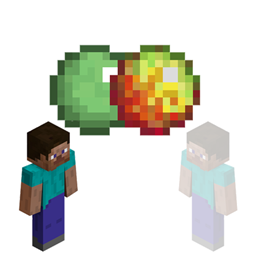
Minecraft 1.12 کے لیے Player Visibility پلگ ان
صرف ایک سادہ کلک سے دوسرے کھلاڑیوں کو غائب ہونے دیں!
Player Visibility
This plugin will prevent players from having lag on your hub server because you can toggle off players. Current stable version: v2.5.3
Tell me more!
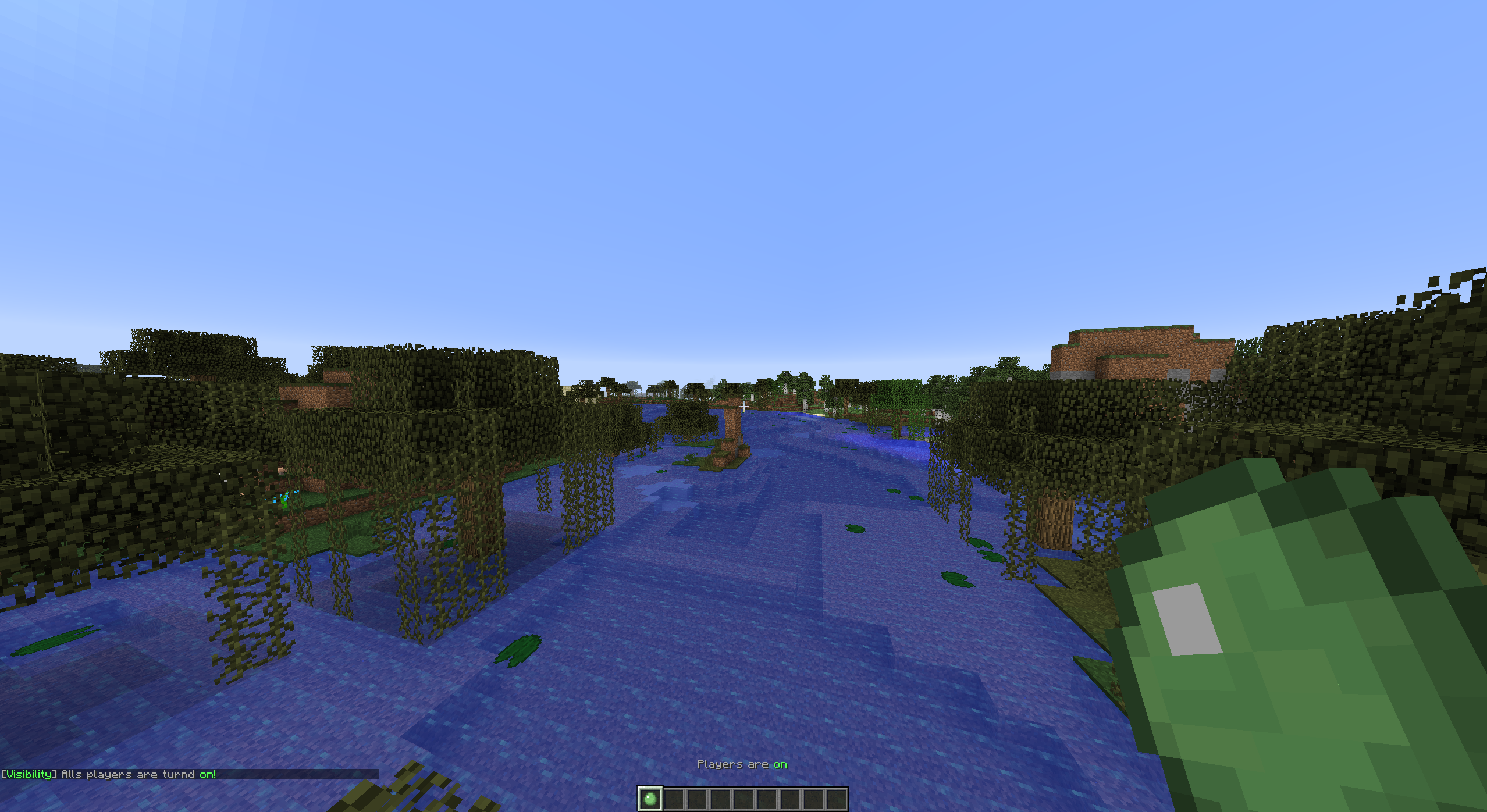
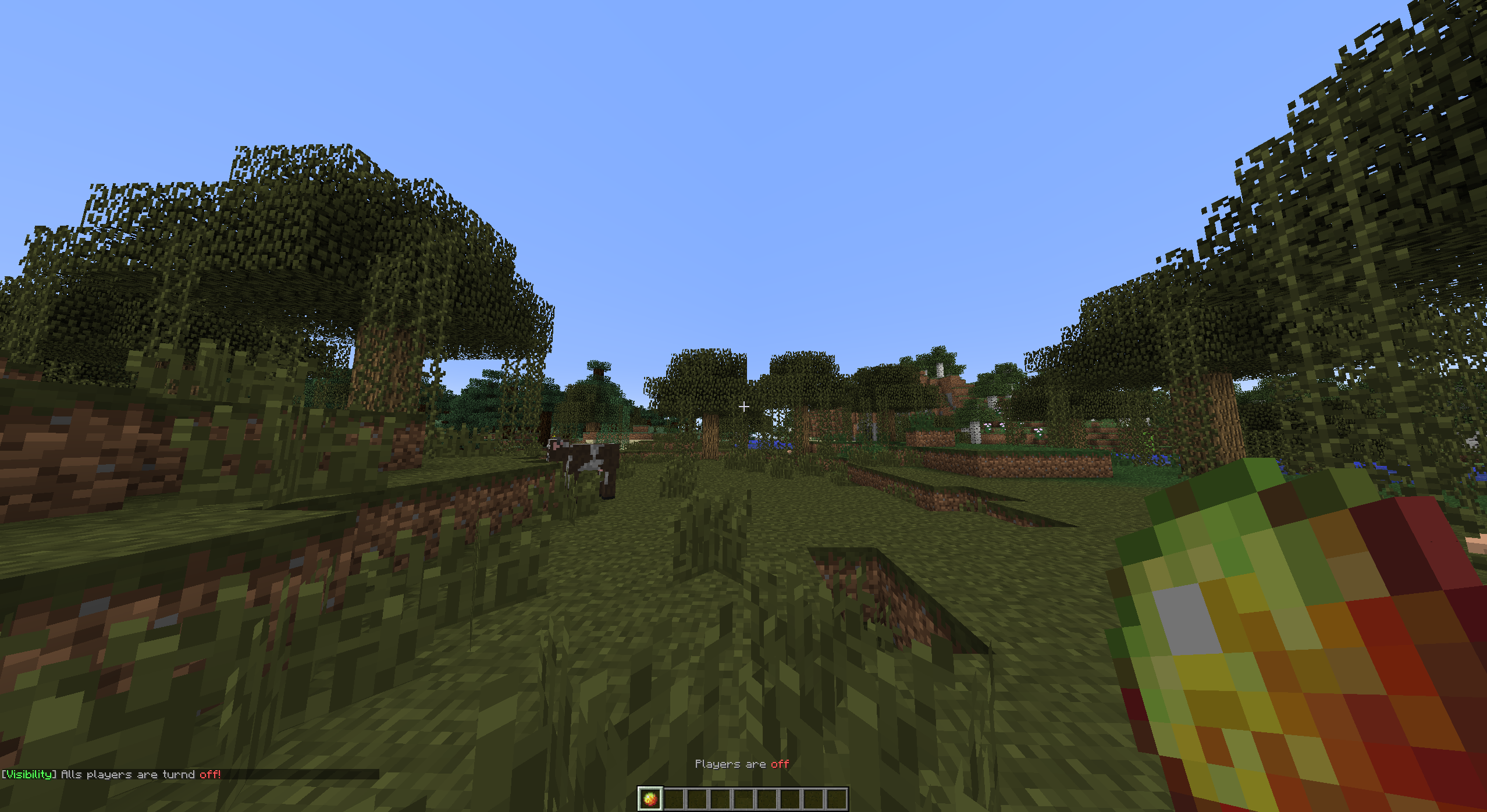
By toggling other players, you are able to hide or show all other players. You can toggle with the item defined in the config when you click the item it will change in an "off" state item. This means the item will change in another item.
Tutorials
English VariationVault
Turkish CrystalGamingTR
Portuguese AbsintoJ
Setup
Project >> Installation >> Configuration >> Commands and Permissions
Player Visibility کیسے انسٹال کریں
A server on Paper or Spigot
The plugin runs on the server core for Minecraft 1.9–1.12; players do not need to install anything.
File goes into the plugins folder
Download the file Visibility.jar (20 KB) and put it into the server’s plugins folder.
Restart the server
On startup the plugin creates its own settings folder in plugins.
Use the “To server” button
On Millida Hosting, the button at the top of the page uploads the file to your server and restarts it for you.
Minecraft 1.12 runs on Java 8: with a different Java version the game may close right after launch.
ورژنز
ڈیپنڈنسیز کے ساتھ
| Minecraft | لوڈر | فائل | تاریخ | اقدامات |
|---|---|---|---|---|
| 1.9 | — | v2.5.319.6 KB | ||
| — | — | v1.0.04.8 KB |
ریویوز
Player Visibility کو ریٹ کرنے والے پہلے شخص بنیں


