

Minecraft 1.20.1, 1.21.11 کے لیے Visor موڈ
Minecraft کے لیے نئی نسل کا VR کور ماڈ۔ OpenXR پر مبنی۔ ایک پلیٹ فارم کے طور پر بنایا گیا۔ ایڈ آنز کی حمایت کرتا ہے، آپ کے VR تجربے کو حسب ضرورت بناتا ہے
 NeoForge
 Forge
Forge Fabric
 Quilt
QuiltVisor موڈ کے بارے میں
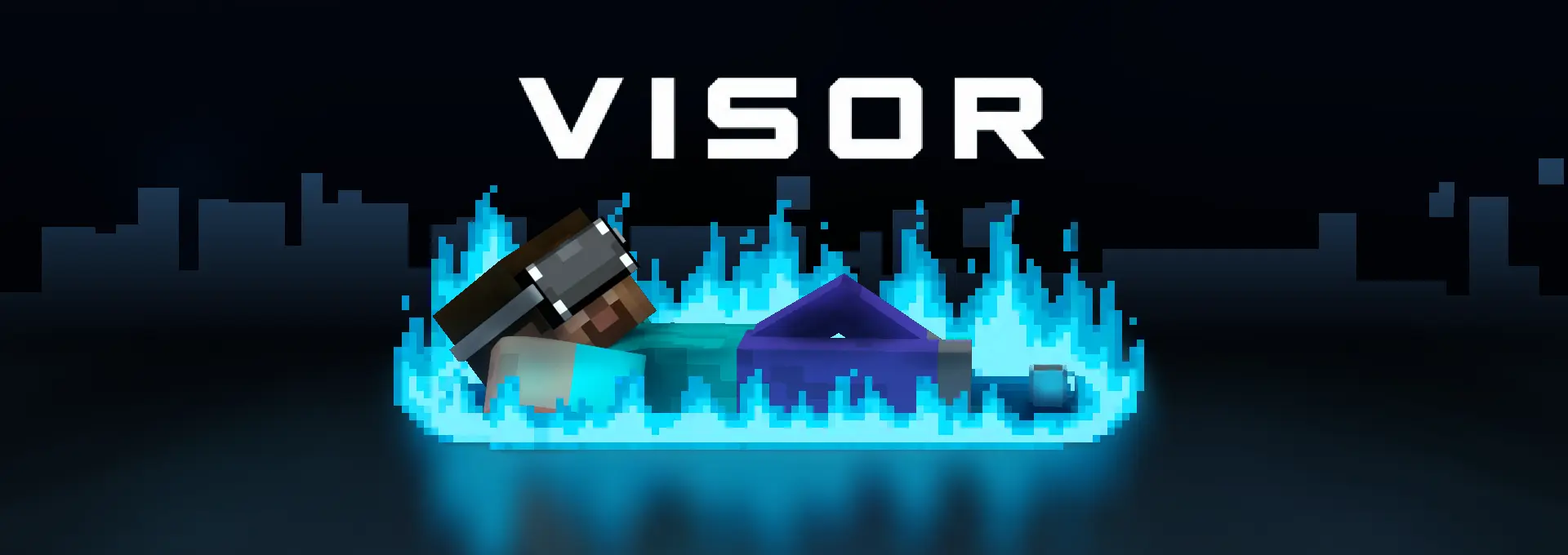
Crafted by VR enthusiasts for players and developers alike





## Official addons and plugins
Most important addon to use: VisorEssentials
Core Plugin for vanilla servers: VisorPlugin
Want more? join our discord Visor has an amazing community of enthusiasts, that made many unofficial addons!
We are looking for support and investors
We are an ambitious team, and as you can see a team, which can provide good, innovative and most importantly valuable results for the people. But unfortunately, we are very financially limited to make much more cool stuff.
If you want to help our project keep living and growing - Support us on Patreon
For potential investors we can offer to participate in future Visor server. If you want to discuss details - contact me (PhoenixRa) on discord
What is Visor?
Visor is a Minecraft mod that brings VR support to the game - built from scratch as a platform. Based on OpenXR, allowing you to play from any VR runtime supporting OpenXR, including SteamVR.
Attention! Visor is on early development stage and might be unstable.
Some options are only configurable in config/Visor/settings.yml and config/Visor/server_settings.yml
Why use Visor?
For Players:
- Customize your VR experience through a growing addon ecosystem.
- Convenient customizations of VR overlays, keybindings and other
- Want to invite friend to play, but with custom VR settings you made? Create a settings preset and send it to your friend!
For Mod Developers:
- Build VR features or integrate VR support into your mod without sufferings in mixin chains, use Visor API instead.
- The codebase is intentionally readable, well-structured, and extensible.
For Project Owners:
- Visor is built to create large VR projects and smoothly integrate with existing ones.
- Want a custom integration or help in your VR project? Reach out via Discord - We are open to partnerships.
For Content Creators:
- Visor's well-designed codebase makes it easier to create mechanics and any other content for your videos.
- Need help with creating a content for you? Reach out via Discord - We are open to partnerships.
Project principles
The project is guided by the following principles:
- Platform-first: You decide what's in your game. We build the foundation to start from.
- Vanilla-Based: Stays close to vanilla Minecraft, so, addons and projects build on a stable foundation.
- Lightweight: No unnecessary features overcomplicating the core. Easier to maintain, easier to extend.
- User-friendly: Intuitive to play, good UI, no unnecessary options and just common sense.
- Readable Code: The codebase is built to be understood, not just to work.
Plans
Want to know plans for next versions? Take a look at project roadmap
To get more details join Visor Mod Community.
If you are an enthusiastic VR developer and want to contribute to this project or create an addon, please contact us on Discord.
Visor کیسے انسٹال کریں
With Millida Launcher
Install Millida Launcher
The launcher is free: download it at millida.net/launcher and sign in with any nickname.
Click “Install” on this page
The launcher opens and installs the mod for Minecraft 1.20.1–1.21.11 on Fabric, Forge, NeoForge or Quilt automatically.
Launch the game
A profile with it appears in the launcher: click “Play”.
Manually
Install Fabric, Forge, NeoForge or Quilt
The loader must match the game version of the mod file, for example Minecraft 1.21.11. After installing it, a separate profile appears in your launcher.
Download the file for your version
In the version list above, pick the file Visor-0.6.0-alpha.2+mc1.21.11-neoforge.jar (13 MB) for your game version and loader.
Put it in the mods folder
The folder is inside .minecraft (Windows: %appdata%\.minecraft\mods). If it does not exist, create it.
Launch the loader profile
Open “Mods” in the main menu: Visor should be in the list.
Minecraft 1.21.11 runs on Java 21: with a different Java version the game may close right after launch.
ورژنز
ڈیپنڈنسیز کے ساتھ
| Minecraft | لوڈر | فائل | تاریخ | اقدامات |
|---|---|---|---|---|
| 1.21.11 | NeoForge | Visor 0.6.0-alpha.2 - MC 1.21.11 (neoforge)13.4 MB | ||
| 1.21.11 | Forge | Visor 0.6.0-alpha.2 - MC 1.21.11 (forge)13.4 MB | ||
| 1.21.11 | Fabric, Quilt | Visor 0.6.0-alpha.2 - MC 1.21.11 (fabric)12.3 MB 5 | ||
| 1.20.1 | Forge | Visor 0.5.0 - MC 1.20.1 (forge)13.3 MB 2 | ||
| 1.20.1 | Fabric | Visor 0.5.0 - MC 1.20.1 (fabric)12.2 MB | ||
| 1.20.1 | Forge | 0.5.0beta2 - MC 1.20.1 (forge)13.3 MB | ||
| 1.20.1 | Fabric | 0.5.0beta2 - MC 1.20.1 (fabric)12.2 MB |
ریویوز
Visor کو ریٹ کرنے والے پہلے شخص بنیں


