
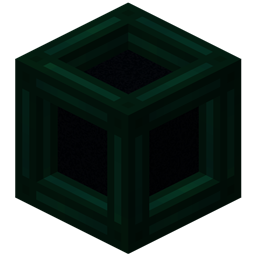
Minecraft 26.3 کے لیے Tesseract موڈ
Tesseract آپ کو Items، Fluid اور Energy منتقل کرنے دیتا ہے
 NeoForge
 Fabric
 Quilt
Quilt Forge
ForgeTesseract آپ کو اشیاء، فلوئڈ اور توانائی کی منتقلی کی سہولت دیتا ہے۔ Tesseracts کسی بھی فاصلے پر اور حتیٰ کہ مختلف جہتوں کے پار بھی کام کرتے ہیں! مختلف گروہوں کے Tesseracts رکھنے کے لیے متعدد چینلز استعمال کریں!
Tesseract
- Tesseract اشیاء، فلوئڈ اور توانائی کی منتقلی کی سہولت دیتا ہے
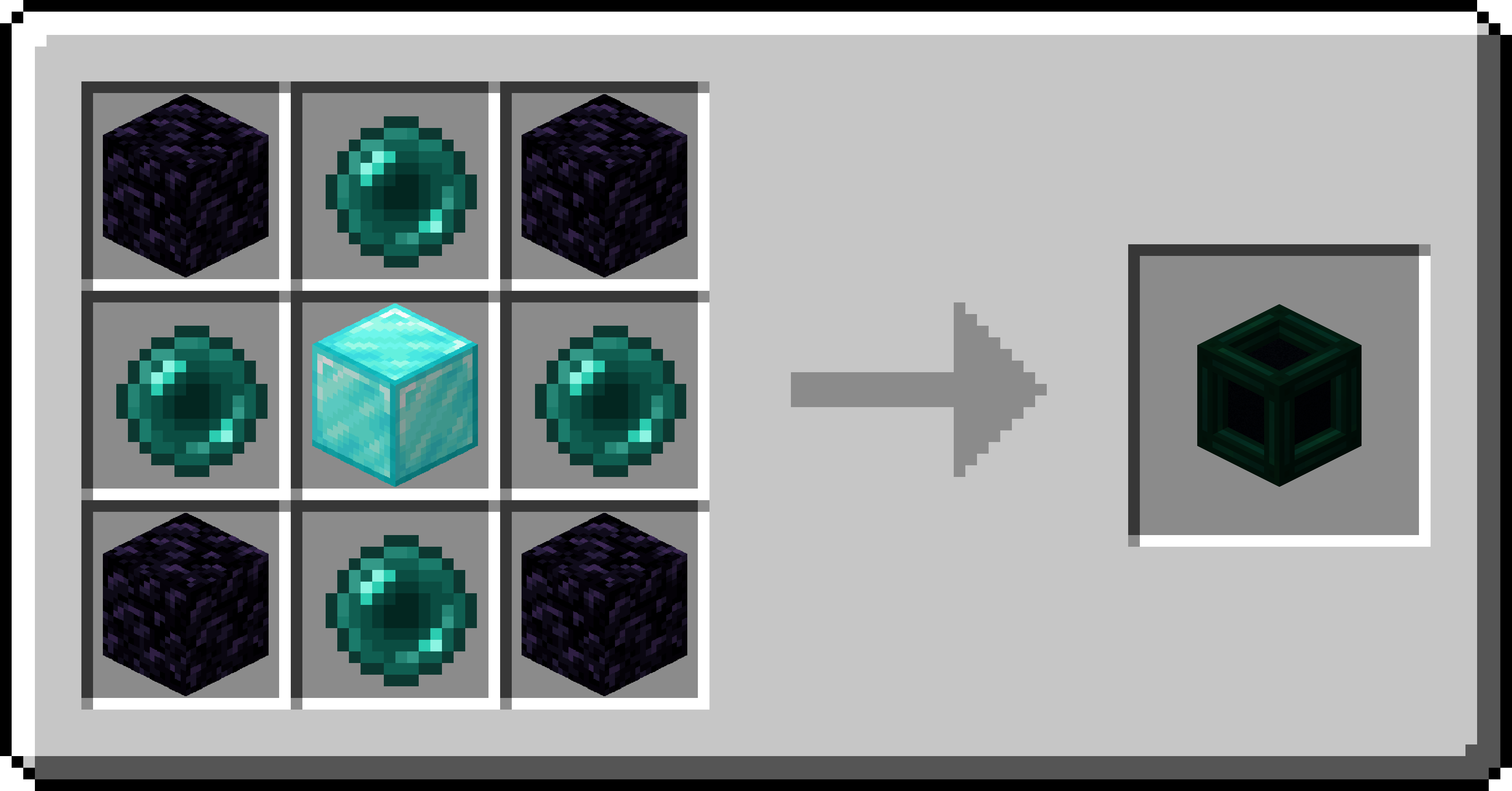
- Tesseract کا gui کھولنے کے لیے اس پر دائیں کلک کریں
- اشیاء، فلوئڈ اور توانائی ایک ہی چینل پر موجود Tesseracts کے درمیان منتقل ہوں گی
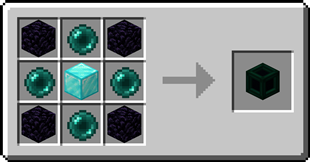
Tesseract کیسے انسٹال کریں
With Millida Launcher
Install Millida Launcher
The launcher is free: download it at millida.net/launcher and sign in with any nickname.
Click “Install” on this page
The launcher opens and installs the mod for Minecraft 26.2–26.3 on Fabric, Forge, NeoForge or Quilt automatically.
Launch the game
A profile with it appears in the launcher: click “Play”.
Manually
Install Fabric, Forge, NeoForge or Quilt
The loader must match the game version of the mod file, for example Minecraft 26.3. After installing it, a separate profile appears in your launcher.
Download the file for your version
In the version list above, pick the file tesseract-1.0.38-neoforge-mc26.3.jar (1.2 MB) for your game version and loader.
Put it in the mods folder
The folder is inside .minecraft (Windows: %appdata%\.minecraft\mods). If it does not exist, create it.
Launch the loader profile
Open “Mods” in the main menu: Tesseract should be in the list.
ورژنز
ڈیپنڈنسیز کے ساتھ
| Minecraft | لوڈر | فائل | تاریخ | اقدامات |
|---|---|---|---|---|
| 26.3 | NeoForge | Tesseract 1.0.38 for NeoForge 26.31.2 MB | ||
| 26.3 | Fabric, Quilt | Tesseract 1.0.38 for Fabric 26.31.2 MB 2 | ||
| 26.2 | Forge | Tesseract 1.0.38a for Forge 26.21.1 MB 1 |
ریویوز
Tesseract کو ریٹ کرنے والے پہلے شخص بنیں


