
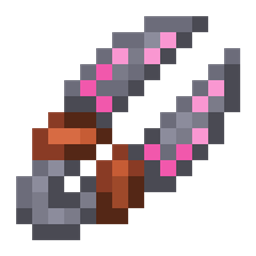
Minecraft 1.21.1, 1.12.2 کے لیے Roots 4 موڈ
فطرت، فصلوں اور جانوروں کی پرورش پر مرکوز ایک جادوئی موڈ!
 NeoForge
 Forge
ForgeRoots 4 موڈ کے بارے میں
Roots 4 الفا میں NeoForge 1.21.1 کے لیے دستیاب ہے اور اسے کسی اضافی لائبریری کی ضرورت نہیں۔
مدد کے لیے، براہ کرم Roots Wiki دیکھیں، خاص طور پر Getting Started کا صفحہ۔
گیم پر بات چیت کرنے اور رائے دینے کے لیے، Mystic Modding Discord دیکھیں۔
بگز کی اطلاع دینے کے لیے، آپ ہمارے GitHub پر ایسا کر سکتے ہیں۔
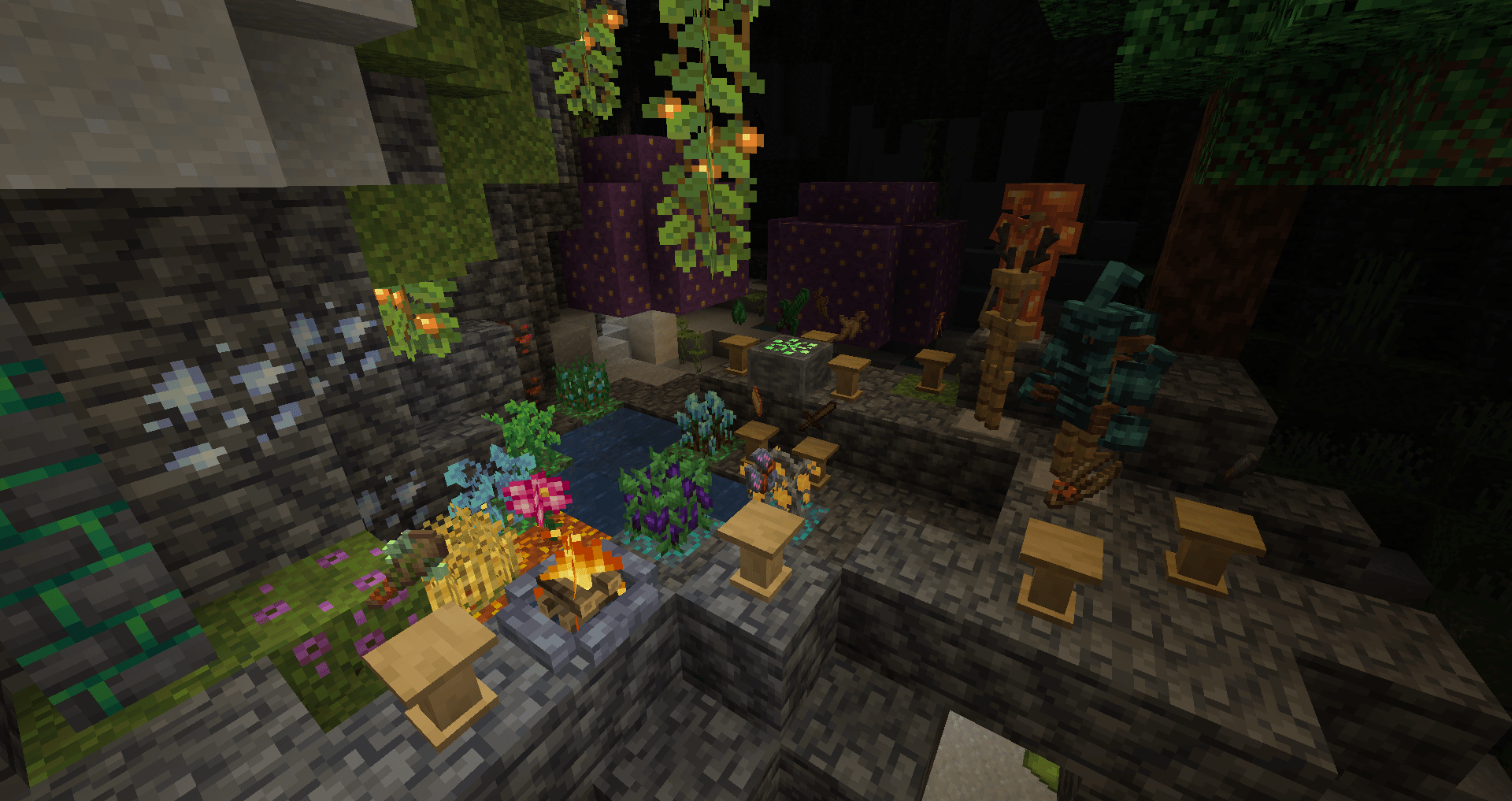
Roots ایک جادوئی موڈ ہے جس کا موضوع فطرت، کاشتکاری، فصلوں اور جانوروں کی پرورش ہے!
wildroot اور grove moss جمع کریں، جو جادو کے ایک گمشدہ دور کی باقیات ہیں، اور انہیں جادوئی سامان بنانے کے لیے استعمال کریں:
- mortar & pestle کے ساتھ اجزاء کو توڑ کر جادو بنائیں۔
- جانوروں کو نقصان پہنچائے بغیر drops حاصل کرنے کے لیے جادوئی رسومات انجام دیں، pyre کے ساتھ گمشدہ جادوئی جڑی بوٹیاں دوبارہ بنائیں۔
- اپنی فصلوں کو اگانے اور کاٹنے کے لیے جادو کریں، staff کے ساتھ حملوں سے اپنی حفاظت کریں اور بہت کچھ۔
- grove stone کو فعال کر کے اور grove crafter کے ساتھ اس کی طاقت کو جادوئی armor، tools اور equipment میں منتقل کر کے دنیا کے sylvan ماضی کے راز کھولیں۔
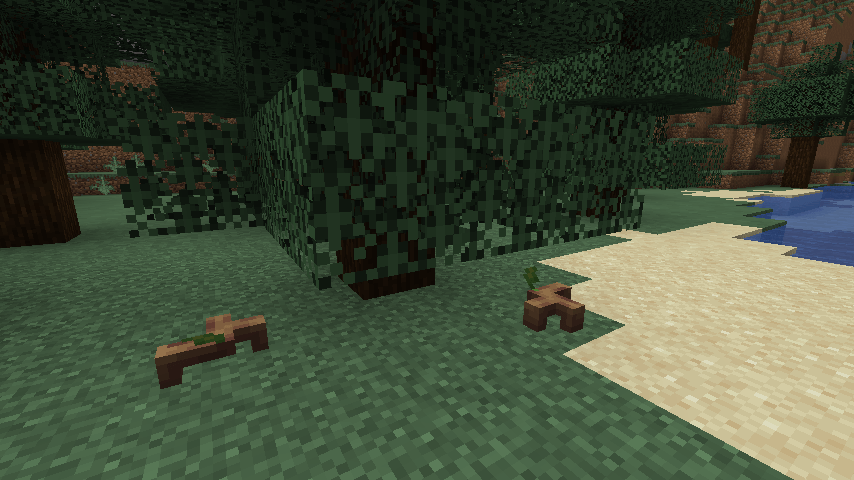
- مختلف قسم کے جانوروں سے دوستی کریں، جن میں deer، beetles، owls، اور پیارے sprouts، ذی شعور پودے شامل ہیں۔
Roots 4 کیسے انسٹال کریں
With Millida Launcher
Install Millida Launcher
The launcher is free: download it at millida.net/launcher and sign in with any nickname.
Click “Install” on this page
The launcher opens and installs the mod for Minecraft 1.12.2–1.21.1 on Forge or NeoForge automatically.
Launch the game
A profile with it appears in the launcher: click “Play”.
Manually
Install Forge or NeoForge
The loader must match the game version of the mod file, for example Minecraft 1.21.1. After installing it, a separate profile appears in your launcher.
Download the file for your version
In the version list above, pick the file roots-4.0.0.31-alpha.jar (4.5 MB) for your game version and loader.
Put it in the mods folder
The folder is inside .minecraft (Windows: %appdata%\.minecraft\mods). If it does not exist, create it.
Launch the loader profile
Open “Mods” in the main menu: Roots 4 should be in the list.
Minecraft 1.21.1 runs on Java 21: with a different Java version the game may close right after launch.
ورژنز
ڈیپنڈنسیز کے ساتھ
| Minecraft | لوڈر | فائل | تاریخ | اقدامات |
|---|---|---|---|---|
| 1.21.1 | NeoForge | Roots-1.21 4.0.0.31-alpha4.5 MB 2 | ||
| 1.12.2 | Forge | Roots-1.12.2-3.1.9.2.jar3.4 MB 3 | ||
| 1.12.2 | — | Roots-1.12.2-3.0.4.jar1.3 MB | ||
| 1.12.2 | — | roots-2-0.104.jar699 KB |
عمومی سوالات
Which Minecraft versions does Roots 4 work on?
There are files for 1.21.1, 1.12.2. The newest is 1.21.1.
Is Roots 4 for Forge or Fabric?
There are files for Forge: 1.12.2 and for NeoForge: 1.21.1. There are no files for Fabric: a mod for another loader will not start.
Does Roots 4 need other mods?
The author lists no required dependencies: the Forge or NeoForge loader is enough.
Which Java does Roots 4 need?
Minecraft 1.21.1 runs on Java 21. If the game closes right after launch, the usual cause is the wrong Java version in the profile settings.
Where can I download Roots 4 safely?
On this page: the file roots-4.0.0.31-alpha.jar (4.5 MB) is stored on Millida’s server, with no link shorteners. SHA-1 checksum: 51d7065d0c3475ad95beca00d731f7efaec08f4c.
ریویوز
Roots 4 کو ریٹ کرنے والے پہلے شخص بنیں


