
 Forge
Realistic Torches موڈ کے بارے میں
حقیقت پسندانہ مشعلیں
Minecraft فورم - سورس کوڈ - ایشو ٹریکر
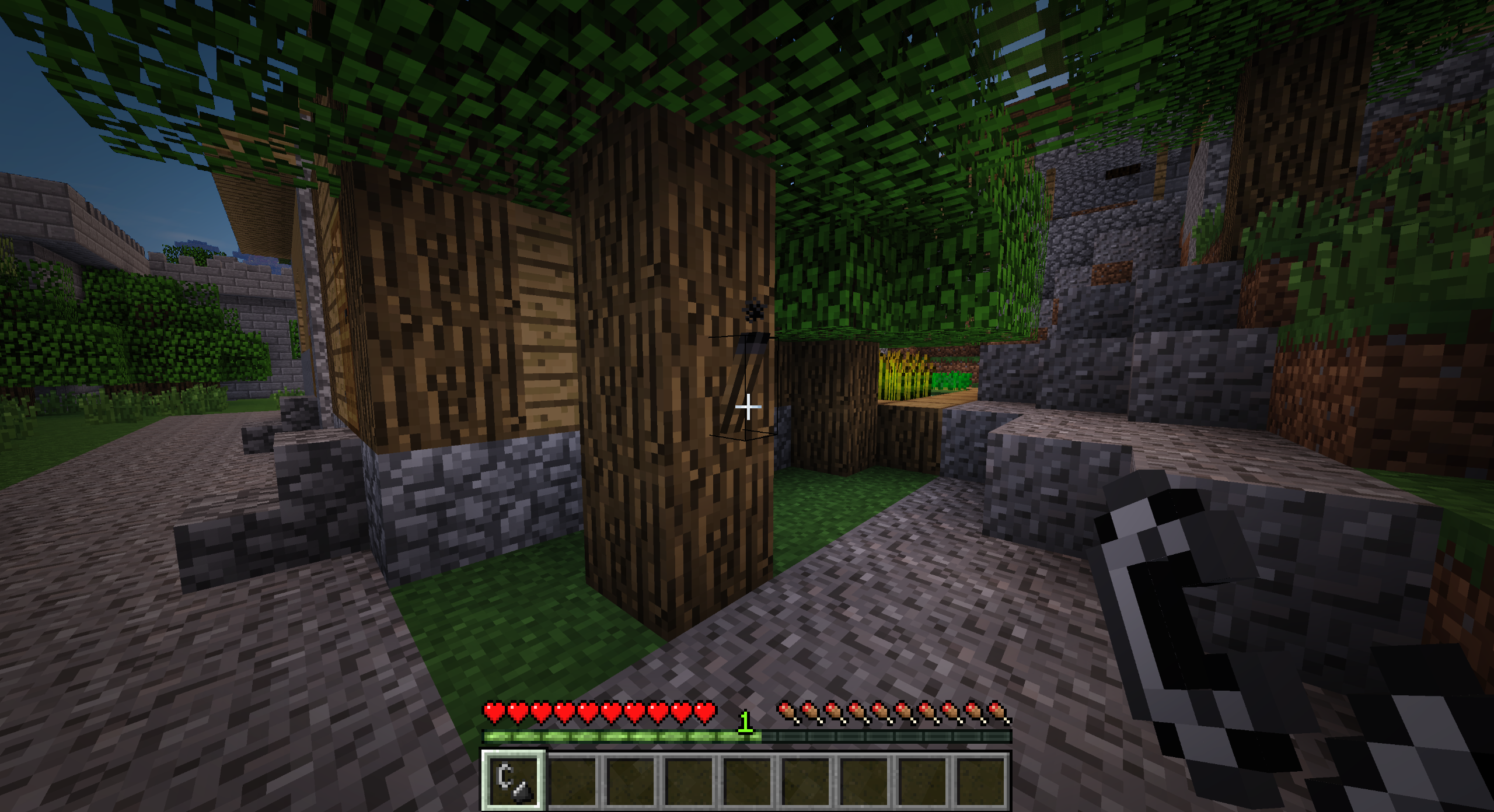
حقیقت پسندانہ مشعلیں ابتدائی گیم پلے کو مزید مشکل بناتی ہیں کیونکہ مشعلیں ایک قابل ترتیب وقت کے بعد بجھ جاتی ہیں، جس سے کھلاڑیوں کی حوصلہ افزائی ہوتی ہے کہ وہ شروع ہی میں زیادہ مستقل روشنی کے ذرائع کی طرف بڑھیں۔
خصوصیات
- مشعلیں اب بنانے کے بعد بجھی ہوئی ہوتی ہیں، اور انہیں ماچس کے ڈبے یا چقماق اور فولاد سے جلانا ضروری ہے
- مشعلیں ایک قابل ترتیب وقت کے بعد بجھ جائیں گی (بطور ڈیفالٹ 60 منٹ حقیقی وقت)
- بارش میں آنے پر مشعلیں بجھ جاتی ہیں
- ونیلا ڈھانچوں میں بننے والی مشعلیں بجھی ہوئی مشعلیں سے بدل دی جائیں گی
- مستقل طور پر جلنے والی مشعلیں گلو اسٹون سے بنائی جا سکتی ہیں
- قدرتی طور پر روشنی خارج کرنے والے بلاکس اور آئٹمز اٹھانے پر روشنی دیں گے (1.14.4 سے پہلے)
ترکیبیں
بجھی ہوئی مشعل (کوئلہ یا چارکول)
ماچس کا ڈبہ
جلی ہوئی مشعل (بے ترتیب، ماچس کے ڈبے کو نقصان پہنچتا ہے)
گلو اسٹون کرسٹل (کوئلہ یا چارکول)
گلو اسٹون پیسٹ (بے ترتیب)
ونیلا مشعل (گلو اسٹون کرسٹل)
ونیلا مشعل (گلو اسٹون پیسٹ)
موڈ پیکس
جی ہاں، آپ اس موڈ کو اپنے موڈ پیک میں استعمال کر سکتے ہیں۔
معاونت
اگر آپ کو موڈ پسند ہے اور آپ اس پروجیکٹ کی معاونت کرنا چاہتے ہیں، تو بلا جھجھک PayPal پر عطیہ دے دیں۔ معاونت کی بہت قدر کی جاتی ہے!
اسپانسر
یہ پروجیکٹ BisectHosting کے زیرِ اہتمام ہے۔ اگر آپ سرور تلاش کر رہے ہیں، تو ان کے ہوسٹنگ پلانز دیکھیں اور چیک آؤٹ پر پرومو کوڈ Chaos استعمال کریں تاکہ اپنے پہلے مہینے پر 25% رعایت حاصل کریں!
Realistic Torches کیسے انسٹال کریں
With Millida Launcher
Install Millida Launcher
The launcher is free: download it at millida.net/launcher and sign in with any nickname.
Click “Install” on this page
The launcher opens and installs the mod for Minecraft 1.16.4–1.21.1 on Forge automatically.
Launch the game
A profile with it appears in the launcher: click “Play”.
Manually
Install Forge
The loader must match the game version of the mod file, for example Minecraft 1.21.1. After installing it, a separate profile appears in your launcher.
Download the file for your version
In the version list above, pick the file RealisticTorches-1.21.1-3.2.0.jar (55 KB) for your game version.
Put it in the mods folder
The folder is inside .minecraft (Windows: %appdata%\.minecraft\mods). If it does not exist, create it.
Launch the loader profile
Open “Mods” in the main menu: Realistic Torches should be in the list.
Minecraft 1.21.1 runs on Java 21: with a different Java version the game may close right after launch.
ورژنز
ڈیپنڈنسیز کے ساتھ
| Minecraft | لوڈر | فائل | تاریخ | اقدامات |
|---|---|---|---|---|
| 1.21.1 | Forge | RealisticTorches-1.21.1-3.2.0.jar55.1 KB 3 | ||
| 1.16.4 | — | RealisticTorches-1.16.4-3.1.1.jar57.4 KB 1 |
عمومی سوالات
Which Minecraft versions does Realistic Torches work on?
There are files for 1.21.1, 1.16.4. The newest is 1.21.1.
Is Realistic Torches for Forge or Fabric?
Only for Forge: 1.21.1. There are no files for Fabric or NeoForge: a mod for another loader will not start.
Does Realistic Torches need other mods?
The author lists no required dependencies: the Forge loader is enough.
Which Java does Realistic Torches need?
Minecraft 1.21.1 runs on Java 21. If the game closes right after launch, the usual cause is the wrong Java version in the profile settings.
Where can I download Realistic Torches safely?
On this page: the file RealisticTorches-1.21.1-3.2.0.jar (55 KB) is stored on Millida’s server, with no link shorteners. SHA-1 checksum: cb32cf296fe4c806c635a0ceb7cb23f29bc930a5.
ریویوز
Realistic Torches کو ریٹ کرنے والے پہلے شخص بنیں


