

Minecraft 1.20.1, 1.16.5 کے لیے MythicBotany موڈ
botania کی دنیا میں مزید گہرائی میں جائیں
- ڈاؤن لوڈز
- 10 ڈاؤن لوڈز
- ویوز
- 60 ویوز
- اپ ڈیٹ شدہ
- اپ ڈیٹ شدہ 27.10.2026
- 1.16.3 — 1.20.1
 Forge
Forge
MythicBotany موڈ کے بارے میں
MythicBotany ایک موڈ ہے جو بوٹانیا کو تھوڑا سا بڑھاتا ہے۔ اس کی کچھ خصوصیات نیچے دی گئی ہیں:
- مینا انفیوزر: ٹیریسٹریل ایگلومیریشن پلیٹ کا ایک اپ گریڈ جس کے نیچے اور ساتھ گولڈ اور شمرراک درکار ہوتا ہے اور ٹیریسٹیل کے علاوہ الفسٹیل بنانے کی اجازت دیتا ہے۔
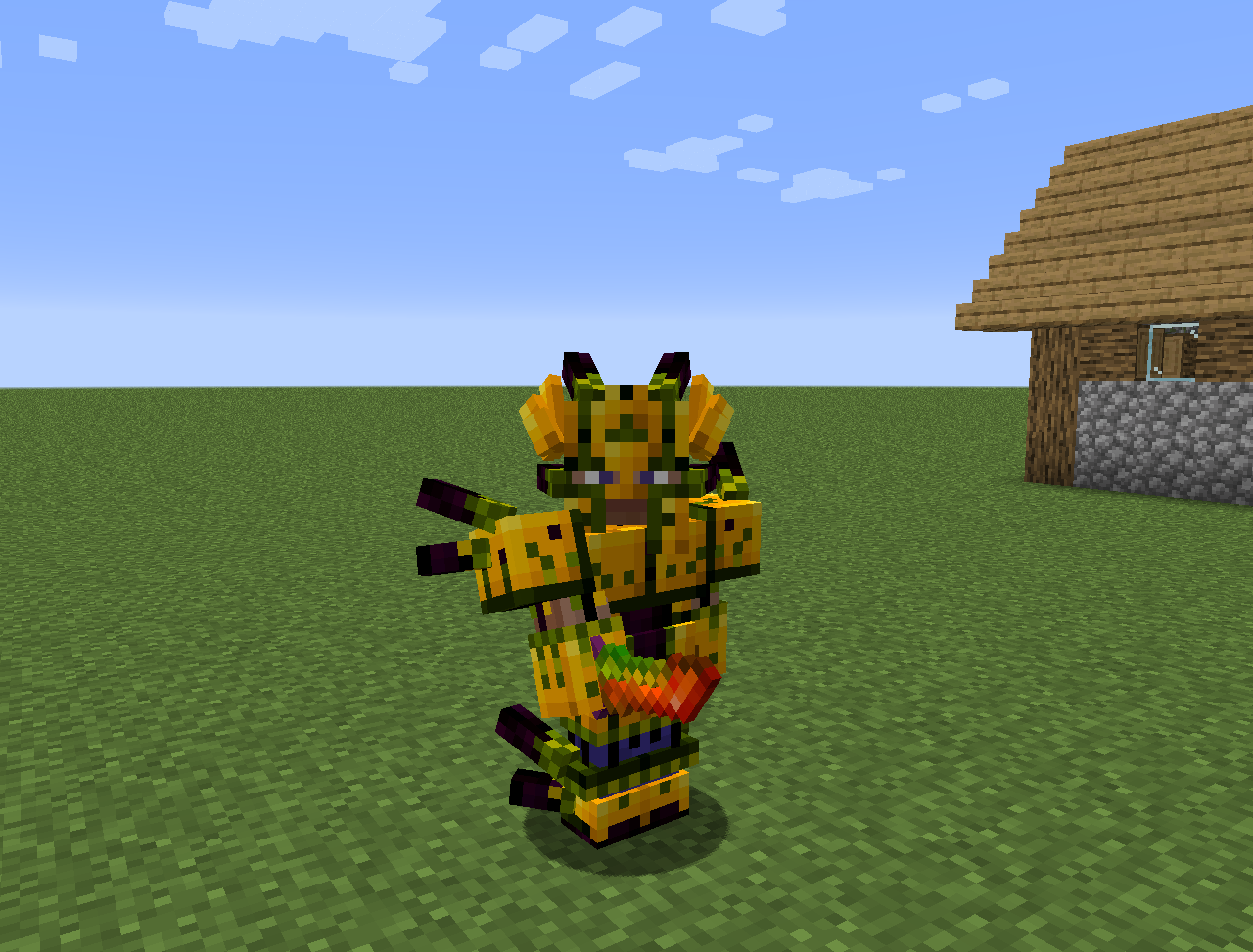
- الفسٹیل: ٹیریسٹیل کی طرح بنایا جاتا ہے لیکن الفہائم وسائل کے ساتھ۔ اسے بہتر آرمر، پائلن اور دیگر چیزیں بنانے کے لیے استعمال کیا جا سکتا ہے۔
- کچھ نئے پھول:
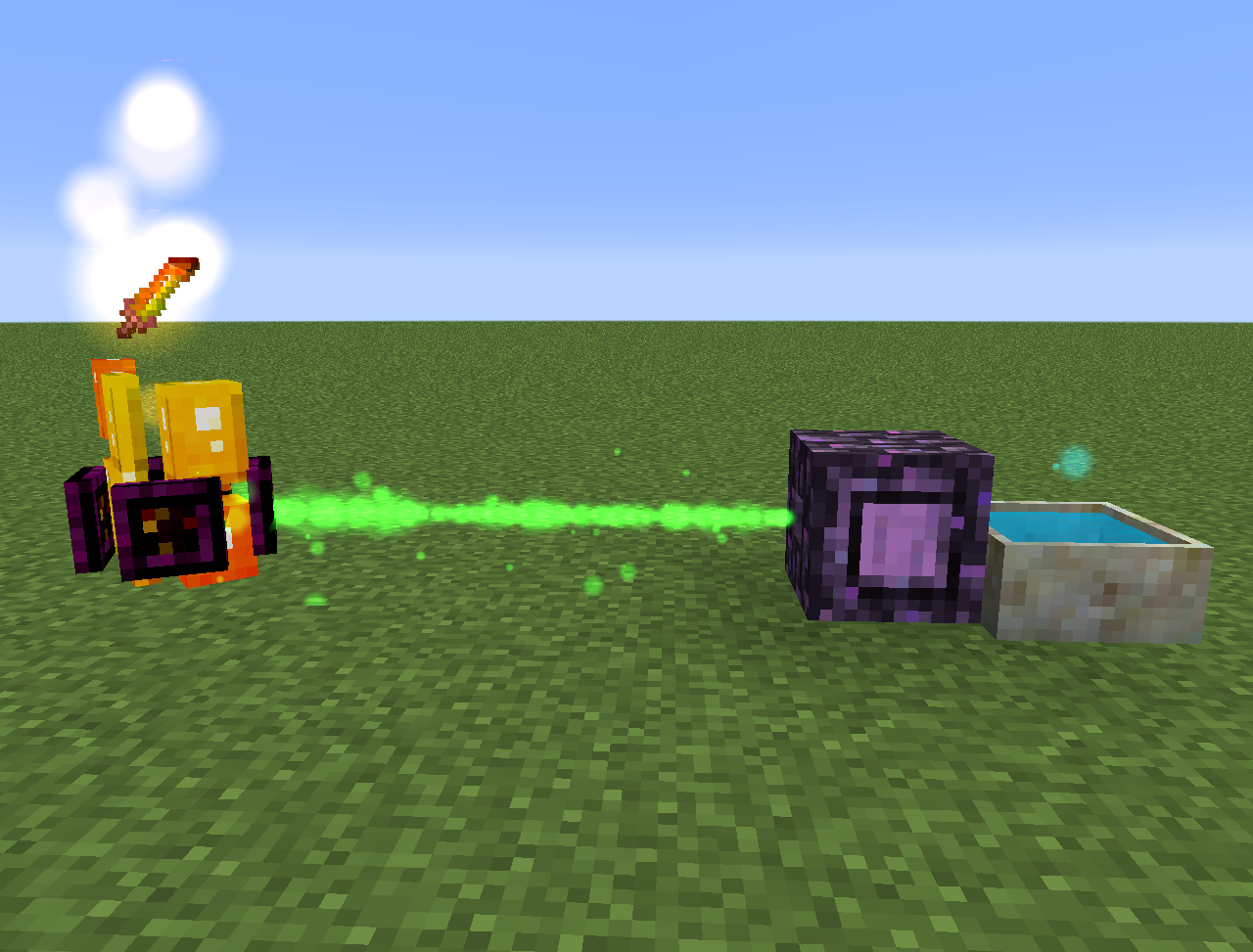
- وِدر ایکونائٹ: نیچر اسٹارز سے مینا بناتا ہے
- ایگزو بلیز: بریونگ اسٹینڈز کے ایندھن کو مینا سے بھرتا ہے
- ہیلیبور: اوورورلڈ میں پگلنز اور ہوگلنز کو زومبی بننے سے روکتا ہے
- ایکواپینتھس: قریبی پیٹل اپوتھیکریز اور کالڈرنز کو بھرتا ہے۔
- رینڈیلیٹیا: بارش ہونے پر مینا بناتا ہے۔ آسمان کا صاف نظارہ ہونا ضروری ہے۔ زیادہ مینا پیدا کرنے کے لیے اسے وِوِڈ گراس یا اینچینٹڈ سوائل پر رکھیں۔
- یہ الفہائم ڈائمینشن اور نورس متھولوجی کا کچھ مواد بھی شامل کرتا ہے
سب کچھ لیکسیکا بوٹانیا میں بھی مل سکتا ہے۔
MythicBotany کیسے انسٹال کریں
With Millida Launcher
Install Millida Launcher
The launcher is free: download it at millida.net/launcher and sign in with any nickname.
Click “Install” on this page
The launcher opens and installs the mod for Minecraft 1.16.3–1.20.1 on Forge automatically.
Launch the game
A profile with it appears in the launcher: click “Play”.
Manually
Install Forge
The loader must match the game version of the mod file, for example Minecraft 1.20.1. After installing it, a separate profile appears in your launcher.
Download the file for your version
In the version list above, pick the file MythicBotany-1.20.1-4.0.4.jar (2.1 MB) for your game version.
Put it in the mods folder
The folder is inside .minecraft (Windows: %appdata%\.minecraft\mods). If it does not exist, create it.
Launch the loader profile
Open “Mods” in the main menu: MythicBotany should be in the list.
Minecraft 1.20.1 runs on Java 17: with a different Java version the game may close right after launch.
ورژنز
ڈیپنڈنسیز کے ساتھ
| Minecraft | لوڈر | فائل | تاریخ | اقدامات |
|---|---|---|---|---|
| 1.20.1 | Forge | MythicBotany-1.20.1-4.0.4.jar2.1 MB 8 | ||
| 1.18.1 | Forge | MythicBotany-1.18.1-2.0.2.jar2 MB | ||
| 1.16.5 | Forge | MythicBotany-1.16.4-1.3.7.jar2 MB 2 | ||
| 1.16.3 | — | MythicBotany-1.16.3-1.0.0.jar403 KB |
عمومی سوالات
Which Minecraft versions does MythicBotany work on?
There are files for 1.20.1, 1.18.1, 1.16.5, 1.16.4, 1.16.3. The newest is 1.20.1.
Is MythicBotany for Forge or Fabric?
Only for Forge: 1.16.4–1.20.1. There are no files for Fabric or NeoForge: a mod for another loader will not start.
Does MythicBotany need other mods?
The author lists no required dependencies: the Forge loader is enough.
Which Java does MythicBotany need?
Minecraft 1.20.1 runs on Java 17. If the game closes right after launch, the usual cause is the wrong Java version in the profile settings.
Where can I download MythicBotany safely?
On this page: the file MythicBotany-1.20.1-4.0.4.jar (2.1 MB) is stored on Millida’s server, with no link shorteners. SHA-1 checksum: b616c118d611459a0711931c51c9c4d41408abb4.
ریویوز
MythicBotany کو ریٹ کرنے والے پہلے شخص بنیں


