

Minecraft 1.21.1, 1.21 کے لیے Formations Nether موڈ
Formations Nether نیدر میں بہت سی نئی ساختوں کو شامل کرتا ہے!
 Fabric
 Forge
Forge NeoForge
 Quilt
QuiltFormations Nether نیچر میں بہت سے نئے ڈھانچے شامل کرتا ہے!
ڈھانچے
Formations Nether میں آپ کو ملنے والے ڈھانچوں کی کچھ مثالیں۔ مزید تصاویر کے لیے، آپ تصویری گیلری دیکھ سکتے ہیں۔
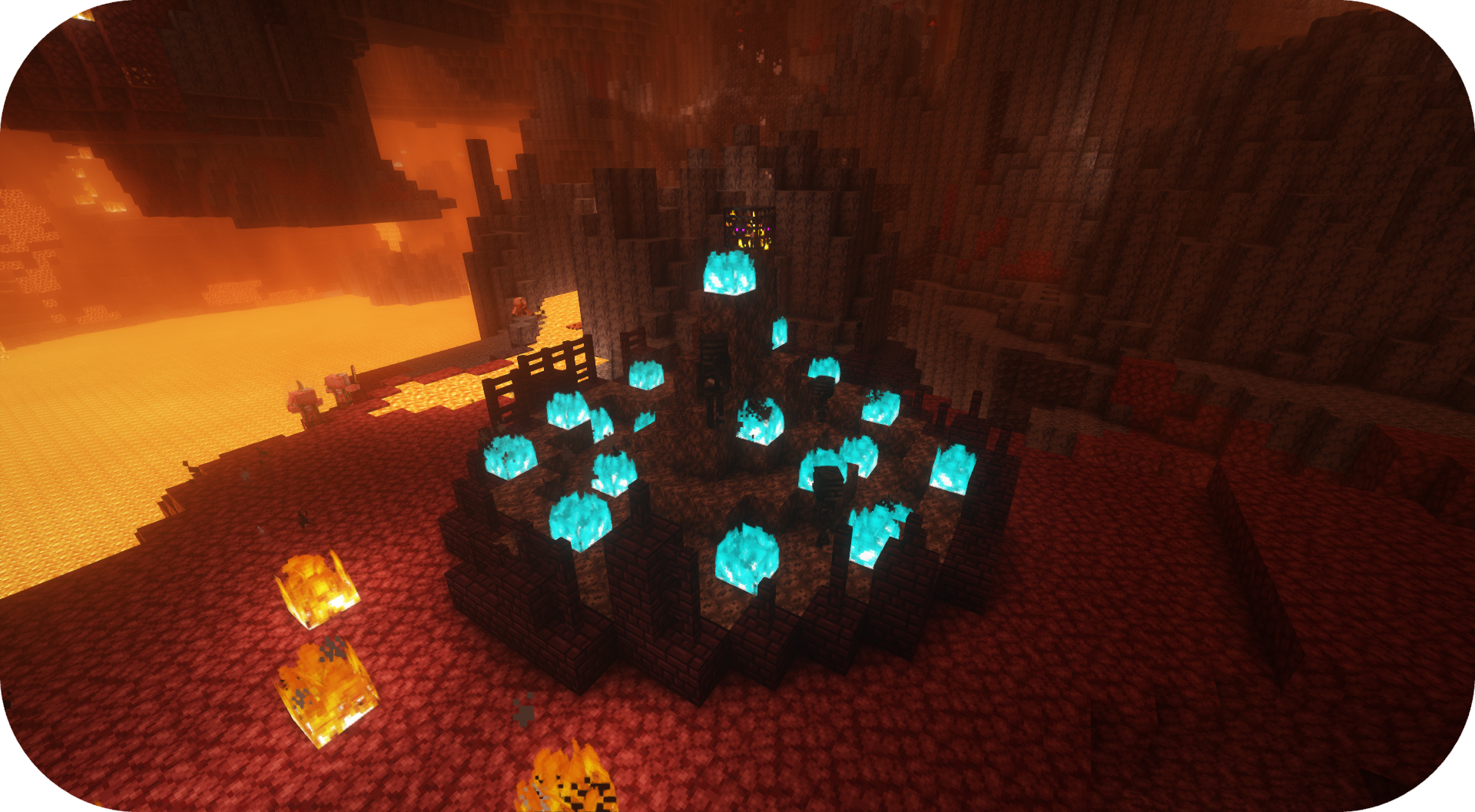
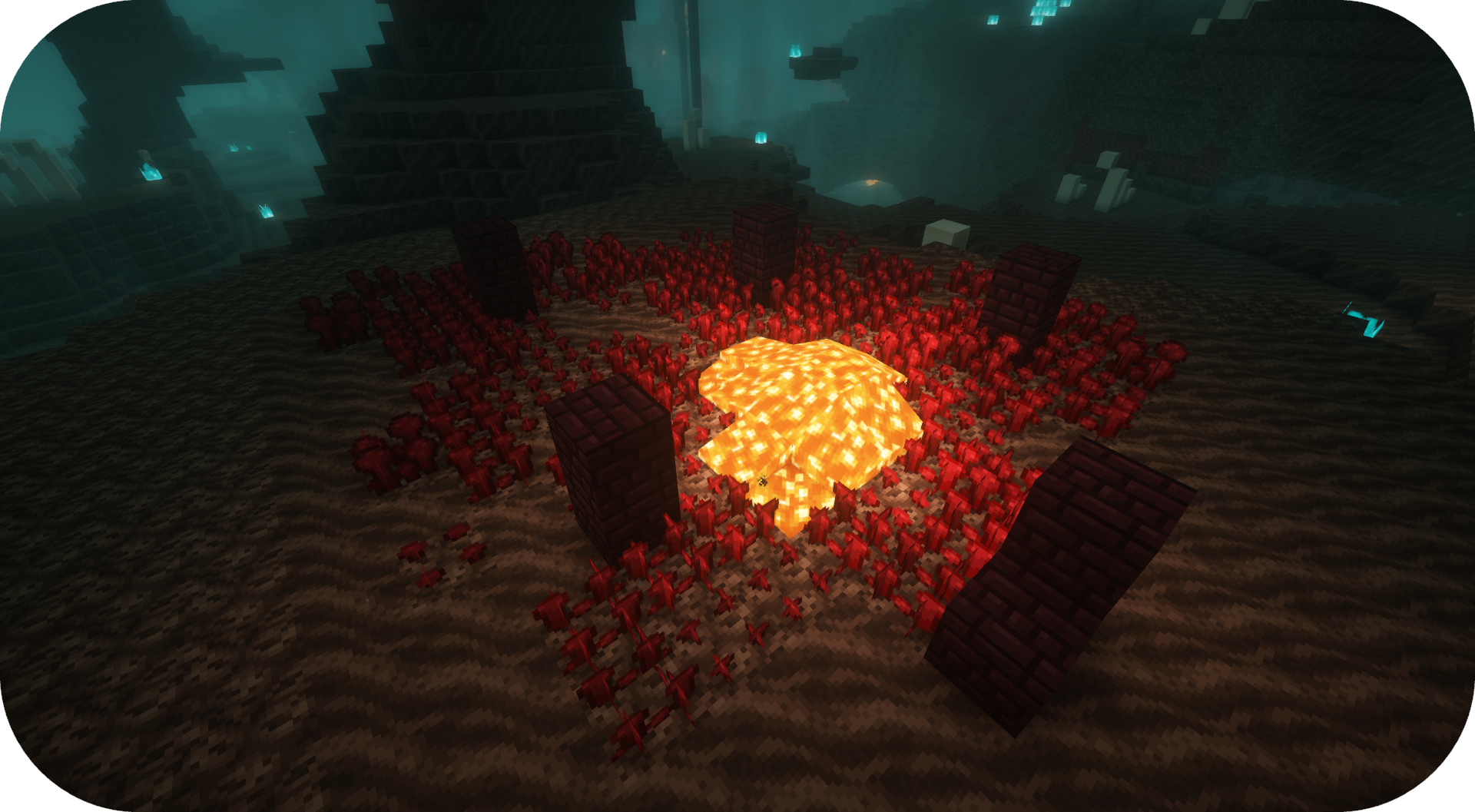
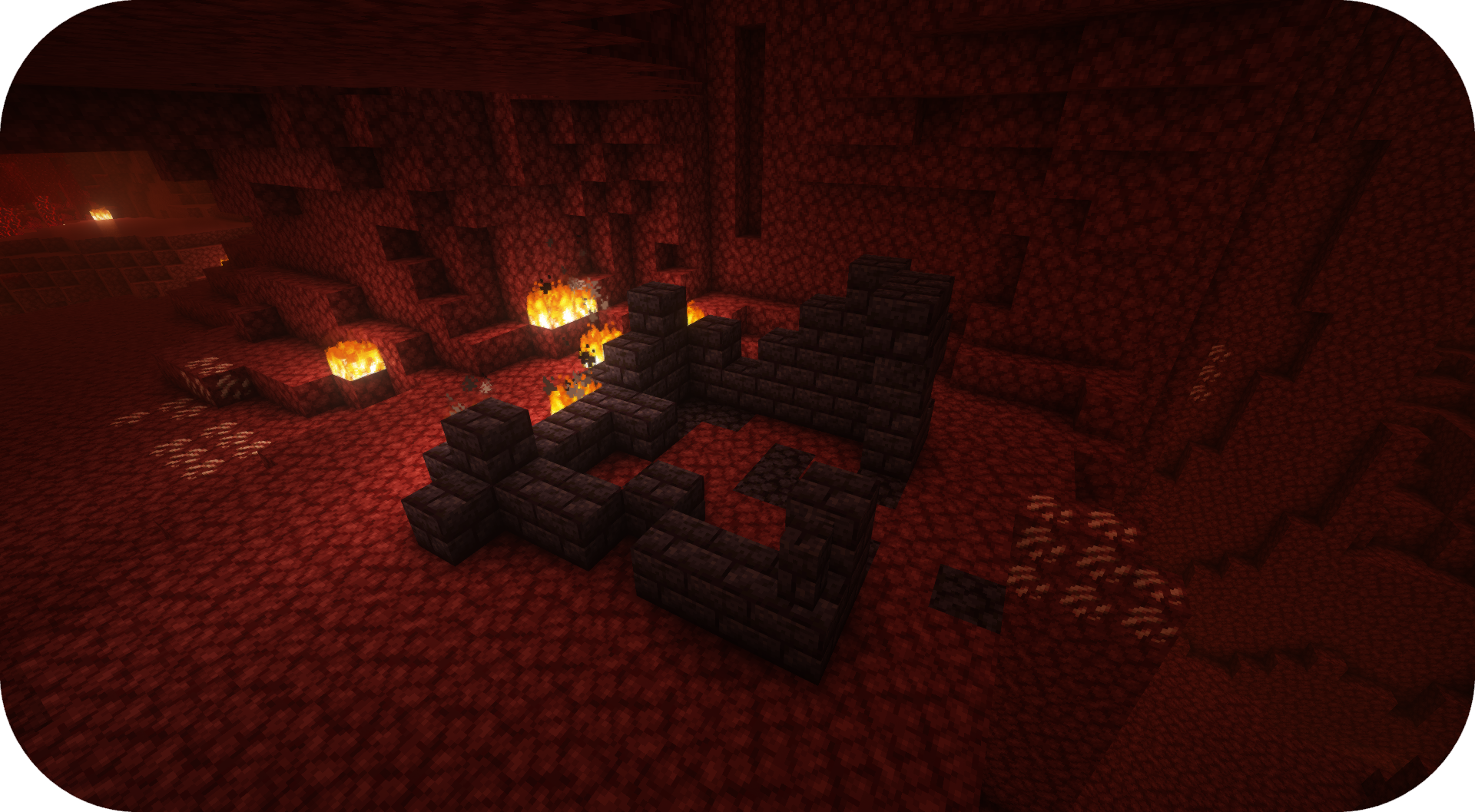
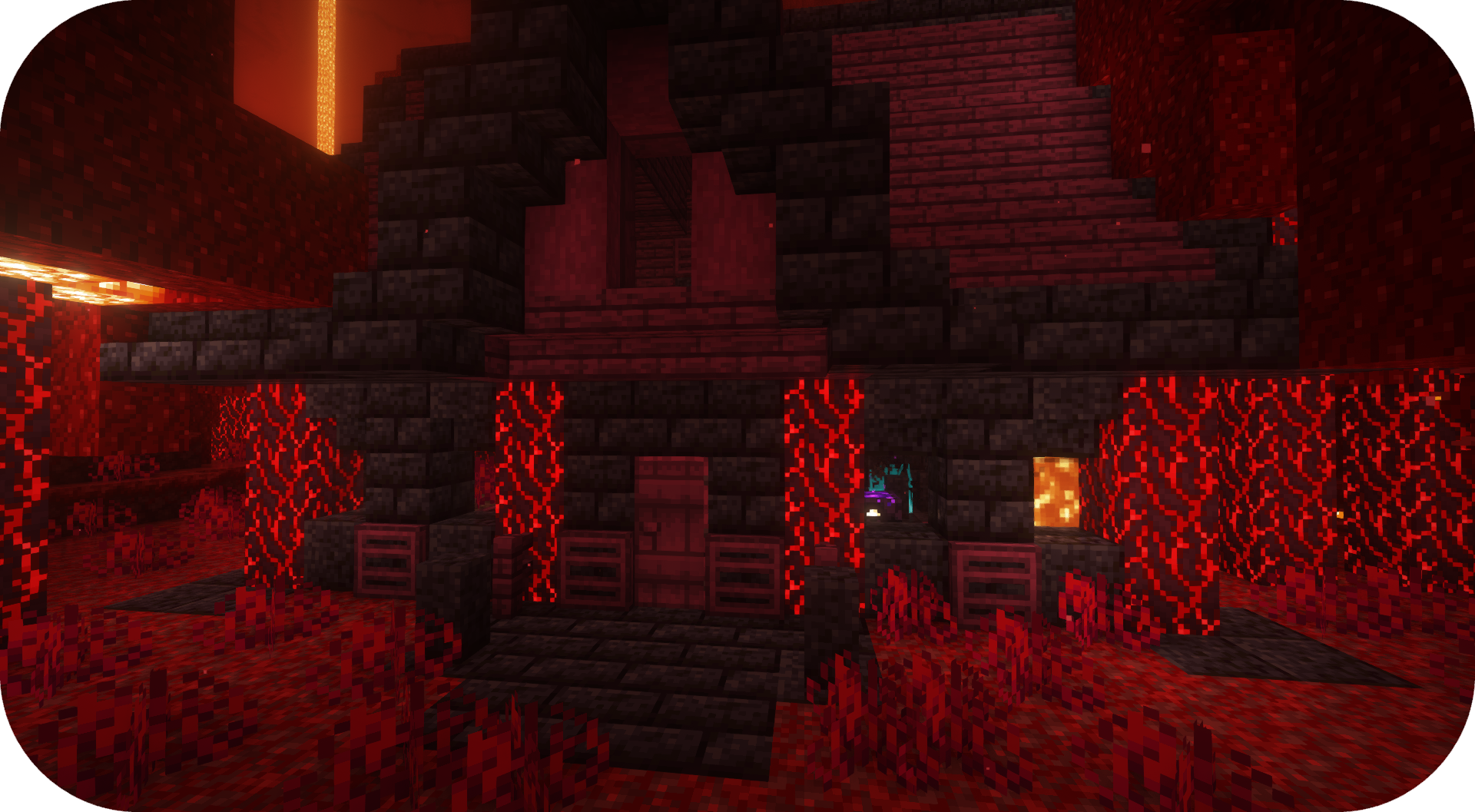
عمومی سوالات
کیا میں آپ کا موڈ اپنے موڈ پیک میں استعمال کر سکتا ہوں؟ جی ہاں، بلا جھجھک میرے موڈ کو اپنے موڈ پیک میں استعمال کریں

Discord
مستقبل کے مواد، آنے والے موڈز، اور گفتگو کے لیے، بلا جھجھک SuperMartijn642 ڈسکارڈ سرور جوائن کریں! [ ](https://discord.gg/QEbGyUYB2e)

Formations Nether کیسے انسٹال کریں
With Millida Launcher
Install Millida Launcher
The launcher is free: download it at millida.net/launcher and sign in with any nickname.
Click “Install” on this page
The launcher opens and installs the mod for Minecraft 1.21–26.3 on Fabric, Forge, NeoForge or Quilt automatically, together with its dependencies: Formations (Structure Library).
Launch the game
A profile with it appears in the launcher: click “Play”.
Manually
Install Fabric, Forge, NeoForge or Quilt
The loader must match the game version of the mod file, for example Minecraft 26.3. After installing it, a separate profile appears in your launcher.
Download the file for your version
In the version list above, pick the file formationsnether-1.0.5b-mc1.21+.jar (323 KB) for your game version and loader.
Put it in the mods folder
The folder is inside .minecraft (Windows: %appdata%\.minecraft\mods). If it does not exist, create it. Required dependencies go there too: Formations (Structure Library).
Launch the loader profile
Open “Mods” in the main menu: Formations Nether should be in the list.
On a server
A server on Fabric, Forge, NeoForge or Quilt
The mod only works on a server with the same loader and game version, for example 26.3.
File goes into the server’s mods folder
Stop the server, put the mod file into the mods folder and start the server again.
Use the “To server” button
On Millida Hosting, the button at the top of the page uploads the file to your server and restarts it for you.
ورژنز
ڈیپنڈنسیز کے ساتھ
| Minecraft | لوڈر | فائل | تاریخ | اقدامات |
|---|---|---|---|---|
| 26.3 | Fabric, Forge, NeoForge, Quilt | 26.3323 KB 13 | ||
| 26.1 | Fabric, Forge, NeoForge, Quilt | 26.1920 KB 1 | — |
چلانے کے لیے کیا درکار ہے
ریویوز
Formations Nether کو ریٹ کرنے والے پہلے شخص بنیں


