

 NeoForge
 Fabric
 Quilt
 Forge
Entity Model Features
تعارف
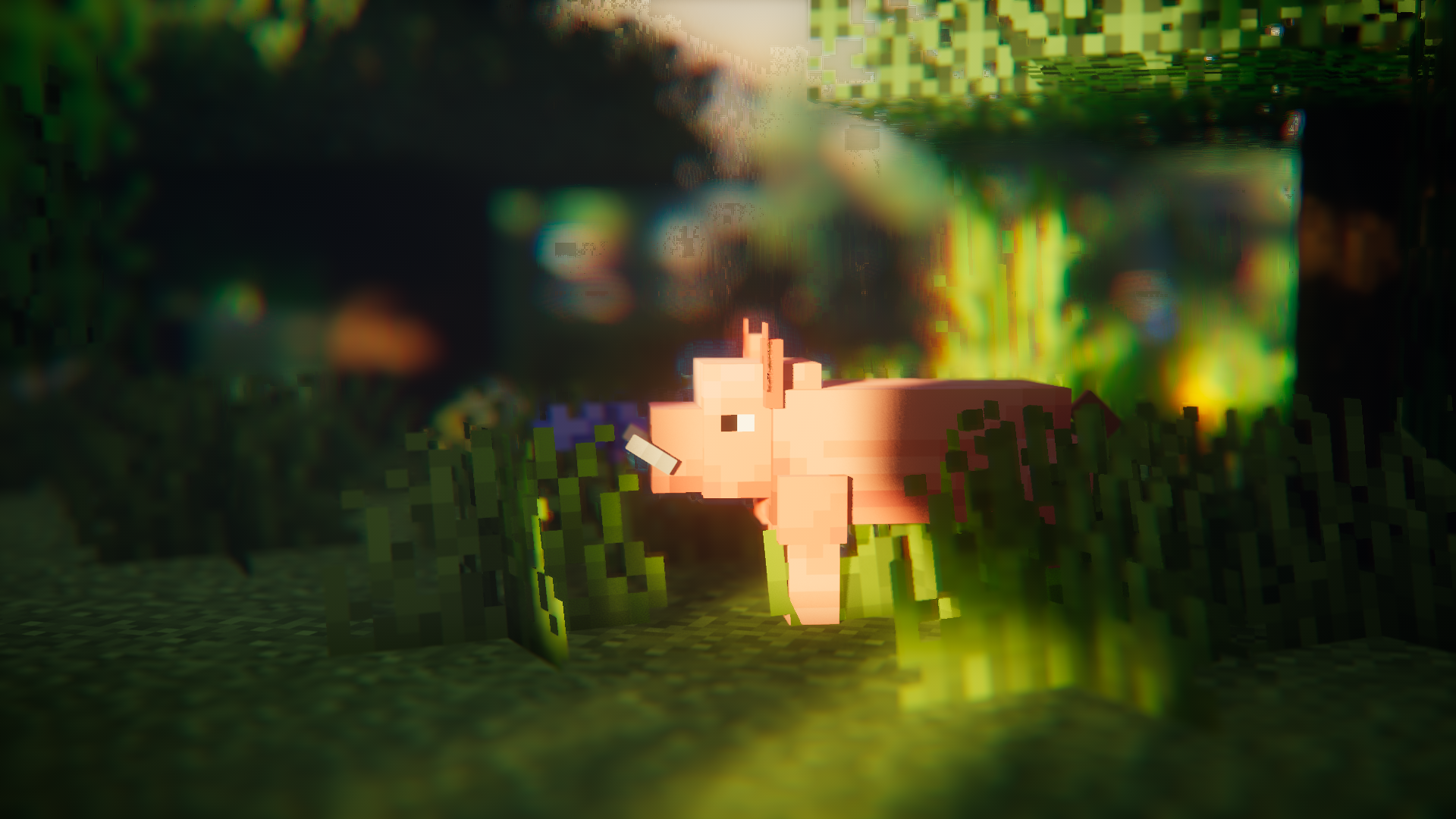
Entity Model Features (EMF) ایک Fabric، Forge، اور NeoForge موڈ ہے جو OptiFine کے Custom Entity Models (CEM) کی سپورٹ شامل کرتا ہے۔
یہ ان تمام لوگوں کے لیے بنایا گیا ہے جو CEM ریسورس پیک کی خصوصیات استعمال کرنا چاہتے ہیں لیکن ساتھ ہی Sodium، Continuity یا ETF جیسے OptiFine متبادل موڈز بھی استعمال کرنا چاہتے ہیں۔

درکار موڈز
اگر ممکن ہو تو براہ کرم نیچے دیے گئے موڈز بھی انسٹال کریں، Sodium جیسے واضح موڈز کا ذکر نہیں کیا گیا۔
یہ بھی واضح رہے کہ EMF dorianpb کے CEM اور OptiFine / OptiFabric کے ساتھ مطابقت نہیں رکھتا۔

درکار
- Entity Texture Features (ETF): EMF میرے دوسرے موڈ ETF کی کئی خصوصیات استعمال کرتا ہے، اس لیے یہ درکار ہے۔ (بنیادی طور پر random model فیچر، کنفگ اسکرین، اور ماڈلز میں سیٹ کی گئی ٹیکسچرز کو OptiFine کی طرح مختلف ہونے دینے کے لیے استعمال ہوتا ہے)
انتہائی تجویز کردہ
- Entity Culling: یہ موڈ entity رینڈرنگ کی تاخیر کم کرنے میں کمال کرتا ہے، یہاں تک کہ Sodium کے شامل entity culling سے بھی زیادہ۔ یہ انیمیشن سے بھرپور پیک جیسے Fresh Animations استعمال کرتے وقت بہت فائدہ مند ہے۔
Fresh Animations؟
جی ہاں۔
یہ کام کرتا ہے :)
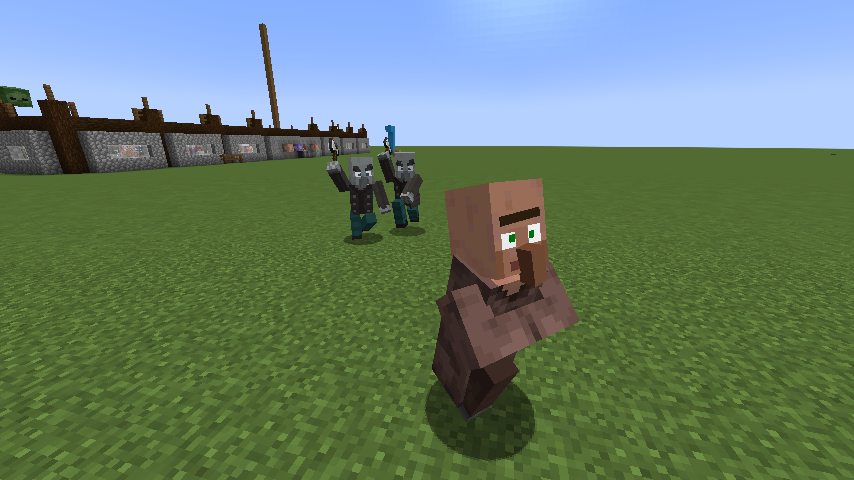
Fresh Animations ڈاؤن لوڈ کریں
خصوصیات اور OptiFine کے فرق اور معلوم بگز
تازہ ترین خصوصیات کی تفصیل کا صفحہ: Features & Optifine differences
تبدیلیوں کی فہرست
آپ تبدیلیوں کی فہرست یہاں دیکھ سکتے ہیں۔
مدد چاہیے یا سوالات ہیں؟
آپ میرے Discord پر رابطہ کر سکتے ہیں (ترجیحی) یا GitHub پر ایشو کھول سکتے ہیں۔
[EMF] Entity Model Features کیسے انسٹال کریں
With Millida Launcher
Install Millida Launcher
The launcher is free: download it at millida.net/launcher and sign in with any nickname.
Click “Install” on this page
The launcher opens and installs the mod for Minecraft 1.18–26.3 on Fabric, Forge, NeoForge or Quilt automatically, together with its dependencies: [ETF] Entity Texture Features.
Launch the game
A profile with it appears in the launcher: click “Play”.
Manually
Install Fabric, Forge, NeoForge or Quilt
The loader must match the game version of the mod file, for example Minecraft 26.3. After installing it, a separate profile appears in your launcher.
Download the file for your version
In the version list above, pick the file entity_model_features-3.3.12-26.3-neoforge.jar (650 KB) for your game version and loader.
Put it in the mods folder
The folder is inside .minecraft (Windows: %appdata%\.minecraft\mods). If it does not exist, create it. Required dependencies go there too: [ETF] Entity Texture Features.
Launch the loader profile
Open “Mods” in the main menu: [EMF] Entity Model Features should be in the list.
[EMF] Entity Model Features works on the player’s side only: there is no need to install it on a server.
ورژنز
ڈیپنڈنسیز کے ساتھ
| Minecraft | لوڈر | فائل | تاریخ | اقدامات |
|---|---|---|---|---|
| 26.3 | NeoForge | 26.3650 KB 226 | ||
| 26.3 | Fabric, Quilt | 26.3650 KB 643 | ||
| 26.2 | NeoForge | 26.2650 KB 90 | ||
| 26.2 | Fabric, Quilt | 26.2650 KB 343 | ||
| 26.1.2 | NeoForge | 26.1.2650 KB 24 | ||
| 26.1.2 | Fabric, Quilt | 26.1.2650 KB 92 | ||
| 1.21.10 | NeoForge | 1.21.10655 KB 6 | ||
| 1.21.10 | Forge | 1.21.10833 KB 8 |
چلانے کے لیے کیا درکار ہے
وہ مواد جسے اس کی ضرورت ہے
ریویوز
[EMF] Entity Model Features کو ریٹ کرنے والے پہلے شخص بنیں


