

Minecraft 1.20.1, 1.21.1 کے لیے Create Stuff 'N Additions موڈ
🧲 Create ٹیکنالوجی سے اپنے ماحول پر غلبہ حاصل کریں
 NeoForge
 Forge
ForgeCreate Stuff 'N Additions موڈ کے بارے میں
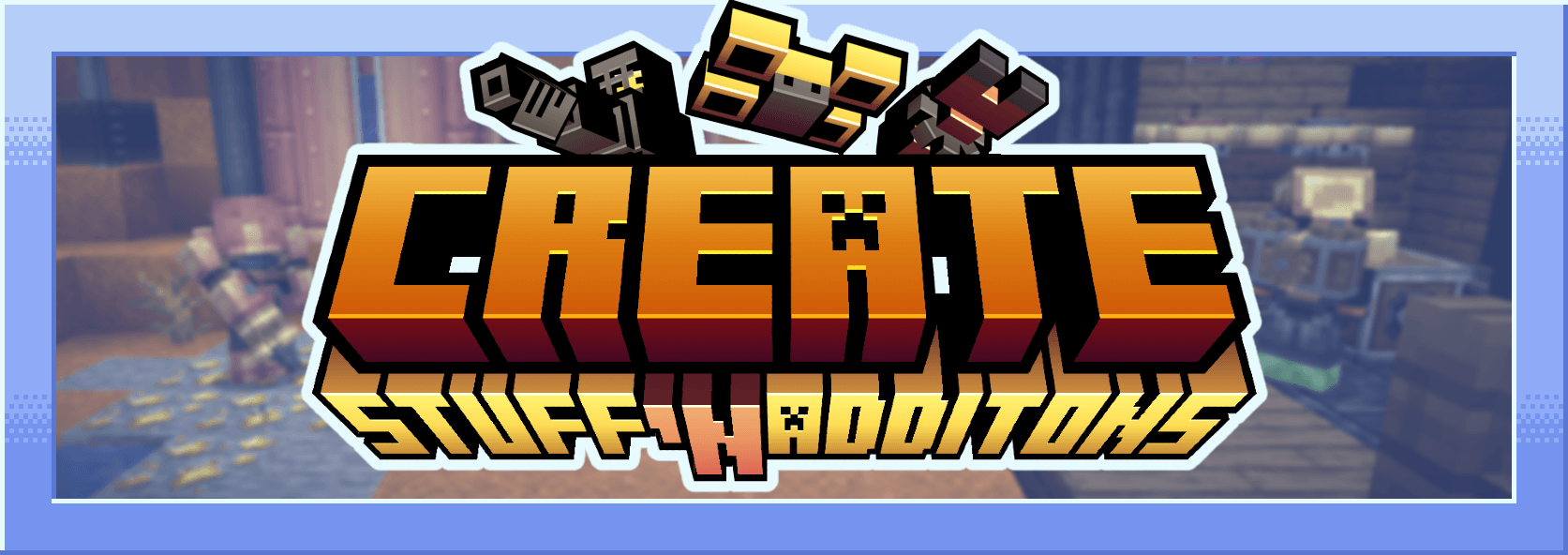

Create Stuff & Additions is a mod that uses the resources of Create to offer a new set of equipment, tools and gadget! Equipments that increase your physical abilities (Your Strength or Mining Speed) but also give you new ways to move like floating, bouncing and even flying! Depending on your type of equipment (brass, andesite or copper) you will need different fuels such as steam (using water and fuel), heat energy (using fuel) or hydraulic energy (using water)! This mod also adds a lot of recipes that make certain Minecraft items (Chainmail Armor, Coral, Netherrack, Crying Obsidian and Magma Cream...) craftable with the new ways added by Create such as haunting and filling!
Initially this mod was created for "Mechanical Life", a french minecraft server. This mod was done with Hybrid Mcreator.

Create Stuff 'N Additions کیسے انسٹال کریں
With Millida Launcher
Install Millida Launcher
The launcher is free: download it at millida.net/launcher and sign in with any nickname.
Click “Install” on this page
The launcher opens and installs the mod for Minecraft 1.20.1–1.21.5 on Forge or NeoForge automatically, together with its dependencies: Create.
Launch the game
A profile with it appears in the launcher: click “Play”.
Manually
Install Forge or NeoForge
The loader must match the game version of the mod file, for example Minecraft 1.21.5. After installing it, a separate profile appears in your launcher.
Download the file for your version
In the version list above, pick the file create-stuff-additions1.21.1_v2.1.0e.jar (1.3 MB) for your game version and loader.
Put it in the mods folder
The folder is inside .minecraft (Windows: %appdata%\.minecraft\mods). If it does not exist, create it. Required dependencies go there too: Create.
Launch the loader profile
Open “Mods” in the main menu: Create Stuff 'N Additions should be in the list.
On a server
A server on Forge or NeoForge
The mod only works on a server with the same loader and game version, for example 1.21.5.
File goes into the server’s mods folder
Stop the server, put the mod file into the mods folder and start the server again.
Use the “To server” button
On Millida Hosting, the button at the top of the page uploads the file to your server and restarts it for you.
Minecraft 1.21.5 runs on Java 21: with a different Java version the game may close right after launch.
ورژنز
ڈیپنڈنسیز کے ساتھ
| Minecraft | لوڈر | فائل | تاریخ | اقدامات |
|---|---|---|---|---|
| 1.21.1 | NeoForge | 1.21.11.3 MB 84 | ||
| 1.21.1 | NeoForge | 1.21.11.3 MB | ||
| 1.21.1 | NeoForge | 1.21.11.3 MB | ||
| 1.20.1 | Forge | 1.20.11.3 MB 25 | ||
| 1.20.1 | Forge | 1.20.11.3 MB | ||
| 1.21.5 | NeoForge | 1.21.51.3 MB | ||
| 1.21.5 | NeoForge | 1.21.51.3 MB | ||
| 1.21.1 | NeoForge | 1.21.11.3 MB |
چلانے کے لیے کیا درکار ہے
- Createلازمی
عمومی سوالات
Which Minecraft versions does Create Stuff 'N Additions work on?
There are files for 1.21.5, 1.21.4, 1.21.3, 1.21.2, 1.21.1, 1.20.1. The newest is 1.21.5.
Is Create Stuff 'N Additions for Forge or Fabric?
There are files for Forge: 1.20.1 and for NeoForge: 1.21.1–1.21.5. There are no files for Fabric: a mod for another loader will not start.
What does Create Stuff 'N Additions need to work?
Required: Create. Without it the mod will not start: dependencies go into the same mods folder.
Does Create Stuff 'N Additions work on a server?
Yes. Create Stuff 'N Additions works both in singleplayer and on a server.
Which Java does Create Stuff 'N Additions need?
Minecraft 1.21.5 runs on Java 21. If the game closes right after launch, the usual cause is the wrong Java version in the profile settings.
How do I download Create Stuff 'N Additions?
With Millida Launcher: it installs Create Stuff 'N Additions into a modpack by itself, for the right game version and loader. The launcher is free.
ریویوز
Create Stuff 'N Additions کو ریٹ کرنے والے پہلے شخص بنیں


