
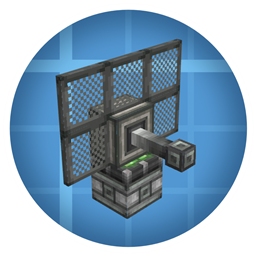
Minecraft 1.20.1, 1.21.1 کے لیے Create: Radars موڈ
Create میں جدید نگرانی کی ٹیکنالوجیز شامل کرنا!
 NeoForge
 Forge
ForgeCreate: Radars موڈ کے بارے میں
Create کی ضرورت ہے
NEOFORGE آ گیا ہے
بہت سی خصوصیات آئیں گی۔ ہم کام کر رہے ہیں!
خصوصی خبروں اور معاونت کے لیے کمیونٹی میں شامل ہوں:
https://discord.gg/create-arsenal-1044367456417882202
https://ko-fi.com/arsenalistsofcreate
تعارف
Create Radars میں خوش آمدید، یہ ایک موڈ ہے جو نگرانی، پتہ لگانے اور ہتھیاروں کے کنٹرول کے لیے مختلف اوزار اور بلاکس پیش کرتا ہے۔
شامل کیے گئے ٹیک عناصر اس طرح ڈیزائن کیے گئے ہیں کہ زیادہ سے زیادہ ڈیزائن کے انتخاب کھلاڑی پر چھوڑے جائیں۔ Create Radars کے ساتھ، کھیل بہت سی UI کے اندر نہیں کھیلا جاتا، یہ آپ کو چیلنج کرتا ہے کہ متحرک اجزاء کے آلات بنائیں جو کئی ممکنہ ترتیبوں میں مل کر کام کریں، اور مختلف تکنیکوں اور خصوصیات کی وسیع اقسام حکمت عملی کی گہرائی اور تاثر کو یقینی بناتی ہیں۔
یہ میکینکس حقیقی زندگی کی پتہ لگانے والی ٹیکنالوجی سے متاثر ہیں، لیکن اس حد تک آسان بنائے گئے ہیں کہ کوئی بھی کھلاڑی انہیں استعمال کر سکے... اور اس طرح ترقی تیز ہو گی۔
موجودہ خصوصیات:
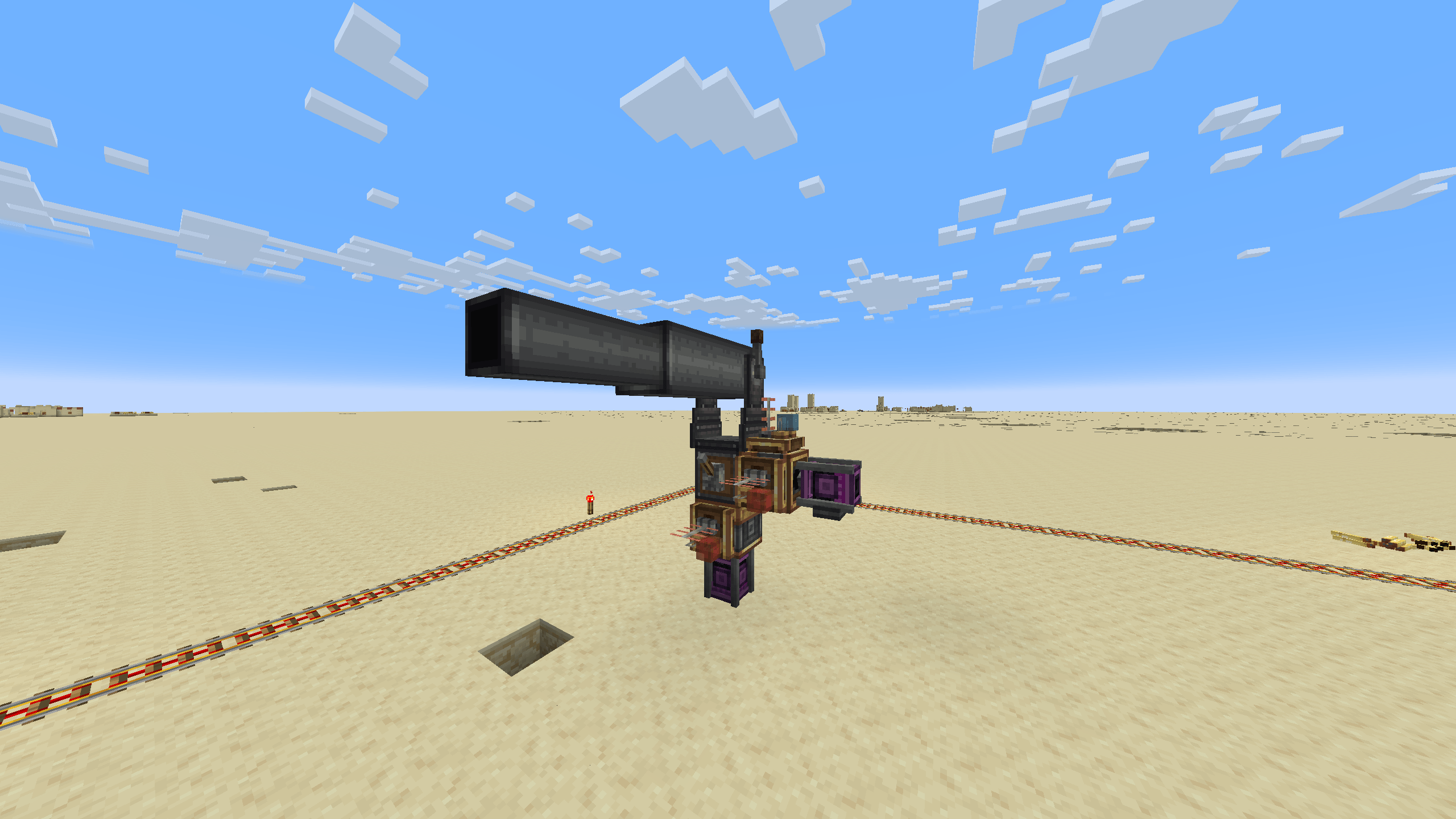
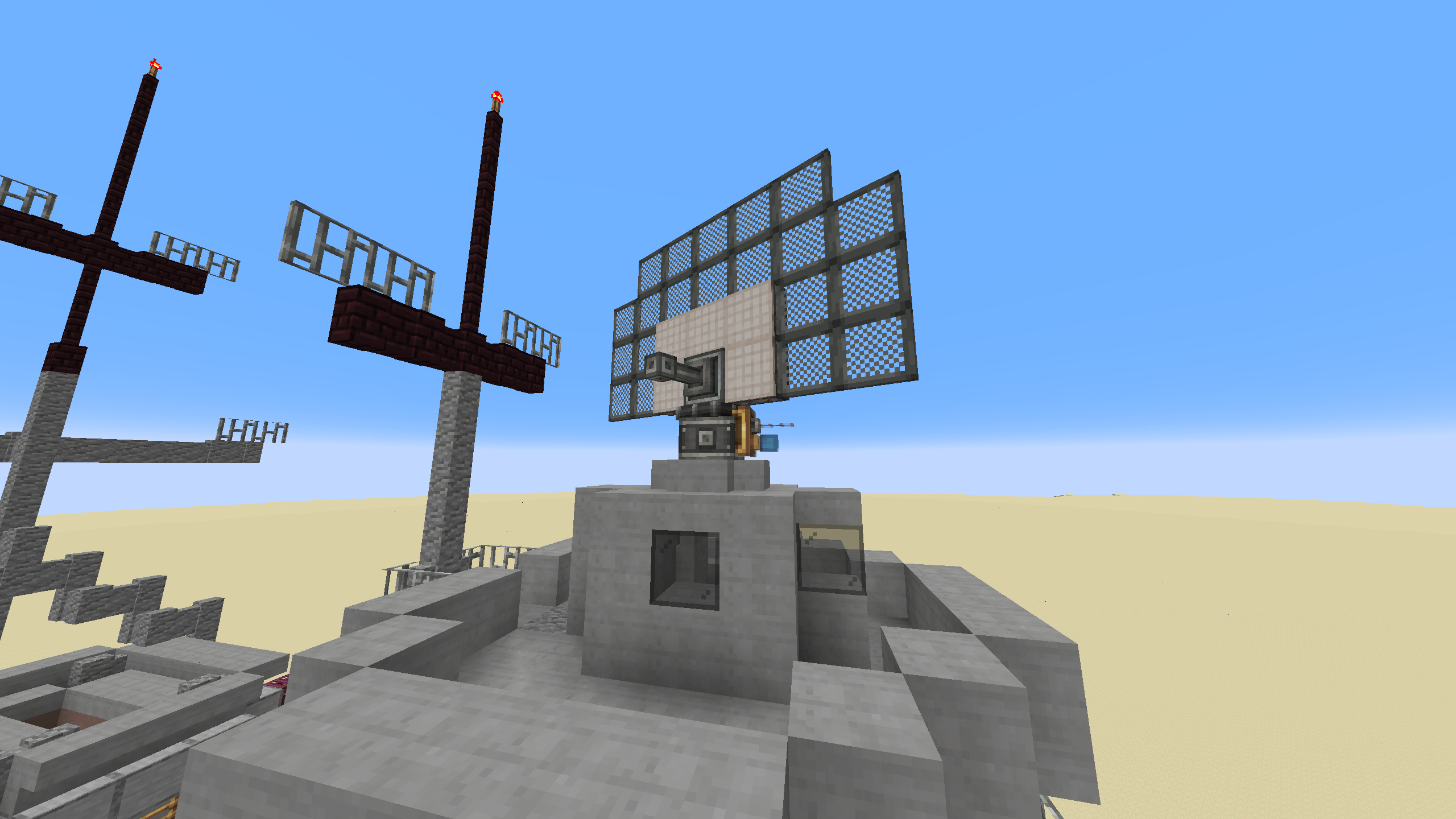
- ریڈار بیئرنگ ملٹی بلاک: اپنے ریڈار کو جیسے چاہیں شکل دیں، ہر خصوصیت اس کی صلاحیت کو متاثر کرتی ہے۔
- قابل توسیع مانیٹر ملٹی بلاک: اپنے ریڈار کو دیکھیں، میدان جنگ کا جائزہ لیں اور کسی بھی گھس پیٹھ کرنے والے کو باآسانی پہچانیں۔
- کینن کنٹرولر: اپنے ریڈاروں کی مدد سے اپنی آٹوکینن کو گھس پیٹھ کرنے والوں کی طرف نشانہ بنائیں۔
Create: Radars کیسے انسٹال کریں
With Millida Launcher
Install Millida Launcher
The launcher is free: download it at millida.net/launcher and sign in with any nickname.
Click “Install” on this page
The launcher opens and installs the mod for Minecraft 1.20.1–1.21.1 on Forge or NeoForge automatically.
Launch the game
A profile with it appears in the launcher: click “Play”.
Manually
Install Forge or NeoForge
The loader must match the game version of the mod file, for example Minecraft 1.21.1. After installing it, a separate profile appears in your launcher.
Download the file for your version
In the version list above, pick the file create_radar-0.4.9.4-1.21.1.jar (2.9 MB) for your game version and loader.
Put it in the mods folder
The folder is inside .minecraft (Windows: %appdata%\.minecraft\mods). If it does not exist, create it.
Launch the loader profile
Open “Mods” in the main menu: Create: Radars should be in the list.
Minecraft 1.21.1 runs on Java 21: with a different Java version the game may close right after launch.
ورژنز
ڈیپنڈنسیز کے ساتھ
| Minecraft | لوڈر | فائل | تاریخ | اقدامات |
|---|---|---|---|---|
| 1.21.1 | NeoForge | create_radar-0.4.9.4-1.21.1.jar2.9 MB 386 | ||
| 1.20.1 | Forge | create_radar-0.4.6+mc1.20.1.jar2.8 MB 61 | ||
| 1.21.1 | NeoForge | create_radar-0.4.6-1.21.1.jar15.7 MB | ||
| 1.20.1 | Forge | create_radar-0.4.3+Create-5+mc1.20.1.jar2.8 MB | ||
| 1.20.1 | Forge | Radars 3.5.2-Create 6.0.8.jar2.5 MB 2 |
عمومی سوالات
Which Minecraft versions does Create: Radars work on?
There are files for 1.21.1, 1.20.1. The newest is 1.21.1.
Is Create: Radars for Forge or Fabric?
There are files for Forge: 1.20.1 and for NeoForge: 1.21.1. There are no files for Fabric: a mod for another loader will not start.
Does Create: Radars need other mods?
The author lists no required dependencies: the Forge or NeoForge loader is enough.
Which Java does Create: Radars need?
Minecraft 1.21.1 runs on Java 21. If the game closes right after launch, the usual cause is the wrong Java version in the profile settings.
Where can I download Create: Radars safely?
On this page: the file create_radar-0.4.9.4-1.21.1.jar (2.9 MB) is stored on Millida’s server, with no link shorteners. SHA-1 checksum: 9726fced4bf86c9e2c0ea09b35bc39ed3ac007b6.
ریویوز
Create: Radars کو ریٹ کرنے والے پہلے شخص بنیں


