

Minecraft 1.21.1, 1.21 کے لیے Create: Dreams & Desires موڈ
ایک موڈ جو بے ترتیب چیزیں شامل کرتا ہے اور جو Create کے تھیم میں فٹ ہونے کی کوشش کر سکتا ہے!
- ڈاؤن لوڈز
- 93 ڈاؤن لوڈز
- ویوز
- 234 ویوز
- اپ ڈیٹ شدہ
- اپ ڈیٹ شدہ 29.09.2026
- 1.21 — 1.21.1
 NeoForge
- کلائنٹ اور سرور
Overview
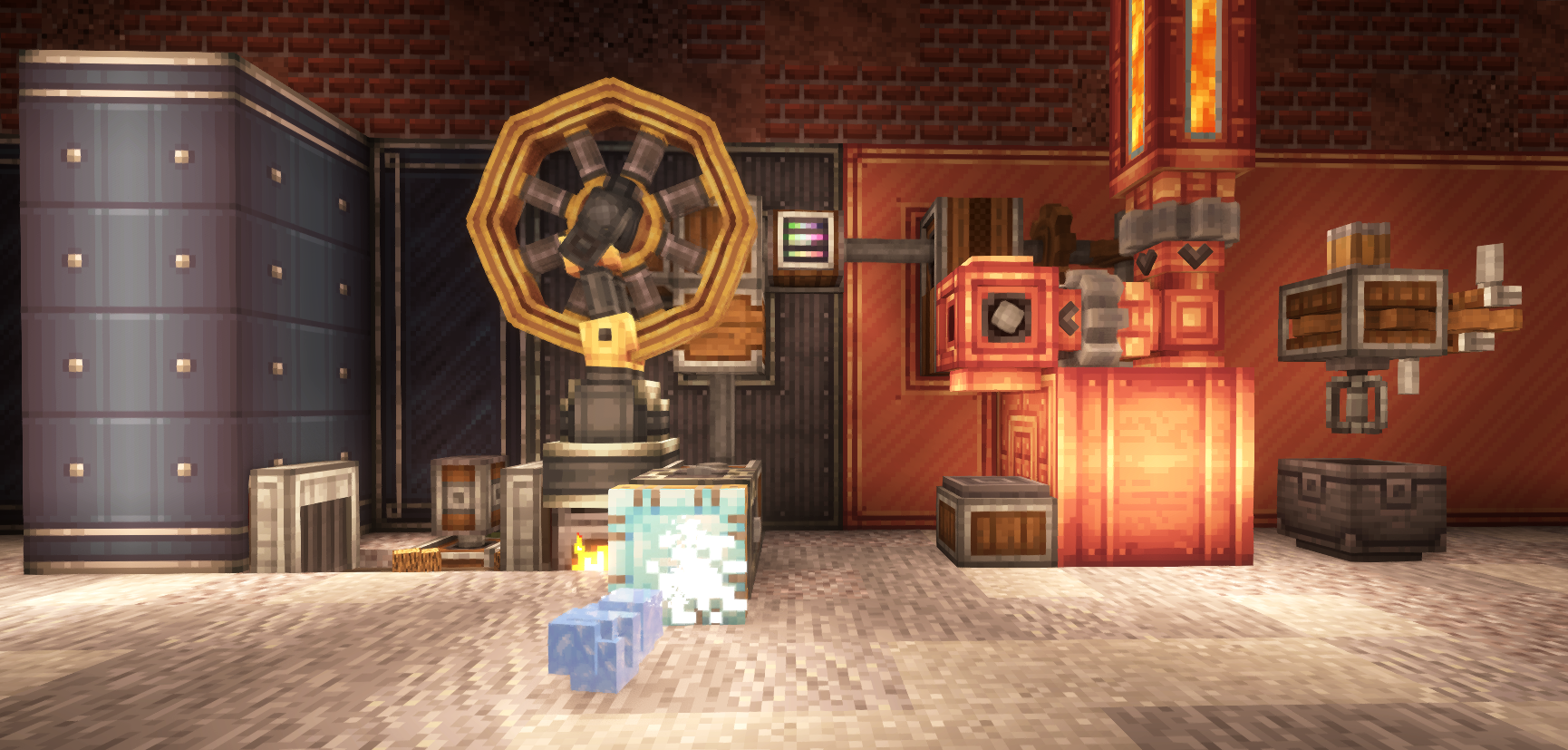
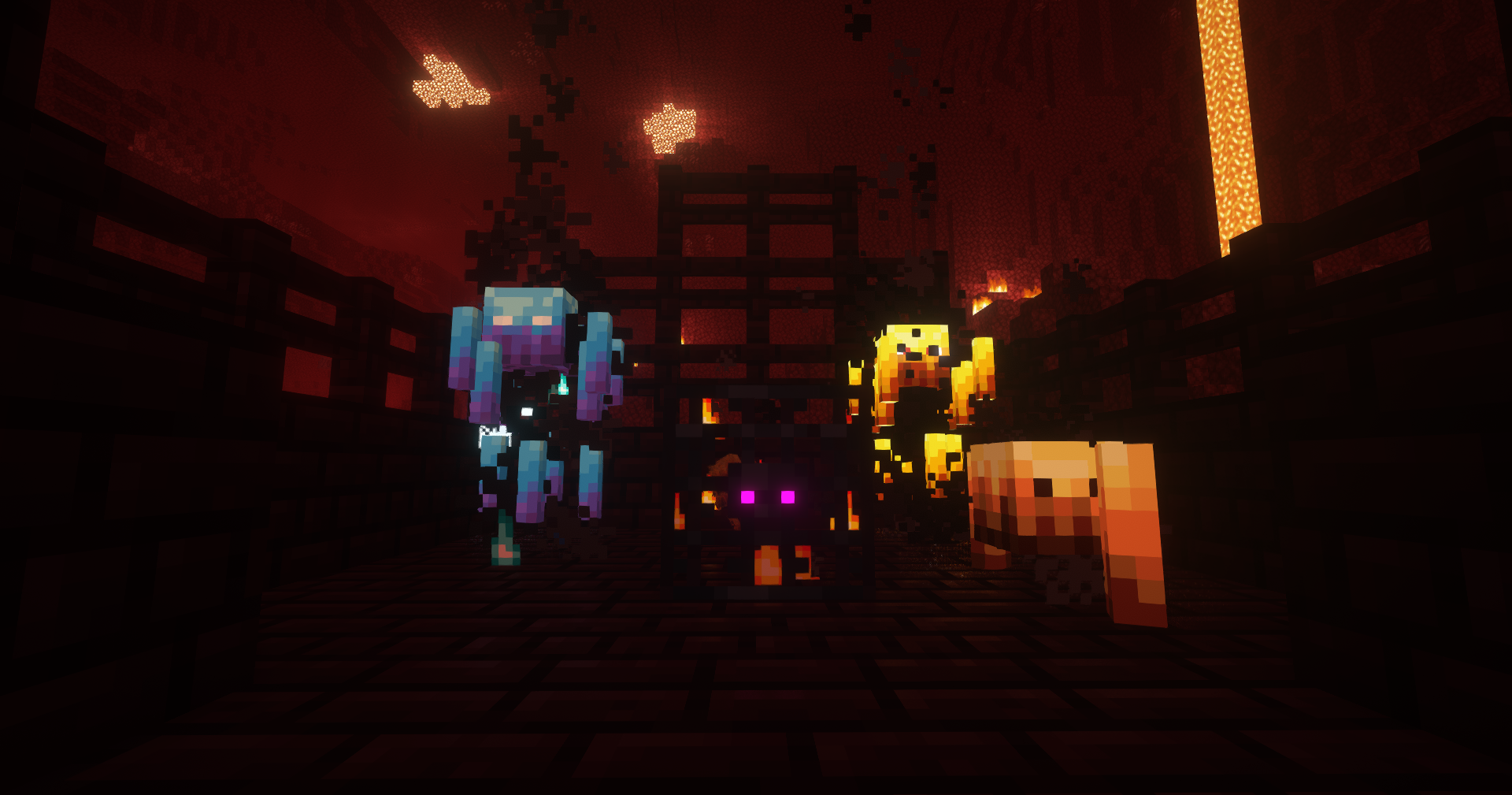
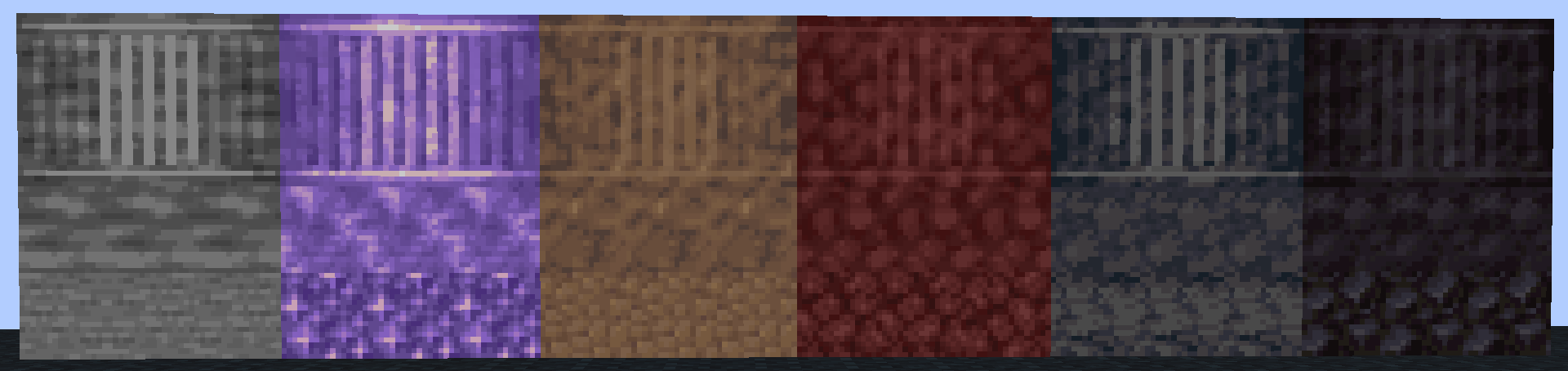
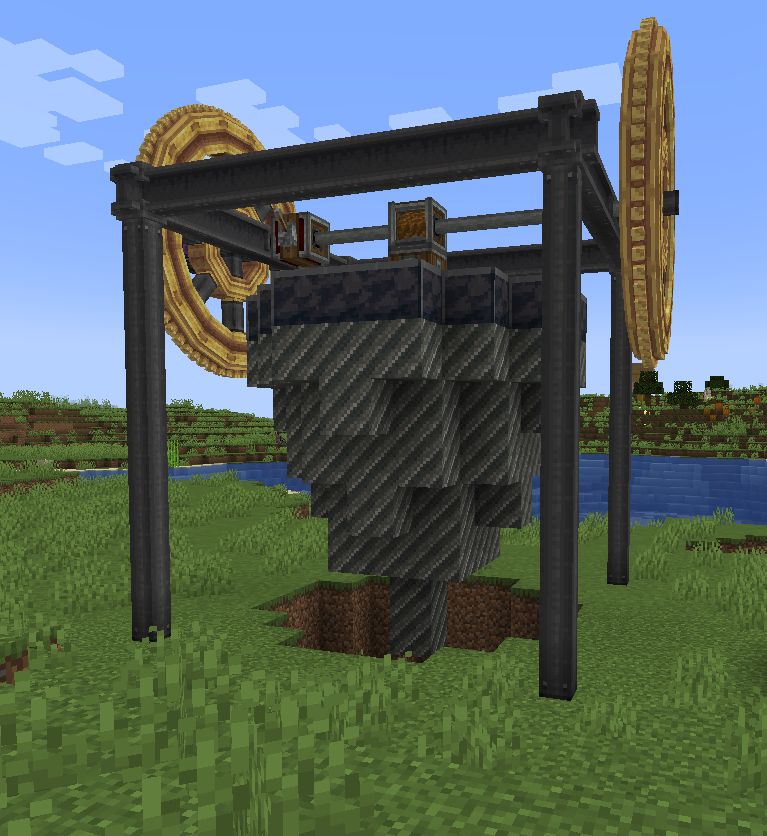
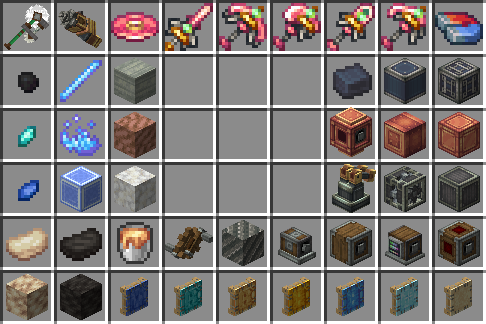
Create: Dreams & Desires is an addon for the Create mod that add random QoL, items, & blocks features that relates to old Create & New Create versions!
Community Fabric Managed Githubs & I also suggest reporting issue to here & the discord https://codeberg.org/sappho/create_dd_fabric/

Create: Dreams & Desires کیسے انسٹال کریں
With Millida Launcher
Install Millida Launcher
The launcher is free: download it at millida.net/launcher and sign in with any nickname.
Click “Install” on this page
The launcher opens and installs the mod for Minecraft 1.21–1.21.1 on NeoForge automatically, together with its dependencies: Create.
Launch the game
A profile with it appears in the launcher: click “Play”.
Manually
Install NeoForge
The loader must match the game version of the mod file, for example Minecraft 1.21.1. After installing it, a separate profile appears in your launcher.
Download the file for your version
In the version list above, pick the file DnDesires-1.21.1-2.3a-BETA.jar (1.2 MB) for your game version.
Put it in the mods folder
The folder is inside .minecraft (Windows: %appdata%\.minecraft\mods). If it does not exist, create it. Required dependencies go there too: Create.
Launch the loader profile
Open “Mods” in the main menu: Create: Dreams & Desires should be in the list.
On a server
A server on NeoForge
The mod only works on a server with the same loader and game version, for example 1.21.1.
File goes into the server’s mods folder
Stop the server, put the mod file into the mods folder and start the server again.
Use the “To server” button
On Millida Hosting, the button at the top of the page uploads the file to your server and restarts it for you.
Minecraft 1.21.1 runs on Java 21: with a different Java version the game may close right after launch.
ورژنز
ڈیپنڈنسیز کے ساتھ
| Minecraft | لوڈر | فائل | تاریخ | اقدامات |
|---|---|---|---|---|
| 1.21.1 | NeoForge | 1.21.11.2 MB 92 | ||
| 1.21.1 | NeoForge | 1.21.11.1 MB 1 | ||
| 1.21.1 | NeoForge | 1.21.11.1 MB | ||
| 1.21.1 | NeoForge | 1.21.11.1 MB | ||
| 1.21.1 | NeoForge | 1.21.11.1 MB | ||
| 1.21.1 | NeoForge | 1.21.1936 KB | ||
| 1.21.1 | NeoForge | 1.21.1805 KB | ||
| 1.21.1 | NeoForge | 1.21.118.1 MB |
چلانے کے لیے کیا درکار ہے
- Createلازمی
وہ مواد جسے اس کی ضرورت ہے
عمومی سوالات
Which Minecraft versions does Create: Dreams & Desires work on?
There are files for 1.21.1, 1.21. The newest is 1.21.1.
What does Create: Dreams & Desires need to work?
Required: Create. Without it the mod will not start: dependencies go into the same mods folder.
Does Create: Dreams & Desires work on a server?
Yes. Create: Dreams & Desires works both in singleplayer and on a server.
Which Java does Create: Dreams & Desires need?
Minecraft 1.21.1 runs on Java 21. If the game closes right after launch, the usual cause is the wrong Java version in the profile settings.
Where can I download Create: Dreams & Desires safely?
On this page: the file DnDesires-1.21.1-2.3a-BETA.jar (1.2 MB) is stored on Millida’s server, with no link shorteners. SHA-1 checksum: 72635119b4bcc49b050c50d6cbb1abb02bb3982a.
ریویوز
Create: Dreams & Desires کو ریٹ کرنے والے پہلے شخص بنیں


