
Minecraft 1.20.1, 1.21.1 کے لیے Create Confectionery موڈ
🍫 اپنی چاکلیٹ فیکٹری بنائیں!
 NeoForge
 Forge
ForgeCreate Confectionery موڈ کے بارے میں
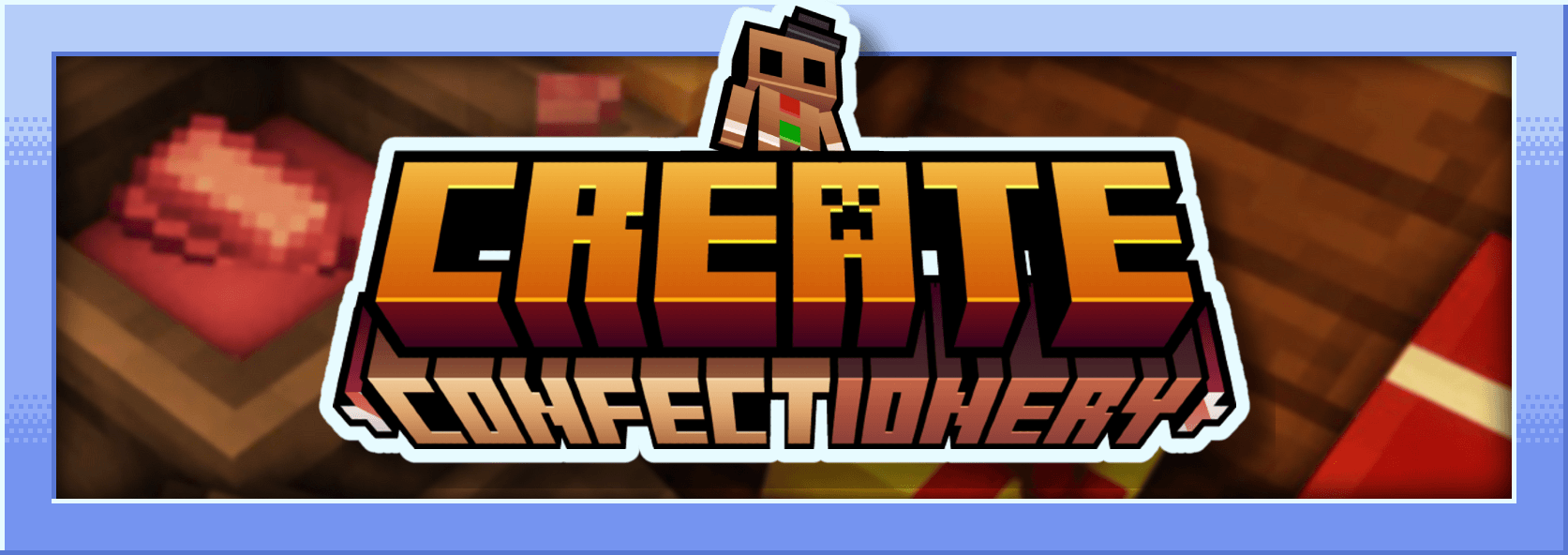
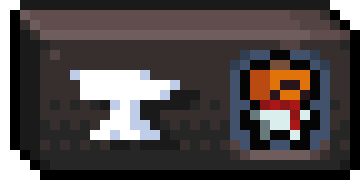
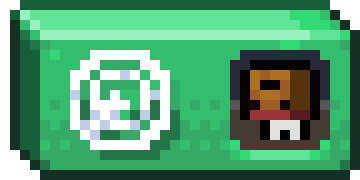
یہ موڈ Create کے لیے ایک ایڈ آن ہے اور یہ مختلف مواد سے بنائے گئے کھانے شامل کرتا ہے۔ یہ کرشڈ کوکو، کوکو بٹر، کوکو پاؤڈر، سفید چاکلیٹ، بلیک چاکلیٹ، کیریمل، چاکلیٹ کینڈیز، مارشمیلو... شامل کرتا ہے۔
میں فرانسیسی ہوں اور یہ موڈ Mcreator کے ساتھ بنایا گیا تھا
موڈ کی تفصیل :
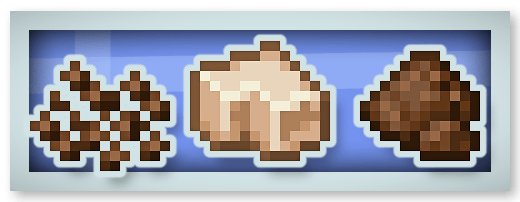
کرشڈ کوکو، کوکو بٹر اور کوکو پاؤڈر :
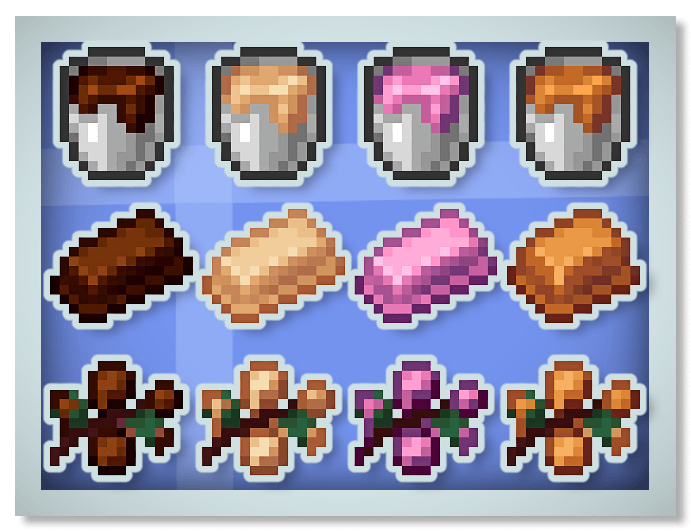
نئی چاکلیٹ (بلیک، وائٹ اور روبی چاکلیٹ) اور کیریمل :
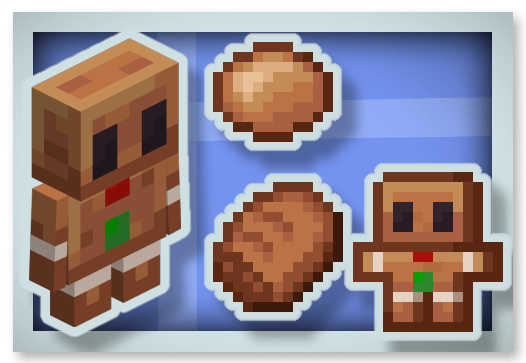
جنجر بریڈ :
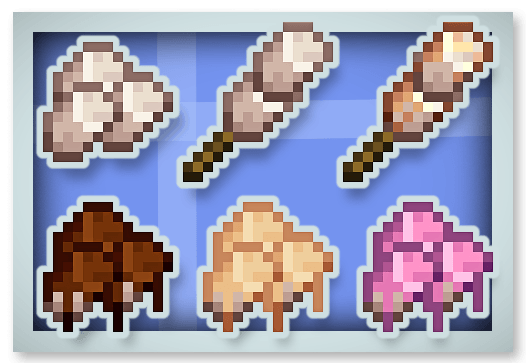
مارشمیلوز :
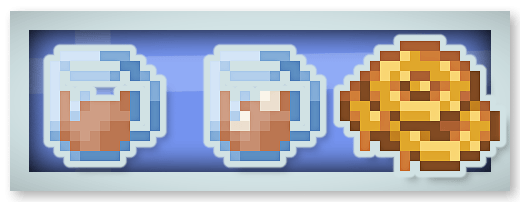
ہاٹ چاکلیٹ (Regeneration اثر دیتی ہے) اور ہنی کینڈی :
فل چاکلیٹ بار (16 بار کھایا جا سکتا ہے اور Chocolated Effect دیتا ہے) :
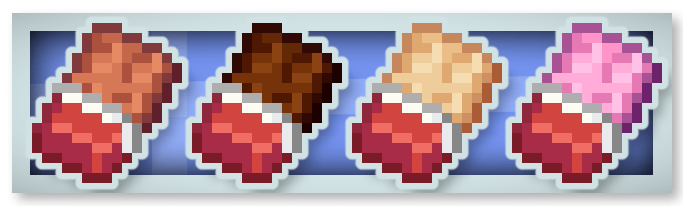
چاکلیٹ کینڈیز :
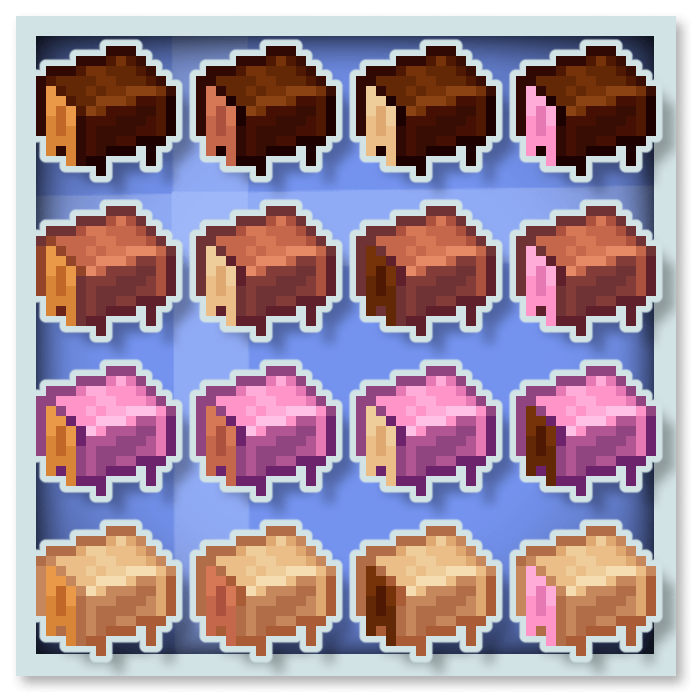
چاکلیٹ خصوصی اثرات دیتی ہے جیسے Stimulation (mining fatigue اور slowness کا اثر ختم کرتا ہے)، Rest (آس پاس کے Phantom غائب کر دیتا ہے)، Saturation اور Speed۔
آپ یہ موڈ اپنے موڈ پیک میں رکھ سکتے ہیں۔
آپ میرے دیگر موڈز پر بھی ایک نظر ڈال سکتے ہیں :








Create Confectionery کیسے انسٹال کریں
With Millida Launcher
Install Millida Launcher
The launcher is free: download it at millida.net/launcher and sign in with any nickname.
Click “Install” on this page
The launcher opens and installs the mod for Minecraft 1.20.1–1.21.1 on Forge or NeoForge automatically.
Launch the game
A profile with it appears in the launcher: click “Play”.
Manually
Install Forge or NeoForge
The loader must match the game version of the mod file, for example Minecraft 1.21.1. After installing it, a separate profile appears in your launcher.
Download the file for your version
In the version list above, pick the file create-confectionery1.21.1_v1.1.3b.jar (2.0 MB) for your game version and loader.
Put it in the mods folder
The folder is inside .minecraft (Windows: %appdata%\.minecraft\mods). If it does not exist, create it.
Launch the loader profile
Open “Mods” in the main menu: Create Confectionery should be in the list.
Minecraft 1.21.1 runs on Java 21: with a different Java version the game may close right after launch.
ورژنز
ڈیپنڈنسیز کے ساتھ
| Minecraft | لوڈر | فائل | تاریخ | اقدامات |
|---|---|---|---|---|
| 1.21.1 | NeoForge | create-confectionery1.21.1_v1.1.3b.jar2 MB 140 | ||
| 1.20.1 | Forge | create-confectionery1.20.1_v1.1.3.jar2 MB 56 |
عمومی سوالات
Which Minecraft versions does Create Confectionery work on?
There are files for 1.21.1, 1.20.1. The newest is 1.21.1.
Is Create Confectionery for Forge or Fabric?
There are files for Forge: 1.20.1 and for NeoForge: 1.21.1. There are no files for Fabric: a mod for another loader will not start.
Does Create Confectionery need other mods?
The author lists no required dependencies: the Forge or NeoForge loader is enough.
Which Java does Create Confectionery need?
Minecraft 1.21.1 runs on Java 21. If the game closes right after launch, the usual cause is the wrong Java version in the profile settings.
Where can I download Create Confectionery safely?
On this page: the file create-confectionery1.21.1_v1.1.3b.jar (2.0 MB) is stored on Millida’s server, with no link shorteners. SHA-1 checksum: 47e235efa862c5cbea53fdf8346d4c499674defa.
ریویوز
Create Confectionery کو ریٹ کرنے والے پہلے شخص بنیں


