

Minecraft 1.20.1 کے لیے Colormatic موڈ
اب آپ ریسورس پیک کے ساتھ مائن کرافٹ کے ہارڈ کوڈڈ رنگوں کو حسب ضرورت بنا سکتے ہیں۔
 Fabric
 Quilt
QuiltColormatic موڈ کے بارے میں
کولرمیٹک ایک آزادانہ نفاذ ہے جو فابرک پر مائن کرافٹ کے اصل کسٹم کلرز موڈ کے ساتھ ریسورس پیک کے لحاظ سے ہم آہنگ ہے۔ یہ ان ریسورس پیکس کے ساتھ مکمل طور پر ہم آہنگ ہے جو آپٹی فائن کی کسٹم کلرز خصوصیت استعمال کرتے ہیں۔ کولرمیٹک اصل کسٹم کلرز موڈ کی تقریباً تمام خصوصیات رکھتا ہے اور اپنی کچھ خصوصیات بھی شامل کرتا ہے۔ خصوصیات میں شامل ہیں
- - پانی، پودوں، زیر آب، زیر لاوا، آسمان اور دھند کے لیے بایوم کلر میپس
- - کسی بھی بلاک کے لیے حسب ضرورت بایوم کلر میپس
- - کسی بھی ڈائمینشن (بشمول ڈیٹا پیک ڈائمینشنز) کے لیے حسب ضرورت لائٹ میپس
- - حسب ضرورت ڈائی رنگ
- - حسب ضرورت چیٹ رنگ
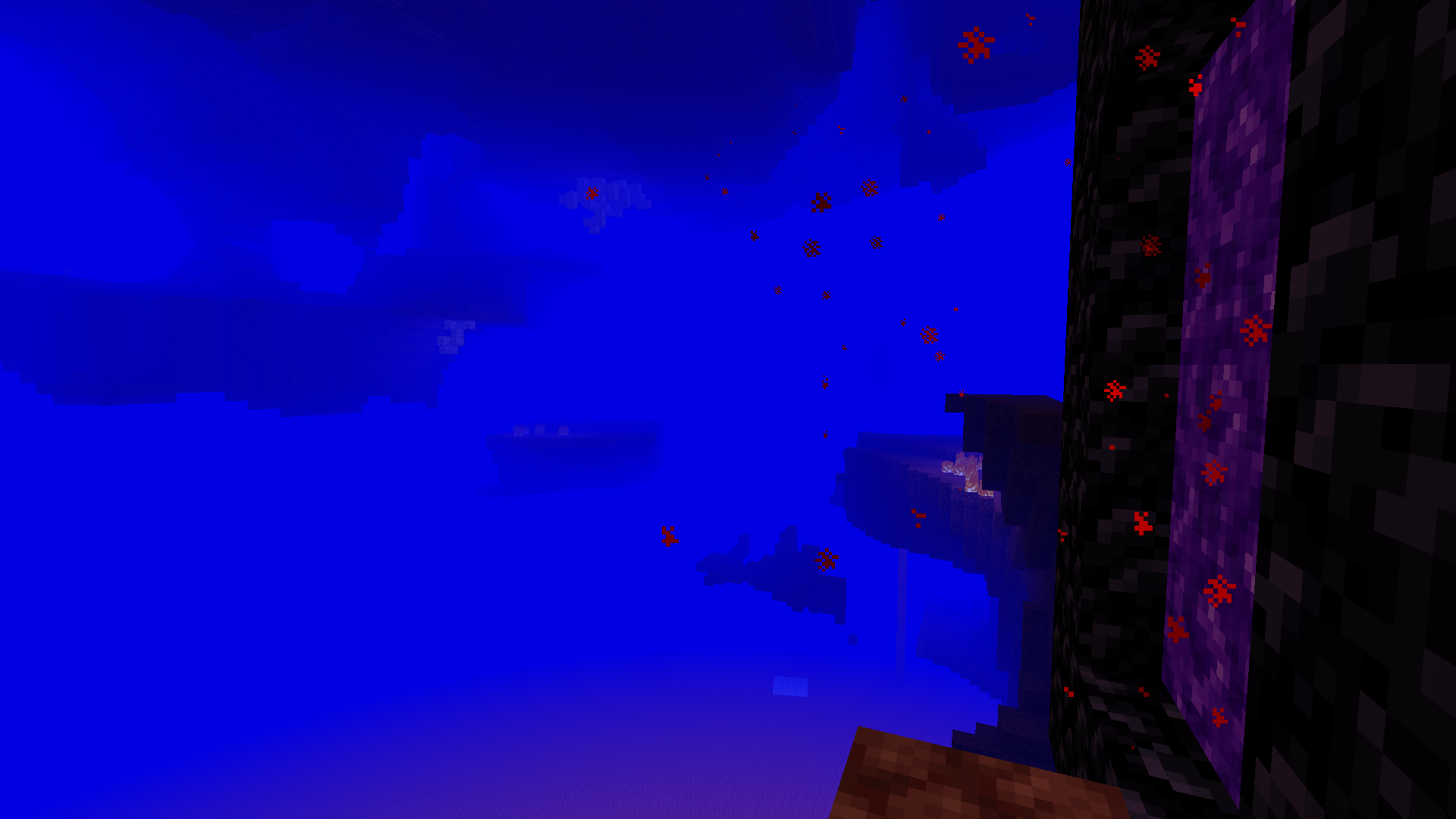
کولرمیٹک آپٹی فائن کسٹم کلرز فائلوں والے ریسورس پیکس کو جوں کا توں لوڈ کرنے کی سہولت دیتا ہے۔ یہ کولرمیٹک نیم اسپیس سے مساوی json فارمیٹ فائلوں کو لوڈ کرنے کی بھی سہولت دیتا ہے (اور انہیں ترجیح دیتا ہے)۔
نوٹ: کولرمیٹک خود مائن کرافٹ میں کوئی حسب ضرورت رنگ شامل نہیں کرتا۔ یہ صرف ریسورس پیکس کو حسب ضرورت رنگ شامل کرنے کی صلاحیت فراہم کرتا ہے۔
مزید مضحک تصاویر دیکھیں۔
Colormatic کیسے انسٹال کریں
With Millida Launcher
Install Millida Launcher
The launcher is free: download it at millida.net/launcher and sign in with any nickname.
Click “Install” on this page
The launcher opens and installs the mod for Minecraft 1.16–1.20.1 on Fabric or Quilt automatically.
Launch the game
A profile with it appears in the launcher: click “Play”.
Manually
Install Fabric or Quilt
The loader must match the game version of the mod file, for example Minecraft 1.20.1. After installing it, a separate profile appears in your launcher.
Download the file for your version
In the version list above, pick the file colormatic-3.1.3+mc.1.20.1.jar (216 KB) for your game version and loader.
Put it in the mods folder
The folder is inside .minecraft (Windows: %appdata%\.minecraft\mods). If it does not exist, create it.
Launch the loader profile
Open “Mods” in the main menu: Colormatic should be in the list.
Minecraft 1.20.1 runs on Java 17: with a different Java version the game may close right after launch.
ورژنز
ڈیپنڈنسیز کے ساتھ
| Minecraft | لوڈر | فائل | تاریخ | اقدامات |
|---|---|---|---|---|
| 1.20.1 | Fabric, Quilt | colormatic-3.1.3+mc.1.20.1.jar216 KB 1 | ||
| 1.16.1 | — | colormatic-2.2.1+mc.1.16.1.jar498 KB |
عمومی سوالات
Which Minecraft versions does Colormatic work on?
There are files for 1.20.1, 1.16.1, 1.16. The newest is 1.20.1.
Is Colormatic for Forge or Fabric?
There are files for Fabric: 1.20.1 and for Quilt: 1.20.1. There are no files for Forge or NeoForge: a mod for another loader will not start.
Does Colormatic need other mods?
The author lists no required dependencies: the Fabric or Quilt loader is enough.
Which Java does Colormatic need?
Minecraft 1.20.1 runs on Java 17. If the game closes right after launch, the usual cause is the wrong Java version in the profile settings.
Where can I download Colormatic safely?
On this page: the file colormatic-3.1.3+mc.1.20.1.jar (216 KB) is stored on Millida’s server, with no link shorteners. SHA-1 checksum: 021e7326a3f49d438968f1ea859d7208b69e1dce.
ریویوز
Colormatic کو ریٹ کرنے والے پہلے شخص بنیں


