
Minecraft 1.20.1, 1.21.1 کے لیے Camerapture موڈ
ایک کام کرنے والے کیمرے سے تصاویر لیں، انہیں دوسرے کھلاڑیوں کو دکھائیں اور تصویر کے فریموں میں اپنی دیوار پر لٹکائیں!
 Fabric
 NeoForge
 Quilt
Quilt Forge
ForgeCamerapture موڈ کے بارے میں
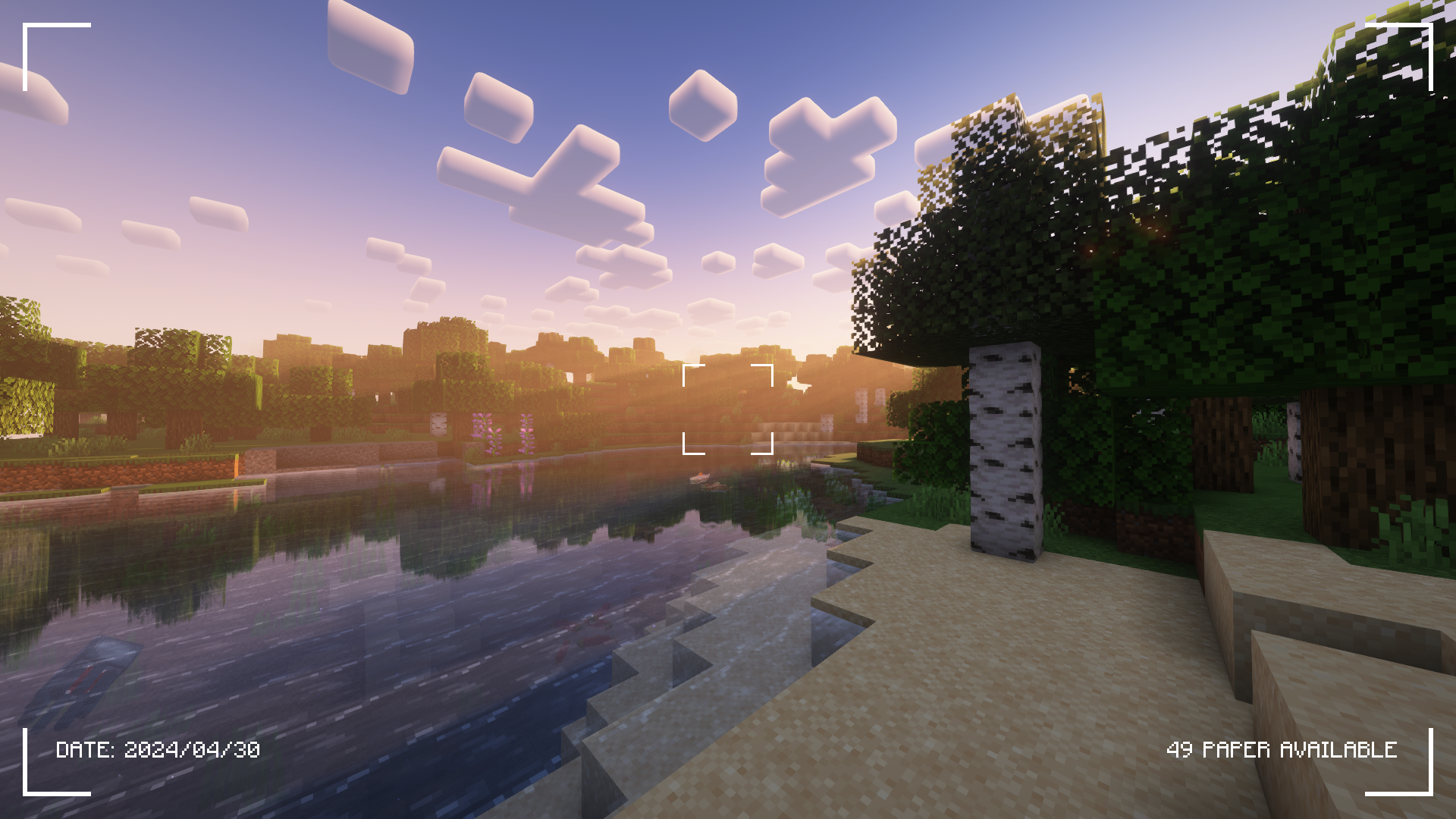
مزید اسکرین شاٹس کے لیے گیلری ٹیب دیکھیں!
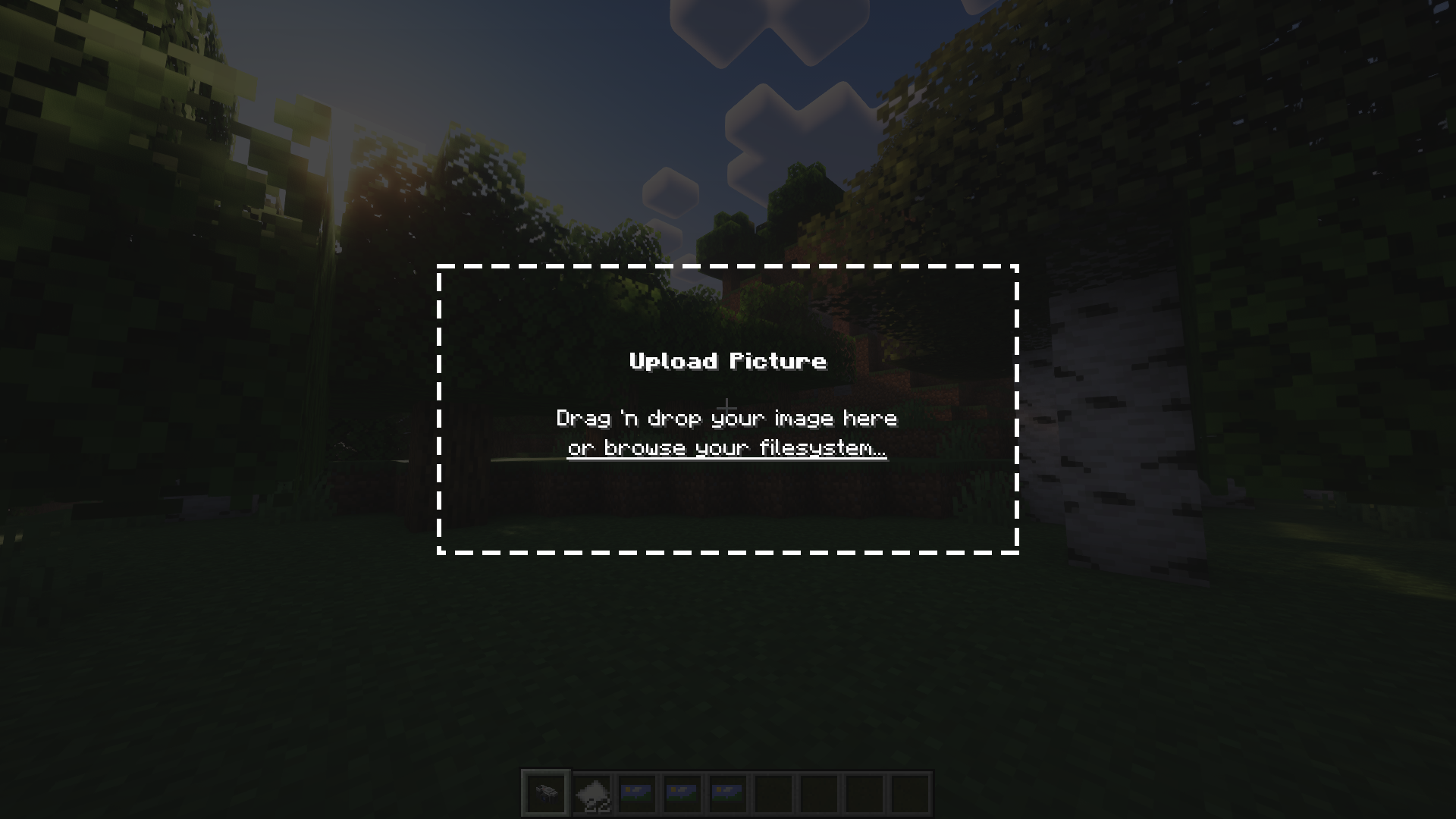
Camerapture ایک کیمرہ / تصویر موڈ ہے Fabric کے لیے! یہ کام کرنے والے کیمرے شامل کرتا ہے جو گیم میں آپ جو دیکھتے ہیں اس کی اصل تصاویر لے سکتے ہیں۔ آپ کیمرے کے ذریعے اپنی مرضی کی تصاویر بھی اپ لوڈ کر سکتے ہیں! یہ تصاویر دوسرے کھلاڑیوں کے ساتھ شیئر کی جا سکتی ہیں اور دیوار پر لٹکائی جا سکتی ہیں تاکہ سب دیکھ سکیں۔
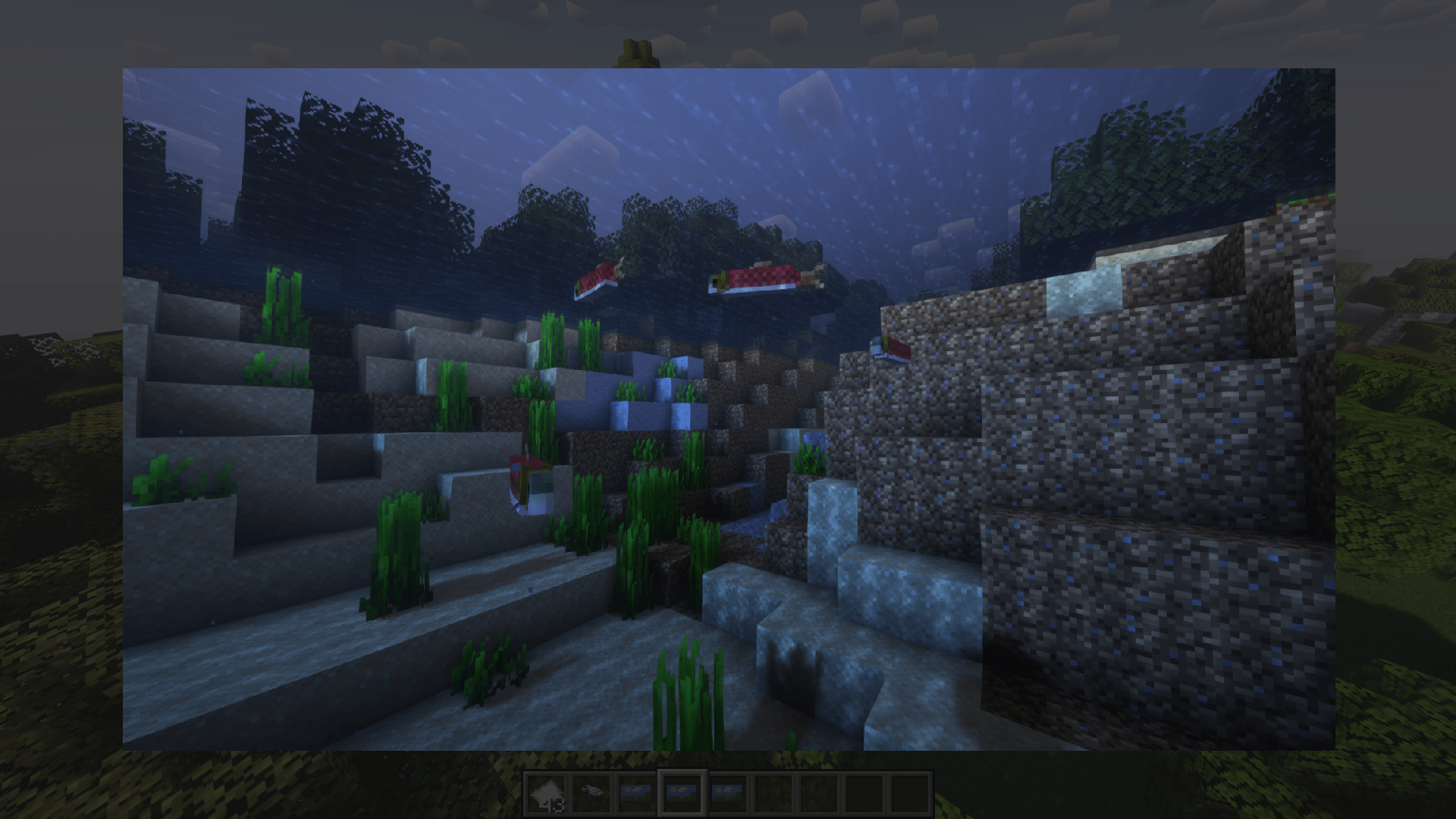
یہ کیسے کام کرتا ہے؟
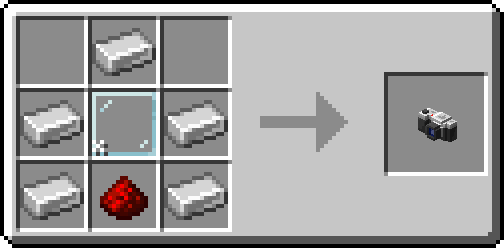
اپنا کیمرہ بنانے کے بعد، اپنی انوینٹری میں کچھ کاغذ رکھیں اور تصویریں لینا شروع کریں!
آپ sneak + right-click کر کے دیوار پر تصویر لٹکا سکتے ہیں۔ تصویر کے فریم کا سائز تبدیل کرنے کے لیے، تصویر پر دوبارہ sneak + right-click کریں!
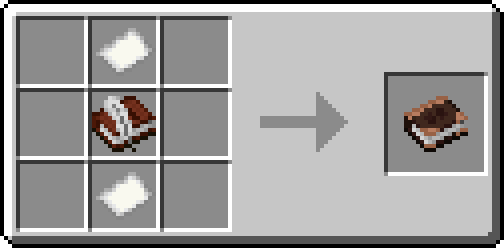
متبادل طور پر، ایک البم بنائیں اور اپنی تصاویر کو ایک ہی کتاب میں جمع کریں!
تعریفیں
- henkelmax کو Forge کے لیے Camera Mod بنانے کے لیے جو QSMP پر استعمال ہوتا ہے، اس موڈ کا بنیادی الہام ہونے کے لیے۔
- ہمارے origins سرور کے تمام عظیم لوگوں کو، میرے ساتھ حیرت انگیز اور صبر کرنے کے لیے <3
Camerapture کیسے انسٹال کریں
With Millida Launcher
Install Millida Launcher
The launcher is free: download it at millida.net/launcher and sign in with any nickname.
Click “Install” on this page
The launcher opens and installs the mod for Minecraft 1.20–26.3 on Fabric, Forge, NeoForge or Quilt automatically.
Launch the game
A profile with it appears in the launcher: click “Play”.
Manually
Install Fabric, Forge, NeoForge or Quilt
The loader must match the game version of the mod file, for example Minecraft 26.3. After installing it, a separate profile appears in your launcher.
Download the file for your version
In the version list above, pick the file camerapture-1.10.15+mc26.3.jar (2.3 MB) for your game version and loader.
Put it in the mods folder
The folder is inside .minecraft (Windows: %appdata%\.minecraft\mods). If it does not exist, create it.
Launch the loader profile
Open “Mods” in the main menu: Camerapture should be in the list.
ورژنز
ڈیپنڈنسیز کے ساتھ
| Minecraft | لوڈر | فائل | تاریخ | اقدامات |
|---|---|---|---|---|
| 26.3 | Fabric, NeoForge, Quilt | 1.10.15 - Minecraft 26.32.3 MB 18 | ||
| 1.20.1 | Forge, NeoForge | 1.10.12 - Forge 1.20.12.1 MB 8 | ||
| 1.21.11 | NeoForge | 1.10.12 - NeoForge 1.21.111.9 MB 1 | ||
| 1.20.1 | Fabric, Quilt | 1.7.0-alpha - Fabric 1.20.13.3 MB 6 | ||
| 1.20.1 | NeoForge, Forge | 1.7.0-alpha - Forge 1.20.13.5 MB | ||
| 1.21 | NeoForge | 1.7.0-alpha - NeoForge 1.21.13.3 MB 6 |
عمومی سوالات
Which Minecraft versions does Camerapture work on?
There are files for 26.3, 1.21.11, 1.21.1, 1.21, 1.20.1, 1.20. The newest is 26.3.
Is Camerapture for Forge or Fabric?
There are files for Fabric: 1.20–26.3, for Forge: 1.20–1.20.1, for NeoForge: 1.20–26.3 and for Quilt: 1.20–26.3.
Does Camerapture need other mods?
The author lists no required dependencies: the Fabric, Forge, NeoForge or Quilt loader is enough.
Where can I download Camerapture safely?
On this page: the file camerapture-1.10.15+mc26.3.jar (2.3 MB) is stored on Millida’s server, with no link shorteners. SHA-1 checksum: 48489e23ebd921c9dd95bbbc8eb713bf9b566a10.
ریویوز
Camerapture کو ریٹ کرنے والے پہلے شخص بنیں


