

Minecraft 1.21.1, 1.21 کے لیے Beautify! موڈ
آپ کی تعمیرات کو دلچسپ بنانے کے لیے بہت سے ونلا طرز کے طریقے شامل کرتا ہے۔
 NeoForge
 Forge
ForgeBeautify! موڈ کے بارے میں
Beautify کیا ہے؟
Beautify ایک کلائنٹ اور سرور سائیڈ ڈیکو موڈ ہے جو آپ کی عمارتوں کو حسب ضرورت ماڈلز کے ساتھ مزید دلچسپ بنانے کے لیے ونیلا طرز کے بہت سے طریقے شامل کرتا ہے۔
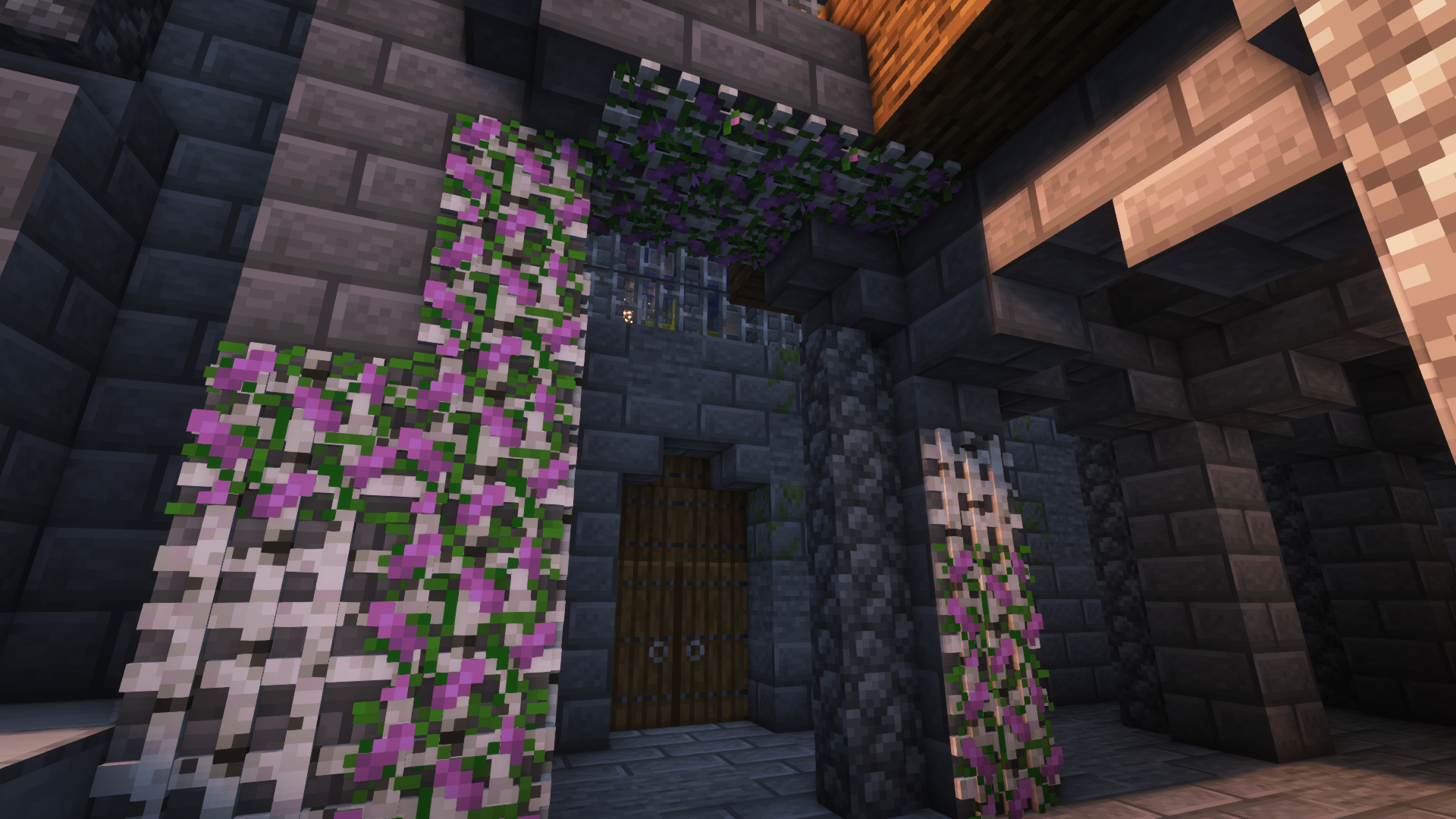
اس موڈ کے ساتھ میرا مقصد عمارتوں میں تفصیل بڑھانا ہے بغیر تخیل اور تخلیقی صلاحیت کی ضرورت کو ختم کیے۔ اس کے علاوہ، زیادہ تر بلاکس میں نئی خصوصیات شامل ہیں۔ مثال کے طور پر، گملوں میں لگے پودے (جیسے 1 بلاک اونچے پھول) بون میل استعمال کر کے دگنے کیے جا سکتے ہیں۔
ورژنز [Forge]: 1.18.2 | 1.19 | 1.19.1 | 1.19.2 | 1.20.1
مزید تصاویر:
مزید مثال کی تصاویر
Jeikir کی طرف سے شوکیس ویڈیو:
خصوصیات کا خلاصہ:
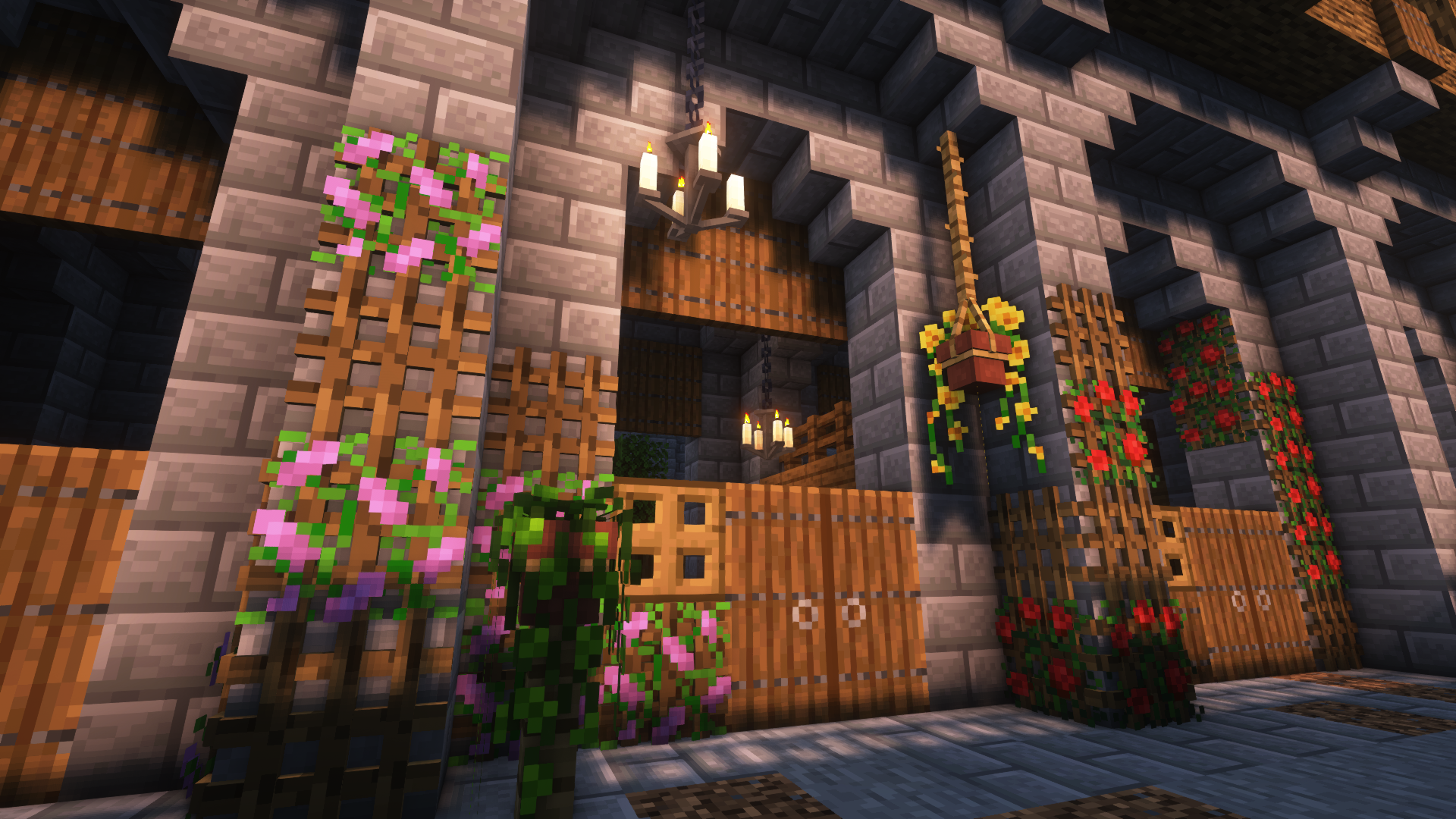
- حسب ضرورت پھولوں کے ماڈلز اور معاون پودوں کی وسیع اقسام کے ساتھ لٹکتے گملے
- مختلف ماڈلز کے ساتھ کتابوں کے ڈھیر جو انچانٹمنٹ ٹیبل کو طاقت دے سکتے ہیں
- آپ کی کھڑکیوں میں تفصیل بڑھانے یا نئی قسم کے داخلی راستے بنانے کے لیے بلائنڈز
- تمام 16x16 ونیلا پینٹنگ موٹیوز اور مزید کے ساتھ تصویر کے فریم
- رسی جس سے لٹکتے گملے اور دیگر بلاکس منسلک کیے جا سکتے ہیں اور کھلاڑی اس پر چڑھ سکتے ہیں
- روشنی کے ذرائع کی نئی شکلیں: بانس لالٹین، کینڈیلا برا/ شینڈیلیئرز، گلو ایسنس جار، لائٹ بلبز
- دیواروں اور چھتوں پر پودے رکھنے کے لیے جالیں
- مزید جلد آ رہے ہیں
بلاکس اور ان کے استعمال کے بارے میں مزید معلومات کے لیے، براہ کرم ویکی ملاحظہ کریں!
چونکہ یہ میرا پہلا موڈ ہے، میں کسی بھی تجویز، رائے وغیرہ کا شکر گزار ہوں اور مستقبل میں اس پر کام کرتا رہوں گا!
Beautify! کیسے انسٹال کریں
With Millida Launcher
Install Millida Launcher
The launcher is free: download it at millida.net/launcher and sign in with any nickname.
Click “Install” on this page
The launcher opens and installs the mod for Minecraft 1.21–1.21.1 on Forge or NeoForge automatically.
Launch the game
A profile with it appears in the launcher: click “Play”.
Manually
Install Forge or NeoForge
The loader must match the game version of the mod file, for example Minecraft 1.21.1. After installing it, a separate profile appears in your launcher.
Download the file for your version
In the version list above, pick the file beautify-neoforge-1.21.1-2.0.2.jar (910 KB) for your game version and loader.
Put it in the mods folder
The folder is inside .minecraft (Windows: %appdata%\.minecraft\mods). If it does not exist, create it.
Launch the loader profile
Open “Mods” in the main menu: Beautify! should be in the list.
Minecraft 1.21.1 runs on Java 21: with a different Java version the game may close right after launch.
ورژنز
ڈیپنڈنسیز کے ساتھ
| Minecraft | لوڈر | فائل | تاریخ | اقدامات |
|---|---|---|---|---|
| 1.21 | NeoForge | Beautify 1.21-V.2.0.2 [NeoForge]910 KB 2 | ||
| 1.21 | Forge | Beautify 1.21-V.2.0.2 [Forge]808 KB 3 |
عمومی سوالات
Which Minecraft versions does Beautify! work on?
There are files for 1.21.1, 1.21. The newest is 1.21.1.
Is Beautify! for Forge or Fabric?
There are files for Forge: 1.21–1.21.1 and for NeoForge: 1.21–1.21.1. There are no files for Fabric: a mod for another loader will not start.
Does Beautify! need other mods?
The author lists no required dependencies: the Forge or NeoForge loader is enough.
Which Java does Beautify! need?
Minecraft 1.21.1 runs on Java 21. If the game closes right after launch, the usual cause is the wrong Java version in the profile settings.
Where can I download Beautify! safely?
On this page: the file beautify-neoforge-1.21.1-2.0.2.jar (910 KB) is stored on Millida’s server, with no link shorteners. SHA-1 checksum: 936dc981f243c4606376ba7d6f03798e0b5a6871.
ریویوز
Beautify! کو ریٹ کرنے والے پہلے شخص بنیں


