
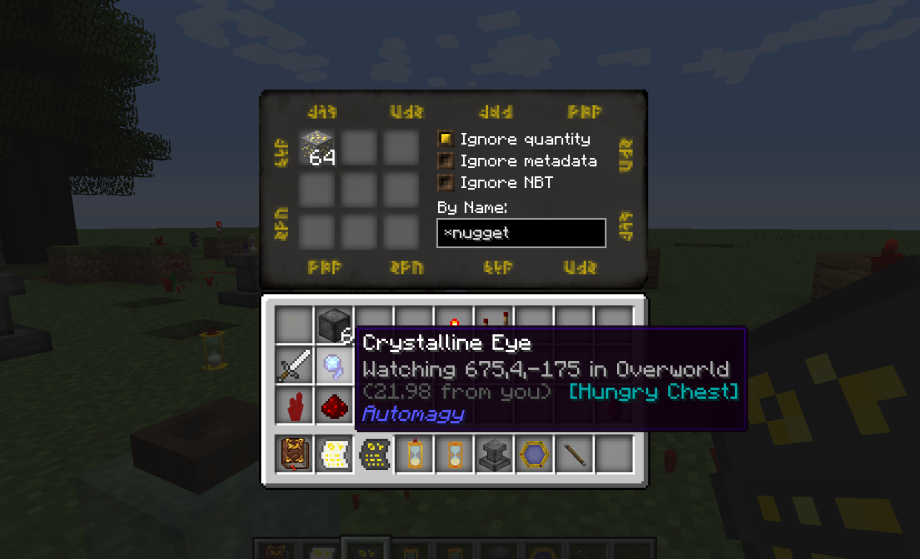
Automagy موڈ کے بارے میں
Thaumcraft 4 اور 5 کے لیے ایک ایڈ آن (درست ڈاؤن لوڈ منتخب کریں!) جو آٹومیشن اور لاجسٹکس کے لیے لچکدار اور دلچسپ اوزار فراہم کرنے پر مرکوز ہے، ساتھ ہی کچھ دیگر مزے دار تھومک گیجٹس بھی۔
مزید تفصیلات، اسکرین شاٹس اور ویڈیو کے لیے:
براہ کرم یہاں MCF فورم تھریڈ ملاحظہ کریں۔ تبصرے اور تجاویز کا خیرمقدم ہے!
Automagy کیسے انسٹال کریں
With Millida Launcher
Install Millida Launcher
The launcher is free: download it at millida.net/launcher and sign in with any nickname.
Click “Install” on this page
The launcher opens and installs the mod for Minecraft 1.8.9 automatically.
Launch the game
A profile with it appears in the launcher: click “Play”.
Manually
Download the file for your version
In the version list above, pick the file Automagy-1.8.9-2.0.3.jar (4.6 MB) for your game version.
Put it in the mods folder
The folder is inside .minecraft (Windows: %appdata%\.minecraft\mods). If it does not exist, create it.
Launch the loader profile
Open “Mods” in the main menu: Automagy should be in the list.
Minecraft 1.8.9 runs on Java 8: with a different Java version the game may close right after launch.
ورژنز
ڈیپنڈنسیز کے ساتھ
| Minecraft | لوڈر | فائل | تاریخ | اقدامات |
|---|---|---|---|---|
| 1.8.9 | — | v2.0.34.6 MB | ||
| 1.8.9 | — | v2.0.24.5 MB |
عمومی سوالات
Which Minecraft versions does Automagy work on?
Only Minecraft 1.8.9: there are no files for other versions.
Which Java does Automagy need?
Minecraft 1.8.9 runs on Java 8. If the game closes right after launch, the usual cause is the wrong Java version in the profile settings.
Where can I download Automagy safely?
On this page: the file Automagy-1.8.9-2.0.3.jar (4.6 MB) is stored on Millida’s server, with no link shorteners. SHA-1 checksum: 084a9cecd9057e116e6f2abb74272c9dbe74716e.
ریویوز
Automagy کو ریٹ کرنے والے پہلے شخص بنیں


